Troubleshooting
This page covers common SmartPack setup and player support issues.
Check:
- The player has materials listed under
pack:. - The material is not excluded in
/pack exclude. - The recipe was not disabled by reversible validation.
- The player satisfies the crafting-table requirement for that recipe.
- The configured input and output material names are valid.
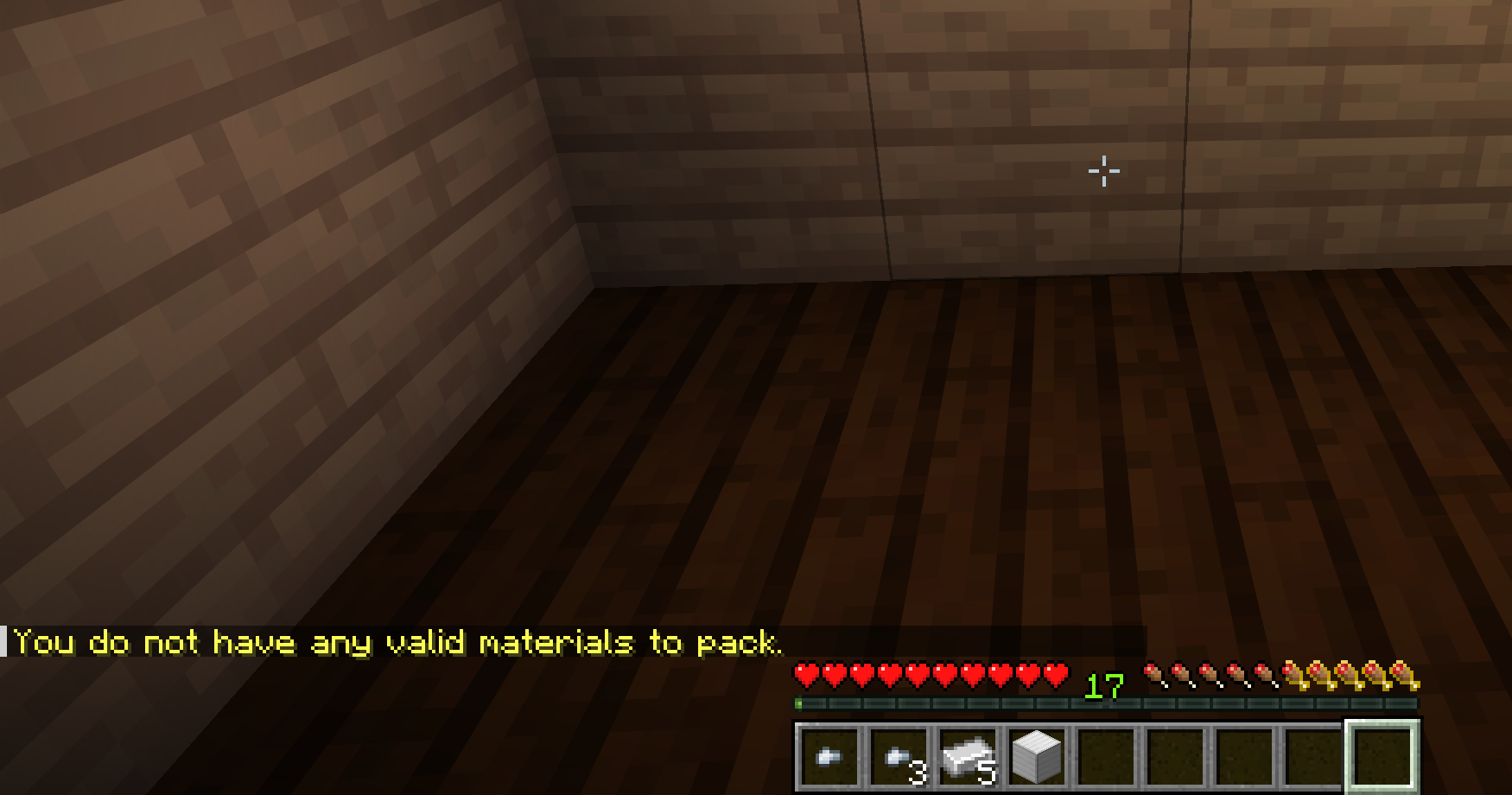
If chest packing reports that the chest has no valid materials, check:
- The chest contains materials listed under
pack:. - The material is not excluded for that player.
- The recipe was not disabled by reversible validation.
- The configured input and output material names are valid.
Chest packing uses message.error.chest_nothing_to_pack so players can tell the chest inventory was checked.
Permissions:
| Action | Required Permission |
|---|---|
Use /pack
|
smartpack.use |
Use /pack chest or Smart Packer chest packing |
smartpack.use and smartpack.chest
|
Use /pack auto in command mode |
smartpack.use and smartpack.auto
|
| Bypass Smart Packer item cooldowns | smartpack.cooldown.bypass |
| Reload config | smartpack.reload |
smartpack.use defaults to true, but permission plugins can override it.
Check:
requirements:
  crafting_table_mode: NEARBY_ONLY
  crafting_table_range: 5
Depending on the mode, the player may need a crafting table in inventory, a placed crafting table nearby, or either one.
If only small recipes are expected to run without a table, check:
requirements:
  bypass_crafting_table_for_small_recipes: true
small_recipe_bypass_max_ratio_in: 4SmartPack leaves blocked conversions unchanged when output would not fit.
Ask the player to free the number of slots shown in the summary, or adjust:
inventory_full:
  include_nearby_pickups: true
  pickup_radius: 2.0
Nearby pickup estimates can make slot requirements look larger when loose items are already close to the player.
Check all of these:
-
auto_pack.enabledis true. - The player has
smartpack.use. - The player has
smartpack.auto. - The player has enabled their preference with
/pack autoin command mode, or by shift-right-clicking the Smart Packer item in item mode. - The relevant trigger is enabled under
auto_pack.triggers.*. - The player is not still inside
auto_pack.cooldown_ticks. - Smart Packer cooldown mode is not enabled.
For Smart Packer item mode, also check:
auto_pack:
  smart_packer_item:
    require_item: true
If require_item is true, the player must carry a Smart Packer.
This is expected when cooldown mode is enabled:
activation:
  smart_packer_item:
    cooldown:
      enabled: true
Cooldown mode disables auto-pack and replaces the Smart Packer auto-mode tooltip lines with a live cooldown timer.
Check:
-
activation.modeisCOMMAND. -
chest_pack.enabledis true. -
chest_pack.commandis true. - The player has
smartpack.chest. - The player is looking directly at a chest or trapped chest within block interaction range.
In SMART_PACKER_ITEM mode, chest packing is done by opening a chest and right-clicking the Smart Packer item instead of running /pack chest.
The Smart Packer recipe is registered only when:
activation:
  mode: SMART_PACKER_ITEM
After changing activation mode, run /pack reload.
Also check that every recipe shape key has a valid material:
activation:
  smart_packer_item:
    recipe:
      shape:
        - "IRI"
        - "RCR"
        - "IRI"
      ingredients:
        I: IRON_INGOT
        R: REDSTONE
C: CRAFTING_TABLEThis is expected when:
activation:
  smart_packer_item:
    allow_command_with_item: false
Set it to true if players should be able to use /pack while carrying a Smart Packer.
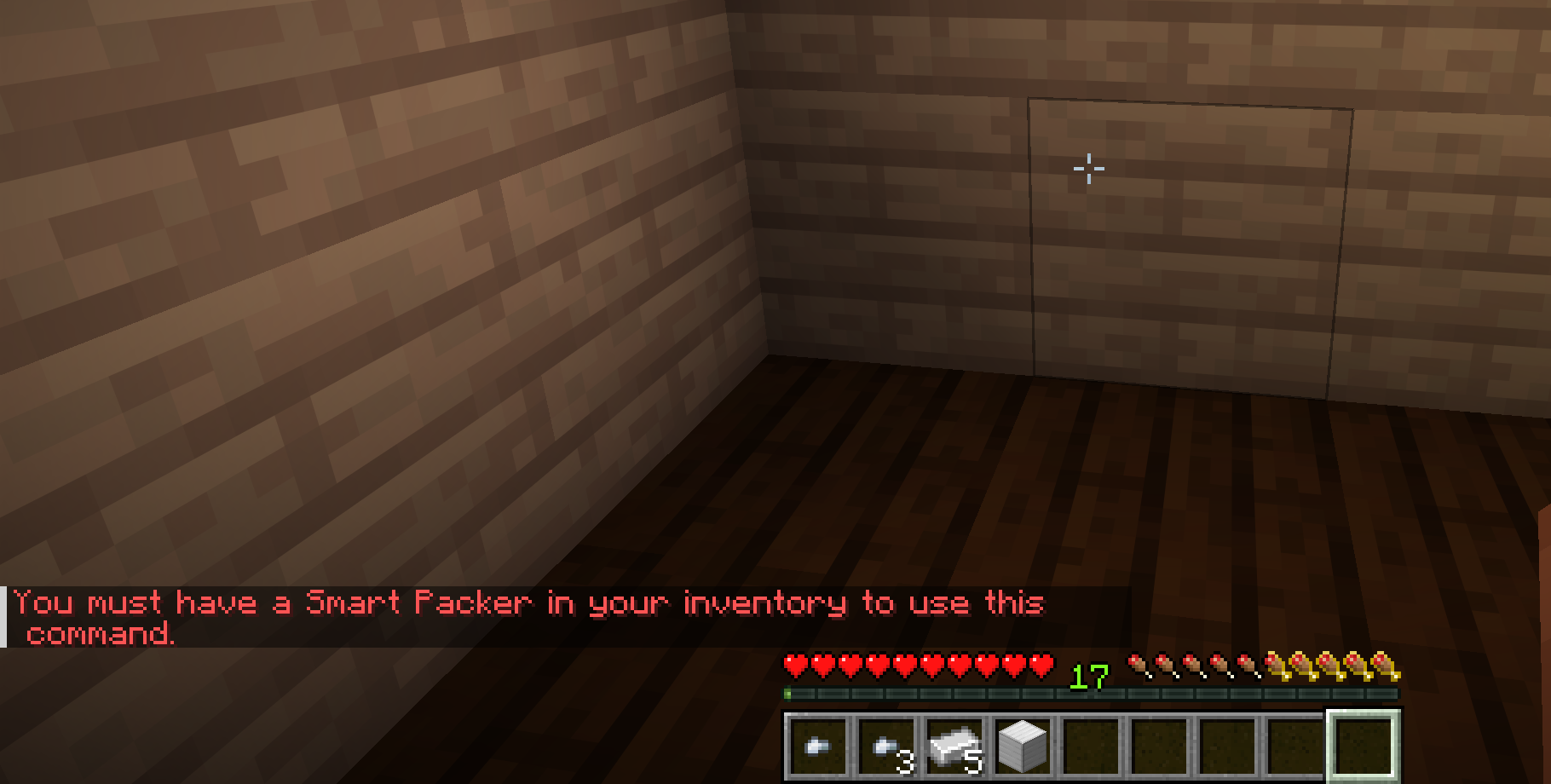
Run:
/pack reload
Watch the server console for SmartPack config warnings after reload.
SmartPack could not confirm that a configured pack recipe can be crafted back using the server's loaded recipes.
Options:
- Leave the warning enabled and allow the recipe.
- Add or fix the reverse recipe through server recipes or datapacks.
- Set
validation.disable_non_reversible_recipes: trueto block those inputs. - Remove the recipe from
pack:.