Auto Pack
Auto-pack lets permitted players automatically pack configured materials after supported gameplay triggers.
It is disabled by default:
auto_pack:
enabled: falseAuto-pack runs only when all of these are true:
| Requirement | Details |
|---|---|
| Server enabled | auto_pack.enabled: true |
| Player preference enabled |
/pack auto in command mode, shift-right-clicking a Smart Packer in item mode, or saved default |
| Permission | Player has smartpack.use and smartpack.auto
|
| Trigger enabled | The matching auto_pack.triggers.* setting is true |
| Cooldown mode off | Smart Packer item cooldown mode is not enabled |
In command mode, players can toggle their saved preference with:
/pack auto
In Smart Packer item mode, players enable auto-pack by shift-right-clicking the Smart Packer item if auto-pack is available. /pack auto is hidden from tab completion in this mode and directs players back to the item if typed manually.
If Smart Packer cooldown mode is enabled, auto-pack cannot run and shift-right-clicking the item reports that auto-pack is disabled while cooldown mode is active.
The preference is stored in player-exclusions.db.
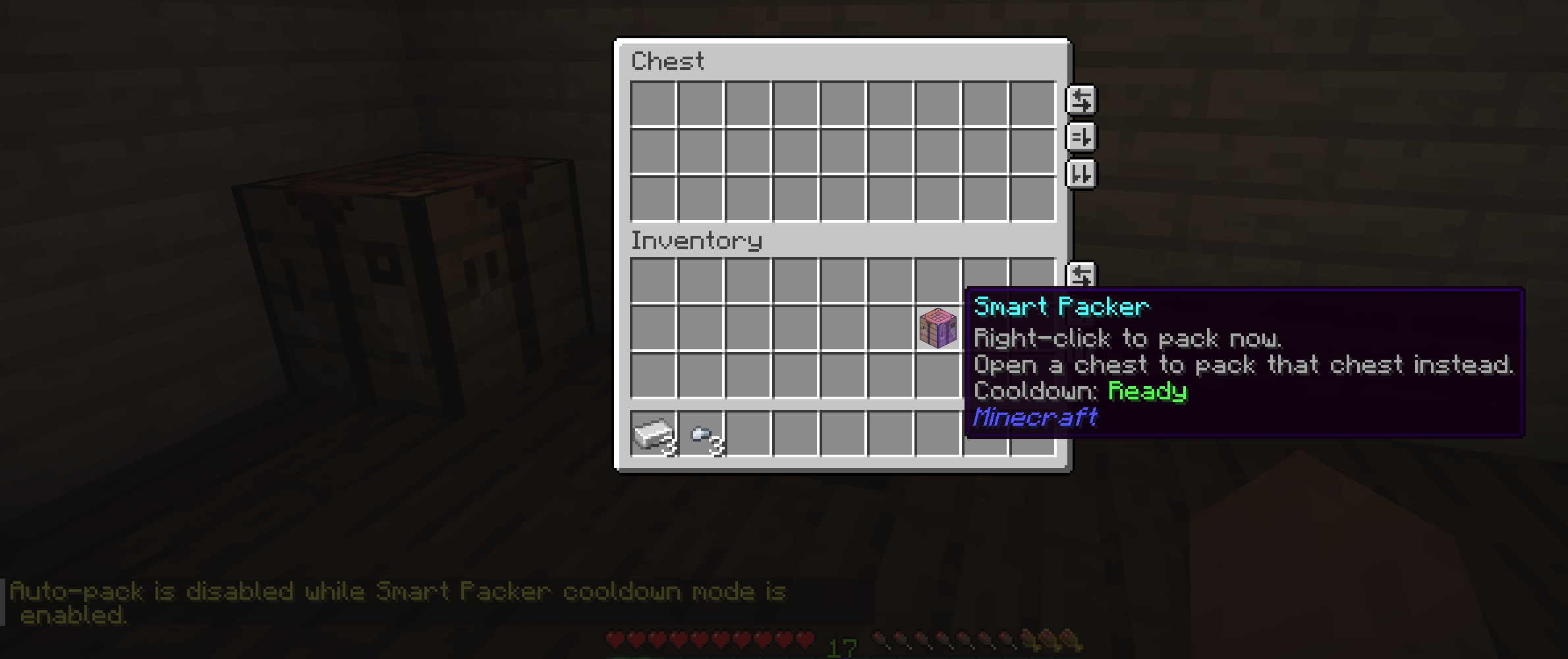
Cooldown mode disables auto-pack
When cooldown mode is active, Smart Packer item use stays manual and timed.
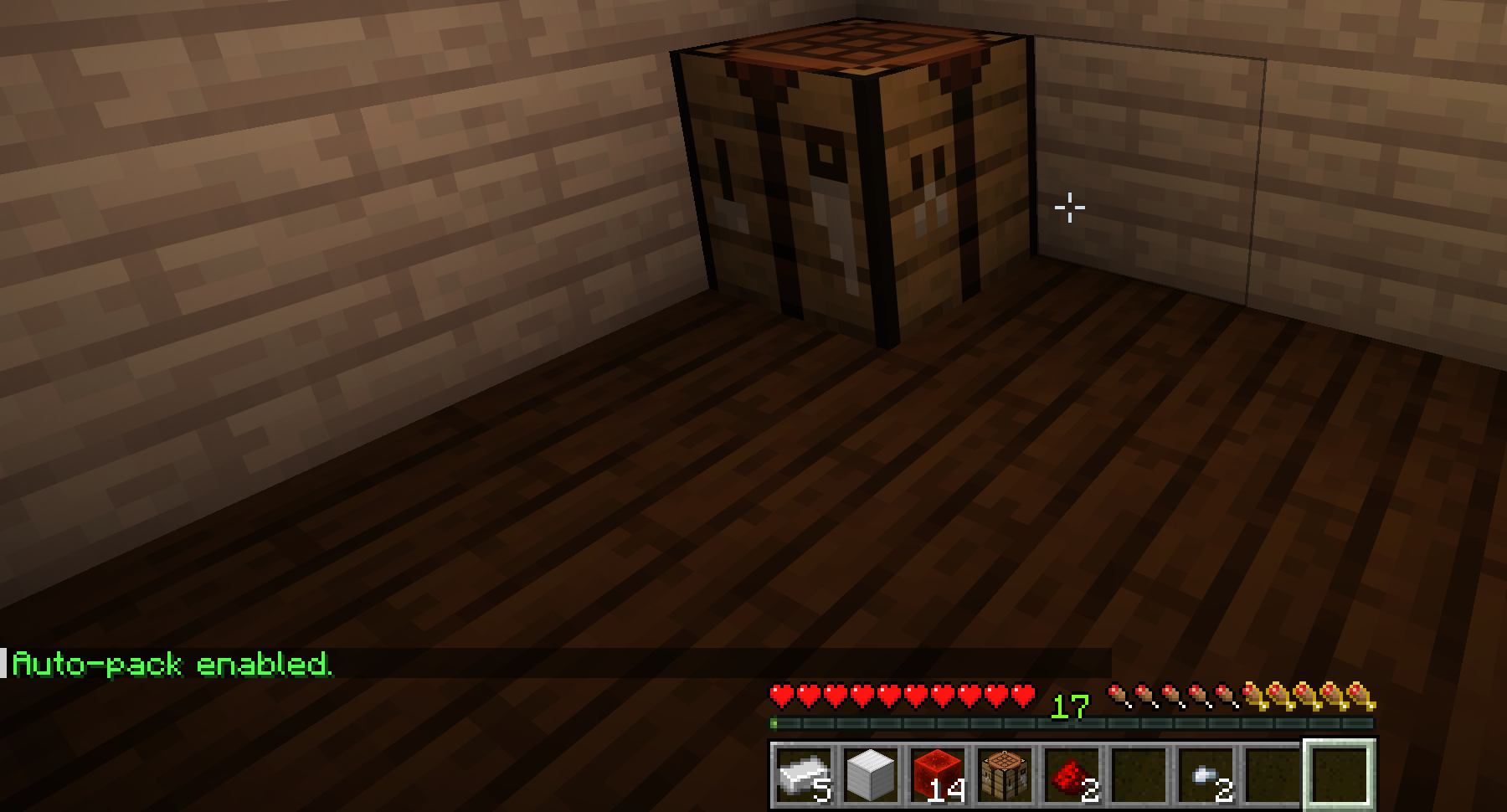
Player auto-pack toggle
Players get immediate feedback when their saved auto-pack preference changes.
auto_pack:
  default_enabled: false
This controls a player's default preference before they manually change it. The server-wide auto_pack.enabled setting and permissions are still required.
auto_pack.enabled controls whether auto-pack is available in the active activation mode.
In COMMAND mode, auto-pack follows the normal crafting-table requirements.
In SMART_PACKER_ITEM mode, auto-pack follows item-mode behavior and can require the player to carry a Smart Packer:
auto_pack:
  smart_packer_item:
    require_item: true
When require_item is true, the player must carry a Smart Packer item before automatic packing can run.
auto_pack:
  triggers:
    pickup: true
    join: false
    crafting_table_place: true
crafting_table_nearby: true| Trigger | Behavior |
|---|---|
pickup |
Runs shortly after a player picks up an item entity |
join |
Runs shortly after a player joins |
crafting_table_place |
Runs after a player places a crafting table, when nearby crafting tables matter |
crafting_table_nearby |
Runs when a player enters the configured crafting-table range |
Crafting-table triggers apply only in COMMAND mode, only when requirements.crafting_table_mode is NEARBY_ONLY or INVENTORY_OR_NEARBY, and are skipped for INVENTORY_OR_NEARBY when the player already has a crafting table in inventory.
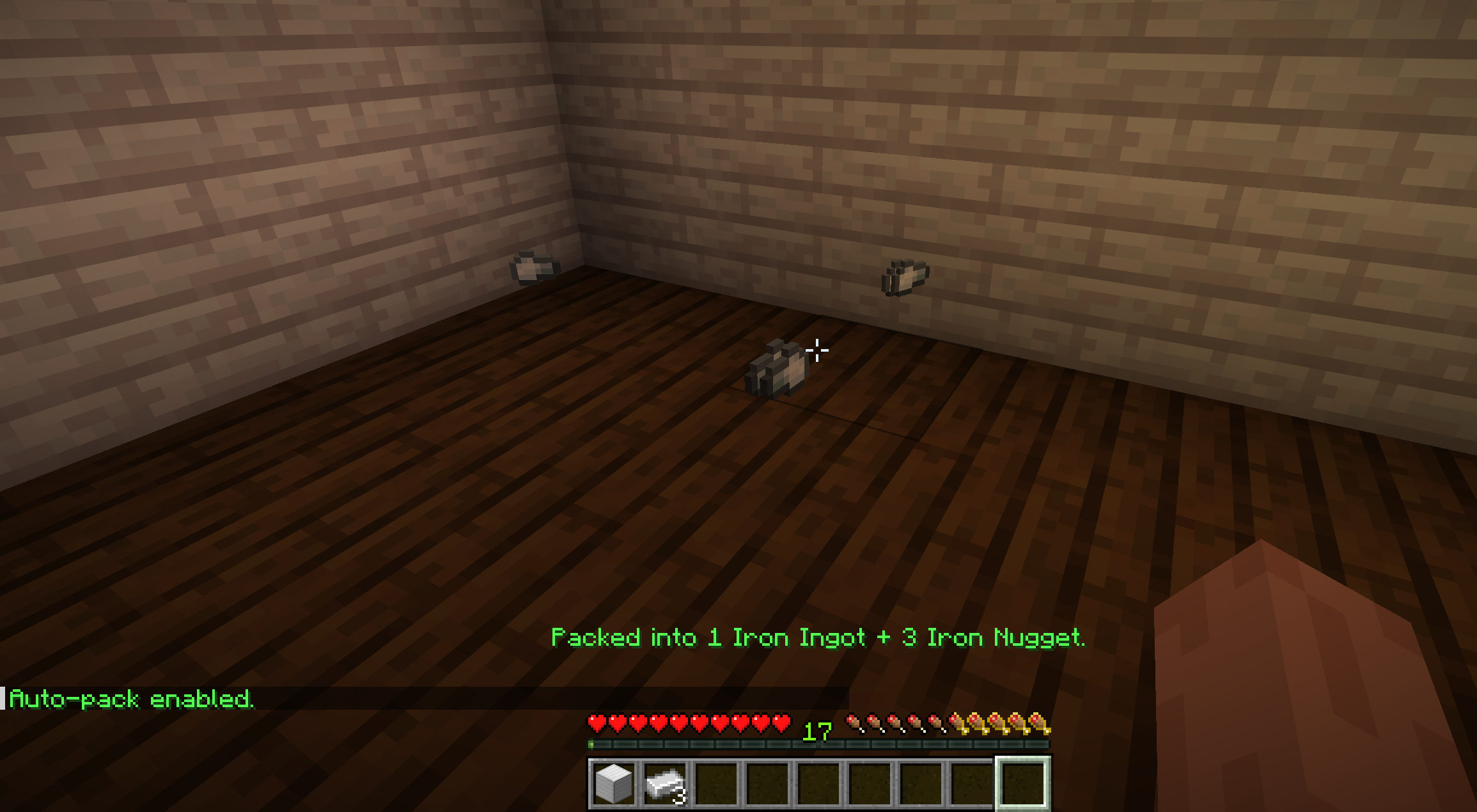
Pickup trigger Automatic packing can react after items enter the player's inventory. |
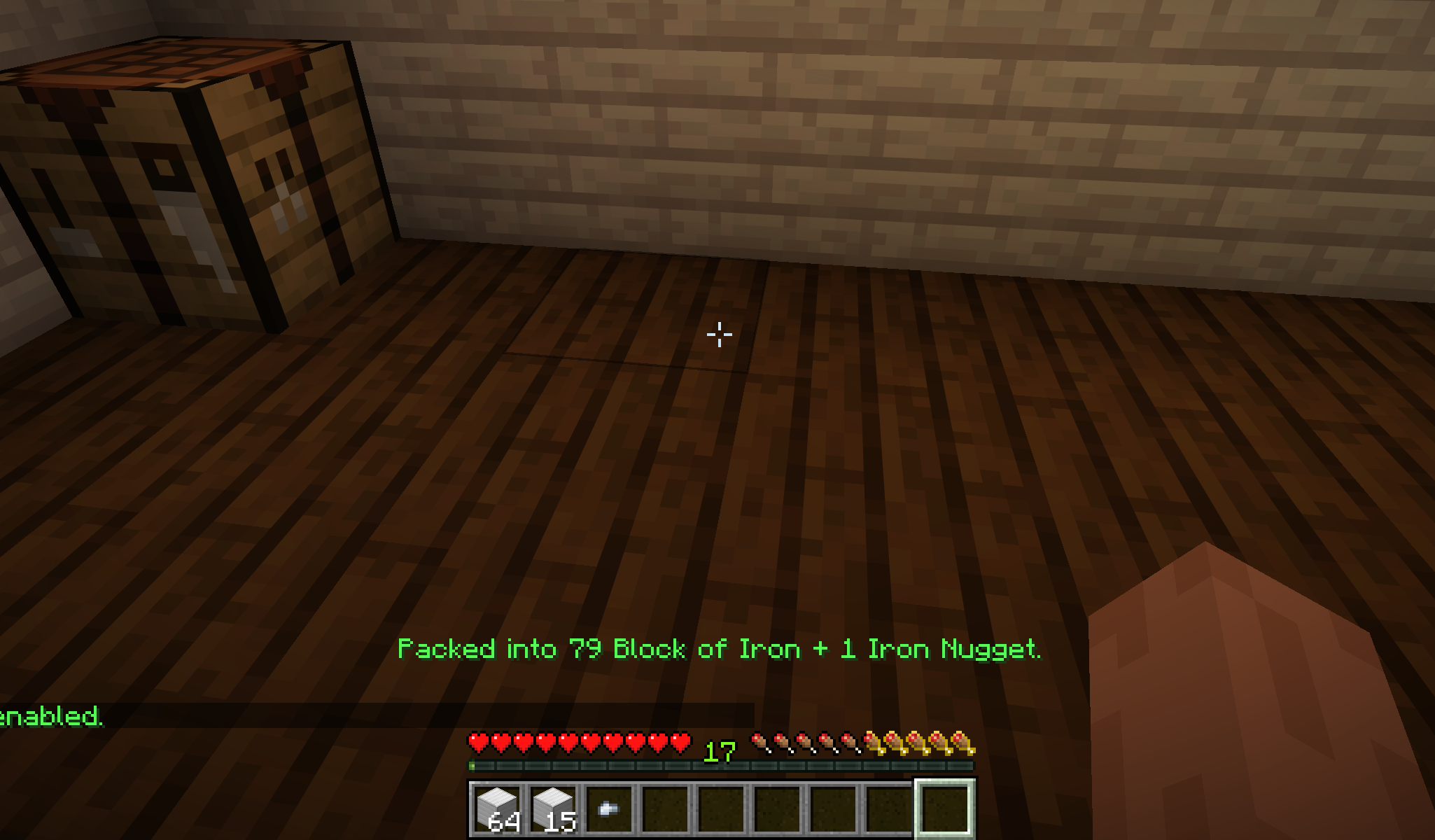
Crafting-table trigger Requirement-aware triggers can run when crafting-table access becomes available. |
View larger auto-pack trigger screenshots
Pickup trigger
Crafting-table trigger
auto_pack:
  cooldown_ticks: 10
delay_ticks: 2| Setting | Purpose |
|---|---|
cooldown_ticks |
Minimum time between automatic attempts for the same player |
delay_ticks |
Delay after a trigger before the pack attempt runs |
The short delay gives the server time to finish moving picked-up items into the player inventory.
activation:
  smart_packer_item:
    cooldown:
      enabled: true
      seconds: 10
When Smart Packer cooldown mode is enabled, auto-pack is disabled. This keeps cooldown behavior predictable: Smart Packer item use is manual, timed, and reflected in the item tooltip instead of running automatically from pickups or other triggers.
Automatic packing uses actionbar feedback so it stays visible without filling chat.
auto_pack:
  feedback:
    success_actionbar: true
    inventory_full_actionbar: true
    inventory_full_cooldown_ticks: 100
Messages:
message:
  auto_pack:
    actionbar: "Packed into [items]."
    inventory_full_actionbar: "Pack blocked: need [slots] more slot(s)."
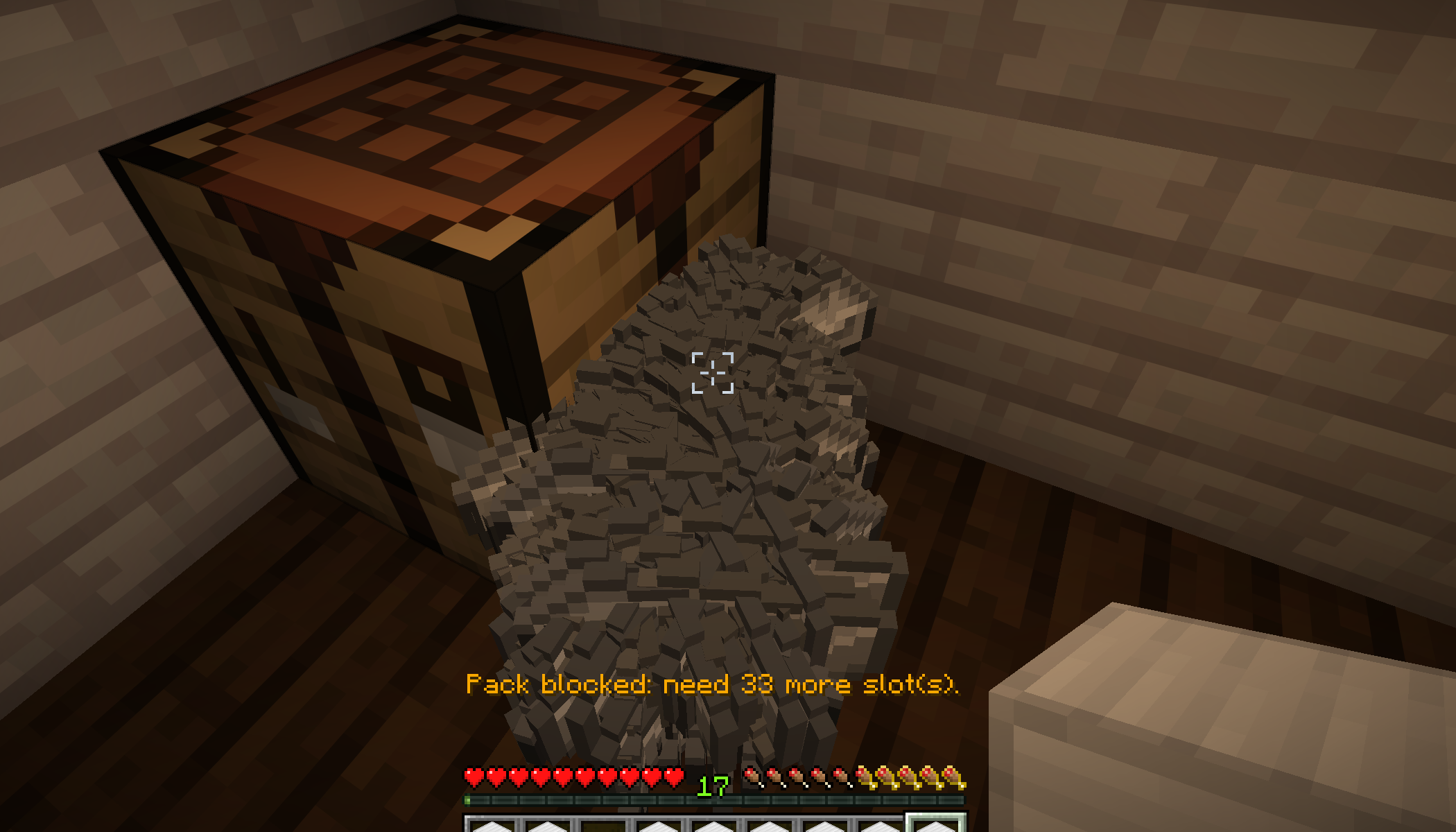
Inventory-full actionbar
Failed automatic attempts can stay in the actionbar instead of filling chat.
Auto-pack uses the same core conversion flow as manual packing, including recipe validation, player exclusions, inventory simulation, multi-tier chaining, and inventory-full checks.