Running Unit Tests
Some basic unit tests are provided, hopefully as a starting point for your own.
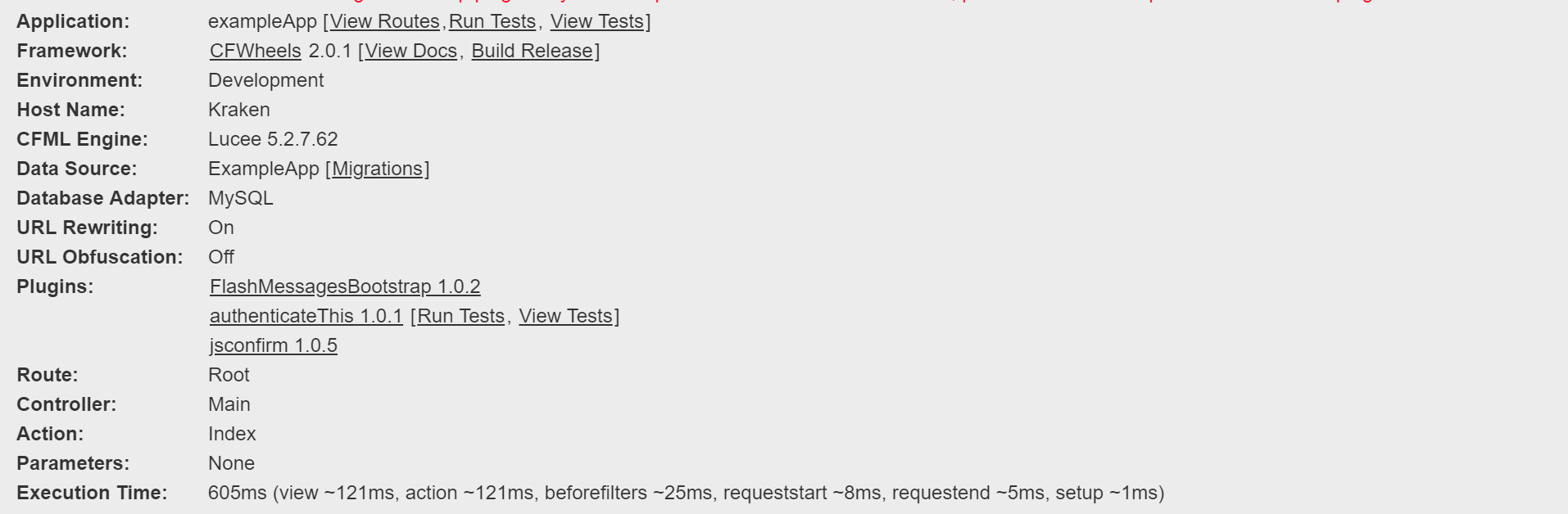
When running in Development mode, you should be able to see the CFWheels debug footer at the bottom of the page.
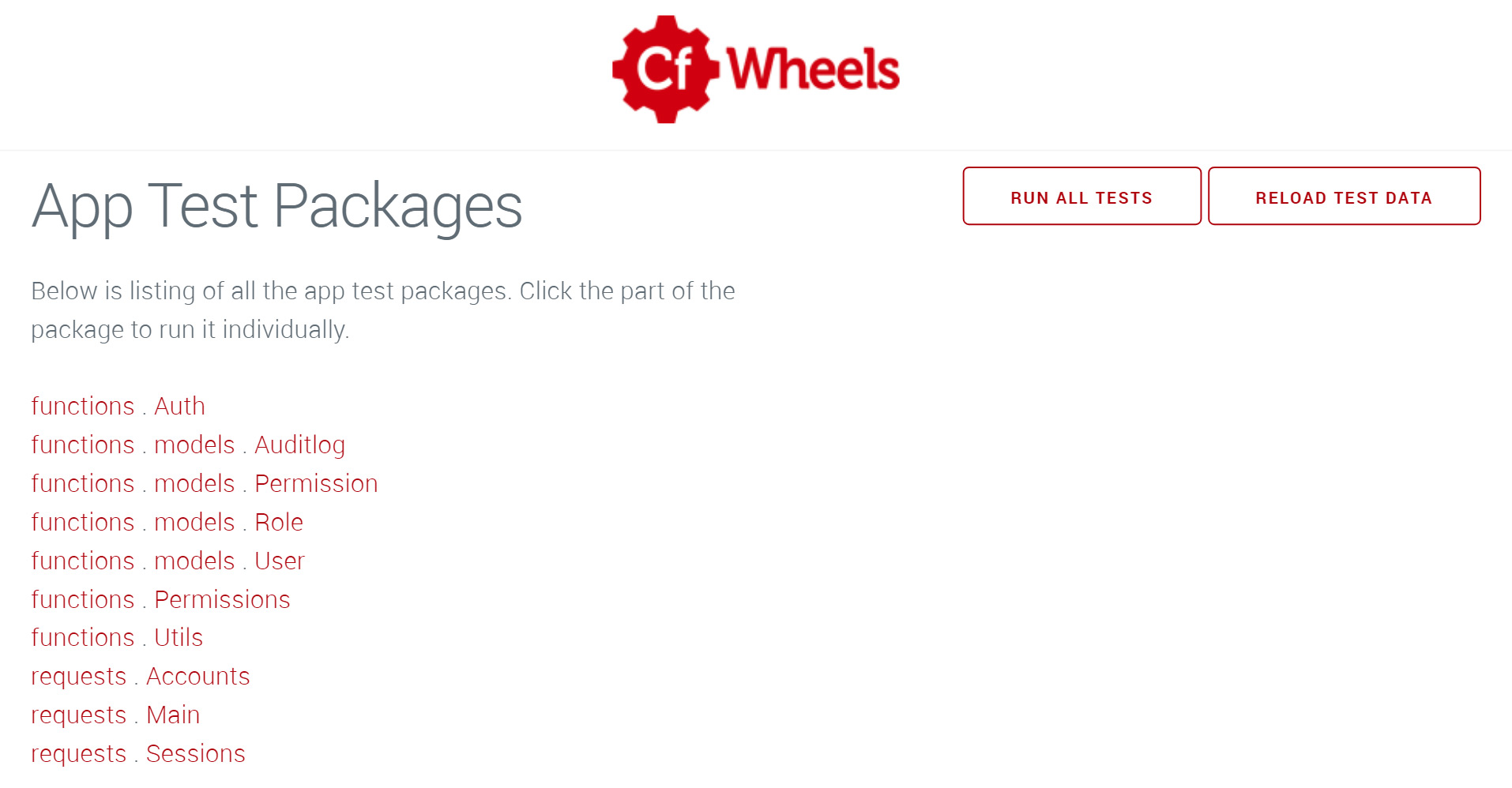
Simply click Run Tests to run the tests immediately, or View Tests to select by individual package.
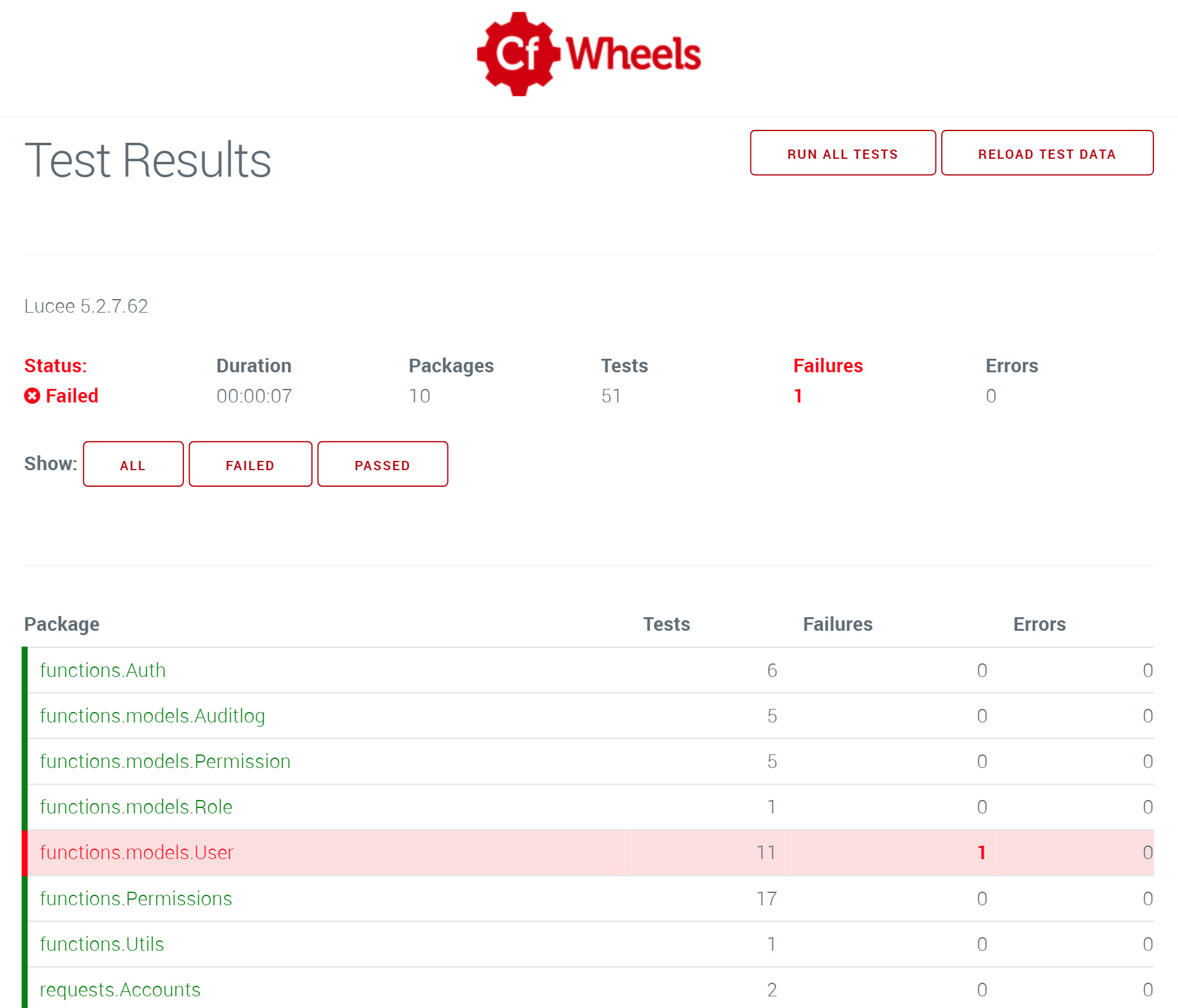
If a test fails, it will be highlighted in Red. You can filter the results quickly by pressing the "Failed" button to just show those tests
If you've got the CFWheels CLI installed in Commandbox, you can run the tests via command line. First, ensure the local server is running (run start if it isn't) and then run:
$ wheels test
Note, you will need to run this command from the root of the CFWheels installation (which applies to all wheels commands). You should get an output similar to below:
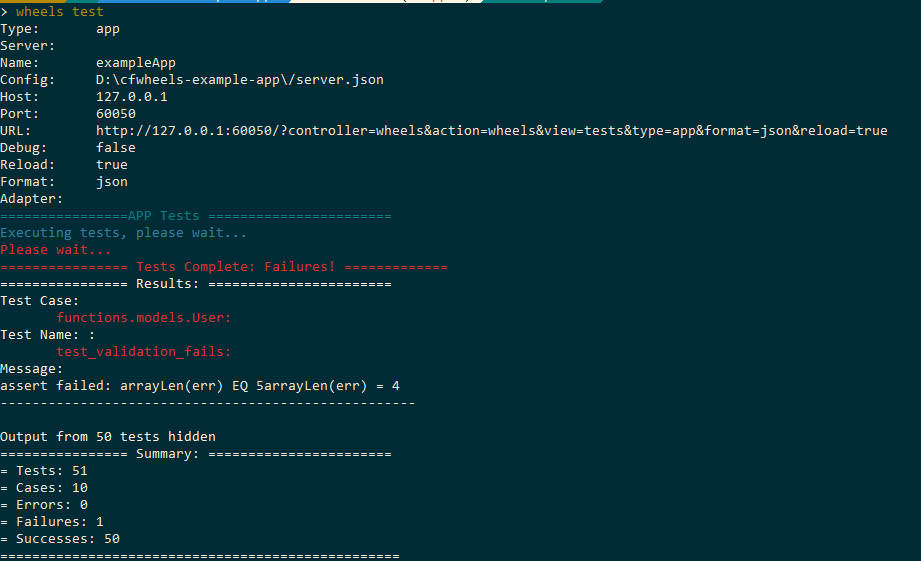
If you require a bit more information on exactly which tests have run, you can run the command with the debug=true flag.
$ wheels test debug=true