Skip to content

Latest commit


History

16 Commits

Folders and files

NameName
Last commit message
Last commit date


Repository files navigation

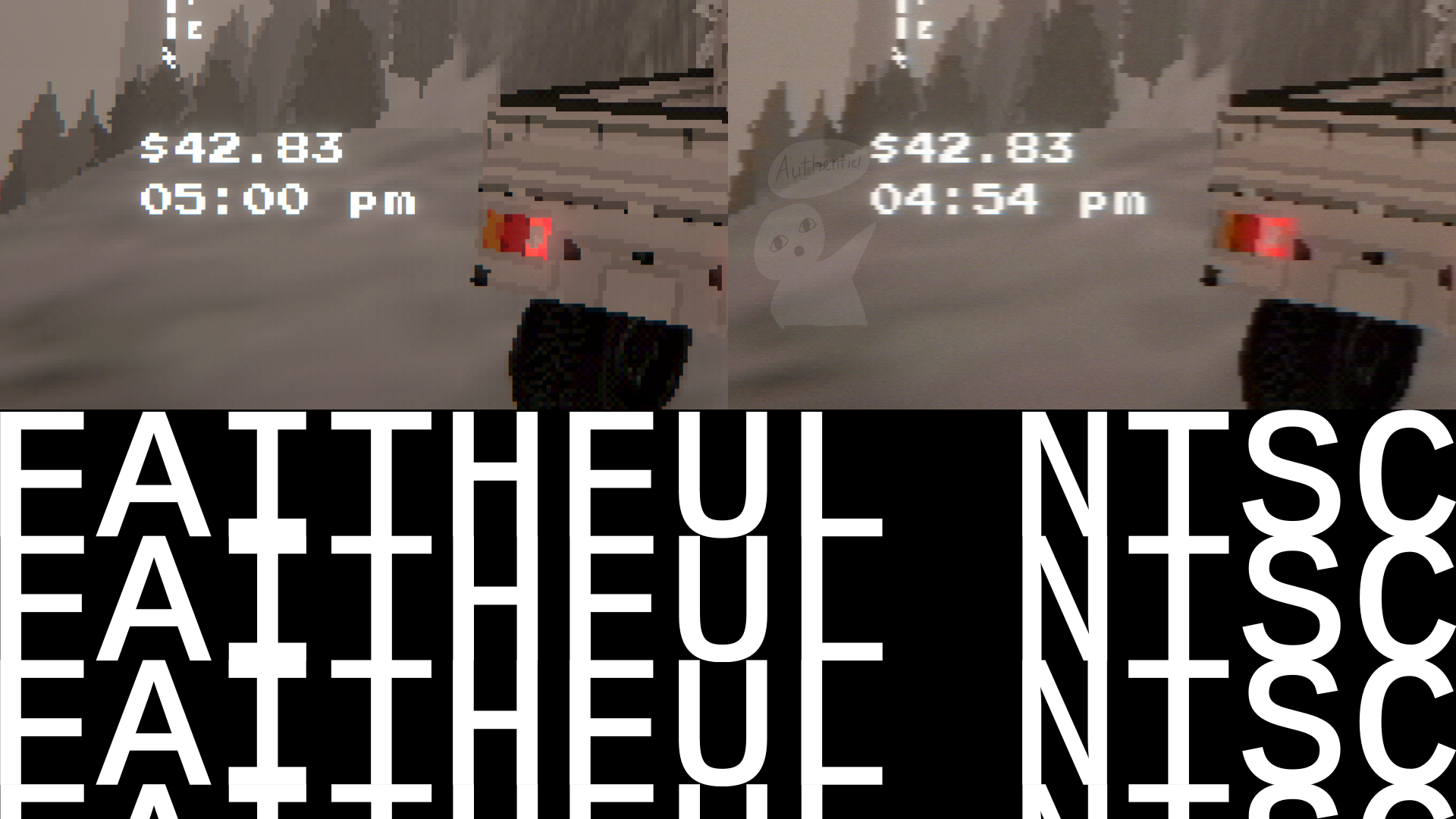
verfx faithful shaders

faithful_ntsc

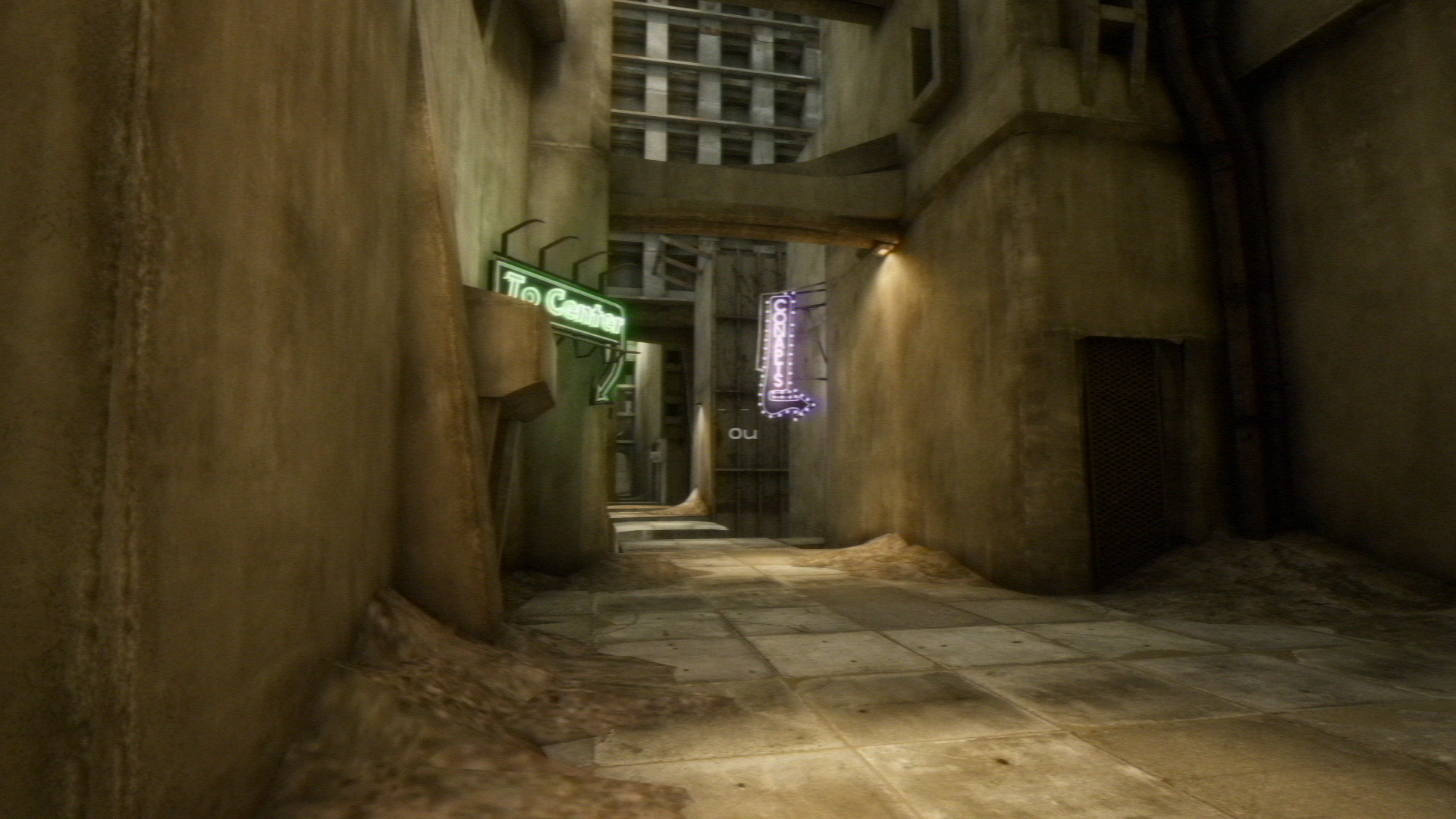
faithful_ntsc_vholume

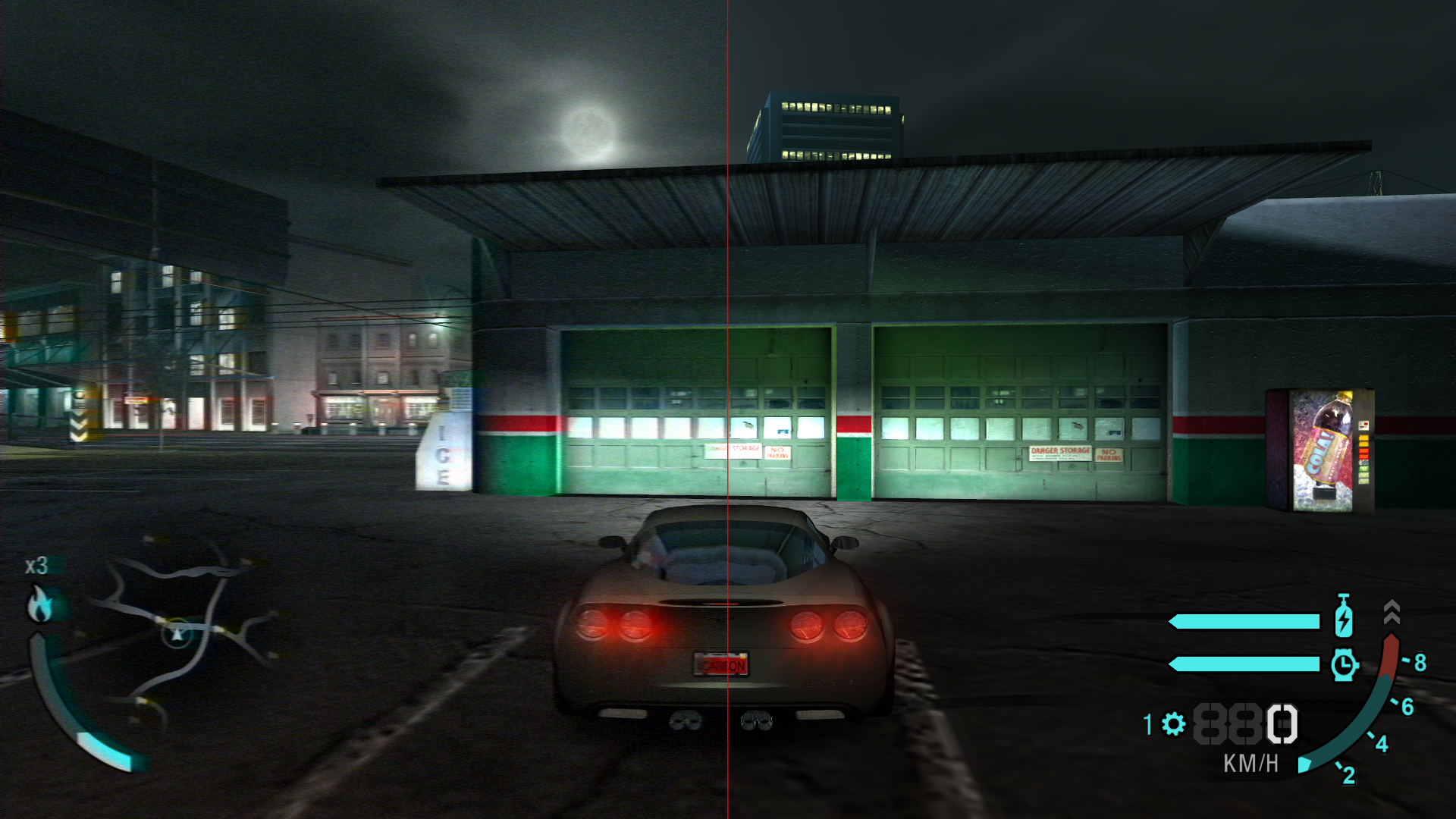
faithful_ntsc_comparsion_carbon

Installation

  1. Download this repository
  2. Extract the downloaded archive file somewhere
  3. Start your game, open the ReShade in-game menu and switch to the "Settings" tab
  4. Add the path to the extracted Shaders folder to "Effect Search Paths"
  5. Add the path to the extracted Textures folder to "Texture Search Paths"
  6. Switch back to the "Home" tab and click on "Reload" to load the shad

About

Aesthetic Shaders for ReShade

Resources

Stars

2 stars

Watchers

0 watching

Forks

Releases

Packages

Contributors

Languages