Releases: tonghoangvu/UniversalCL
Version 1.2
Primary changes
1. More stable: A lot of bugs have been fixed, including some serious errors like crashing IDE when removing ThemeManager components. Besides the bug fixes, performance is also significantly improved.
2. Aero glass support: The support of aero glasses is not really good in previous versions. I improved this on the current version, with full support for drawing controls on the glass.
Version 1.1
UCL: Universal Component Library
- Compatible with lastest Delphi & Windows version
- This library requires Segoe UI & Segoe MDL2 Assets font (available on Windows 8+)
Primary changes
1. New animation library: New powerful animation library has been added to UCL, support more animation kind (akIn, akOut, akInOut) and complicated function (afkBack, afkBounce). It also support helpers for coding quickly.
2. More stable & native feels: We tried to simulate the color and behavior of UWP controls, bringing them into this library, making them more realistic.
3. Support HighDPI: Compared to previous version, this version now support HighDPI awareness.
4. More controls: We added more new controls. Beside, we also add some properties, which make your coding becomes happy.
First release
UCL: Universal Component Library
- Compatible with lastest Delphi version (Rio 10.3.2)
- Require Segoe MDL2 Assets and Segoe UI font (available on Windows 8+)
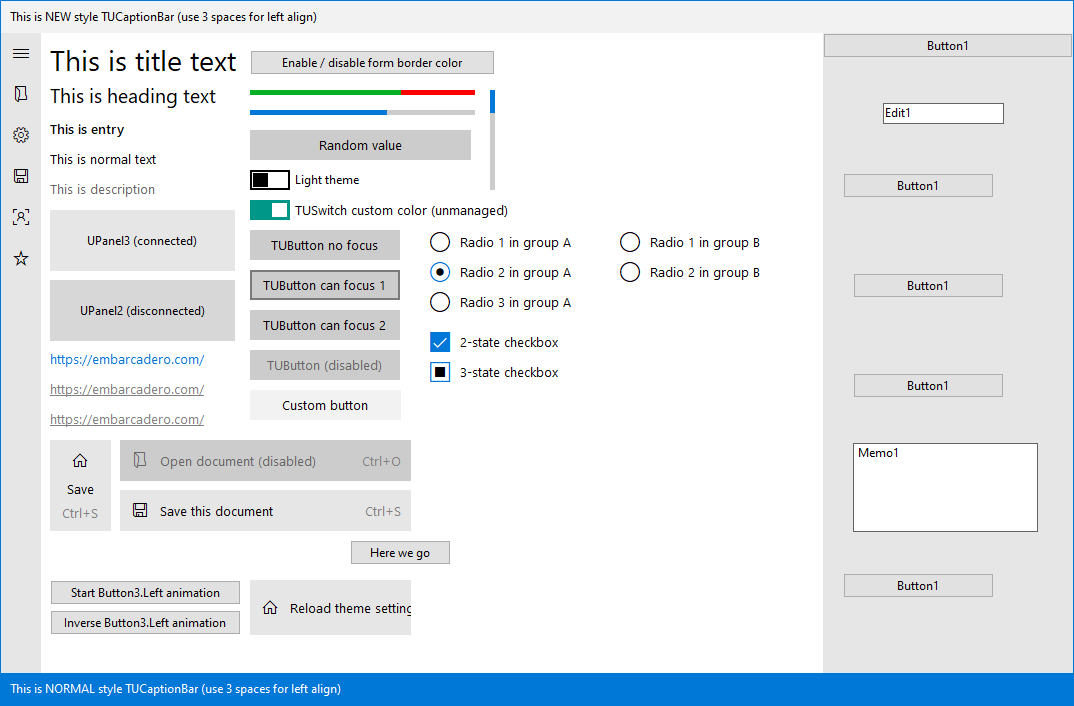
List of controls:
1. TIntAni: Animation class for controls
2. TUThemeManager: Manager app theme (light or dark), accent color and other system settings for all UCL controls
3. TUForm: Custom form association with ThemeManager, custom border, can resize and support aerosnap
4. TUCaptionBar: Custom caption bar, can drag to move form, double click to maximize and support system menu
5. TUButton: A button with Windows 10 style. It also can change custom color, such as on mouse hover or press
6. TUCheckBox: Custom checkbox base on Segoe MDL2 Assets font
7. TURadioButton: Custom radio button base on Segoe MDL2 Assets font
8. TUScrollBox: Smooth scrolling without scrollbar
9. TUSymbolButton: Awesome button with font icon, text and detail
10. TUText: Base on TLabel, with Style property
11. TUHyperLink: Open URL in default browser
12. TUPanel: Custom TPanel with theme support
13. TUSwitch: Custom TToggleSwitch with theme support
How to use?
- Put TUThemeManager component in your form
- Put UCL controls to form
- Set their ThemeManager property to TUThemeManager1 (ThemeManager name)
- Double click to empty area in form (with gridline) to open Form.OnCreate event
- Add this line to OnCreate
Self.ThemeManager := UThemeManager1; // Replace UThemeManager1 by your ThemeManager name
- Find form class declaration, change TForm to TUForm
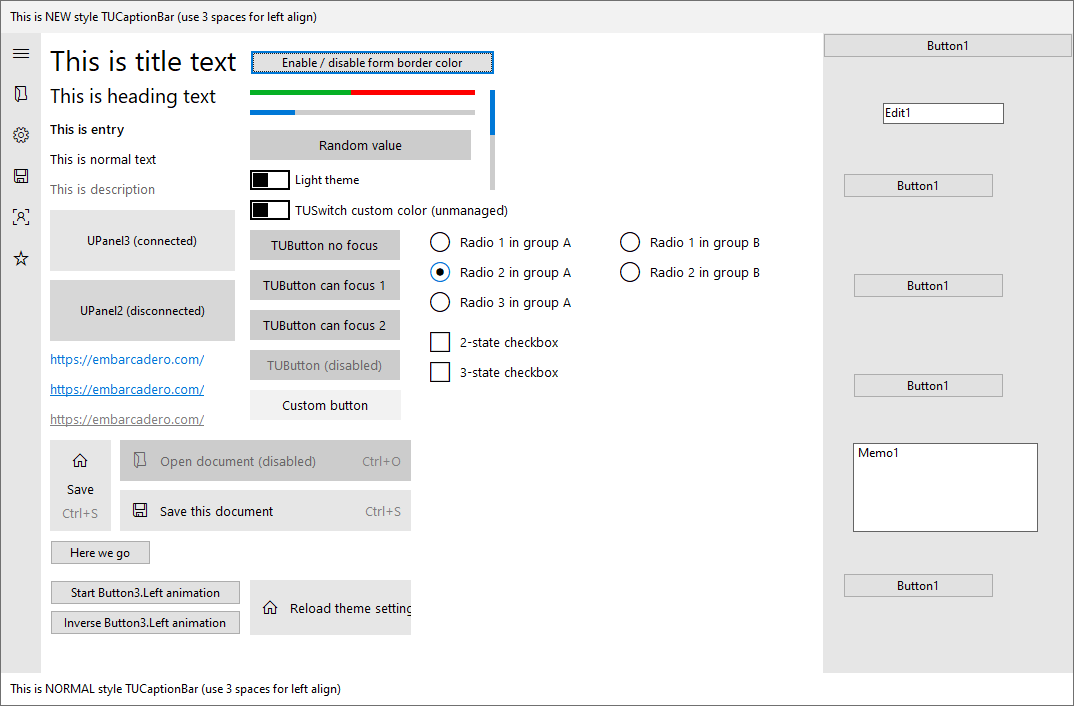
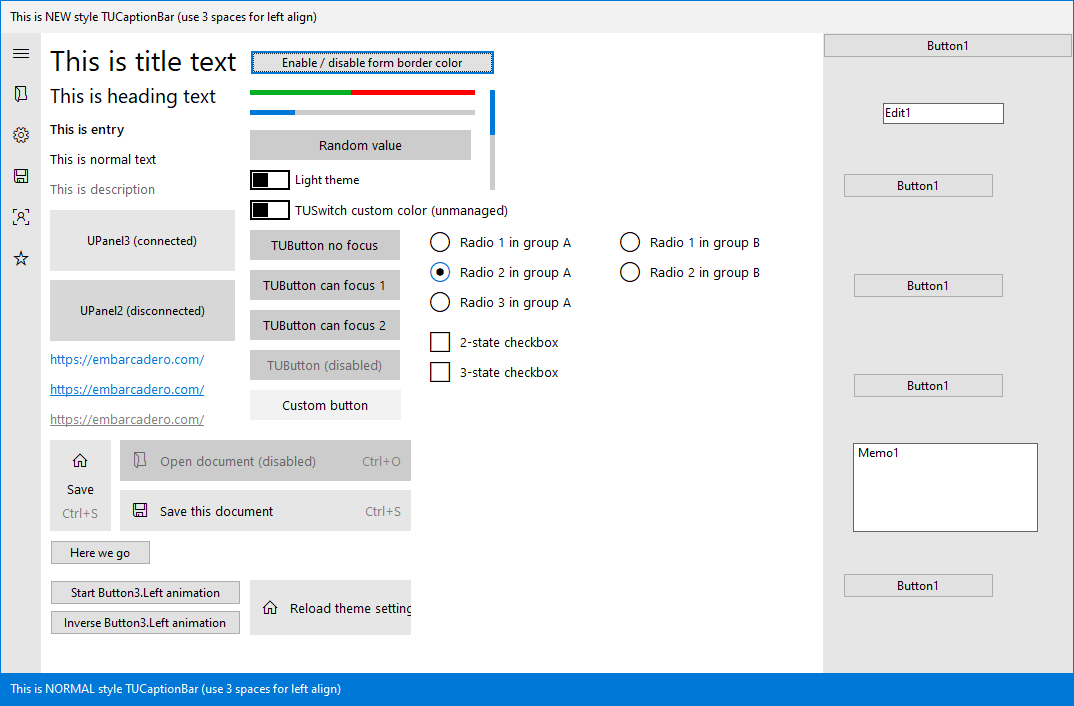
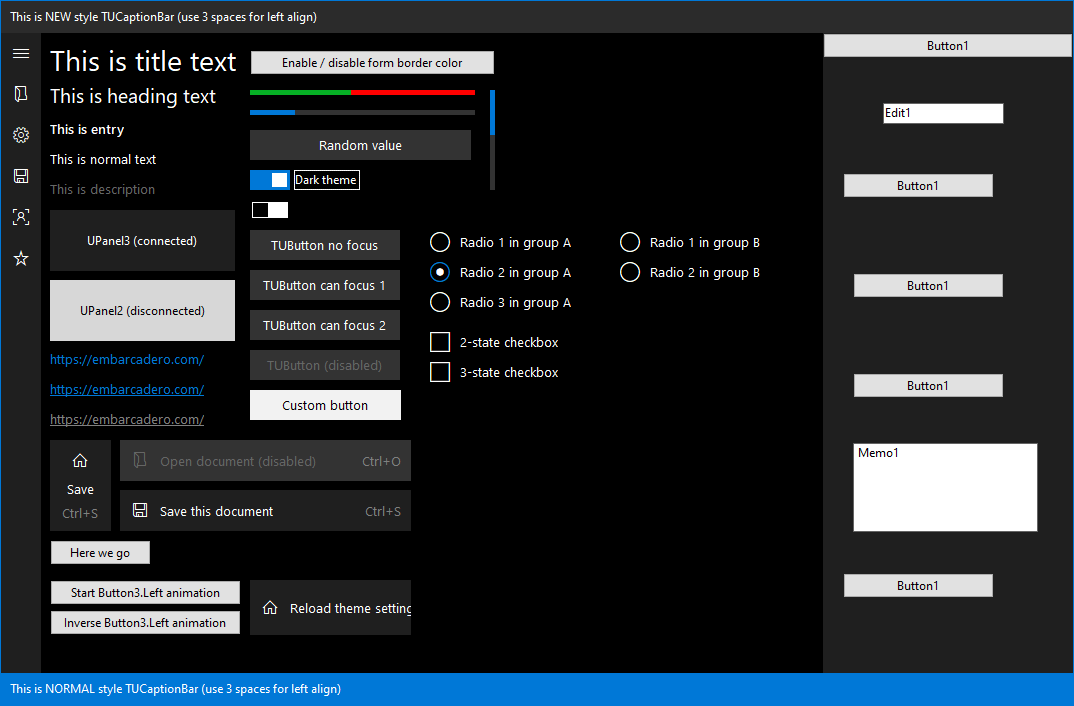
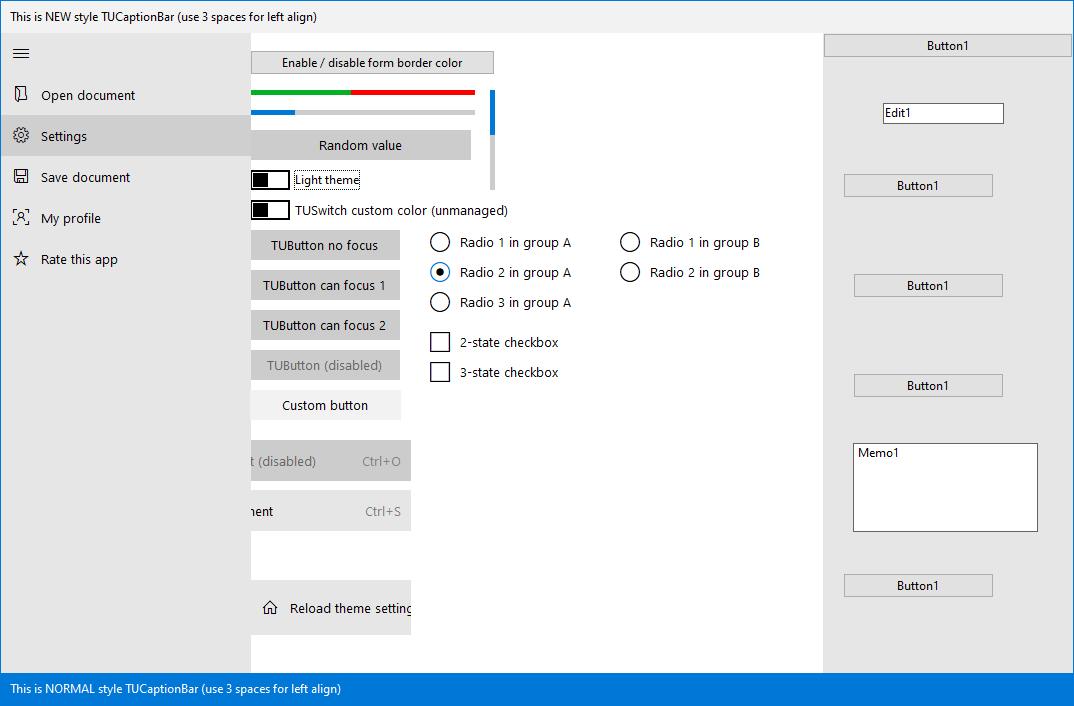
Screenshots