Restrict WooCommerce coupons by product categories, automatically including all child/descendant categories.
Category Children Coupons for WooCommerce extends the built-in WooCommerce coupon category restrictions in two ways:
Easier category selection: Select a parent category and all its subcategories are automatically included. With WooCommerce's default restrictions, selecting "Clothing" only matches products directly in that category - not products in "T-Shirts" or "Trousers" subcategories. This plugin includes the entire category tree.
Future-proof coupons: With default WooCommerce, if you add or reorganize subcategories, you must manually update every active coupon to include the new categories. This plugin stores the parent category selection and dynamically expands it at validation time - new subcategories are automatically included without editing existing coupons.
- Restrict coupons to specific category trees (parent + all descendants)
- Exclude entire category trees from coupon eligibility
- Automatic subcategory inclusion - no need to manually select every child category
- Works alongside WooCommerce's non-category coupon restrictions
- Customizable error messages via filter
- AutomateWoo compatibility - category restrictions are copied when generating coupons from templates
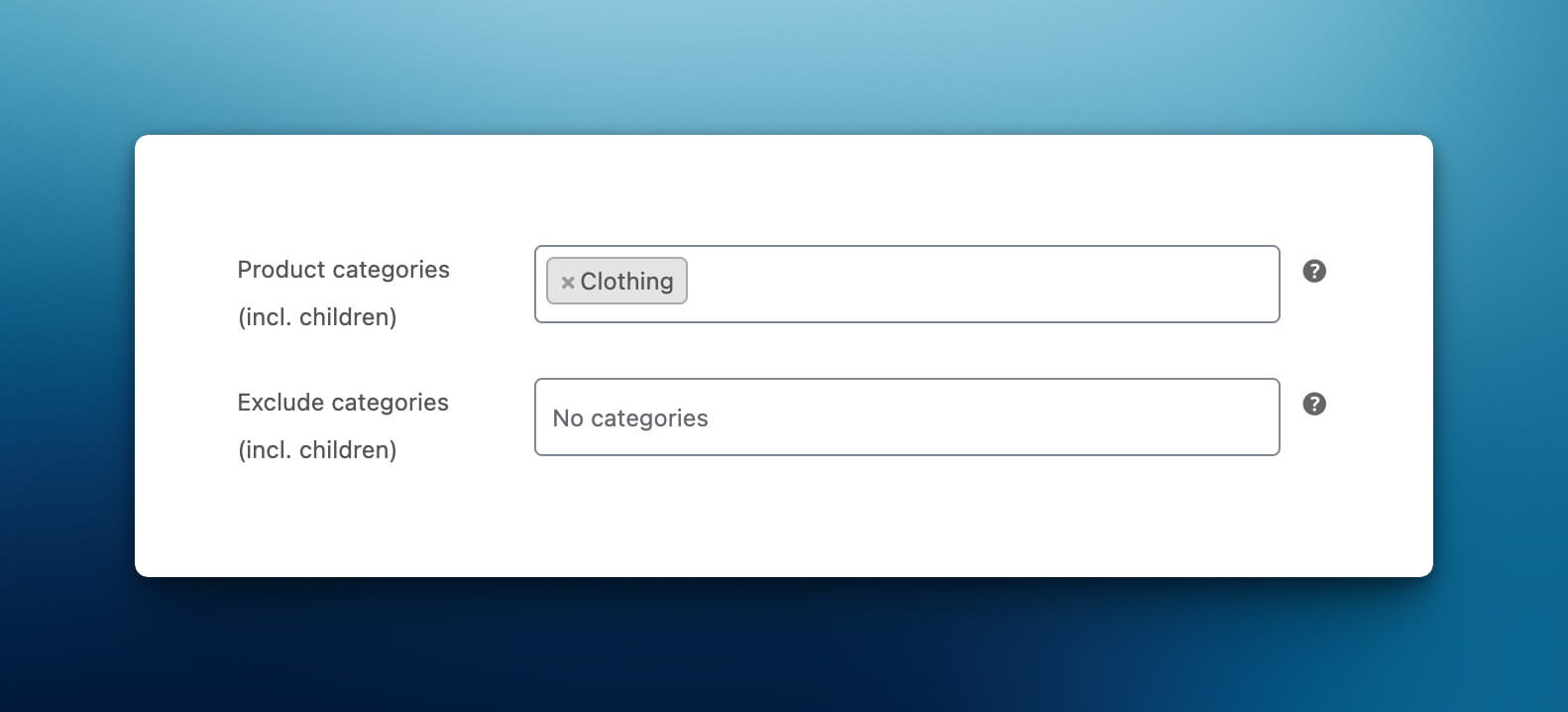
When you select a category in the "Product categories (incl. children)" field, the plugin automatically includes all subcategories during validation. If your category structure changes over time, the coupon restrictions update automatically.
- Upload the plugin files to the
/wp-content/plugins/runthings-category-children-couponsdirectory, or install the plugin through the WordPress plugins screen directly. - Activate the plugin through the 'Plugins' screen in WordPress.
- Go to Marketing > Coupons and edit or create a coupon.
- In the "Usage restriction" tab, you will see the new category fields with "(incl. children)" labels.
WooCommerce's built-in "Product categories" field only matches products directly assigned to the selected categories. This plugin's fields automatically include all subcategories of your selection.
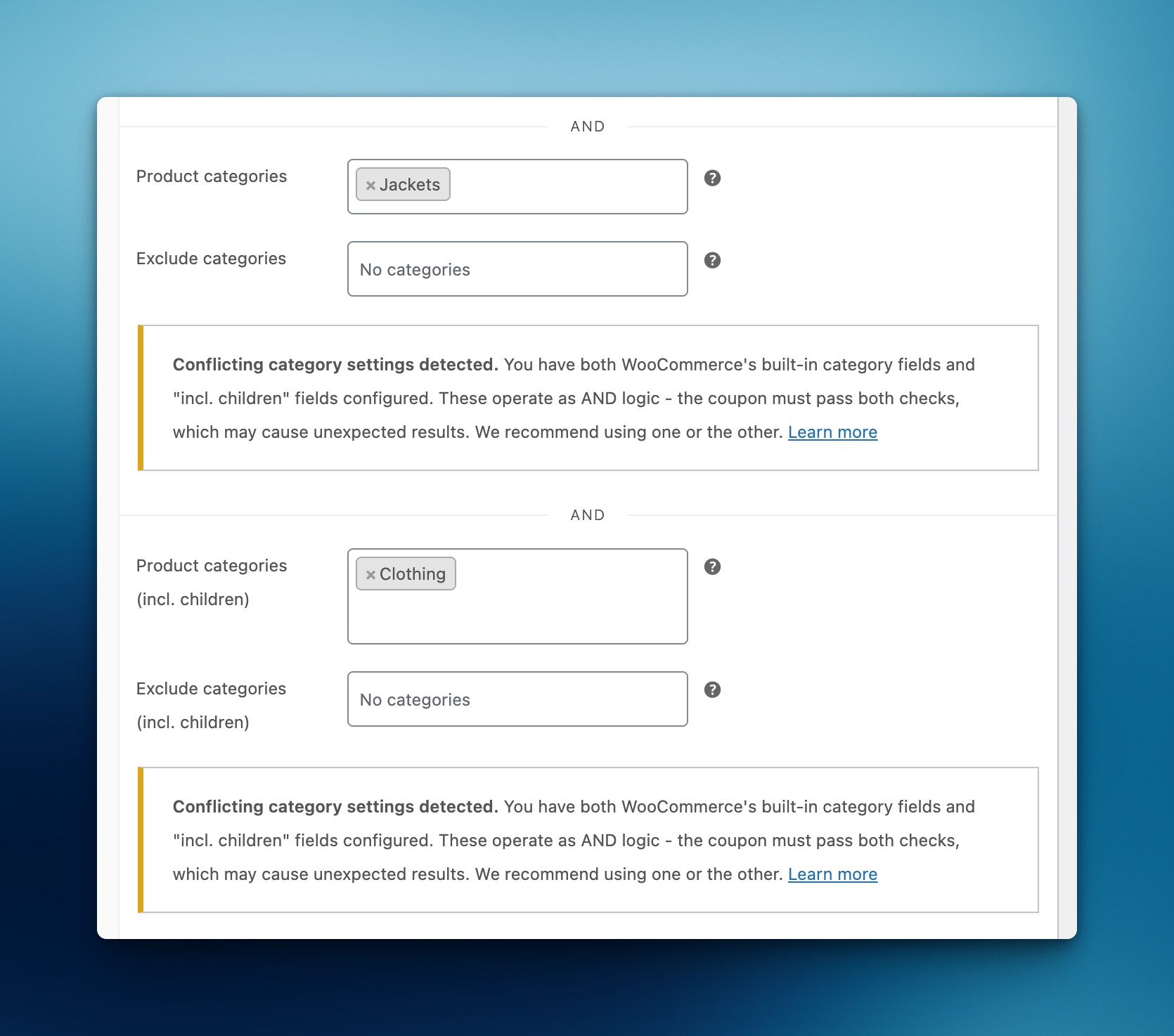
Not really. The built-in category check runs before custom plugin checks. They operate as separate restrictions (AND logic). If you use both, a coupon must first pass the built-in category rules, which isn't likely to contain the child categories.
For simplicity, we recommend using one or the other on a given coupon.
If you find that this is a blocking issue, please open an issue on the GitHub repo. Allowing per-category selection of "include children" or "only top-level" is on the potential features roadmap.
They are automatically included! The plugin checks category relationships at validation time, so new subcategories are picked up immediately.
Yes! When AutomateWoo generates coupons from a template coupon, the category restrictions are automatically copied to the generated coupon.
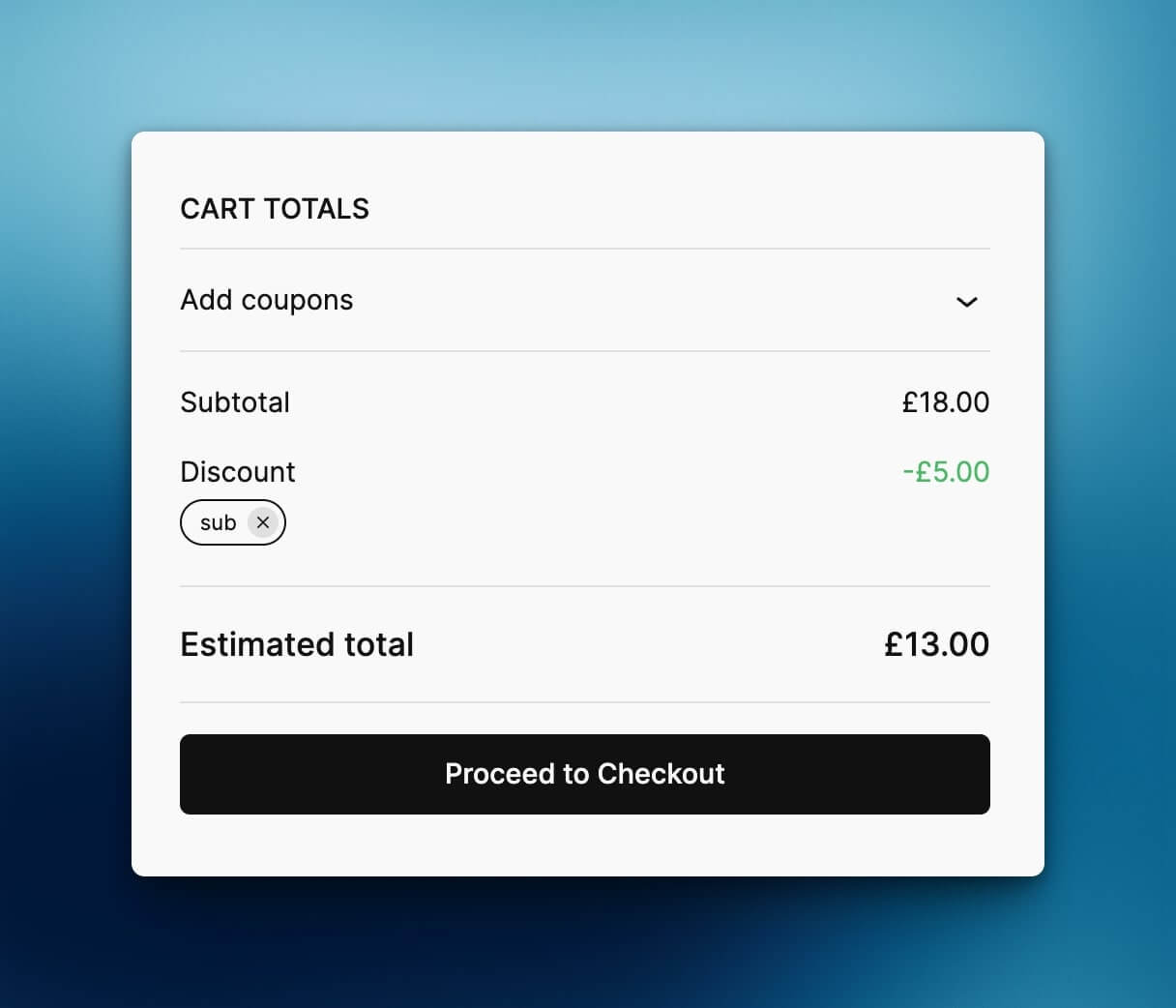
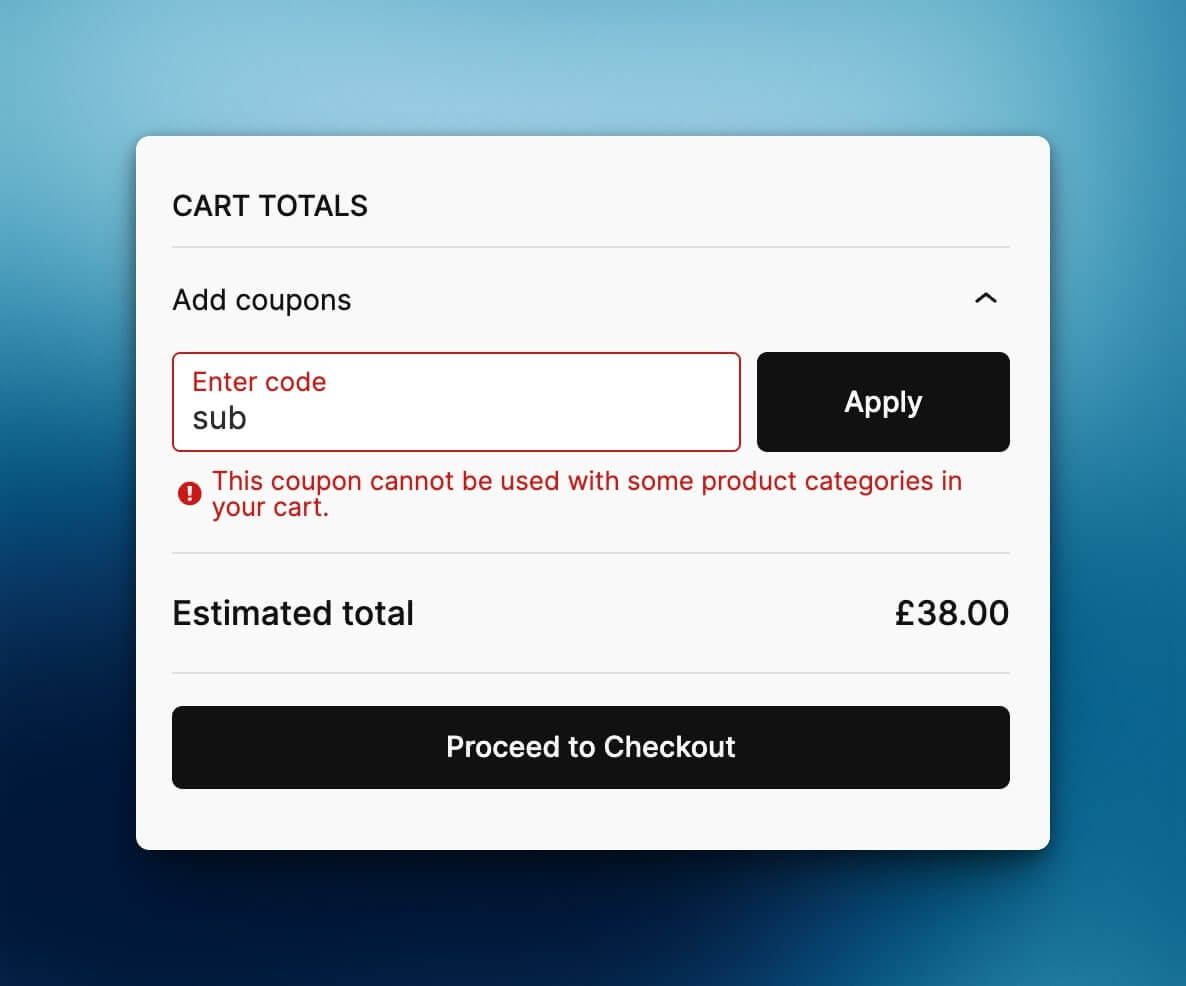
Customize the error message shown when a coupon fails category validation.
$message(string) - The default error message.$context(array) - Contains:coupon(WC_Coupon) - The coupon object being validated.type(string) - Either 'allowed' or 'excluded' indicating which validation failed.configured_category_ids(array) - Term IDs selected in the coupon admin.expanded_category_ids(array) - All term IDs including children.
add_filter(
    'runthings_category_children_coupons_error_message',
    function ($message, $context) {
        if ($context['type'] === 'allowed') {
            $names = array_map(fn($id) => get_term($id)->name, $context['configured_category_ids']);
            return 'This coupon requires products from: ' . implode(', ', $names);
        }
        return 'Sorry, this coupon cannot be used with some items in your cart.';
    },
    10,
    2
);- Plugin renamed from runthings-wc-coupons-category-children to runthings-category-children-coupons to comply with WordPress.org trademark guidelines.
- Automatic migration of existing coupon settings to new meta key format on update.
- Changed filter hook from
runthings_wc_coupons_category_children_error_messagetorunthings_category_children_coupons_error_message.
- Added warning notice when conflicting WooCommerce category fields are set alongside plugin restrictions.
- Fixed custom error messages not displaying for percentage and fixed product discount coupons.
- Add compatibility with AutomateWoo coupon generation to clone custom meta fields
- Fixed missing "And" separator in the coupon usage restriction panel to match WooCommerce core styling.
- Fixed fatal error when validating coupons in order context (WC_Order_Item_Product vs array type).
- Initial release.
- Allowed categories with automatic child inclusion.
- Excluded categories with automatic child inclusion.
- Filter
runthings_category_children_coupons_error_messagefor custom error messages.
This plugin is licensed under the GPLv3 or later.
Built by Matthew Harris of runthings.dev, copyright 2025.
Visit runthings.dev for more WordPress plugins and resources.
Contribute or report issues at the GitHub repository.
Icon - Discount by Gregor Cresnar, from Noun Project, https://thenounproject.com/browse/icons/term/discount/ (CC BY 3.0)
Icon - Tree view by Paweł Gleń, from Noun Project, https://thenounproject.com/browse/icons/term/tree-view/ (CC BY 3.0)