Enable rDSN.Monitor for your App
rDSN.Monitor is more than a dashboard. It's cross-layer profiling and diagnosis tool for developers to grasp the current state of system and improve distributed system performance. It's a special app, when launched together with other apps, it will automatically loads profiling other's information.
rDSN.Monitor is written in Python.
The code is here.
Sample screenshots:
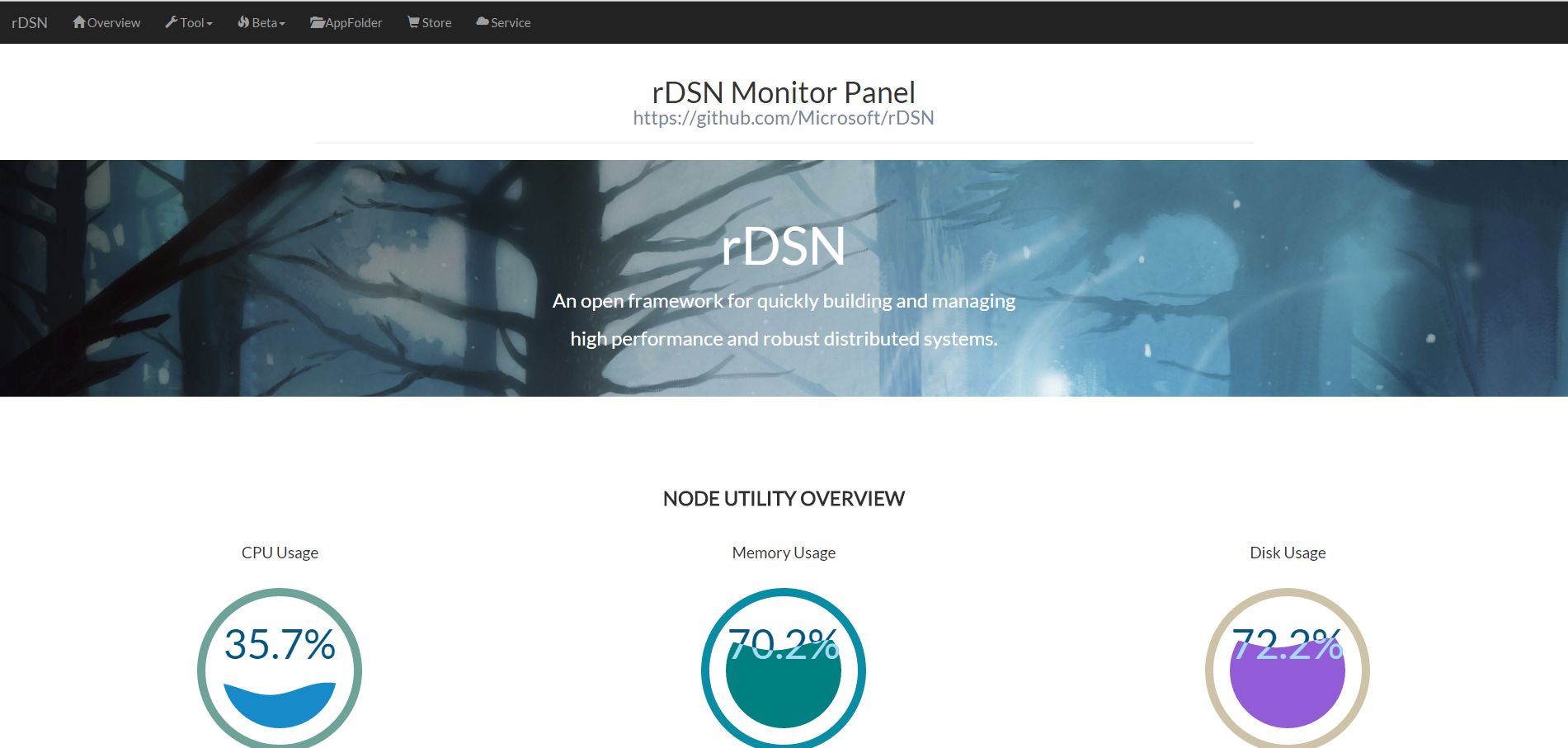
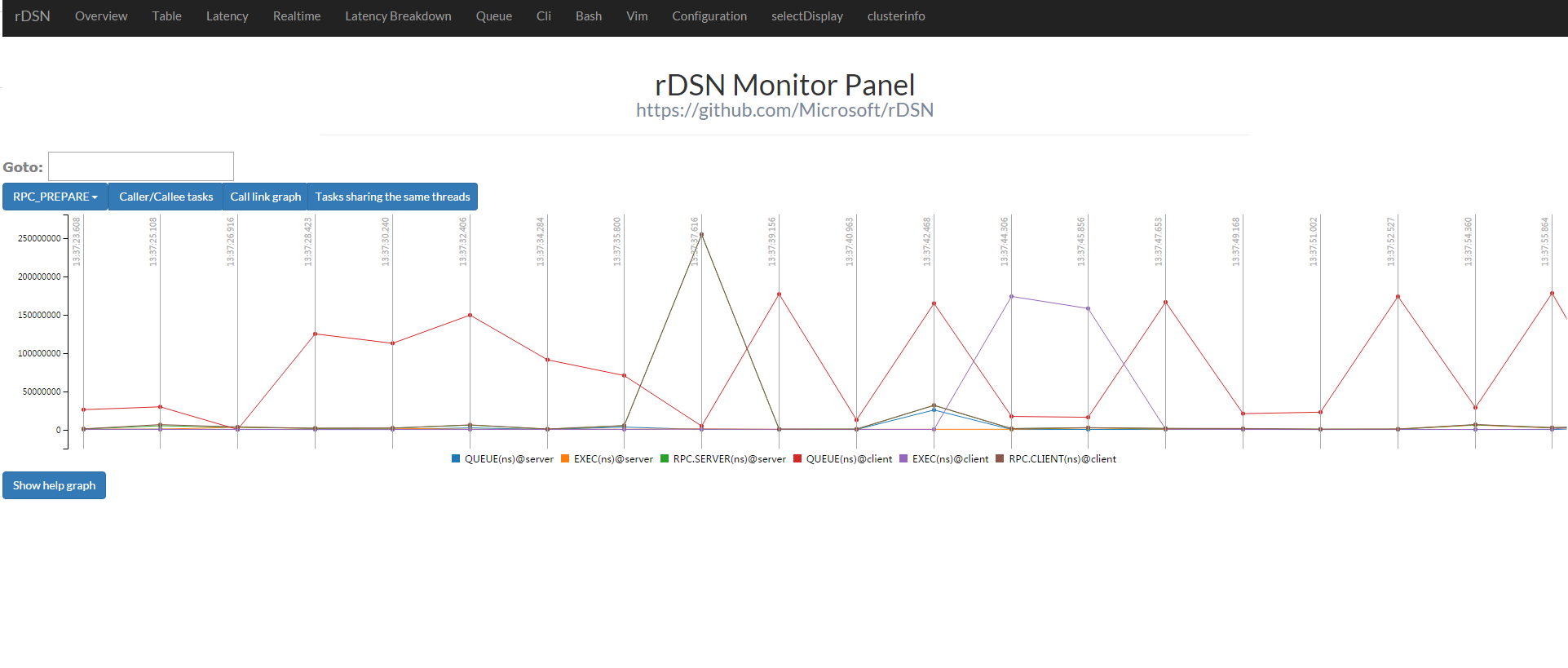
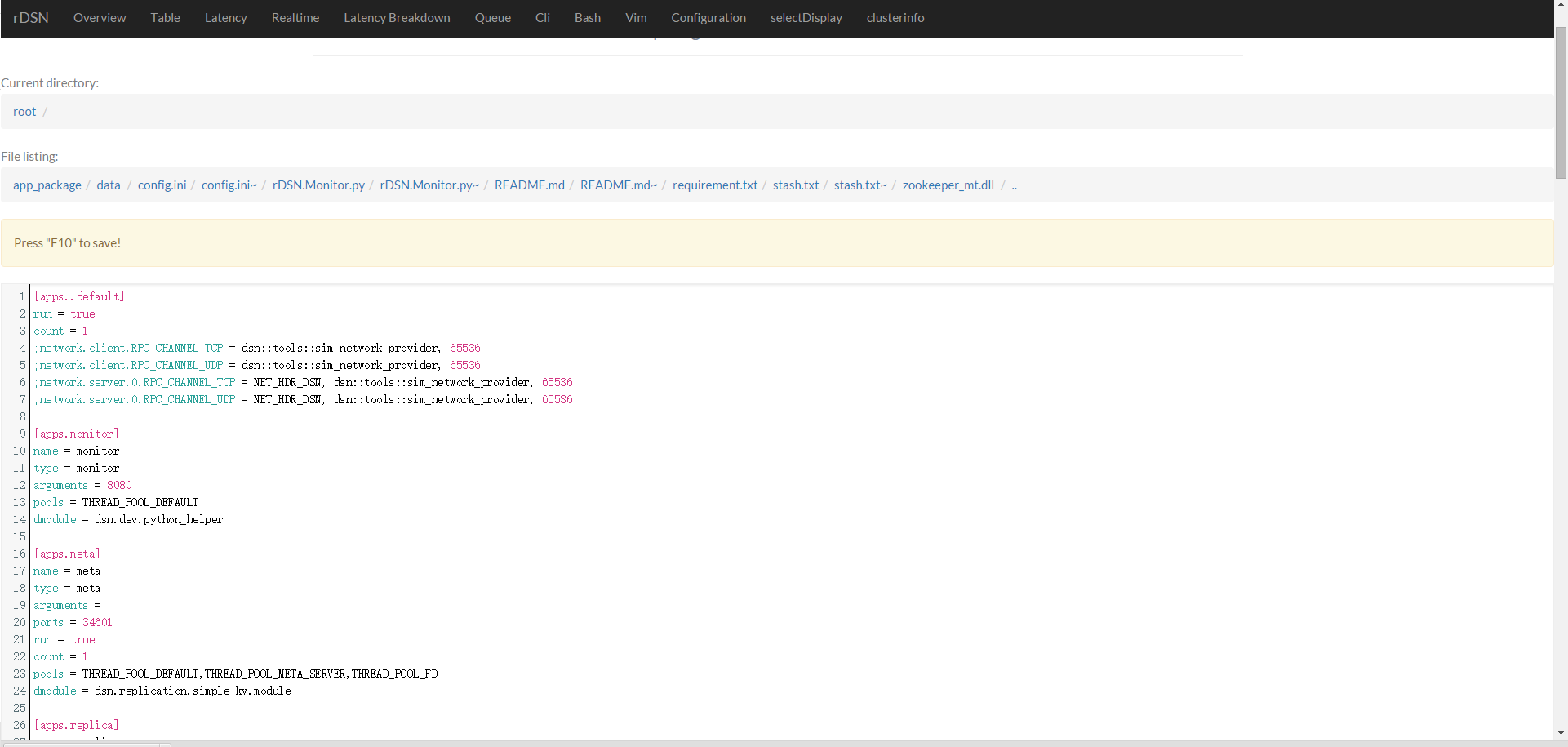
First of all, you need to install rDSN and Python2.7.
Then simply download and build rDSN.Python
what is rDSN.Python?
rDSN.Python provides the interactions between rDSN and Python scripts. With it, you could call Python functions in rDSN and vise versa.
for Linux Users
git clone https://github.com/rDSN-Projects/rDSN.Python
cd ./rDSN.Python
build.sh
for Windows Users
"C:\Program Files (x86)\Microsoft Visual Studio 12.0\VC\vcvarsall.bat" amd64
git clone https://github.com/rDSN-Projects/rDSN.Python
cd .\rDSN.Python
build.cmd
Chances are that nmake reports “cannot find python27_d.lib”, make a replica of “python27.lib” and change name to “python27_d.lib” to work around it.
what did build.cmd/build.sh do?
-
cmakeandmaketo generate dynamic librarydsn.dev.python_helper - use
virtualenvto create a virtual and isolated python environment - in
virtualenvinstall Python codes ofpython_helper - in
virtualenvinstall Python packages used inrDSN.Monitor
The advantage of virtualenv is that it packs Python dependencies into one folder so you needn't to install again on the remote machine, and it won't pollute global environment.
Add the following lines in the config.ini of your app:
[apps.monitor]
type = monitor
arguments = 8080
pools = THREAD_POOL_DEFAULT
count = 1
dmodule = dsn.dev.python_helper
dmodule_bridge_arguments = rDSN.monitor\rDSN.Monitor.py
arguments is the port number http server will use.
dmodule_bridge_arguments is the path of rDSN.Monitor.py.
And don't forget to add profiler to toollets:
toollets = ..., profilerThen you could run your program with rDSN.Monitor enabled!
Turn on virtualenv and run your program:
for Linux Users
$ . venv/bin/activate
[venv] ./dsn.replication.simple_kv config.ini
for Windows Users
$ venv\Scripts\activate
[venv] .\dsn.replication.simple_kv.exe config.ini
Now you could use rDSN.Monitor through localhost:8080.
It's also simple to configure on a cluster!
Same as above.
As usual.
-
rDSN.monitorfrom rDSN.Python/src/apps/ -
venvfrom rDSN.Python/
for Linux Users
Add these lines to start.sh:
. venv/bin/activate
Export PATH=${PREFIX}/venv/bin:$PATH
These commands activate your python env.
${PREFIX} might be updated to another name later, anyway it’s the main folder's path
Change
.\dsn.replication.simple_kv.exe config.ini -app_list meta@1to
.\dsn.replication.simple_kv.exe config.ini -app_list meta@1;monitorfor linux, remote machines even don't need to install Python,
virtualenvsets everything for it
for Windows Users
Add these lines to start.cmd:
CALL venv\bin\activate.bat These commands activate your python env.
Change
.\dsn.replication.simple_kv.exe config.ini -app_list meta@1to
.\dsn.replication.simple_kv.exe config.ini -app_list meta@1;monitorModify \venv\Lib\orig-prefix.txt to the python path on the remote machine. For example,
C:\python27to
D:\python27for windows now, remote machines need to install Python, that's because
--relocatableonvirtualenvis still an experimental function.
As usual. And for each remote machine, you could view remote-address:8080 for info.