👆🏽 click to check the live page
This is a 1 page landing page.
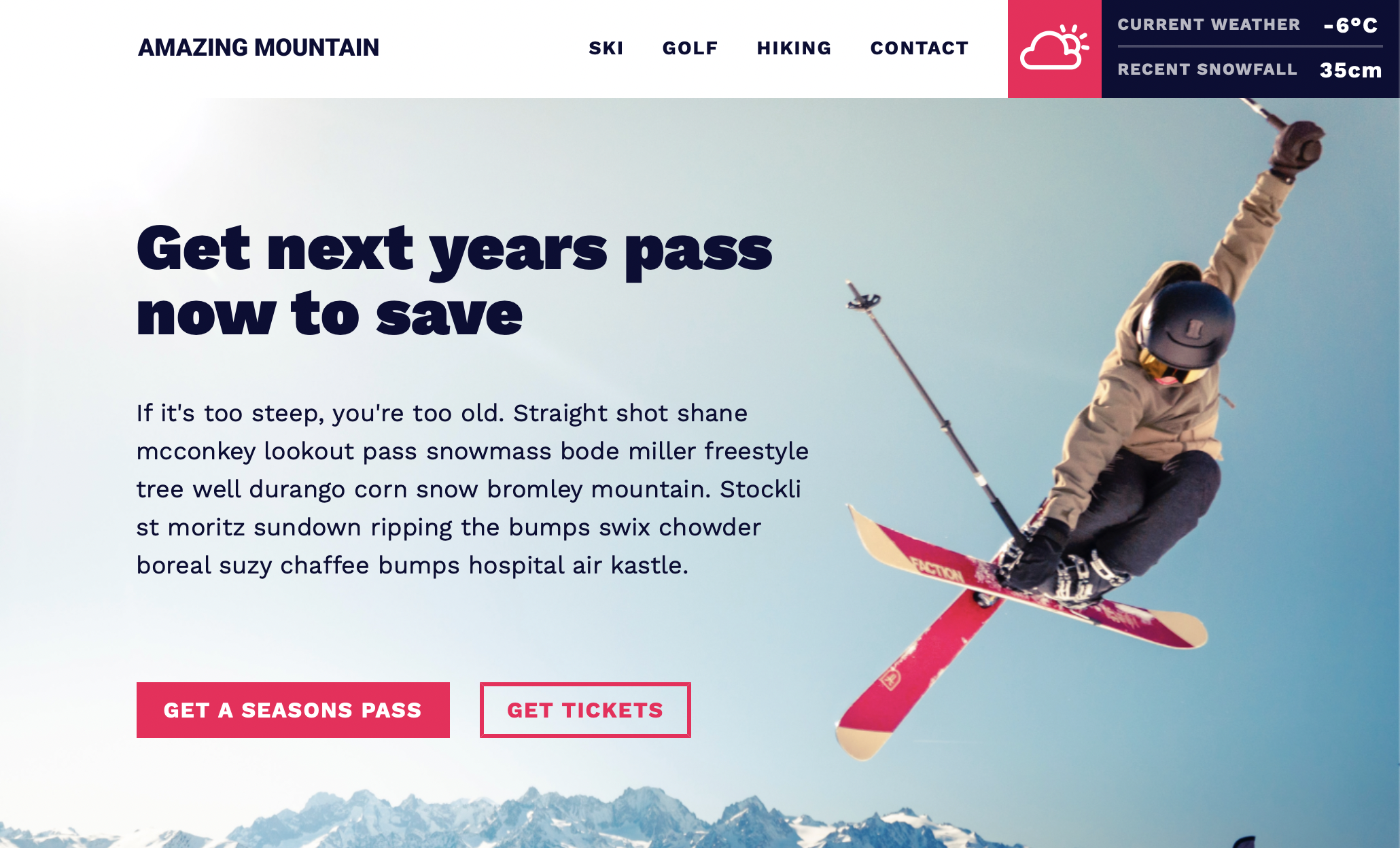
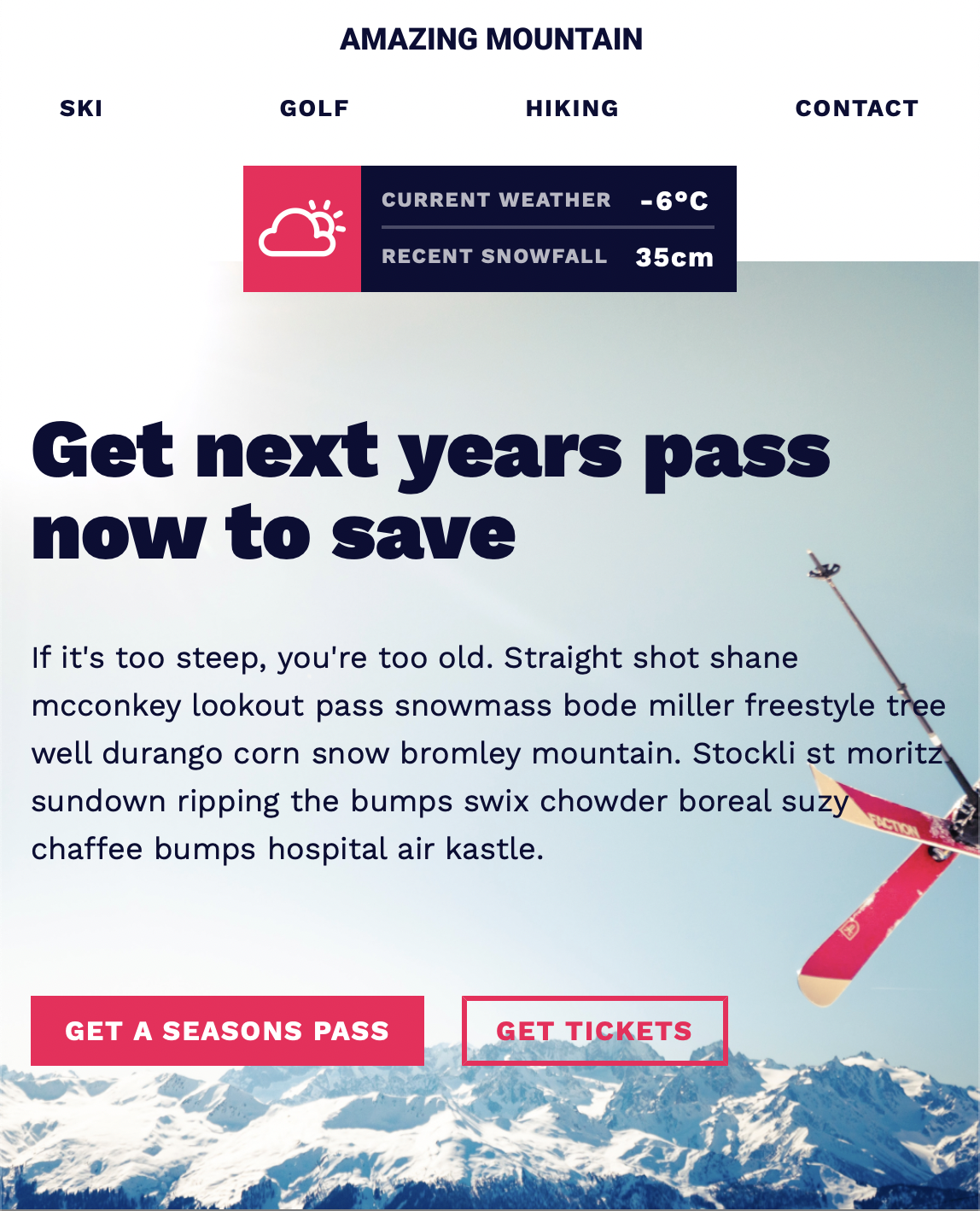
Tech used: HTML, CSS
- Make elements border-box
    *,
    *::before,
    *::after {
        box-sizing: border-box;
}- Set general font family, font size, color, line-height,
margin: 0;underbody1.125rem = 18 px Instead of doing 62.5% underhtmltag, we want to accommodate others' change in their browser
-
single-colon selectors are pseudo-selectors: used to selecting things that already exist, such as
:nth-child(2) -
double-colon selectors are pseudo-elements: used to selecting things that have no HTML element for, such as
::first-letter
Define custom CSS with name and value under :root:
:root {
    --name:value;
}
The two dash lines are necessary before the name.
-
Opacity is applied not just the element but also its contents.
-
line height
It's better to use the unitless value becasue in this way the line box height will be the multiplication of the number and the element font-size. In the block-level elements, it specifies the minimum height of line boxes.
-
Use outline instead of border to style button to make the button the same size. Outline can be shifted and it won't affect other elements.
-
Length unit: (ch) character count
-
Negative margin is doable.
-
Categorize the alignment of elements
Design: https://www.figma.com/file/GwRmx1FJ31evTNq6hpCpCs/Amazing-Mountain?node-id=2%3A9