

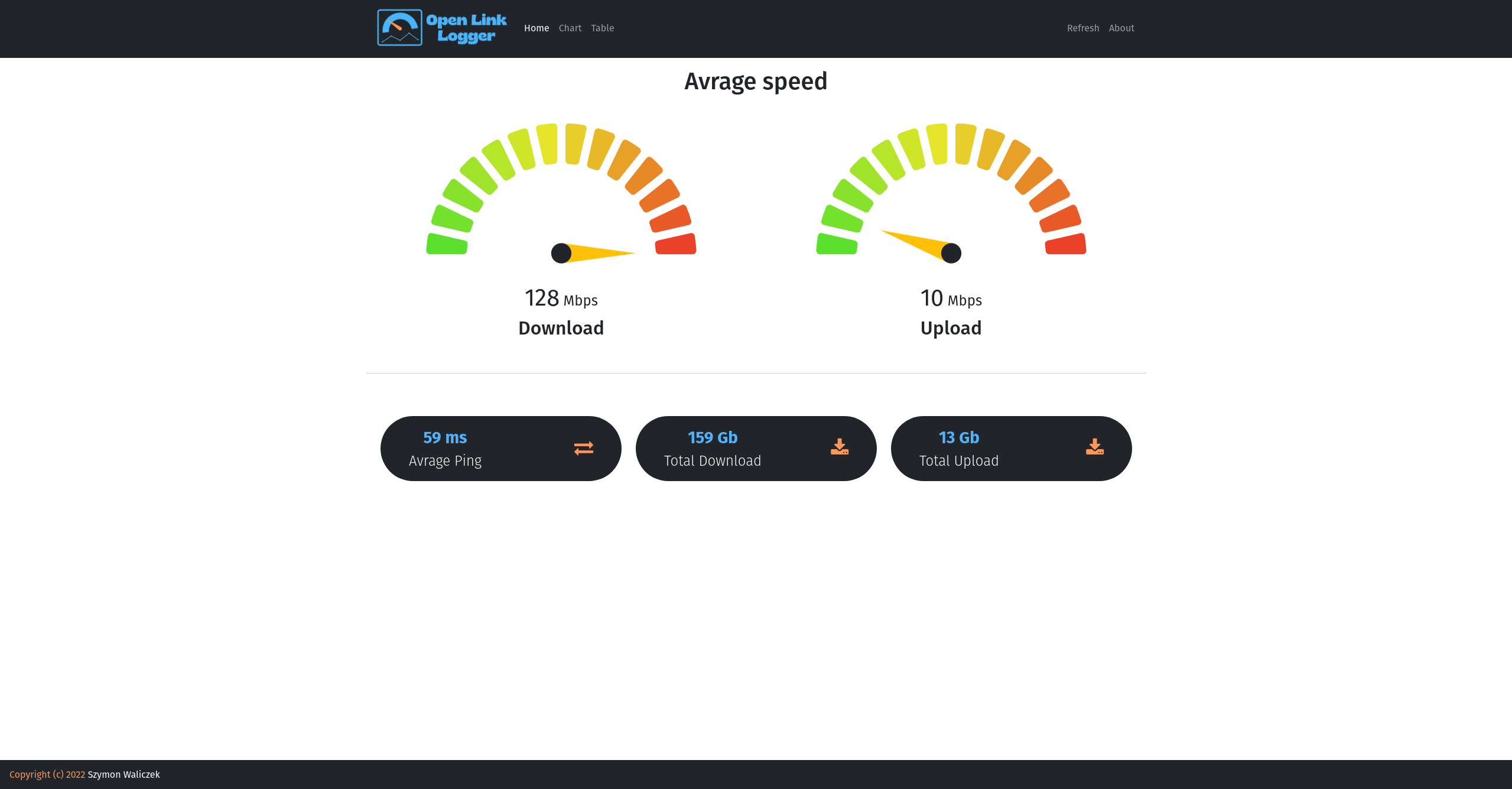
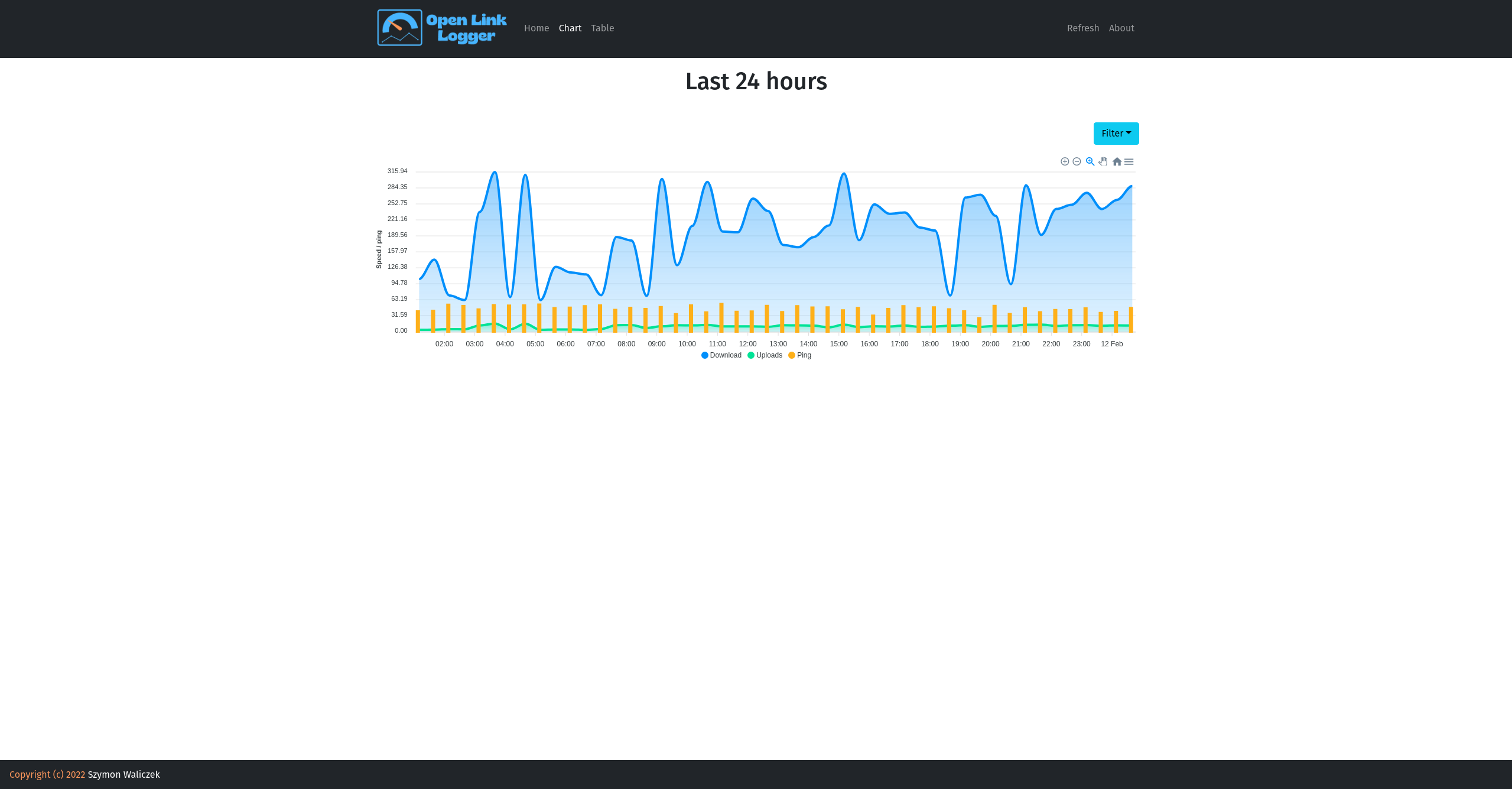
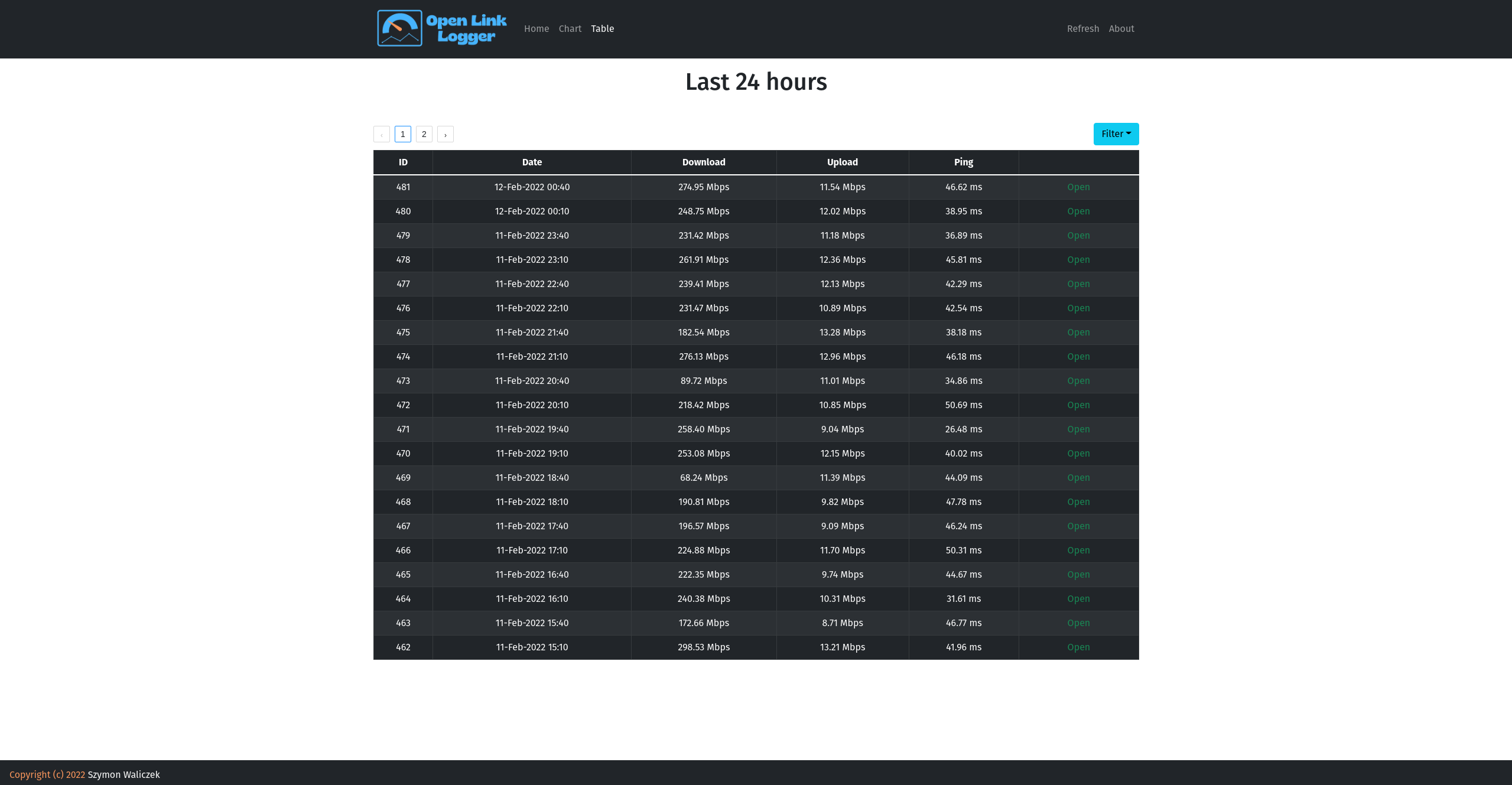
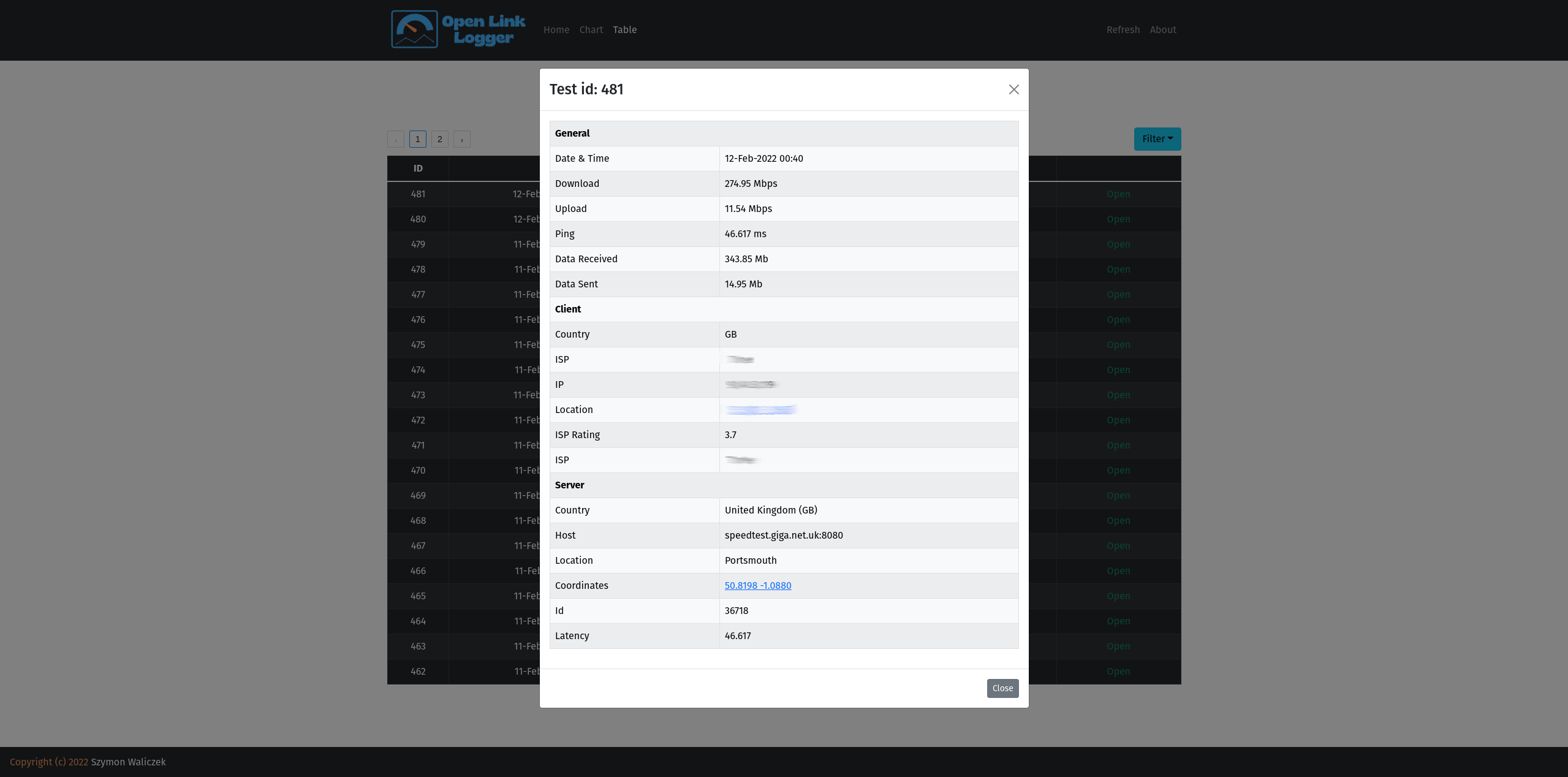
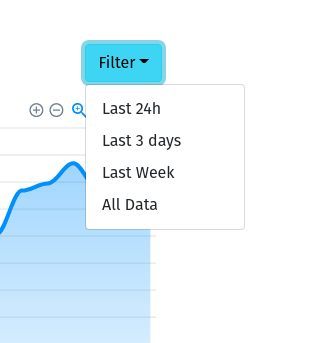
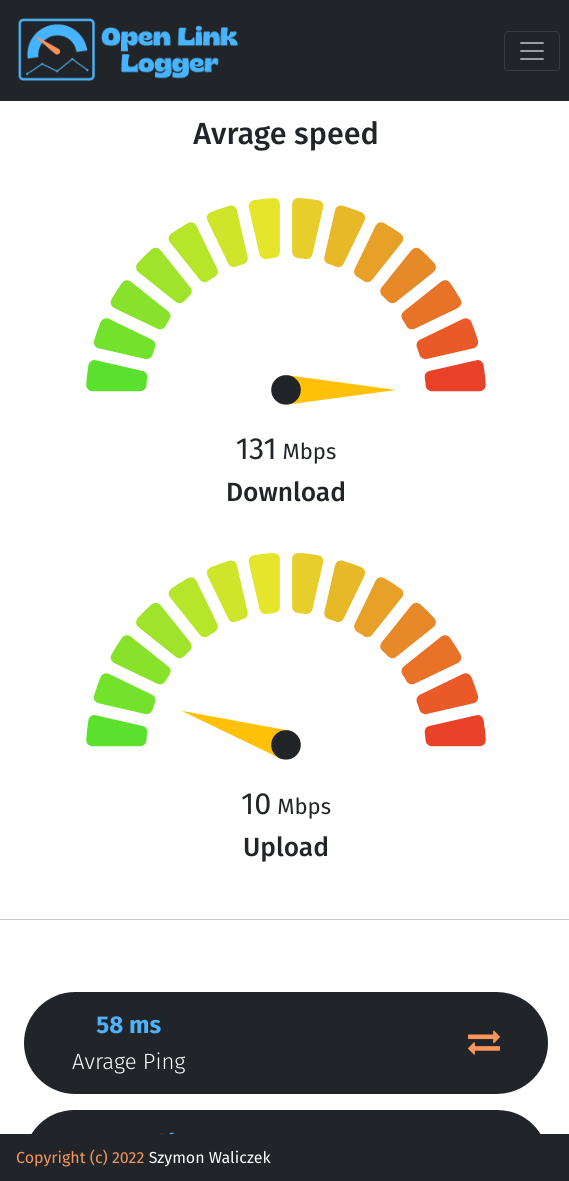
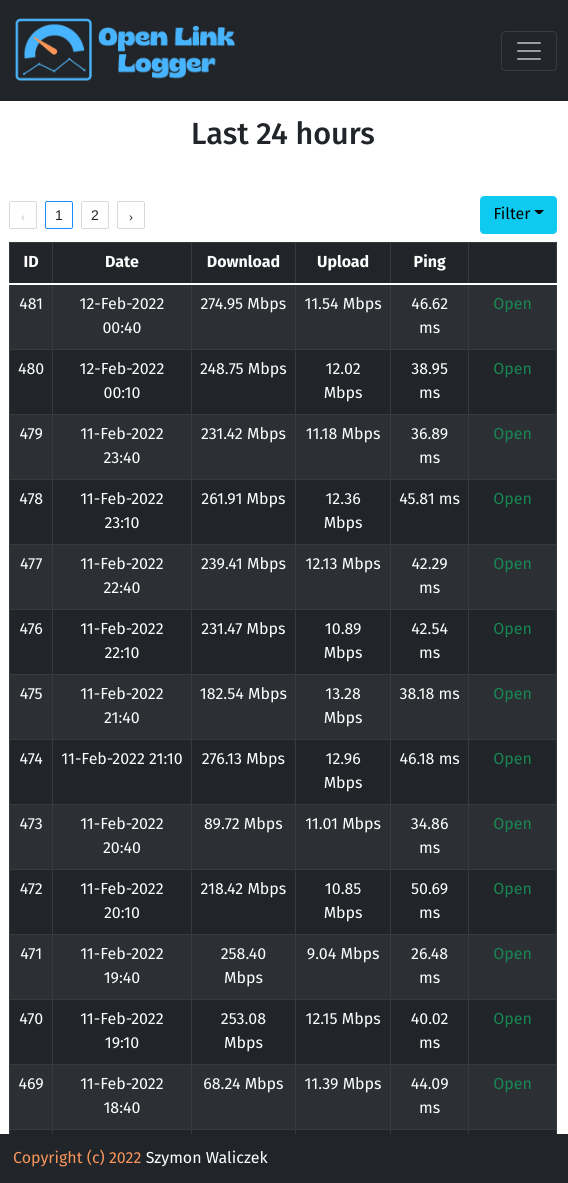
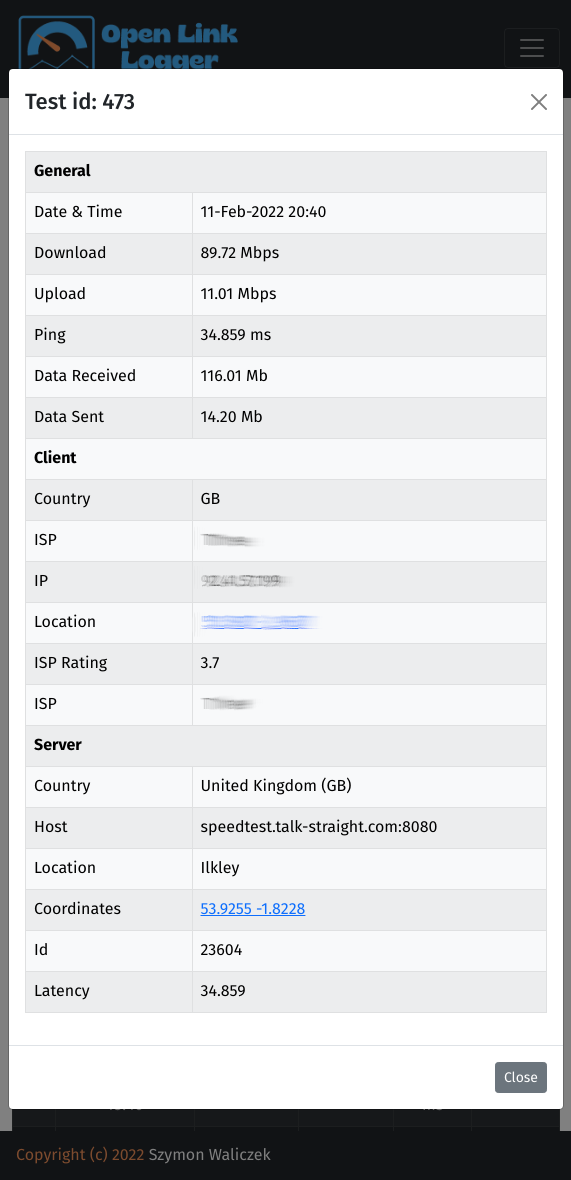
Open Link Logger is a simple python script which will test your internet connection speed and display results in browser as chart. It has been tested on Ubuntu based Linux distributions.
You are currently looking at source code for entire project, if you want to download already build project please go to branch app and follow instructions to install and use application.
Before you start using this software make sure you have following installed on your system:
This software was tested on Ubuntu Linux and might not work on other distributions available on this planet. Feel free to test it and report if that works on other distributions or even better if that doesn't work on your system consider contributing to this project by fixing the issue :)
- Install nodejs, npm
sudo apt install nodejs npm git
- Clone project (make sure you download project to final destination, if project path will be changed crontab jobs will not work anymore until crontab entry updated).
git clone https://github.com/majster-pl/open-link-logger.git && cd open-link-logger
- Install dependencies
npm install
- build project (when this is executed, application will be placed in one folder called
app
npm run build
- At this stage entire application is saved in
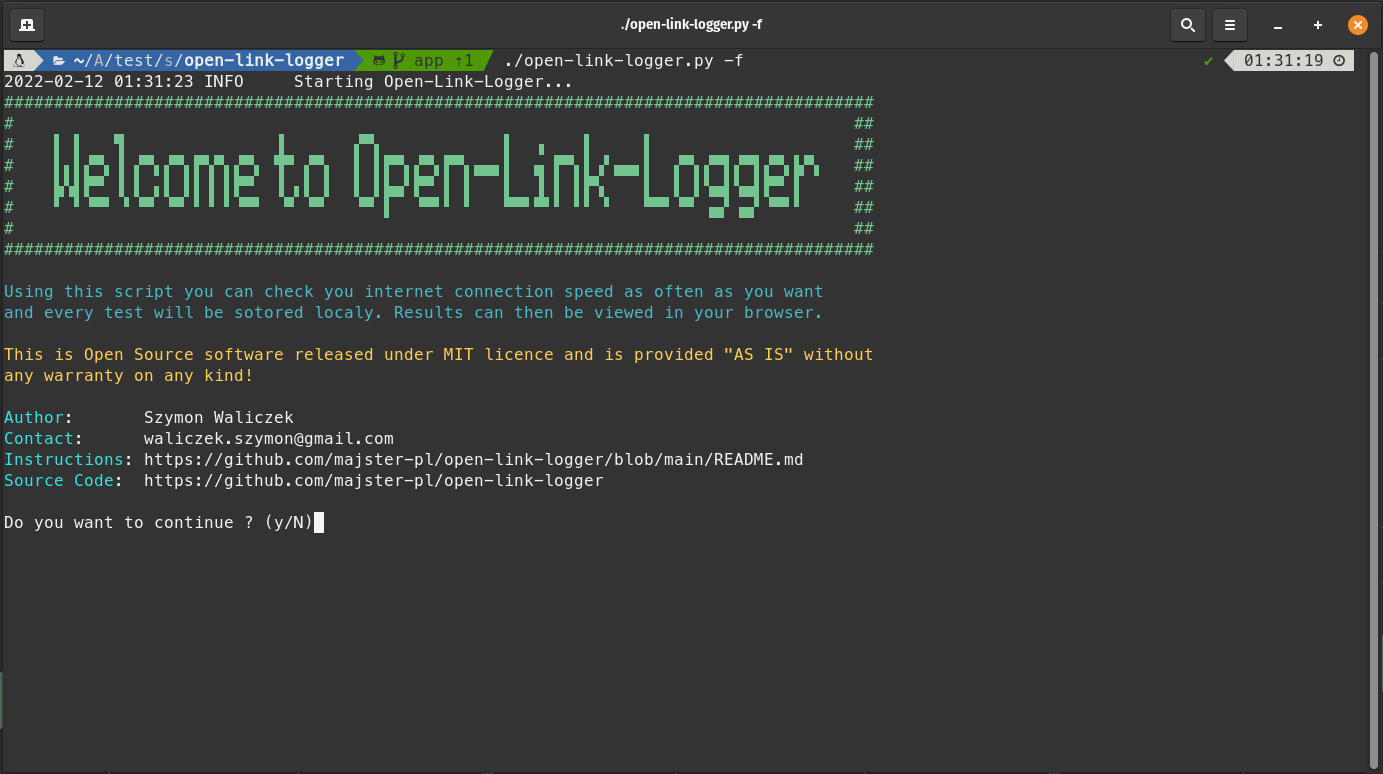
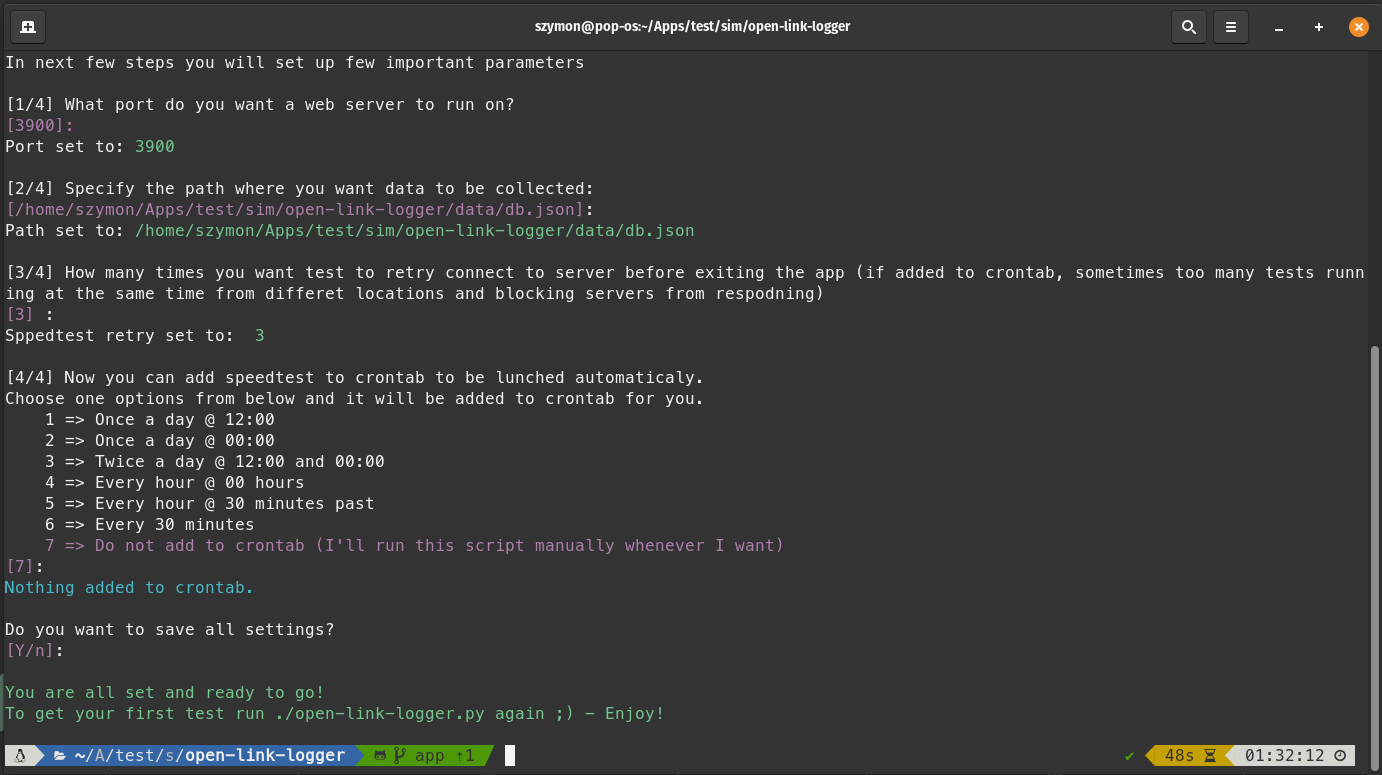
appfolder, you can move it to wherever you want and then run below command, when application running for first time you will be asked few questions to set up the application.
cd scripts && ./open-link-logger
- You can edit crontab to you preferences
crontab -e
After installing application you can access your test results on browser, default address will be:
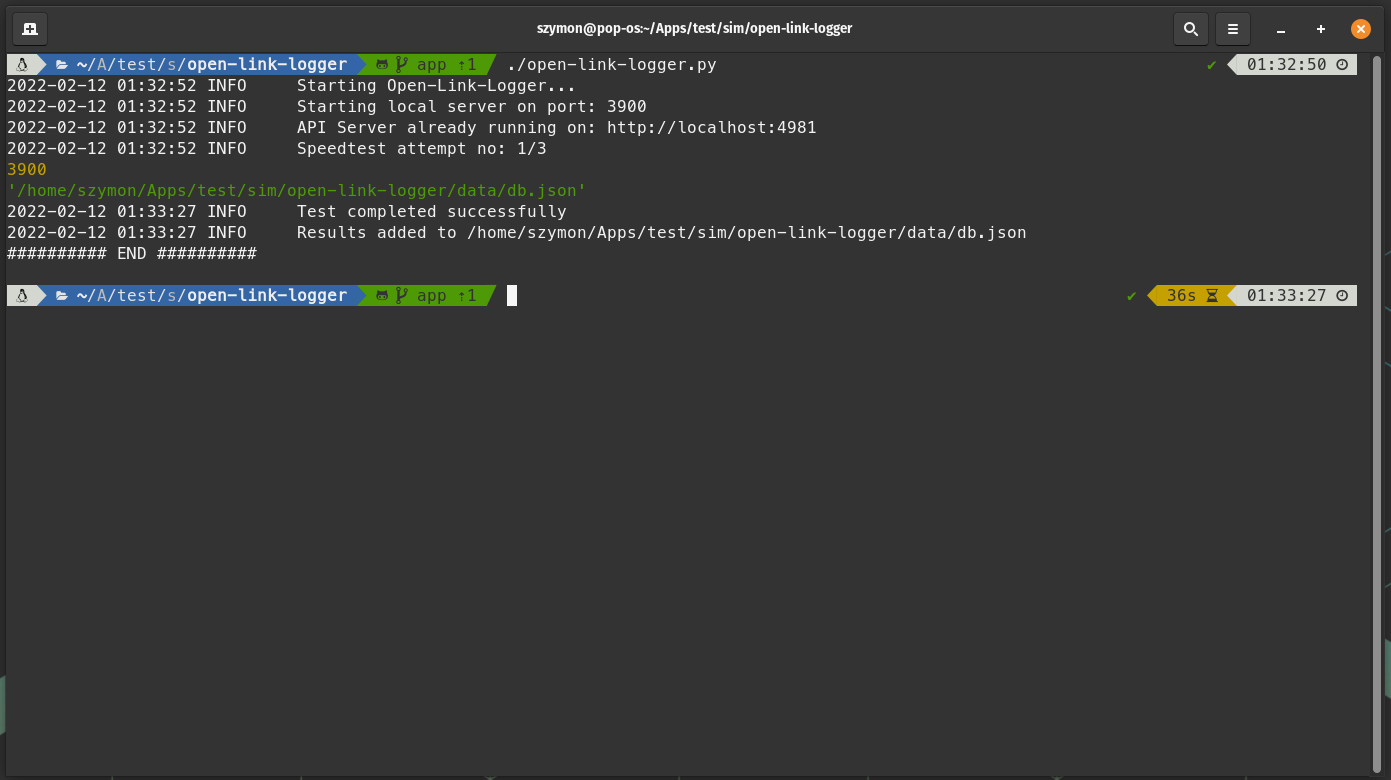
If you want to run test just navigate to application folder and execute:
./open-link-logger.py
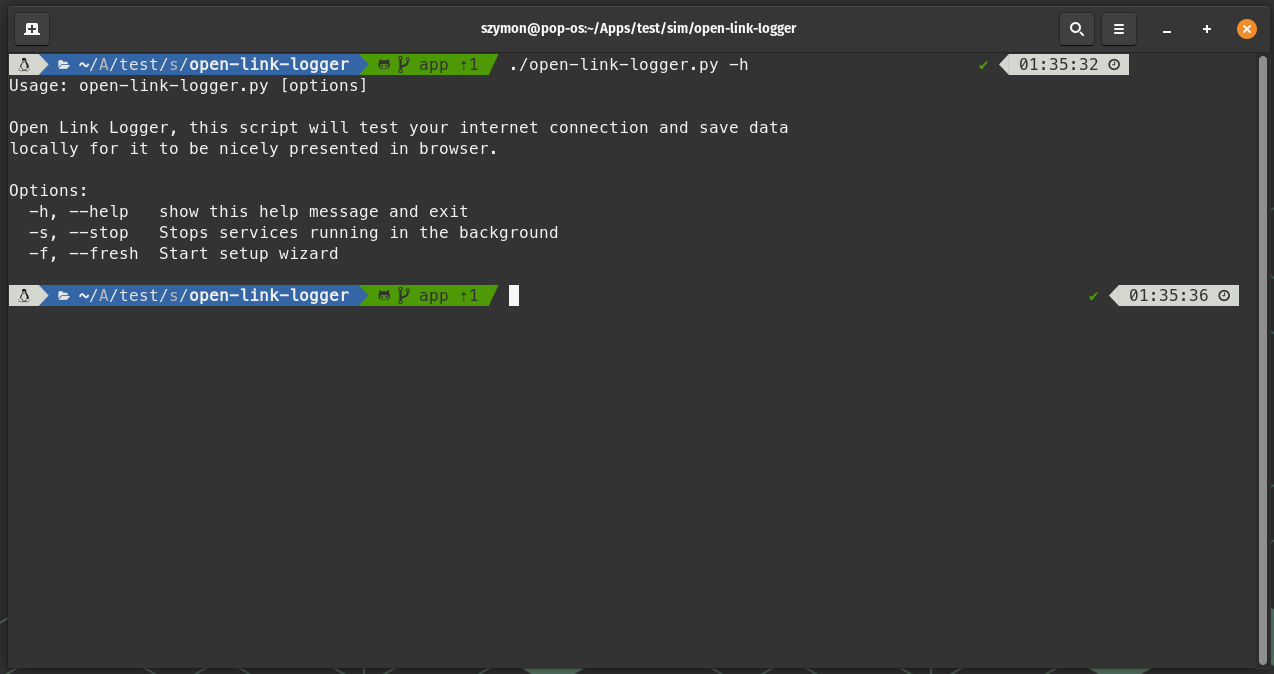
| flag | description |
|--|--|
| -h | display help message |
| -f | start fresh application setup |
| -s | Stop running servers in the background |


MIT License
Copyright (c) 2022 Szymon Waliczek
Permission is hereby granted, free of charge, to any person obtaining a copy of this software and associated documentation files (the "Software"), to deal in the Software without restriction, including without limitation the rights to use, copy, modify, merge, publish, distribute, sublicense, and/or sell copies of the Software, and to permit persons to whom the Software is furnished to do so, subject to the following conditions:
The above copyright notice and this permission notice shall be included in all copies or substantial portions of the Software.
THE SOFTWARE IS PROVIDED "AS IS", WITHOUT WARRANTY OF ANY KIND, EXPRESS OR IMPLIED, INCLUDING BUT NOT LIMITED TO THE WARRANTIES OF MERCHANTABILITY, FITNESS FOR A PARTICULAR PURPOSE AND NONINFRINGEMENT. IN NO EVENT SHALL THE AUTHORS OR COPYRIGHT HOLDERS BE LIABLE FOR ANY CLAIM, DAMAGES OR OTHER LIABILITY, WHETHER IN AN ACTION OF CONTRACT, TORT OR OTHERWISE, ARISING FROM, OUT OF OR IN CONNECTION WITH THE SOFTWARE OR THE USE OR OTHER DEALINGS IN THE SOFTWARE.