Repository navigation
Image Viewer auto-hide toolbar #3195

Description

SUMMARY | 问题概要
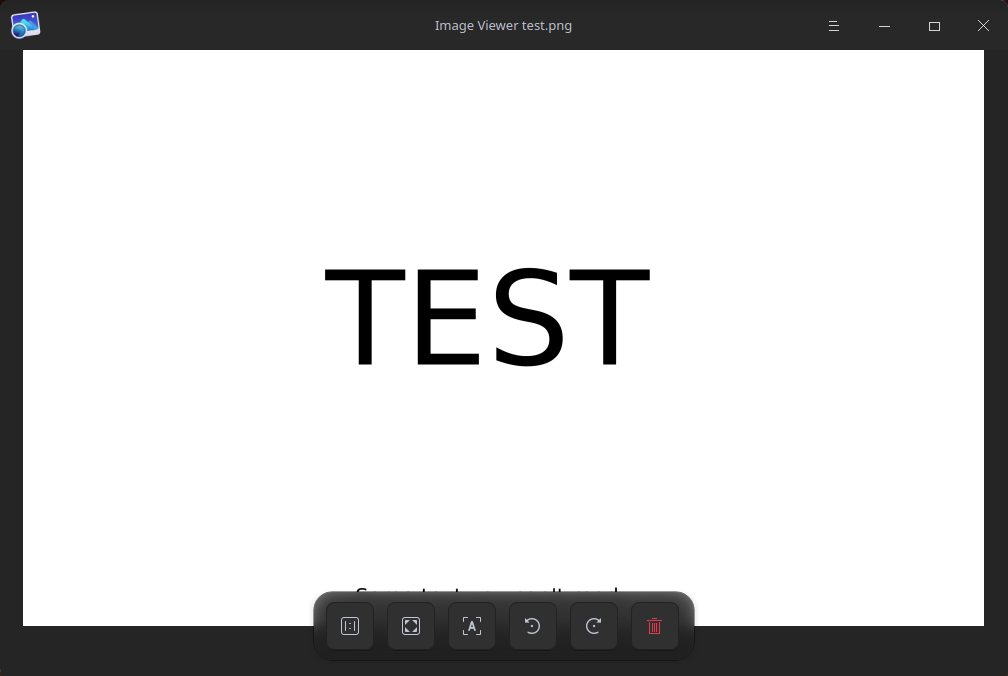
The toolbar in Image Viewer can sometimes obscure the bottom of images you're trying to view, the toolbar should be hideable by clicking the image content (Similar to other photo viewers like the one in Windows 11) or automatically when the mouse does not move over the window for some time.
OBSERVED RESULT | 观察到的结果
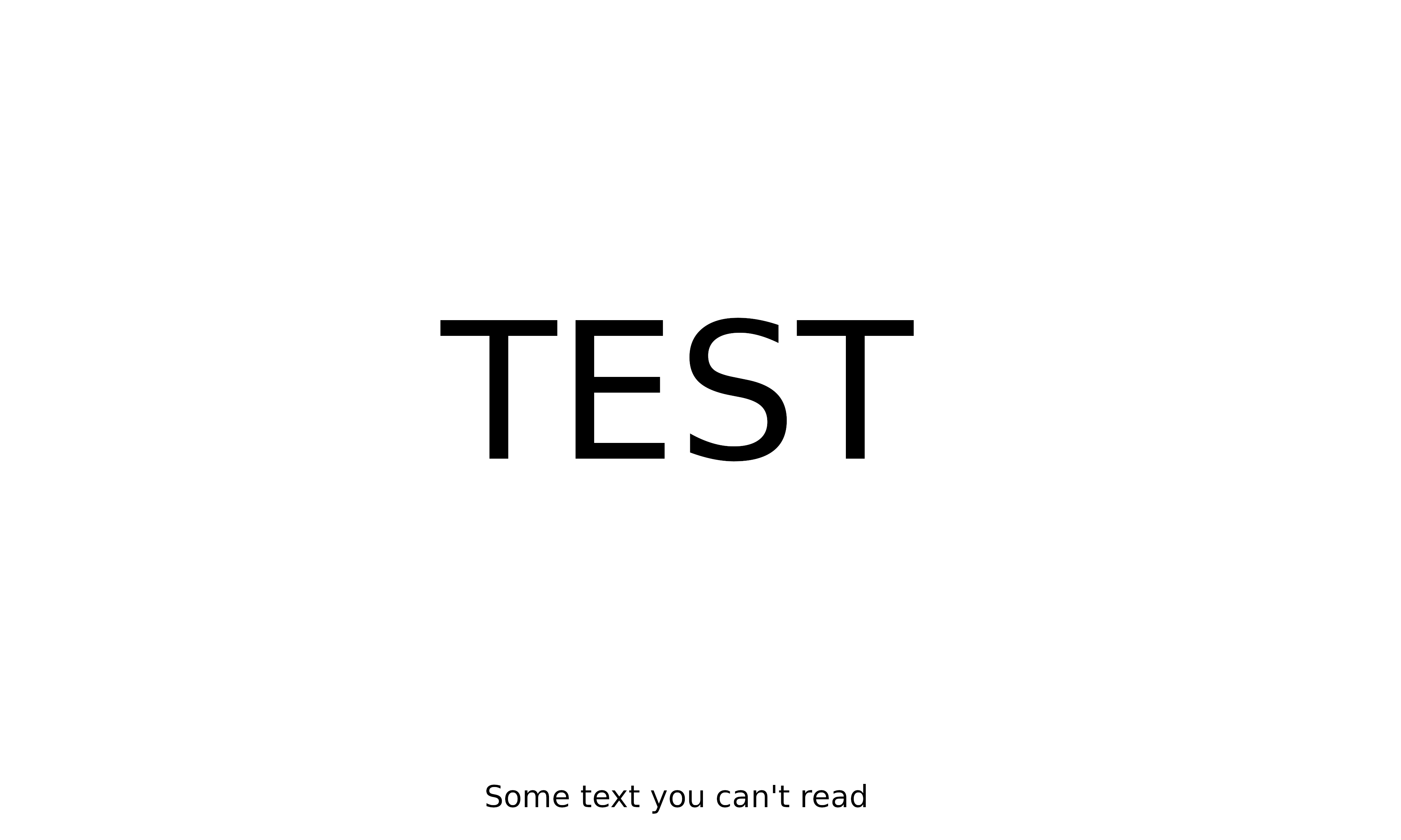
Text at the bottom of this image is not visible:
Source image:
SOFTWARE/OS VERSIONS | 软件/系统版本信息
Using the latest deepin 20.5. Image Viewer 5.8.13.
Activity
BLumia commentedon May 30, 2022
@meiyixiang : 需求是希望工具栏可以自动隐藏(比如当点击图片的时候,或者鼠标几秒没有移动的时候),以免遮挡图片,影响图像的查看。