ExtendFS is a read-only ext2, ext3, and ext4 driver for macOS using FSKit and written in Swift. It's plug-and-play, with no kernel extension or messing with system security settings required.
macOS 15.6 or later is required.
You can either download the latest version from the releases page on GitHub for free, or purchase it from the Mac App Store. There is no difference in functionality.
- Download and run the ExtendFS app.
- Enable ExtendFS's file system extension in System Settings.
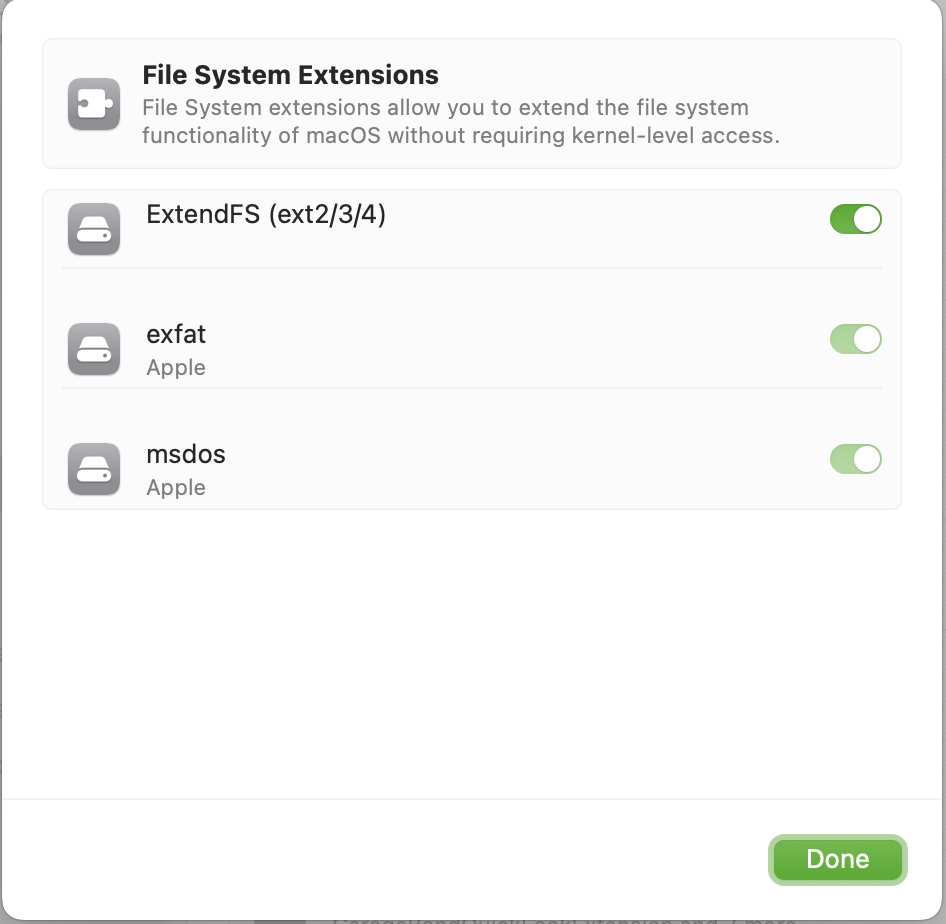
Then, once you plug in your ext4-formatted drive or open your disk image, supported volumes will mount automatically, with no command line tools or manual mounting required.
If you do wish to use a command line tool, ExtendFS (like other FSKit extensions) integrates with the system's familiar tools, like the mount(8) command:
mount -t ExtendFS /dev/disk15 /tmp/mntInformation on known limitations can be found on the official website.
Other information can be found on the official website.
See the contributing guidelines.