This repository was archived by the owner on Feb 11, 2026. It is now read-only.
Import Labels
You can use Github Actions to import labels to your new repository.
After using this repository as a template, you can visit the Actions tab in your repository to run the Github Label Importer action.
If you did not use this repository as a template, or the action is missing, you can also copy the .github folder from this repository to your repository, commit it, and push the changes to your repository to see the action.
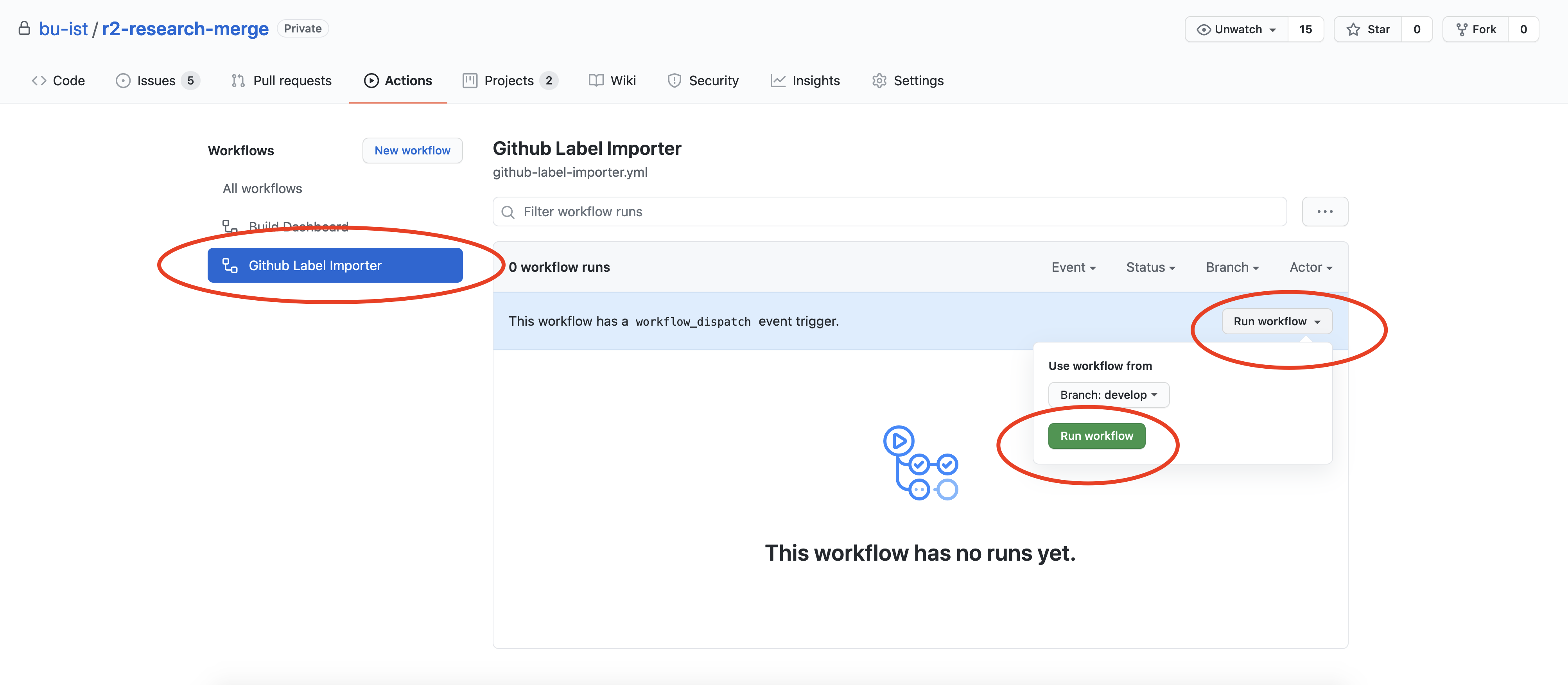
Visit the actions tab, then click Github Label Importer, Run Workflow, and Run Workflow from develop.
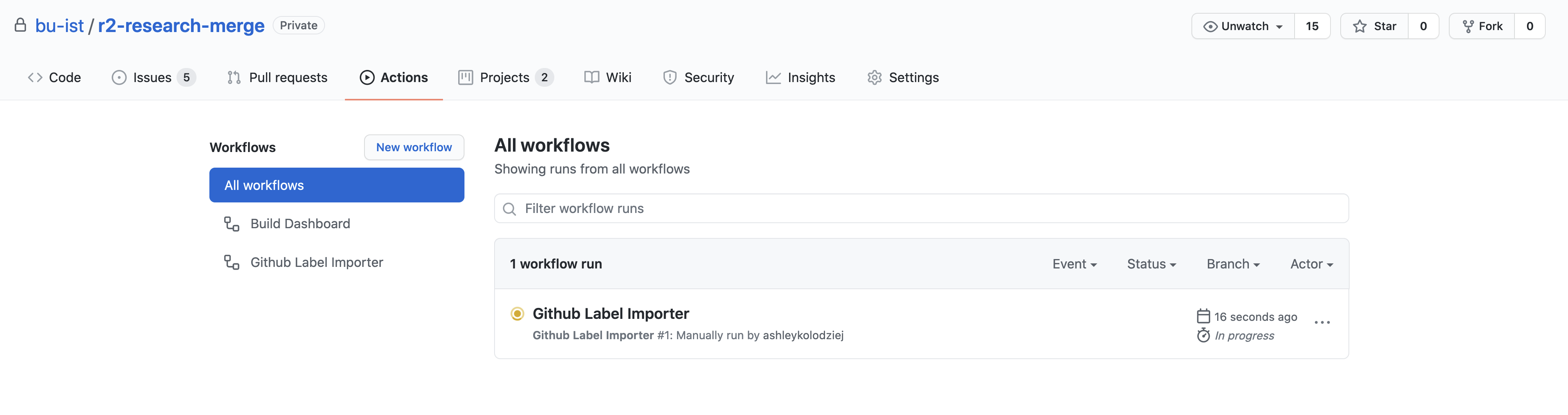
You can see progress by going to All Workflows.
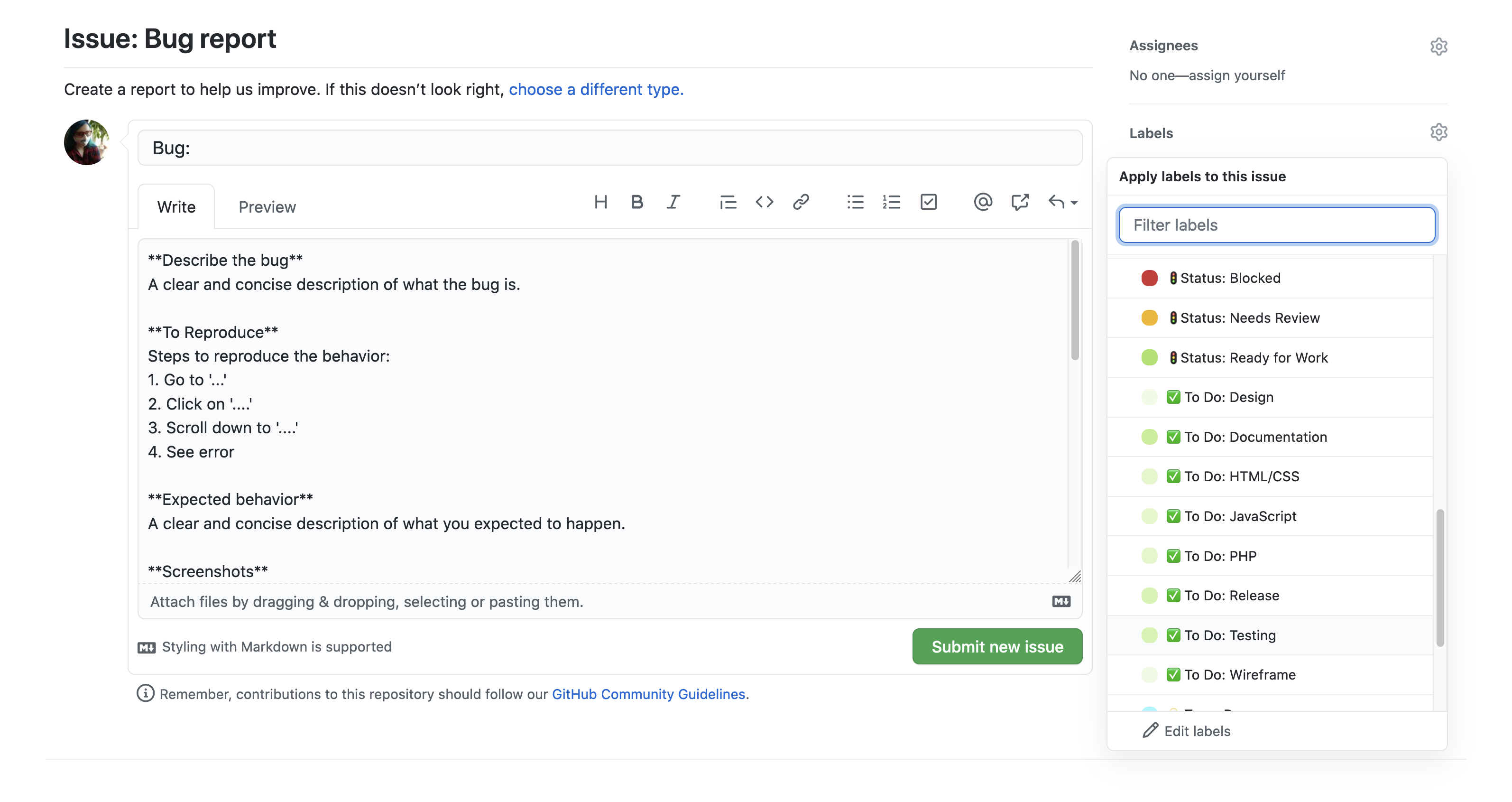
When the workflow is complete, you'll see new labels in your repository.
Delete the following unnecessary labels by going to Issues > Labels in the repository:
- documentation
- good first issue
- help wanted
- invalid
- question