UPDATE: 2026-04-21: working now for all presets on Microfreak with v5!
FROM THE ORIGINAL REPO OF FRANCOIS:
I'm sorry but this project is not maintained anymore. I don't have the resources (time, hardware) to update it. Feel free to fork it.
(en français plus bas)
This application allows you to read and display the presets stored in the MicroFreak memory.
You can only read saved presets. The application can not read the current, unsaved, values of the controllers.
This application can only read presets. You can not edit presets. You can not send values to the MicroFreak.
However, the application can send a PC (Program Change) message to the MicroFreak when you select a preset in the application.
Once the application has read a preset, it is kept in memory until you close your browser or refresh the page.
This application does not read nor display the stored sequences.
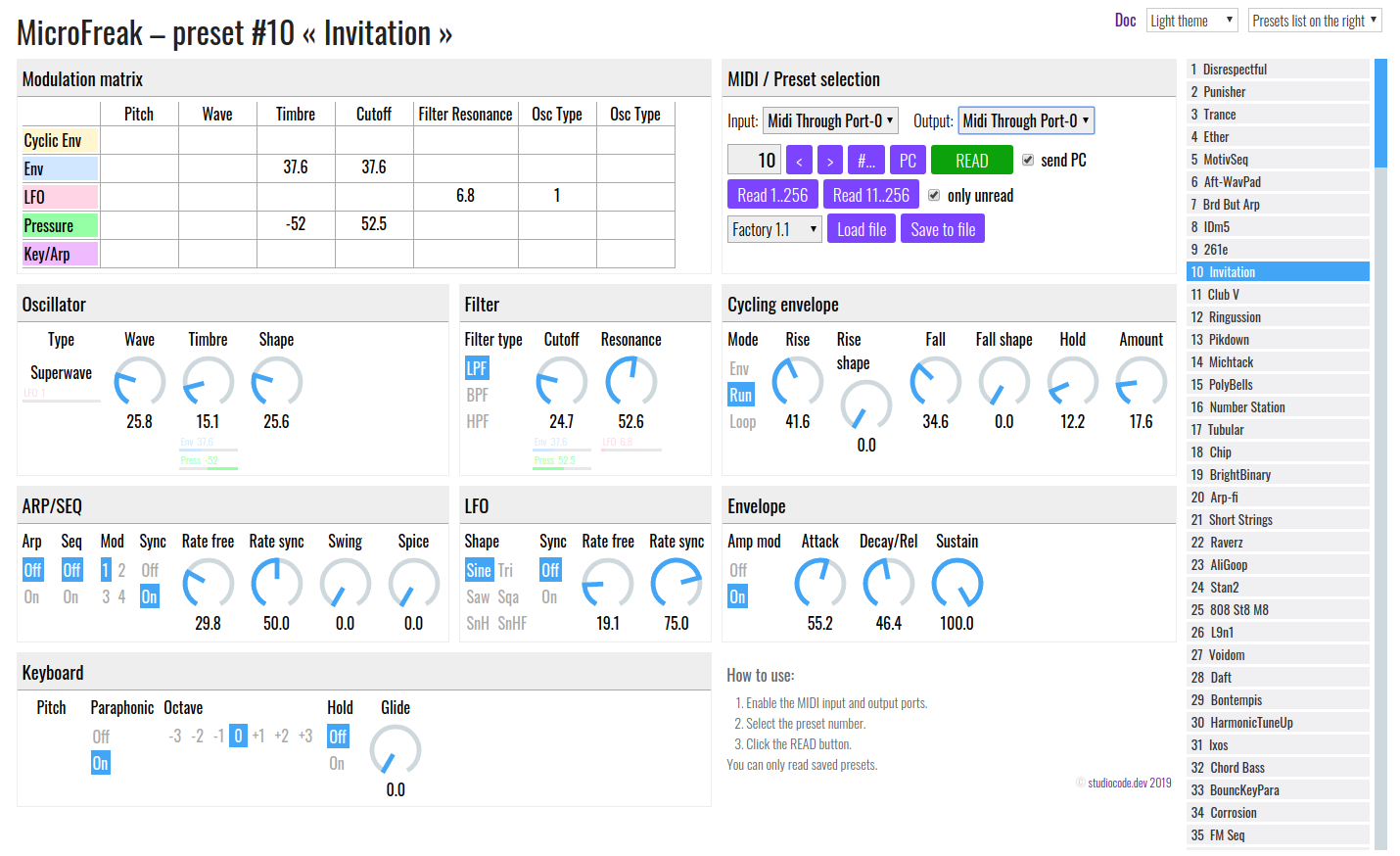
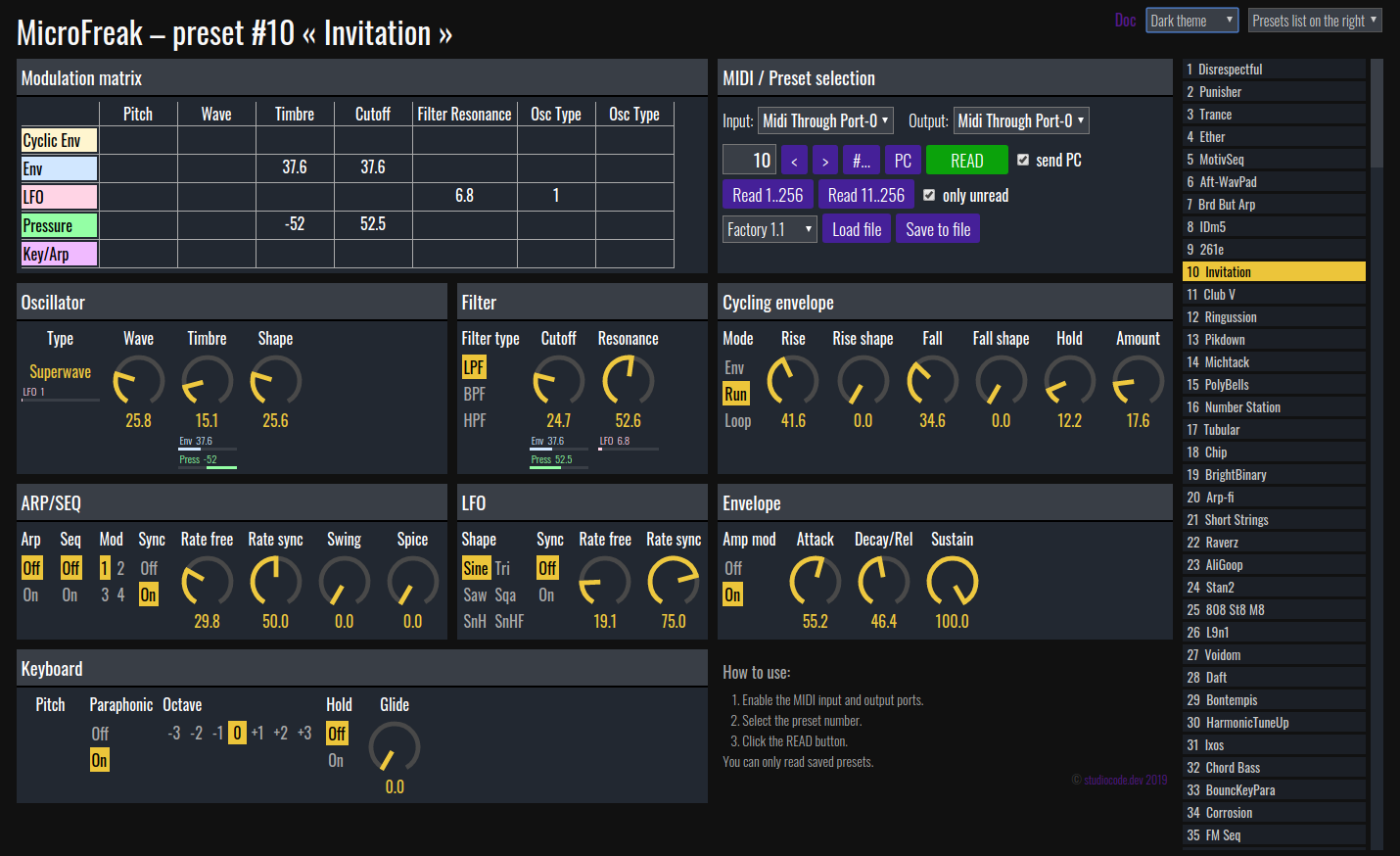
light and dark themes
If you think the application display wrong values, send me the preset and any useful info to reproduce the problem and I will fix the application if necessary. If possible, use the https://github.com/francoisgeorgy/microfreak-reader/issues page to send any feedback.
- An Arturia MicroFreak synthesizer.
- A browser supporting the WebMIDI API (Chrome, Opera).
- Connect the MicroFreak to your PC via its USB or MIDI ports.
- If it's not already done, open the Application in your browser.
- In the application, select the MIDI input and output ports corresponding to your MicroFreak.
- In the application, enter the preset number you want to read.
- Click the
READbutton.
The buttons READ 1..512, et al. allows you to read all the MicroFreak presets at once. It can take some time. Be patient.
Click the STOP button to abort the read process.
You can save the application's currently loaded data in a file. This allow you to read the MicroFreak once and, later on, to reload this file and view the presets without having to read the MicroFreak again.
The application already provides the pre-loaded data for the factory presets and other free presets packs offered by Arturia.
The file saved by the application is not a sysex file nor a MicroFreak preset file. You can not use it with the MIDI Control Center.
This reader does not read the sequences.
Some factory preset uses a format different from the user preset, especially with the MOD Matrix. The application is usually able to detect these presets and will display a warning if it does not support all or part of the preset format.
If one copy an unsupported factory preset in a user slot or if one overwrite an unsupported factory preset, then, magically, the preset format is updated and the reader is then able to read it.
Here are these two workarounds:
Copy to a user slot:
On the MicroFreak:
- press the Save button
- choose the destination preset with the Preset dial
- click on the Preset Dial twice
- press Save button
Save over itself:
First disable the write protection:
- press the Utility button
- select Misc,
- select Mem protect
- turn the Dial to select OFF
- click the Utility button
Then copy the factory preset over itself:
- press and hold the Save button for 2 seconds
If the Application does not display anything after having red a preset, that's probably because the MIDI communication is not working correctly between your browser and the MicroFreak. Restart your MicroFreak. If the problem persist, restart the MicroFreak and reload the Application in your browser.
For any other problem or suggestion, feel free to open an issue at https://github.com/francoisgeorgy/microfreak-reader/issues
Arturia, MicroFreak and all other products, logos or company names quoted in this document and in the application are trademarks or registered trademarks of their respective owners.
If you like this application, you can