This project was ran and tested with Python version 3.7.2.
It depends on three packages (spotipy, matplotlib, retrying) that can be installed with
Python's pip package manager through the requirements.txt file as follows:
pip install -r requirements.txt
Currently, the project requires a bit of manual intervention to properly use.
The saved_tracks.py file that generates the JSON file of all saved songs requires
some manual intervention for authenticating with Spotify. The process is relatively
easy, it just involves logging in and pasting a link back into the shell.
To use the project for polling from playlists, use the following command:
python3 saved_tracks.py -u [spotify-username] -p
this will automatically call the plot_art.py file that generates the histogram.
To use it and poll a user's library instead, simply replace the -p flag with
-l instead.
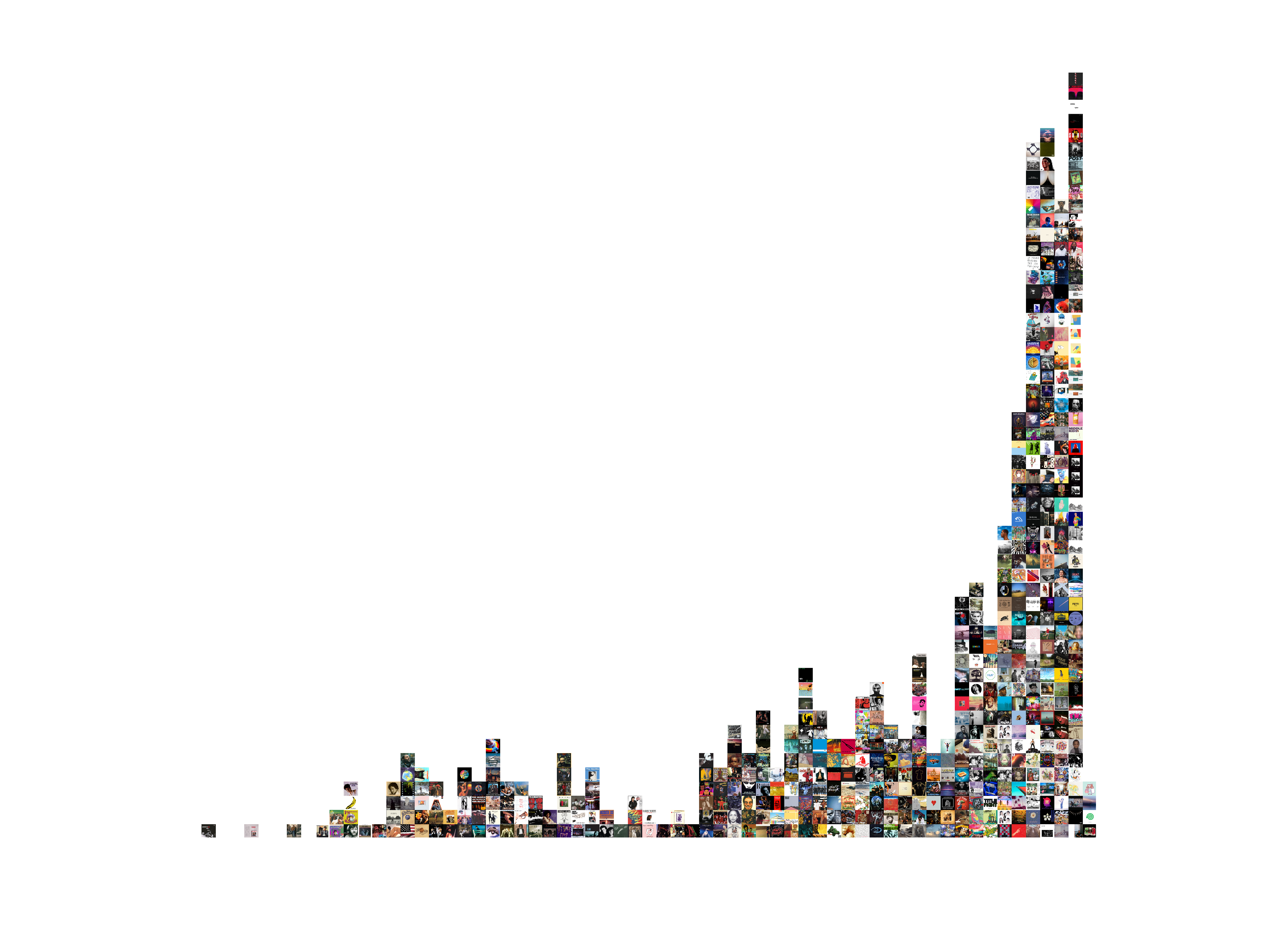
My Spotify username is ajwr26. I executed the following command:
python3 saved_tracks.py -u ajwr26 -l
and an image called library.png was added to my current folder. It looks
like this (click for full size/coloring).