This Python script can be used to extract the data of a triangulated polygon in Maya, send it to a Wolfram script execution and recover the output to send it back to Maya.
This code was conceived to call Wolfram's Douglas-Plateau problem solver and create minimal area patches in Maya.
To run this code you need to:
-
Select (in object mode) a triangulated mesh in your Maya scene.
-
Modify the variable "func" in line 70 (minimalOPT_v01.py), this variable must contain the wolfram script as a string. The "Implementation" section in Wolfram's post includes all the required code (you only need to copy and merge everything as a single string preserving the Wolfram syntax).
-
Use Maya Script Editor to run the modified python code.
Note: Please check Wolfram's post , there are some conditions that your model and some parameters must hold --face size, stepsize_, steps_, etc--.
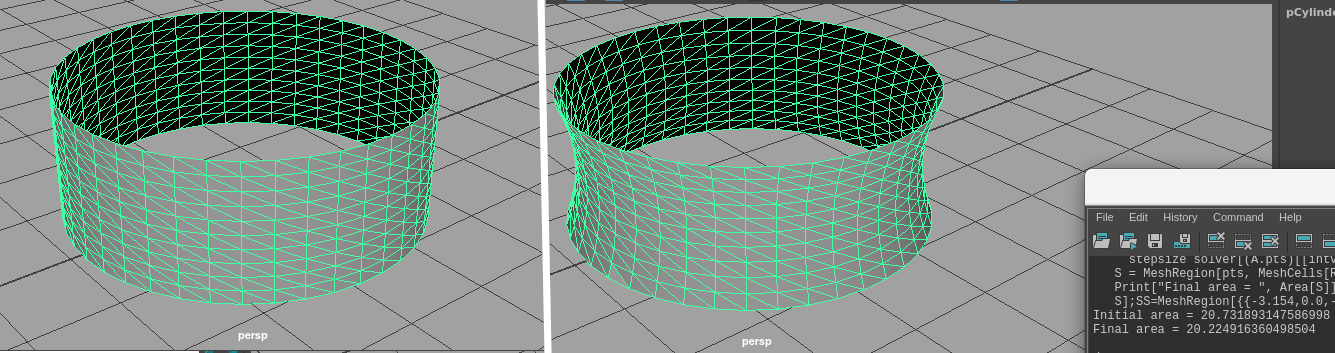
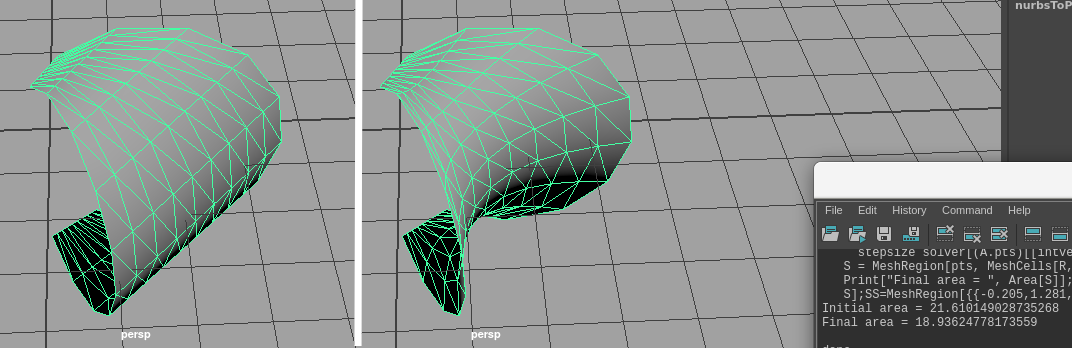
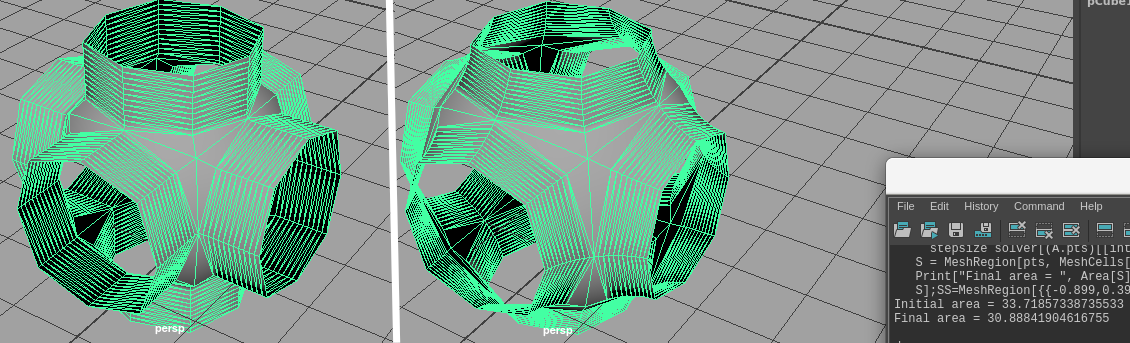
You can find an obj file inside "Test" directory. Import this file in Maya to get four working models (see the pictures below).