Skip to content
This repository was archived by the owner on Jul 27, 2026. It is now read-only.

fix: populate <RUNTIME_SERVICES> in static builds so automations work - #1125

Merged
malhotra5 merged 9 commits into
mainfrom
fix/runtime-services-info-static-builds
Jun 4, 2026
Merged

malhotra5 merged 9 commits into
mainfrom
fix/runtime-services-info-static-builds

Conversation

@VascoSch92

@VascoSch92 VascoSch92 commented Jun 4, 2026 •

Copy link
Copy Markdown
Member

Problem

Reported in #2387: in Docker (and the npm/binary install) the agent fails to create automations — it asks for an OPENHANDS_API_KEY or falls back to the cloud service (app.all-hands.dev), which rejects the local key.

Root cause

The agent's <RUNTIME_SERVICES> system-prompt block (which tells the agent how to reach the local automation backend) is built from VITE_RUNTIME_SERVICES_INFO. That env var is only set at build time by the dev launchers (scripts/dev-*.mjs / static-build.mjs). Static builds run plain npm run build (docker/Dockerfile), so the var is empty, parseRuntimeServicesInfo() returns null, and the block is omitted.

Crucially, the dev trick can't be reused at docker build time: the ports/URLs (PORT, AGENT_SERVER_URL, AUTOMATION_BASE_URL, …) are runtime config, overridable at docker run, and the URLs are written from the agent's point of view (container loopback), not the browser's. So the info has to be supplied at container start, not baked into the image.

Fix

Inject the info at serve time, mirroring the existing --session-api-key / --auth-required injection already used for the published binary:

  • scripts/runtime-services-info.mjs (new) — single source of truth for the block's shape. Holds buildRuntimeServicesInfo() (moved out of dev-safe.mjs, which re-exports it for back-compat), extended with optional full-URL overrides, plus a small CLI so the entrypoint can emit the JSON with the same builder the dev stack uses.
  • scripts/static-server.mjs — new --runtime-services-info <json> flag injects the JSON as window.__AGENT_CANVAS_RUNTIME_SERVICES_INFO__ (dumb injector; doesn't know the shape).
  • src/api/agent-server-adapter.ts — parseRuntimeServicesInfo() falls back to that window global when the env var is empty (same idiom as getBakedSessionApiKey()).
  • docker/entrypoint.sh — runs the CLI with the sandbox-facing URLs it already exports (AGENT_SERVER_URL, AUTOMATION_BASE_URL, 127.0.0.1 to avoid IPv6 loopback) and passes the result to the static server(s). docker/Dockerfile ships the new module.

Responsibilities stay clean: one builder knows the shape, static-server is a dumb injector, the adapter is a dumb consumer.

Scope

This fixes the missing <RUNTIME_SERVICES> block — the automation-creation failure that is the subject of #2387. The other observations in that issue (missing IMPORTANT / CURRENT_DATETIME sections and skills not loading) originate in the agent-server/SDK base prompt, not the frontend, and are out of scope here.

Testing

  • npm run lint (typecheck + eslint + prettier on src) — clean
  • Full vitest run — 2977 passing (incl. new runtime-services-info.test.ts)
  • New unit tests: window-fallback + env precedence (agent-server-adapter.test.ts); --runtime-services-info parse + injection (static-server.test.ts); URL-override builder + CLI end-to-end (runtime-services-info.test.ts)
  • Validated the entrypoint CLI emits a RuntimeServicesInfo-shaped object that round-trips through the browser injection → JSON.parse

Not yet validated

A live Docker build + automation-creation smoke test (logic, parsing, and round-trip are validated; an actual container run is not).


🐳 Docker images for this PR

• GHCR package: https://github.com/OpenHands/agent-canvas/pkgs/container/agent-canvas

Component Value
Image ghcr.io/openhands/agent-canvas
Architectures amd64, arm64
Agent Server ghcr.io/openhands/agent-server:1.24.0-python
Automation openhands-automation==1.0.0a6
Commit 20cbef97e46f0705c8c4fc53ae84aa68ac502b9f

Pull (multi-arch manifest)

# Multi-arch manifest — Docker automatically pulls the correct architecture
docker pull ghcr.io/openhands/agent-canvas:sha-20cbef9

Run

docker run -it --rm \
  -p 8000:8000 \
  ghcr.io/openhands/agent-canvas:sha-20cbef9

All tags pushed for this build

ghcr.io/openhands/agent-canvas:sha-20cbef9-amd64
ghcr.io/openhands/agent-canvas:fix-runtime-services-info-static-builds-amd64
ghcr.io/openhands/agent-canvas:pr-1125-amd64
ghcr.io/openhands/agent-canvas:sha-20cbef9-arm64
ghcr.io/openhands/agent-canvas:fix-runtime-services-info-static-builds-arm64
ghcr.io/openhands/agent-canvas:pr-1125-arm64
ghcr.io/openhands/agent-canvas:sha-20cbef9
ghcr.io/openhands/agent-canvas:fix-runtime-services-info-static-builds
ghcr.io/openhands/agent-canvas:pr-1125

About Multi-Architecture Support

  • Each tag (e.g., sha-20cbef9) is a multi-arch manifest supporting both amd64 and arm64
  • Docker automatically pulls the correct architecture for your platform
  • Individual architecture tags (e.g., sha-20cbef9-amd64) are also available if needed

The agent's <RUNTIME_SERVICES> system-prompt block is built from
VITE_RUNTIME_SERVICES_INFO, which the dev launchers set at build time.
Static builds (the Docker image and the published binary) run
`npm run build` without it, so the block is dropped and the agent does
not know how to reach the local automation backend — it falls back to
the cloud API (app.all-hands.dev) and automation creation fails.

Inject the info at serve time, mirroring the existing --session-api-key
path:

- scripts/static-server.mjs: new --runtime-services-info flag injects
  the JSON as window.__AGENT_CANVAS_RUNTIME_SERVICES_INFO__
- src/api/agent-server-adapter.ts: parseRuntimeServicesInfo() falls back
  to that window global when the env var is empty
- docker/entrypoint.sh: builds the JSON from the sandbox-facing service
  URLs (AGENT_SERVER_URL, AUTOMATION_BASE_URL) and passes it to the
  static server(s)

Refs #1098
@vercel

vercel Bot commented Jun 4, 2026 •

Copy link
Copy Markdown

The latest updates on your projects. Learn more about Vercel for GitHub.

Project Deployment Actions Updated (UTC)
agent-canvas Ready Ready Preview, Comment Jun 4, 2026 6:22pm

Request Review

Replace the inline JSON building in docker/entrypoint.sh with a single
source of truth for the <RUNTIME_SERVICES> shape.

buildRuntimeServicesInfo now lives in scripts/runtime-services-info.mjs
(moved out of dev-safe.mjs, which re-exports it for back-compat) and
gains:
- optional full-URL overrides (agentServerUrl, automation.url) so the
  container can pass its runtime-resolved AGENT_SERVER_URL /
  AUTOMATION_BASE_URL and use 127.0.0.1 (avoiding IPv6 loopback) instead
  of build-time ports, and
- a CLI entrypoint so docker/entrypoint.sh emits the JSON by running the
  same builder the dev stack uses, rather than a hand-rolled node -e blob.

The Dockerfile ships the new dependency-free module into the image.
@VascoSch92
VascoSch92 requested review from malhotra5 and tofarr June 4, 2026 14:29
@VascoSch92
VascoSch92 marked this pull request as ready for review June 4, 2026 14:29

all-hands-bot commented Jun 4, 2026 •

Copy link
Copy Markdown
Contributor

✅ Review complete.

This review was performed through OpenHands Cloud Automation. You can log in and view the conversation here.

@all-hands-bot all-hands-bot left a comment

Copy link
Copy Markdown
Contributor

Choose a reason for hiding this comment

The reason will be displayed to describe this comment to others. Learn more.

Code Review

Thank you for this fix! The approach is well-thought-out and the PR is well-documented. Here is my review:

Overall Assessment

What this PR does: Fixes the missing <RUNTIME_SERVICES> system-prompt block in static builds (Docker/published binary) so that automations can work correctly.

Architecture: The fix follows a clean separation of concerns:

  1. runtime-services-info.mjs — single source of truth for the builder
  2. static-server.mjs — dumb injector that adds the JSON to index.html at serve time
  3. agent-server-adapter.ts — dumb consumer that reads the info
  4. entrypoint.sh — runs the CLI with runtime URLs

Strengths

  1. Excellent documentation: The PR description is thorough, explaining the root cause, the fix strategy, and the reasoning behind each design decision.

  2. Clean refactoring: Moving buildRuntimeServicesInfo to its own module (runtime-services-info.mjs) makes the code more modular and allows the Docker entrypoint to use it as a CLI.

  3. Robust error handling: The code properly validates inputs (e.g., throws when agentServerPort or agentServerUrl is missing) to prevent baking :undefined into the system prompt.

  4. Comprehensive tests: The new test coverage is excellent — unit tests for the builder, CLI tests for the entrypoint path, and integration tests for the injection pipeline.

  5. Good backward compatibility: The re-export in dev-safe.mjs ensures existing importers continue to work.

  6. Consistent patterns: The implementation mirrors the existing --session-api-key / --auth-required injection pattern, making it intuitive for developers familiar with the codebase.

Suggestions (non-blocking)

  1. TypeScript typing for the new module: While the new runtime-services-info.mjs module is JavaScript (appropriate for a CLI), you might consider adding JSDoc type annotations for the options object to match the TypeScript interfaces elsewhere. The JSDoc is already present, which is good.

  2. Consider edge case in parseArgs: The CLI parsing handles empty strings for --agent-server-url and --automation-url by converting them to undefined, which is correct. However, the behavior when --agent-server-url is followed by another flag (e.g., --agent-server-url --mode) might be worth testing. Currently it would treat --mode as the URL value, which is then converted to undefined.

  3. Docker multi-stage build optimization: The new file runtime-services-info.mjs is copied unconditionally. If the file is only needed for the final stage, this is fine. But if it's only needed when building with automation support, you might consider conditional copying (though this may be over-engineering for a single small file).

Minor Observations

  1. Line in agent-server-adapter.ts: The error message in the catch block says "misconfigured env var" but could also be "misconfigured env var or injected value" since the fallback path also exists.

  2. Test file structure: The tests are well-organized with clear descriptions. The test names like "falls back to window.__AGENT_CANVAS_RUNTIME_SERVICES_INFO__ when the env var is unset (static builds)" clearly describe the scenario being tested.

Conclusion

This is a solid, well-tested fix. The architecture is clean, the code is well-documented, and the tests provide good coverage. The PR successfully addresses the automation failure described in issue #1098 without introducing unnecessary complexity.

Recommendation: Approve

This review was generated by an AI agent (OpenHands) on behalf of the user through OpenHands Automation. View conversation

@malhotra5 malhotra5 left a comment

Copy link
Copy Markdown
Member

Choose a reason for hiding this comment

The reason will be displayed to describe this comment to others. Learn more.

LGTM

@malhotra5

Copy link
Copy Markdown
Member

@OpenHands can you modify the mock llm e2e tests and confirm that the runtime info is correctly constructed and included for conversations. maybe for the automations e2e test add this additional check

@openhands-ai

openhands-ai Bot commented Jun 4, 2026

Copy link
Copy Markdown

I'm on it! malhotra5 can track my progress at all-hands.dev

…tion e2e

- startStaticFrontend() in dev-with-automation.mjs now builds the
  runtime-services info JSON via buildAutomationRuntimeServicesInfo()
  and passes it to static-server.mjs via --runtime-services-info.
  Without this, the npm binary / dev:static path served pre-built
  frontends that never populated the agent's <RUNTIME_SERVICES>
  system-prompt block (the Docker entrypoint already did this).

- The mock-LLM automation e2e test now verifies that the
  <RUNTIME_SERVICES> block is present in the system messages sent
  to the LLM, and that it includes the expected service entries
  (Agent Server, Automation backend, /api/automation).

Co-authored-by: openhands <openhands@all-hands.dev>
@malhotra5 malhotra5 added the e2e-tests Triggers mock-LLM E2E tests on PRs label Jun 4, 2026
@github-actions

github-actions Bot commented Jun 4, 2026

Copy link
Copy Markdown
Contributor

❌ Mock-LLM E2E Tests

24/25 passed · 1 failed

Commit: cf6cffc1 · Workflow run · Test artifacts

Status Test Duration
✅ mock-llm-auth-modes.spec.ts › auth mode: fresh install with runtime-injected key › reaches the onboarding modal without pre-seeded localStorage 1.6s
✅ mock-llm-auth-modes.spec.ts › auth mode: non-public key rotation › recovers when localStorage has a stale session API key 3.4s
✅ mock-llm-auth-modes.spec.ts › auth mode: public gate › shows the auth screen when no key is configured 1.2s
✅ mock-llm-auth-modes.spec.ts › auth mode: public gate › rejects an incorrect key with an inline error 1.4s
✅ mock-llm-auth-modes.spec.ts › auth mode: public gate › allows access after pasting the correct key 1.8s
✅ mock-llm-auth-modes.spec.ts › auth mode: public gate › skips auth screen for returning user with valid stored key 738ms
✅ mock-llm-auth-modes.spec.ts › auth mode: public gate › re-prompts when the server rotates its key (stale localStorage) 1.5s
✅ mock-llm-automation.spec.ts › mock-LLM automation lifecycle › step 1: setup LLM profile and register automation trajectory 228ms
✅ mock-llm-automation.spec.ts › mock-LLM automation lifecycle › step 2: create automation and dispatch run via the UI 31.5s
✅ mock-llm-automation.spec.ts › mock-LLM automation lifecycle › step 3: verify automation and run on the automations page 4.3s
✅ mock-llm-conversation.spec.ts › mock-LLM agent-server conversation › step 1: create an LLM profile pointing at the mock LLM server 4.2s
✅ mock-llm-conversation.spec.ts › mock-LLM agent-server conversation › step 2: activate the mock-llm profile and verify settings API 4.2s
✅ mock-llm-conversation.spec.ts › mock-LLM agent-server conversation › step 3: run a conversation with the mock LLM 4.5s
✅ mock-llm-conversation.spec.ts › mock-LLM agent-server conversation › step 4: resume conversation from sidebar after navigating away 4.4s
✅ mock-llm-cross-connect.spec.ts › cross-connect: frontend-only → backend-only › frontend-only connects to a separate backend-only instance 15.7s
✅ mock-llm-cross-connect.spec.ts › cross-connect: frontend-only → multiple backends › connects to two separate backends and switches between them 20.4s
✅ mock-llm-image-upload.spec.ts › mock-LLM image upload › attaching an image embeds it as base64 in the LLM completion call 4.5s
✅ mock-llm-model-switch.spec.ts › mock-LLM /model slash command › step 1: configure LLM, create switch-target profile, register trajectory 219ms
✅ mock-llm-model-switch.spec.ts › mock-LLM /model slash command › step 2: start conversation, switch profile via /model, verify switch 4.8s
✅ mock-llm-onboarding-regressions.spec.ts › onboarding recent regressions › keeps the modal open on backdrop click and Escape 1.4s
❌ mock-llm-onboarding-regressions.spec.ts › onboarding recent regressions › defaults the LLM setup step to Anthropic Claude Opus 11.7s
✅ mock-llm-partial-stack.spec.ts › partial stack: --frontend-only › serves the frontend but returns 503 for backend routes 7.4s
✅ mock-llm-partial-stack.spec.ts › partial stack: --backend-only › serves backend APIs but returns 503 for the frontend root 13.1s
✅ mock-llm-partial-stack.spec.ts › partial stack: port conflict › fails with a clear error when the ingress port is occupied 57ms
✅ mock-llm-partial-stack.spec.ts › partial stack: port conflict › starts successfully on a free port after a conflict 6.1s
🔍 Failure details (1)

❌ mock-llm-onboarding-regressions.spec.ts › onboarding recent regressions › defaults the LLM setup step to Anthropic Claude Opus

Error: first-run onboarding should default to the Anthropic provider

expect(locator).toHaveValue(expected) failed

Locator: locator('input[name="llm-provider-input"]')
Expected: "Anthropic"
Timeout: 10000ms
Error: element(s) not found

Call log:
  - first-run onboarding should default to the Anthropic provider with timeout 10000ms
  - waiting for locator('input[name="llm-provider-input"]')

Posted by the Mock-LLM E2E workflow · results are deterministic (scripted LLM responses)

@github-actions

github-actions Bot commented Jun 4, 2026

Copy link
Copy Markdown
Contributor

❌ Mock-LLM Docker E2E Test Results

19/25 passed · 1 failed · 5 skipped

Commit: cf6cffc1 · Workflow run · Test artifacts

Status Test Duration
✅ mock-llm-auth-modes.spec.ts › auth mode: fresh install with runtime-injected key › reaches the onboarding modal without pre-seeded localStorage 1.6s
✅ mock-llm-auth-modes.spec.ts › auth mode: non-public key rotation › recovers when localStorage has a stale session API key 3.4s
✅ mock-llm-auth-modes.spec.ts › auth mode: public gate › shows the auth screen when no key is configured 1.2s
✅ mock-llm-auth-modes.spec.ts › auth mode: public gate › rejects an incorrect key with an inline error 1.3s
✅ mock-llm-auth-modes.spec.ts › auth mode: public gate › allows access after pasting the correct key 1.8s
✅ mock-llm-auth-modes.spec.ts › auth mode: public gate › skips auth screen for returning user with valid stored key 825ms
✅ mock-llm-auth-modes.spec.ts › auth mode: public gate › re-prompts when the server rotates its key (stale localStorage) 1.6s
✅ mock-llm-automation.spec.ts › mock-LLM automation lifecycle › step 1: setup LLM profile and register automation trajectory 224ms
✅ mock-llm-automation.spec.ts › mock-LLM automation lifecycle › step 2: create automation and dispatch run via the UI 28.6s
✅ mock-llm-automation.spec.ts › mock-LLM automation lifecycle › step 3: verify automation and run on the automations page 4.2s
✅ mock-llm-conversation.spec.ts › mock-LLM agent-server conversation › step 1: create an LLM profile pointing at the mock LLM server 4.3s
✅ mock-llm-conversation.spec.ts › mock-LLM agent-server conversation › step 2: activate the mock-llm profile and verify settings API 4.2s
✅ mock-llm-conversation.spec.ts › mock-LLM agent-server conversation › step 3: run a conversation with the mock LLM 4.4s
✅ mock-llm-conversation.spec.ts › mock-LLM agent-server conversation › step 4: resume conversation from sidebar after navigating away 3.7s
⏭️ mock-llm-cross-connect.spec.ts › cross-connect: frontend-only → backend-only › frontend-only connects to a separate backend-only instance 179ms
⏭️ mock-llm-cross-connect.spec.ts › cross-connect: frontend-only → multiple backends › connects to two separate backends and switches between them 182ms
✅ mock-llm-image-upload.spec.ts › mock-LLM image upload › attaching an image embeds it as base64 in the LLM completion call 4.5s
✅ mock-llm-model-switch.spec.ts › mock-LLM /model slash command › step 1: configure LLM, create switch-target profile, register trajectory 202ms
✅ mock-llm-model-switch.spec.ts › mock-LLM /model slash command › step 2: start conversation, switch profile via /model, verify switch 4.8s
✅ mock-llm-onboarding-regressions.spec.ts › onboarding recent regressions › keeps the modal open on backdrop click and Escape (1 retries) 3.2s
❌ mock-llm-onboarding-regressions.spec.ts › onboarding recent regressions › defaults the LLM setup step to Anthropic Claude Opus (1 retries) 23.4s
⏭️ mock-llm-partial-stack.spec.ts › partial stack: --frontend-only › serves the frontend but returns 503 for backend routes 192ms
✅ mock-llm-partial-stack.spec.ts › partial stack: --backend-only › serves backend APIs but returns 503 for the frontend root 25.2s
⏭️ mock-llm-partial-stack.spec.ts › partial stack: port conflict › fails with a clear error when the ingress port is occupied 1ms
⏭️ mock-llm-partial-stack.spec.ts › partial stack: port conflict › starts successfully on a free port after a conflict 2ms
🔍 Failure details (1)

❌ mock-llm-onboarding-regressions.spec.ts › onboarding recent regressions › defaults the LLM setup step to Anthropic Claude Opus

Error: first-run onboarding should default to the Anthropic provider

expect(locator).toHaveValue(expected) failed

Locator: locator('input[name="llm-provider-input"]')
Expected: "Anthropic"
Timeout: 10000ms
Error: element(s) not found

Call log:
  - first-run onboarding should default to the Anthropic provider with timeout 10000ms
  - waiting for locator('input[name="llm-provider-input"]')

Posted by the Mock-LLM E2E workflow · results are deterministic (scripted LLM responses)

@malhotra5

Copy link
Copy Markdown
Member

The e2e test failure is unrelated to this PR so I'm going to approve it

@github-actions

github-actions Bot commented Jun 4, 2026

Copy link
Copy Markdown
Contributor

⚠️ Mock-LLM Docker E2E Test Results

0/0 passed

Commit: a2225a78 · Workflow run

Status Test Duration

Posted by the Mock-LLM E2E workflow · results are deterministic (scripted LLM responses)

@github-actions

github-actions Bot commented Jun 4, 2026

Copy link
Copy Markdown
Contributor

❌ Mock-LLM E2E Tests

24/25 passed · 1 failed

Commit: a2225a78 · Workflow run · Test artifacts

Status Test Duration
✅ mock-llm-auth-modes.spec.ts › auth mode: fresh install with runtime-injected key › reaches the onboarding modal without pre-seeded localStorage 1.6s
✅ mock-llm-auth-modes.spec.ts › auth mode: non-public key rotation › recovers when localStorage has a stale session API key 3.4s
✅ mock-llm-auth-modes.spec.ts › auth mode: public gate › shows the auth screen when no key is configured 1.1s
✅ mock-llm-auth-modes.spec.ts › auth mode: public gate › rejects an incorrect key with an inline error 1.4s
✅ mock-llm-auth-modes.spec.ts › auth mode: public gate › allows access after pasting the correct key 1.5s
✅ mock-llm-auth-modes.spec.ts › auth mode: public gate › skips auth screen for returning user with valid stored key 1.2s
✅ mock-llm-auth-modes.spec.ts › auth mode: public gate › re-prompts when the server rotates its key (stale localStorage) 1.5s
✅ mock-llm-automation.spec.ts › mock-LLM automation lifecycle › step 1: setup LLM profile and register automation trajectory 254ms
✅ mock-llm-automation.spec.ts › mock-LLM automation lifecycle › step 2: create automation and dispatch run via the UI 31.5s
✅ mock-llm-automation.spec.ts › mock-LLM automation lifecycle › step 3: verify automation and run on the automations page 4.2s
✅ mock-llm-conversation.spec.ts › mock-LLM agent-server conversation › step 1: create an LLM profile pointing at the mock LLM server 4.2s
✅ mock-llm-conversation.spec.ts › mock-LLM agent-server conversation › step 2: activate the mock-llm profile and verify settings API 4.2s
✅ mock-llm-conversation.spec.ts › mock-LLM agent-server conversation › step 3: run a conversation with the mock LLM 4.5s
✅ mock-llm-conversation.spec.ts › mock-LLM agent-server conversation › step 4: resume conversation from sidebar after navigating away 4.4s
✅ mock-llm-cross-connect.spec.ts › cross-connect: frontend-only → backend-only › frontend-only connects to a separate backend-only instance 15.7s
✅ mock-llm-cross-connect.spec.ts › cross-connect: frontend-only → multiple backends › connects to two separate backends and switches between them 20.4s
✅ mock-llm-image-upload.spec.ts › mock-LLM image upload › attaching an image embeds it as base64 in the LLM completion call 4.5s
✅ mock-llm-model-switch.spec.ts › mock-LLM /model slash command › step 1: configure LLM, create switch-target profile, register trajectory 180ms
✅ mock-llm-model-switch.spec.ts › mock-LLM /model slash command › step 2: start conversation, switch profile via /model, verify switch 4.9s
✅ mock-llm-onboarding-regressions.spec.ts › onboarding recent regressions › keeps the modal open on backdrop click and Escape 1.3s
❌ mock-llm-onboarding-regressions.spec.ts › onboarding recent regressions › defaults the LLM setup step to Anthropic Claude Opus 11.6s
✅ mock-llm-partial-stack.spec.ts › partial stack: --frontend-only › serves the frontend but returns 503 for backend routes 7.4s
✅ mock-llm-partial-stack.spec.ts › partial stack: --backend-only › serves backend APIs but returns 503 for the frontend root 13.1s
✅ mock-llm-partial-stack.spec.ts › partial stack: port conflict › fails with a clear error when the ingress port is occupied 57ms
✅ mock-llm-partial-stack.spec.ts › partial stack: port conflict › starts successfully on a free port after a conflict 6.1s
🔍 Failure details (1)

❌ mock-llm-onboarding-regressions.spec.ts › onboarding recent regressions › defaults the LLM setup step to Anthropic Claude Opus

Error: first-run onboarding should default to the Anthropic provider

expect(locator).toHaveValue(expected) failed

Locator: locator('input[name="llm-provider-input"]')
Expected: "Anthropic"
Timeout: 10000ms
Error: element(s) not found

Call log:
  - first-run onboarding should default to the Anthropic provider with timeout 10000ms
  - waiting for locator('input[name="llm-provider-input"]')

Posted by the Mock-LLM E2E workflow · results are deterministic (scripted LLM responses)

@github-actions

github-actions Bot commented Jun 4, 2026

Copy link
Copy Markdown
Contributor

❌ Mock-LLM E2E Tests

24/25 passed · 1 failed

Commit: 61d4f652 · Workflow run · Test artifacts

Status Test Duration
✅ mock-llm-auth-modes.spec.ts › auth mode: fresh install with runtime-injected key › reaches the onboarding modal without pre-seeded localStorage 1.6s
✅ mock-llm-auth-modes.spec.ts › auth mode: non-public key rotation › recovers when localStorage has a stale session API key 3.4s
✅ mock-llm-auth-modes.spec.ts › auth mode: public gate › shows the auth screen when no key is configured 1.2s
✅ mock-llm-auth-modes.spec.ts › auth mode: public gate › rejects an incorrect key with an inline error 1.4s
✅ mock-llm-auth-modes.spec.ts › auth mode: public gate › allows access after pasting the correct key 1.5s
✅ mock-llm-auth-modes.spec.ts › auth mode: public gate › skips auth screen for returning user with valid stored key 785ms
✅ mock-llm-auth-modes.spec.ts › auth mode: public gate › re-prompts when the server rotates its key (stale localStorage) 1.5s
✅ mock-llm-automation.spec.ts › mock-LLM automation lifecycle › step 1: setup LLM profile and register automation trajectory 226ms
✅ mock-llm-automation.spec.ts › mock-LLM automation lifecycle › step 2: create automation and dispatch run via the UI 30.5s
✅ mock-llm-automation.spec.ts › mock-LLM automation lifecycle › step 3: verify automation and run on the automations page 4.2s
✅ mock-llm-conversation.spec.ts › mock-LLM agent-server conversation › step 1: create an LLM profile pointing at the mock LLM server 4.1s
✅ mock-llm-conversation.spec.ts › mock-LLM agent-server conversation › step 2: activate the mock-llm profile and verify settings API 4.2s
✅ mock-llm-conversation.spec.ts › mock-LLM agent-server conversation › step 3: run a conversation with the mock LLM 5.4s
✅ mock-llm-conversation.spec.ts › mock-LLM agent-server conversation › step 4: resume conversation from sidebar after navigating away 4.4s
✅ mock-llm-cross-connect.spec.ts › cross-connect: frontend-only → backend-only › frontend-only connects to a separate backend-only instance 15.7s
✅ mock-llm-cross-connect.spec.ts › cross-connect: frontend-only → multiple backends › connects to two separate backends and switches between them 19.4s
✅ mock-llm-image-upload.spec.ts › mock-LLM image upload › attaching an image embeds it as base64 in the LLM completion call 4.6s
✅ mock-llm-model-switch.spec.ts › mock-LLM /model slash command › step 1: configure LLM, create switch-target profile, register trajectory 231ms
✅ mock-llm-model-switch.spec.ts › mock-LLM /model slash command › step 2: start conversation, switch profile via /model, verify switch 4.9s
✅ mock-llm-onboarding-regressions.spec.ts › onboarding recent regressions › keeps the modal open on backdrop click and Escape 1.4s
❌ mock-llm-onboarding-regressions.spec.ts › onboarding recent regressions › defaults the LLM setup step to Anthropic Claude Opus 11.6s
✅ mock-llm-partial-stack.spec.ts › partial stack: --frontend-only › serves the frontend but returns 503 for backend routes 7.5s
✅ mock-llm-partial-stack.spec.ts › partial stack: --backend-only › serves backend APIs but returns 503 for the frontend root 13.1s
✅ mock-llm-partial-stack.spec.ts › partial stack: port conflict › fails with a clear error when the ingress port is occupied 54ms
✅ mock-llm-partial-stack.spec.ts › partial stack: port conflict › starts successfully on a free port after a conflict 6.0s
🔍 Failure details (1)

❌ mock-llm-onboarding-regressions.spec.ts › onboarding recent regressions › defaults the LLM setup step to Anthropic Claude Opus

Error: first-run onboarding should default to the Anthropic provider

expect(locator).toHaveValue(expected) failed

Locator: locator('input[name="llm-provider-input"]')
Expected: "Anthropic"
Timeout: 10000ms
Error: element(s) not found

Call log:
  - first-run onboarding should default to the Anthropic provider with timeout 10000ms
  - waiting for locator('input[name="llm-provider-input"]')

Posted by the Mock-LLM E2E workflow · results are deterministic (scripted LLM responses)

@github-actions

github-actions Bot commented Jun 4, 2026

Copy link
Copy Markdown
Contributor

❌ Mock-LLM Docker E2E Test Results

19/25 passed · 1 failed · 5 skipped

Commit: 61d4f652 · Workflow run · Test artifacts

Status Test Duration
✅ mock-llm-auth-modes.spec.ts › auth mode: fresh install with runtime-injected key › reaches the onboarding modal without pre-seeded localStorage 1.6s
✅ mock-llm-auth-modes.spec.ts › auth mode: non-public key rotation › recovers when localStorage has a stale session API key 3.4s
✅ mock-llm-auth-modes.spec.ts › auth mode: public gate › shows the auth screen when no key is configured 1.2s
✅ mock-llm-auth-modes.spec.ts › auth mode: public gate › rejects an incorrect key with an inline error 1.4s
✅ mock-llm-auth-modes.spec.ts › auth mode: public gate › allows access after pasting the correct key 3.4s
✅ mock-llm-auth-modes.spec.ts › auth mode: public gate › skips auth screen for returning user with valid stored key 764ms
✅ mock-llm-auth-modes.spec.ts › auth mode: public gate › re-prompts when the server rotates its key (stale localStorage) 1.5s
✅ mock-llm-automation.spec.ts › mock-LLM automation lifecycle › step 1: setup LLM profile and register automation trajectory 228ms
✅ mock-llm-automation.spec.ts › mock-LLM automation lifecycle › step 2: create automation and dispatch run via the UI 35.5s
✅ mock-llm-automation.spec.ts › mock-LLM automation lifecycle › step 3: verify automation and run on the automations page 4.2s
✅ mock-llm-conversation.spec.ts › mock-LLM agent-server conversation › step 1: create an LLM profile pointing at the mock LLM server 4.2s
✅ mock-llm-conversation.spec.ts › mock-LLM agent-server conversation › step 2: activate the mock-llm profile and verify settings API 4.2s
✅ mock-llm-conversation.spec.ts › mock-LLM agent-server conversation › step 3: run a conversation with the mock LLM 6.7s
✅ mock-llm-conversation.spec.ts › mock-LLM agent-server conversation › step 4: resume conversation from sidebar after navigating away 3.7s
⏭️ mock-llm-cross-connect.spec.ts › cross-connect: frontend-only → backend-only › frontend-only connects to a separate backend-only instance 188ms
⏭️ mock-llm-cross-connect.spec.ts › cross-connect: frontend-only → multiple backends › connects to two separate backends and switches between them 176ms
✅ mock-llm-image-upload.spec.ts › mock-LLM image upload › attaching an image embeds it as base64 in the LLM completion call 4.3s
✅ mock-llm-model-switch.spec.ts › mock-LLM /model slash command › step 1: configure LLM, create switch-target profile, register trajectory 181ms
✅ mock-llm-model-switch.spec.ts › mock-LLM /model slash command › step 2: start conversation, switch profile via /model, verify switch 5.9s
✅ mock-llm-onboarding-regressions.spec.ts › onboarding recent regressions › keeps the modal open on backdrop click and Escape (1 retries) 3.1s
❌ mock-llm-onboarding-regressions.spec.ts › onboarding recent regressions › defaults the LLM setup step to Anthropic Claude Opus (1 retries) 24.3s
⏭️ mock-llm-partial-stack.spec.ts › partial stack: --frontend-only › serves the frontend but returns 503 for backend routes 186ms
✅ mock-llm-partial-stack.spec.ts › partial stack: --backend-only › serves backend APIs but returns 503 for the frontend root 25.2s
⏭️ mock-llm-partial-stack.spec.ts › partial stack: port conflict › fails with a clear error when the ingress port is occupied 1ms
⏭️ mock-llm-partial-stack.spec.ts › partial stack: port conflict › starts successfully on a free port after a conflict 5ms
🔍 Failure details (1)

❌ mock-llm-onboarding-regressions.spec.ts › onboarding recent regressions › defaults the LLM setup step to Anthropic Claude Opus

Error: first-run onboarding should default to the Anthropic provider

expect(locator).toHaveValue(expected) failed

Locator: locator('input[name="llm-provider-input"]')
Expected: "Anthropic"
Timeout: 10000ms
Error: element(s) not found

Call log:
  - first-run onboarding should default to the Anthropic provider with timeout 10000ms
  - waiting for locator('input[name="llm-provider-input"]')

Posted by the Mock-LLM E2E workflow · results are deterministic (scripted LLM responses)

@github-actions

github-actions Bot commented Jun 4, 2026

Copy link
Copy Markdown
Contributor

✅ Mock-LLM E2E Tests

25/25 passed

Commit: 20cbef97 · Workflow run · Test artifacts

Status Test Duration
✅ mock-llm-auth-modes.spec.ts › auth mode: fresh install with runtime-injected key › reaches the onboarding modal without pre-seeded localStorage 3.3s
✅ mock-llm-auth-modes.spec.ts › auth mode: non-public key rotation › recovers when localStorage has a stale session API key 3.8s
✅ mock-llm-auth-modes.spec.ts › auth mode: public gate › shows the auth screen when no key is configured 1.2s
✅ mock-llm-auth-modes.spec.ts › auth mode: public gate › rejects an incorrect key with an inline error 1.4s
✅ mock-llm-auth-modes.spec.ts › auth mode: public gate › allows access after pasting the correct key 1.8s
✅ mock-llm-auth-modes.spec.ts › auth mode: public gate › skips auth screen for returning user with valid stored key 759ms
✅ mock-llm-auth-modes.spec.ts › auth mode: public gate › re-prompts when the server rotates its key (stale localStorage) 1.5s
✅ mock-llm-automation.spec.ts › mock-LLM automation lifecycle › step 1: setup LLM profile and register automation trajectory 212ms
✅ mock-llm-automation.spec.ts › mock-LLM automation lifecycle › step 2: create automation and dispatch run via the UI 30.6s
✅ mock-llm-automation.spec.ts › mock-LLM automation lifecycle › step 3: verify automation and run on the automations page 4.2s
✅ mock-llm-conversation.spec.ts › mock-LLM agent-server conversation › step 1: create an LLM profile pointing at the mock LLM server 4.2s
✅ mock-llm-conversation.spec.ts › mock-LLM agent-server conversation › step 2: activate the mock-llm profile and verify settings API 7.0s
✅ mock-llm-conversation.spec.ts › mock-LLM agent-server conversation › step 3: run a conversation with the mock LLM 9.2s
✅ mock-llm-conversation.spec.ts › mock-LLM agent-server conversation › step 4: resume conversation from sidebar after navigating away 3.8s
✅ mock-llm-cross-connect.spec.ts › cross-connect: frontend-only → backend-only › frontend-only connects to a separate backend-only instance 15.8s
✅ mock-llm-cross-connect.spec.ts › cross-connect: frontend-only → multiple backends › connects to two separate backends and switches between them 19.3s
✅ mock-llm-image-upload.spec.ts › mock-LLM image upload › attaching an image embeds it as base64 in the LLM completion call 4.4s
✅ mock-llm-model-switch.spec.ts › mock-LLM /model slash command › step 1: configure LLM, create switch-target profile, register trajectory 203ms
✅ mock-llm-model-switch.spec.ts › mock-LLM /model slash command › step 2: start conversation, switch profile via /model, verify switch 4.9s
✅ mock-llm-onboarding-regressions.spec.ts › onboarding recent regressions › keeps the modal open on backdrop click and Escape 2.1s
✅ mock-llm-onboarding-regressions.spec.ts › onboarding recent regressions › defaults the LLM setup step to OpenAI GPT-5.5 1.7s
✅ mock-llm-partial-stack.spec.ts › partial stack: --frontend-only › serves the frontend but returns 503 for backend routes 9.7s
✅ mock-llm-partial-stack.spec.ts › partial stack: --backend-only › serves backend APIs but returns 503 for the frontend root 13.1s
✅ mock-llm-partial-stack.spec.ts › partial stack: port conflict › fails with a clear error when the ingress port is occupied 63ms
✅ mock-llm-partial-stack.spec.ts › partial stack: port conflict › starts successfully on a free port after a conflict 6.0s

Posted by the Mock-LLM E2E workflow · results are deterministic (scripted LLM responses)

@malhotra5
malhotra5 merged commit a2b19b9 into main Jun 4, 2026
18 checks passed
@malhotra5
malhotra5 deleted the fix/runtime-services-info-static-builds branch June 4, 2026 18:28
@github-actions

github-actions Bot commented Jun 4, 2026

Copy link
Copy Markdown
Contributor

🔶 Mock-LLM Docker E2E Test Results

20/25 passed · 5 skipped

Commit: 20cbef97 · Workflow run · Test artifacts

Status Test Duration
✅ mock-llm-auth-modes.spec.ts › auth mode: fresh install with runtime-injected key › reaches the onboarding modal without pre-seeded localStorage 2.2s
✅ mock-llm-auth-modes.spec.ts › auth mode: non-public key rotation › recovers when localStorage has a stale session API key 3.5s
✅ mock-llm-auth-modes.spec.ts › auth mode: public gate › shows the auth screen when no key is configured 1.2s
✅ mock-llm-auth-modes.spec.ts › auth mode: public gate › rejects an incorrect key with an inline error 1.4s
✅ mock-llm-auth-modes.spec.ts › auth mode: public gate › allows access after pasting the correct key 1.8s
✅ mock-llm-auth-modes.spec.ts › auth mode: public gate › skips auth screen for returning user with valid stored key 737ms
✅ mock-llm-auth-modes.spec.ts › auth mode: public gate › re-prompts when the server rotates its key (stale localStorage) 2.2s
✅ mock-llm-automation.spec.ts › mock-LLM automation lifecycle › step 1: setup LLM profile and register automation trajectory 230ms
✅ mock-llm-automation.spec.ts › mock-LLM automation lifecycle › step 2: create automation and dispatch run via the UI 33.5s
✅ mock-llm-automation.spec.ts › mock-LLM automation lifecycle › step 3: verify automation and run on the automations page 7.4s
✅ mock-llm-conversation.spec.ts › mock-LLM agent-server conversation › step 1: create an LLM profile pointing at the mock LLM server 4.1s
✅ mock-llm-conversation.spec.ts › mock-LLM agent-server conversation › step 2: activate the mock-llm profile and verify settings API 6.8s
✅ mock-llm-conversation.spec.ts › mock-LLM agent-server conversation › step 3: run a conversation with the mock LLM 4.3s
✅ mock-llm-conversation.spec.ts › mock-LLM agent-server conversation › step 4: resume conversation from sidebar after navigating away 6.9s
⏭️ mock-llm-cross-connect.spec.ts › cross-connect: frontend-only → backend-only › frontend-only connects to a separate backend-only instance 183ms
⏭️ mock-llm-cross-connect.spec.ts › cross-connect: frontend-only → multiple backends › connects to two separate backends and switches between them 174ms
✅ mock-llm-image-upload.spec.ts › mock-LLM image upload › attaching an image embeds it as base64 in the LLM completion call 4.3s
✅ mock-llm-model-switch.spec.ts › mock-LLM /model slash command › step 1: configure LLM, create switch-target profile, register trajectory 180ms
✅ mock-llm-model-switch.spec.ts › mock-LLM /model slash command › step 2: start conversation, switch profile via /model, verify switch 4.7s
✅ mock-llm-onboarding-regressions.spec.ts › onboarding recent regressions › keeps the modal open on backdrop click and Escape 1.4s
✅ mock-llm-onboarding-regressions.spec.ts › onboarding recent regressions › defaults the LLM setup step to OpenAI GPT-5.5 1.6s
⏭️ mock-llm-partial-stack.spec.ts › partial stack: --frontend-only › serves the frontend but returns 503 for backend routes 178ms
✅ mock-llm-partial-stack.spec.ts › partial stack: --backend-only › serves backend APIs but returns 503 for the frontend root 23.1s
⏭️ mock-llm-partial-stack.spec.ts › partial stack: port conflict › fails with a clear error when the ingress port is occupied 1ms
⏭️ mock-llm-partial-stack.spec.ts › partial stack: port conflict › starts successfully on a free port after a conflict 2ms

Posted by the Mock-LLM E2E workflow · results are deterministic (scripted LLM responses)

@openhands-release-bot openhands-release-bot Bot added the released: v1.2.0 Shipped in v1.2.0 label Jul 9, 2026
@openhands-release-bot

Copy link
Copy Markdown
Contributor

🚀 Released in v1.2.0.

@github-actions

github-actions Bot commented Jul 9, 2026

Copy link
Copy Markdown
Contributor

✅ Mock-LLM E2E Tests

25/25 passed

Commit: 20cbef97 · Workflow run · Test artifacts

Status Test Duration
✅ mock-llm-auth-modes.spec.ts › auth mode: fresh install with runtime-injected key › reaches the onboarding modal without pre-seeded localStorage 1.5s
✅ mock-llm-auth-modes.spec.ts › auth mode: non-public key rotation › recovers when localStorage has a stale session API key 3.3s
✅ mock-llm-auth-modes.spec.ts › auth mode: public gate › shows the auth screen when no key is configured 1.2s
✅ mock-llm-auth-modes.spec.ts › auth mode: public gate › rejects an incorrect key with an inline error 1.4s
✅ mock-llm-auth-modes.spec.ts › auth mode: public gate › allows access after pasting the correct key 1.8s
✅ mock-llm-auth-modes.spec.ts › auth mode: public gate › skips auth screen for returning user with valid stored key 737ms
✅ mock-llm-auth-modes.spec.ts › auth mode: public gate › re-prompts when the server rotates its key (stale localStorage) 1.5s
✅ mock-llm-automation.spec.ts › mock-LLM automation lifecycle › step 1: setup LLM profile and register automation trajectory 229ms
✅ mock-llm-automation.spec.ts › mock-LLM automation lifecycle › step 2: create automation and dispatch run via the UI 23.4s
✅ mock-llm-automation.spec.ts › mock-LLM automation lifecycle › step 3: verify automation and run on the automations page 4.1s
✅ mock-llm-conversation.spec.ts › mock-LLM agent-server conversation › step 1: create an LLM profile pointing at the mock LLM server 4.2s
✅ mock-llm-conversation.spec.ts › mock-LLM agent-server conversation › step 2: activate the mock-llm profile and verify settings API 4.1s
✅ mock-llm-conversation.spec.ts › mock-LLM agent-server conversation › step 3: run a conversation with the mock LLM 4.4s
✅ mock-llm-conversation.spec.ts › mock-LLM agent-server conversation › step 4: resume conversation from sidebar after navigating away 3.7s
✅ mock-llm-cross-connect.spec.ts › cross-connect: frontend-only → backend-only › frontend-only connects to a separate backend-only instance 15.7s
✅ mock-llm-cross-connect.spec.ts › cross-connect: frontend-only → multiple backends › connects to two separate backends and switches between them 20.3s
✅ mock-llm-image-upload.spec.ts › mock-LLM image upload › attaching an image embeds it as base64 in the LLM completion call 4.4s
✅ mock-llm-model-switch.spec.ts › mock-LLM /model slash command › step 1: configure LLM, create switch-target profile, register trajectory 211ms
✅ mock-llm-model-switch.spec.ts › mock-LLM /model slash command › step 2: start conversation, switch profile via /model, verify switch 4.7s
✅ mock-llm-onboarding-regressions.spec.ts › onboarding recent regressions › keeps the modal open on backdrop click and Escape 1.3s
✅ mock-llm-onboarding-regressions.spec.ts › onboarding recent regressions › defaults the LLM setup step to OpenAI GPT-5.5 1.5s
✅ mock-llm-partial-stack.spec.ts › partial stack: --frontend-only › serves the frontend but returns 503 for backend routes 7.4s
✅ mock-llm-partial-stack.spec.ts › partial stack: --backend-only › serves backend APIs but returns 503 for the frontend root 13.1s
✅ mock-llm-partial-stack.spec.ts › partial stack: port conflict › fails with a clear error when the ingress port is occupied 53ms
✅ mock-llm-partial-stack.spec.ts › partial stack: port conflict › starts successfully on a free port after a conflict 6.0s

Posted by the Mock-LLM E2E workflow · results are deterministic (scripted LLM responses)

@github-actions

github-actions Bot commented Jul 9, 2026

Copy link
Copy Markdown
Contributor

🔶 Mock-LLM Docker E2E Test Results

20/25 passed · 5 skipped

Commit: 20cbef97 · Workflow run · Test artifacts

Status Test Duration
✅ mock-llm-auth-modes.spec.ts › auth mode: fresh install with runtime-injected key › reaches the onboarding modal without pre-seeded localStorage 1.7s
✅ mock-llm-auth-modes.spec.ts › auth mode: non-public key rotation › recovers when localStorage has a stale session API key 3.4s
✅ mock-llm-auth-modes.spec.ts › auth mode: public gate › shows the auth screen when no key is configured 1.2s
✅ mock-llm-auth-modes.spec.ts › auth mode: public gate › rejects an incorrect key with an inline error 1.5s
✅ mock-llm-auth-modes.spec.ts › auth mode: public gate › allows access after pasting the correct key 1.8s
✅ mock-llm-auth-modes.spec.ts › auth mode: public gate › skips auth screen for returning user with valid stored key 792ms
✅ mock-llm-auth-modes.spec.ts › auth mode: public gate › re-prompts when the server rotates its key (stale localStorage) 1.5s
✅ mock-llm-automation.spec.ts › mock-LLM automation lifecycle › step 1: setup LLM profile and register automation trajectory 216ms
✅ mock-llm-automation.spec.ts › mock-LLM automation lifecycle › step 2: create automation and dispatch run via the UI 30.5s
✅ mock-llm-automation.spec.ts › mock-LLM automation lifecycle › step 3: verify automation and run on the automations page 4.1s
✅ mock-llm-conversation.spec.ts › mock-LLM agent-server conversation › step 1: create an LLM profile pointing at the mock LLM server 4.2s
✅ mock-llm-conversation.spec.ts › mock-LLM agent-server conversation › step 2: activate the mock-llm profile and verify settings API 4.2s
✅ mock-llm-conversation.spec.ts › mock-LLM agent-server conversation › step 3: run a conversation with the mock LLM 4.4s
✅ mock-llm-conversation.spec.ts › mock-LLM agent-server conversation › step 4: resume conversation from sidebar after navigating away 4.4s
⏭️ mock-llm-cross-connect.spec.ts › cross-connect: frontend-only → backend-only › frontend-only connects to a separate backend-only instance 186ms
⏭️ mock-llm-cross-connect.spec.ts › cross-connect: frontend-only → multiple backends › connects to two separate backends and switches between them 184ms
✅ mock-llm-image-upload.spec.ts › mock-LLM image upload › attaching an image embeds it as base64 in the LLM completion call 4.4s
✅ mock-llm-model-switch.spec.ts › mock-LLM /model slash command › step 1: configure LLM, create switch-target profile, register trajectory 188ms
✅ mock-llm-model-switch.spec.ts › mock-LLM /model slash command › step 2: start conversation, switch profile via /model, verify switch 4.7s
✅ mock-llm-onboarding-regressions.spec.ts › onboarding recent regressions › keeps the modal open on backdrop click and Escape 1.4s
✅ mock-llm-onboarding-regressions.spec.ts › onboarding recent regressions › defaults the LLM setup step to OpenAI GPT-5.5 1.7s
⏭️ mock-llm-partial-stack.spec.ts › partial stack: --frontend-only › serves the frontend but returns 503 for backend routes 164ms
✅ mock-llm-partial-stack.spec.ts › partial stack: --backend-only › serves backend APIs but returns 503 for the frontend root 26.2s
⏭️ mock-llm-partial-stack.spec.ts › partial stack: port conflict › fails with a clear error when the ingress port is occupied 0ms
⏭️ mock-llm-partial-stack.spec.ts › partial stack: port conflict › starts successfully on a free port after a conflict 4ms

Posted by the Mock-LLM E2E workflow · results are deterministic (scripted LLM responses)

@github-actions

github-actions Bot commented Jul 9, 2026

Copy link
Copy Markdown
Contributor

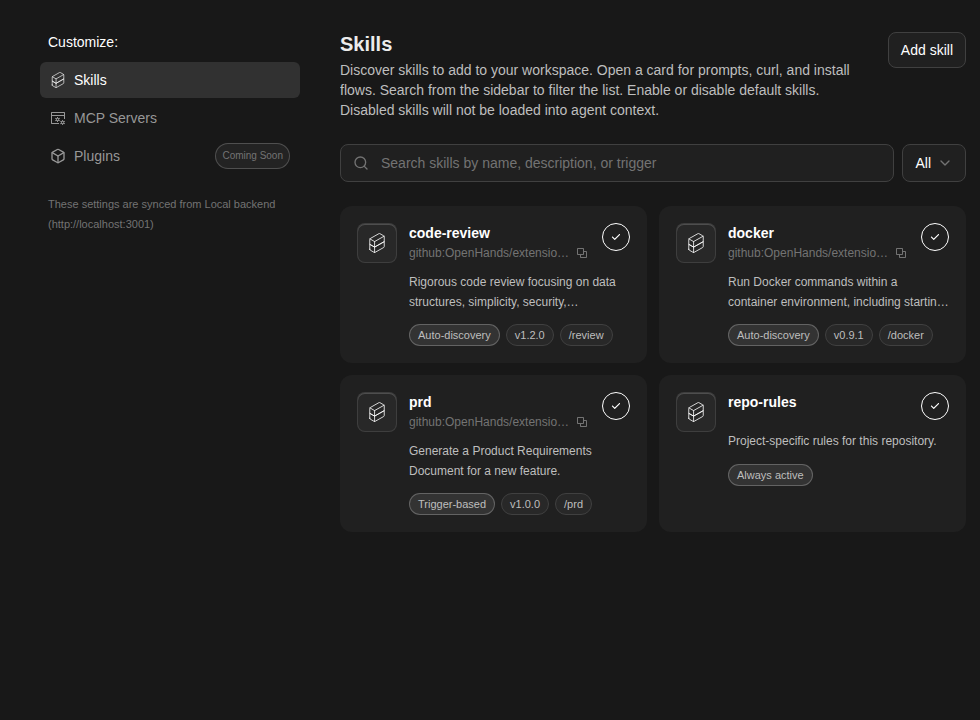
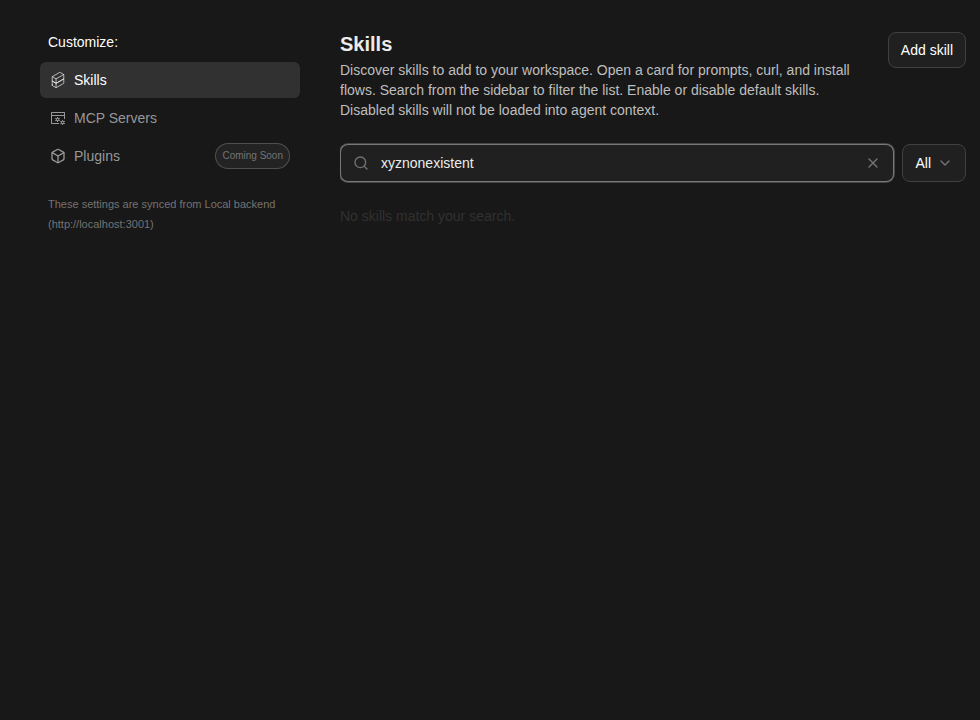
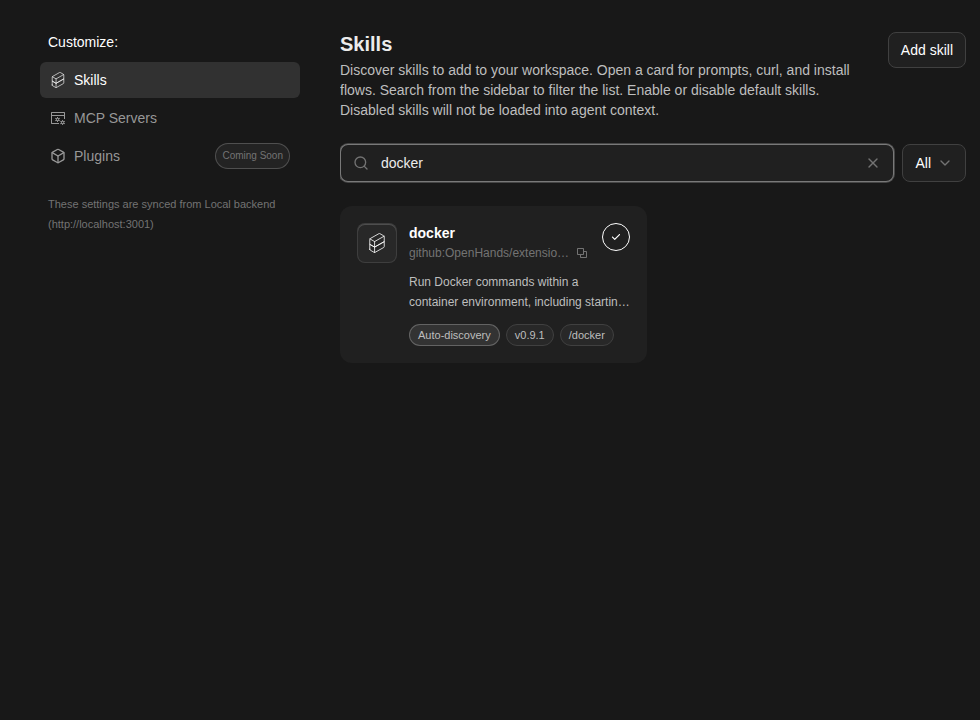
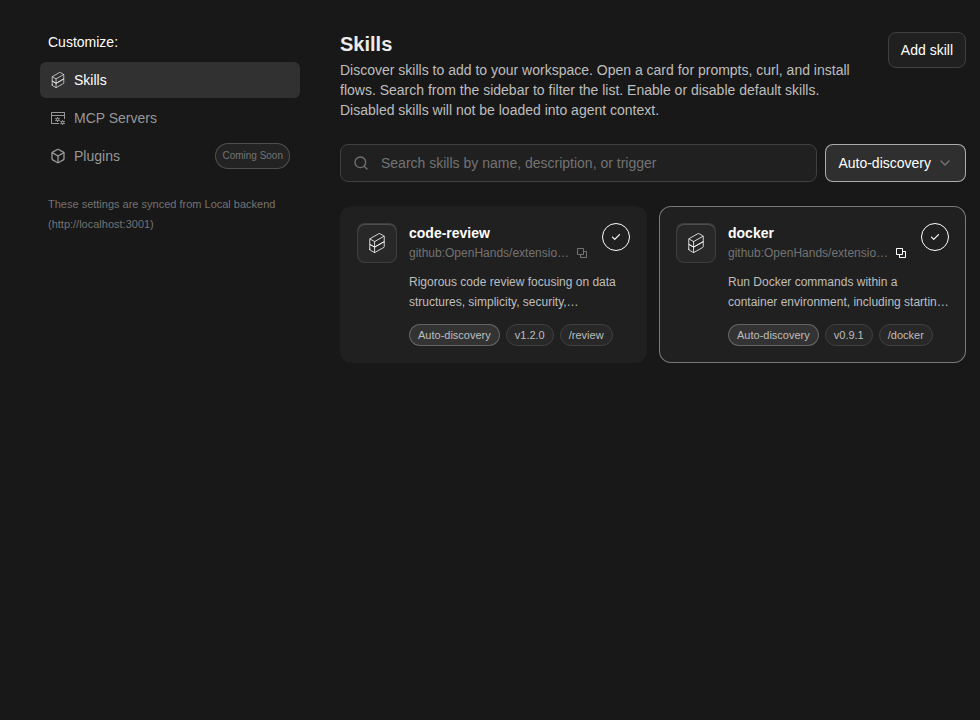
📸 Snapshot Test Report

Warning

Snapshot comparison step crashed (timeout, OOM, or runner error) — diff results below may be incomplete or absent.
Check the CI logs for the full error output (look for the "Run snapshot comparison" step).

✅ No baseline found on main — all 73 snapshots are new and will become the baseline once this PR merges.

Category Count
🔴 Changed 0
🆕 New 73
✅ Unchanged 0
Total 73
🆕 New snapshots (73)

These snapshots have no baseline on main and will become the new baseline once this PR merges.

archived-conversation — 3 snapshots

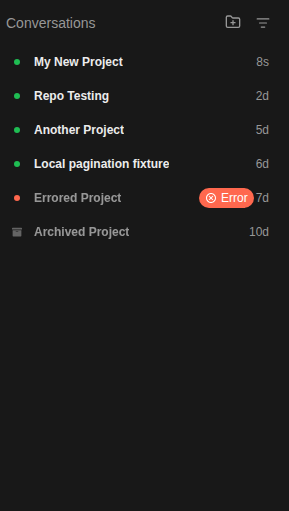
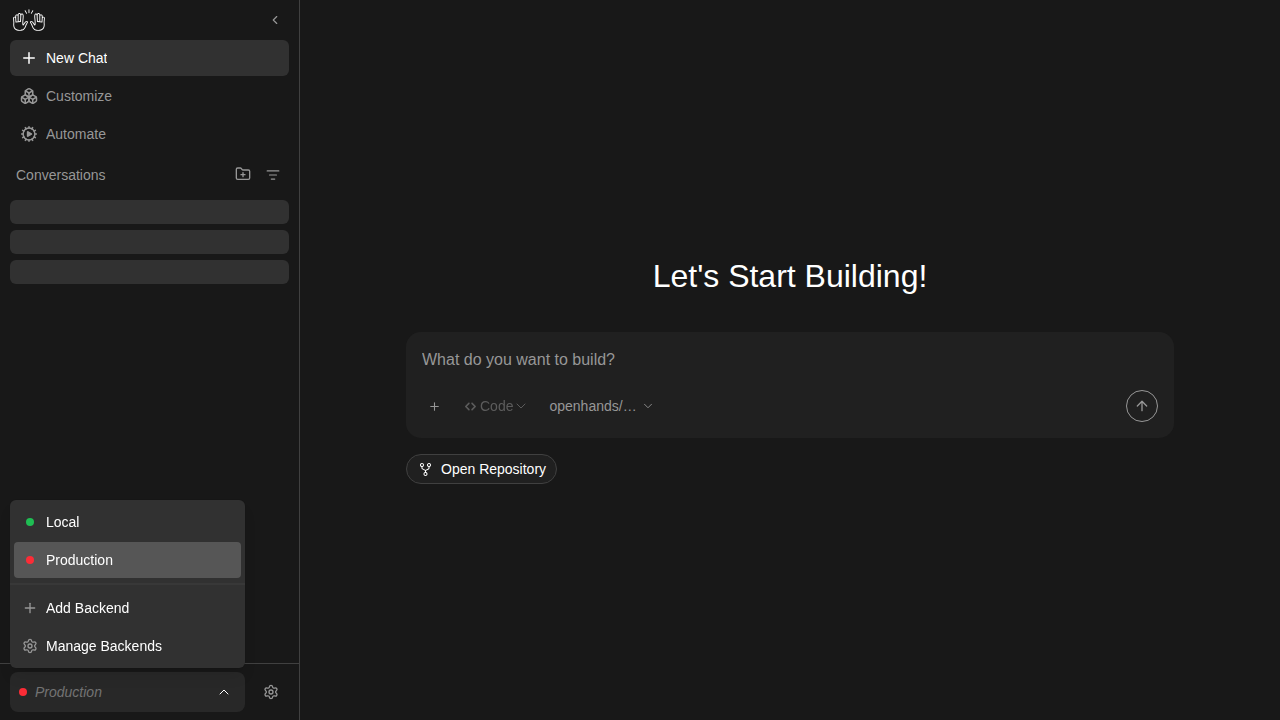
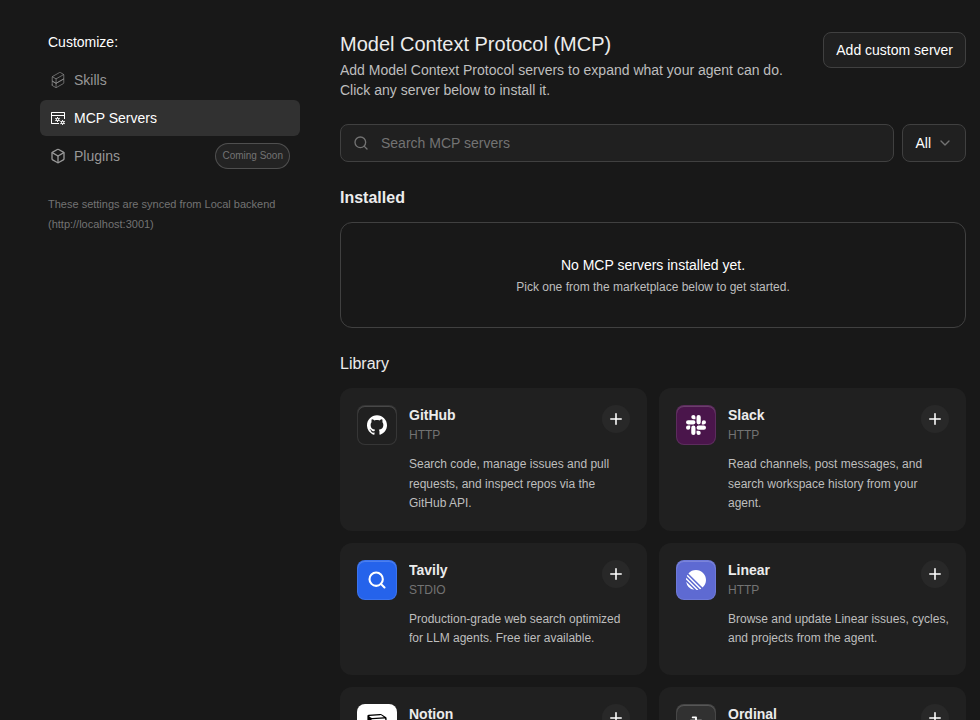
conversation-panel-with-archived-badges

new snapshot

conversation-view-archived

new snapshot

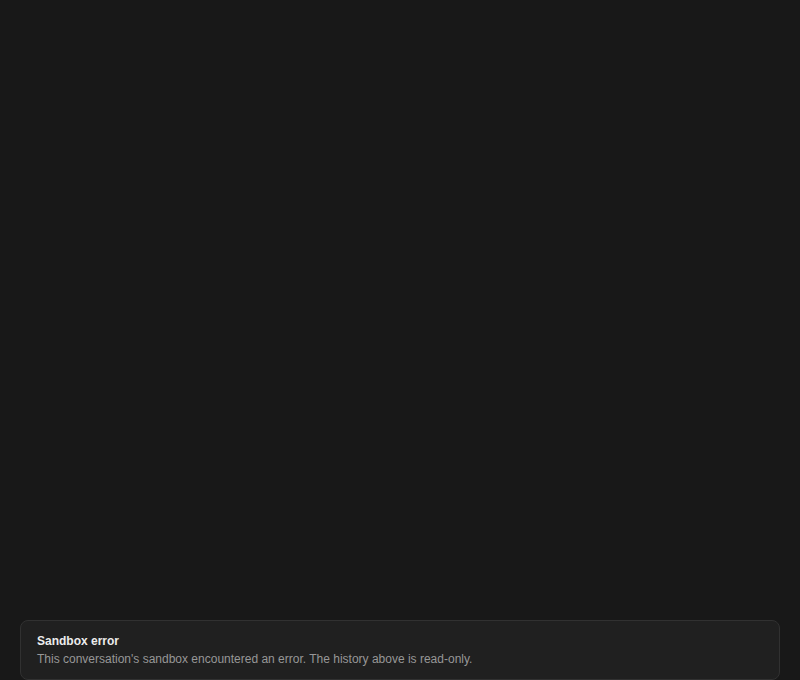
conversation-view-sandbox-error

new snapshot

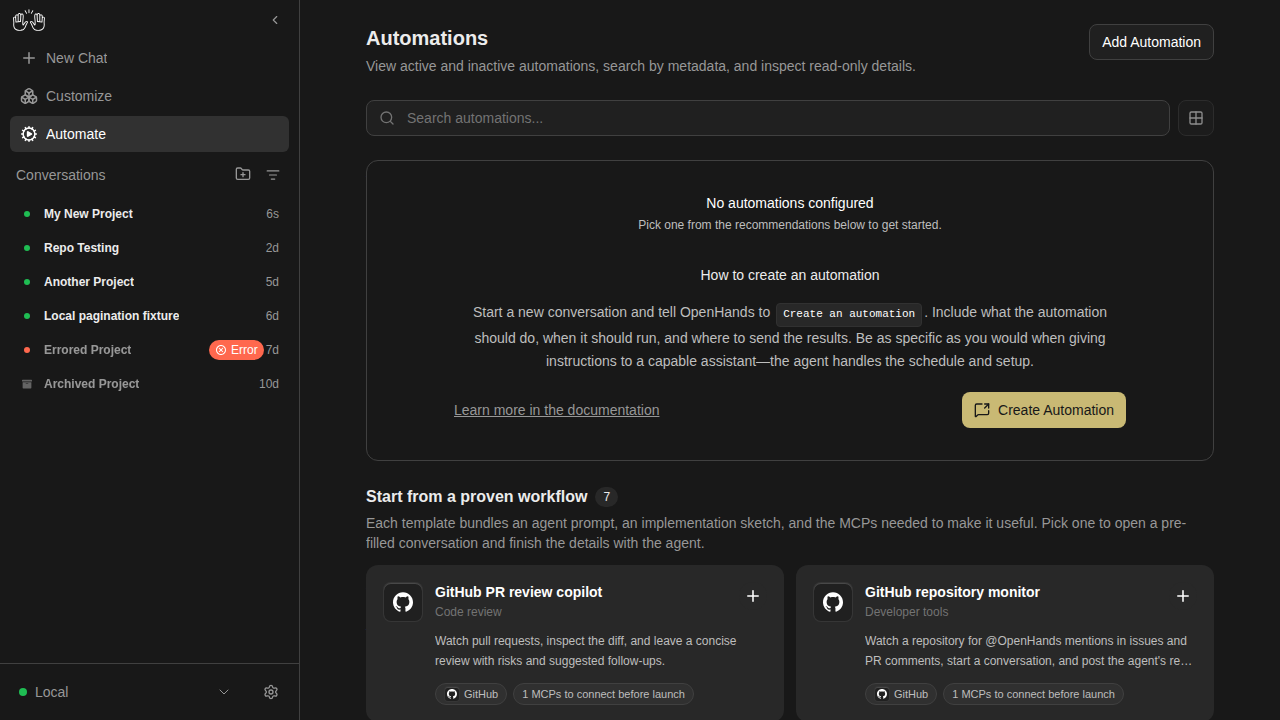
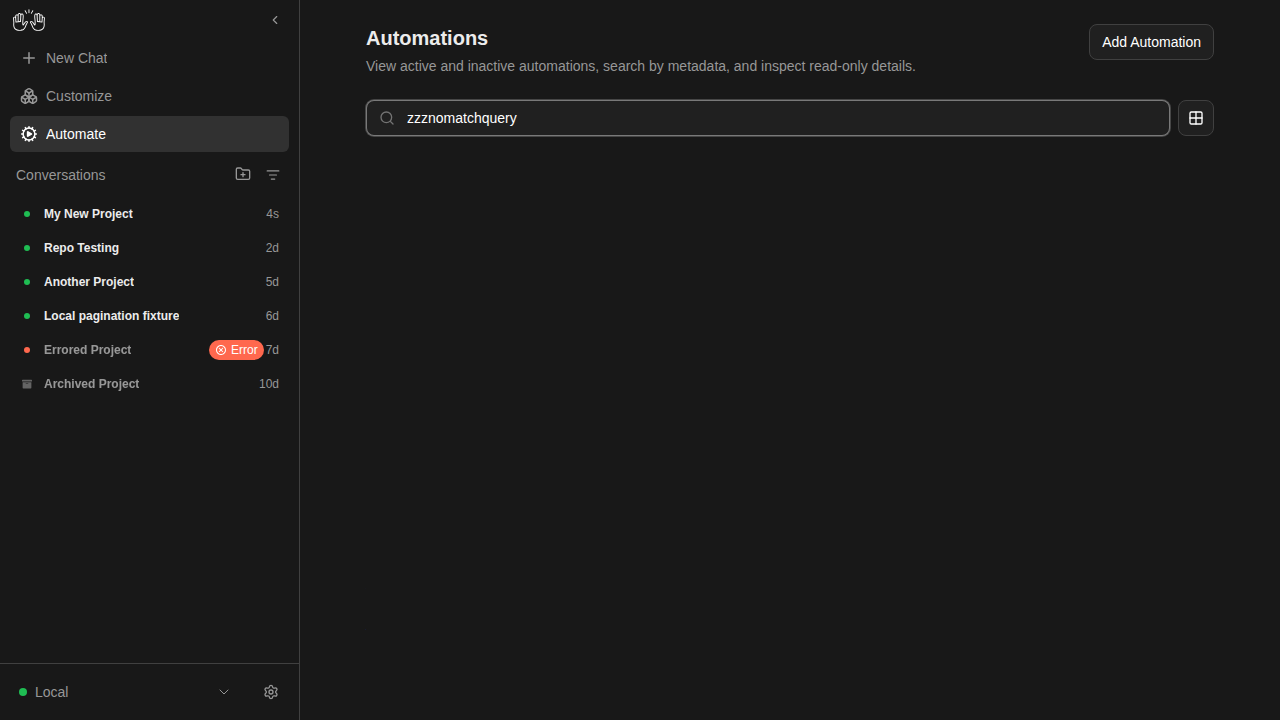
automations — 4 snapshots

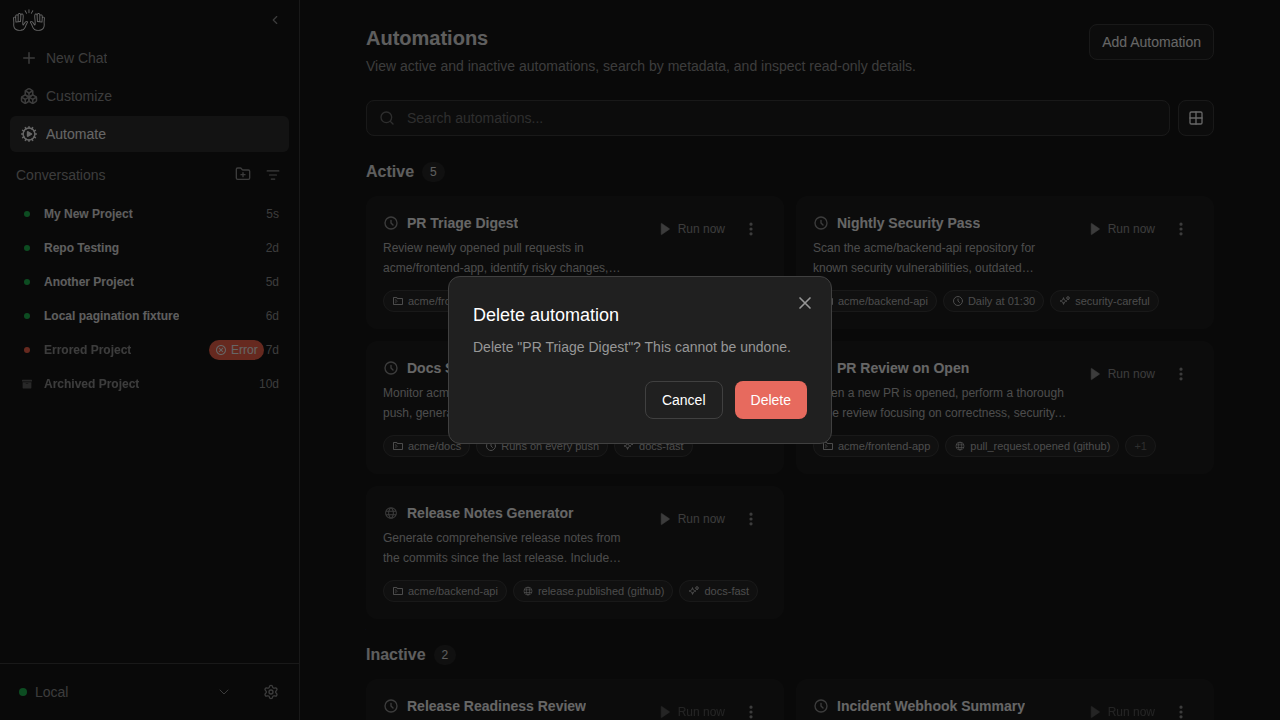
automations-delete-modal

new snapshot

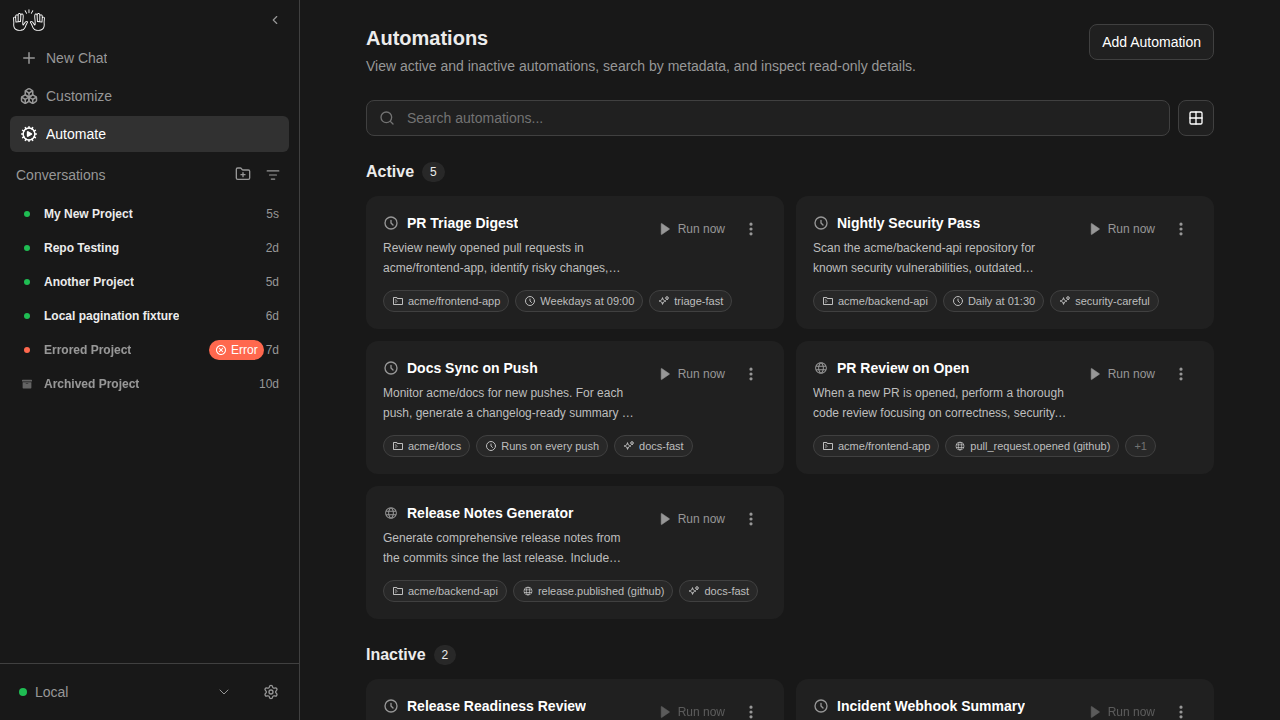
automations-list-active-inactive

new snapshot

automations-no-automations

new snapshot

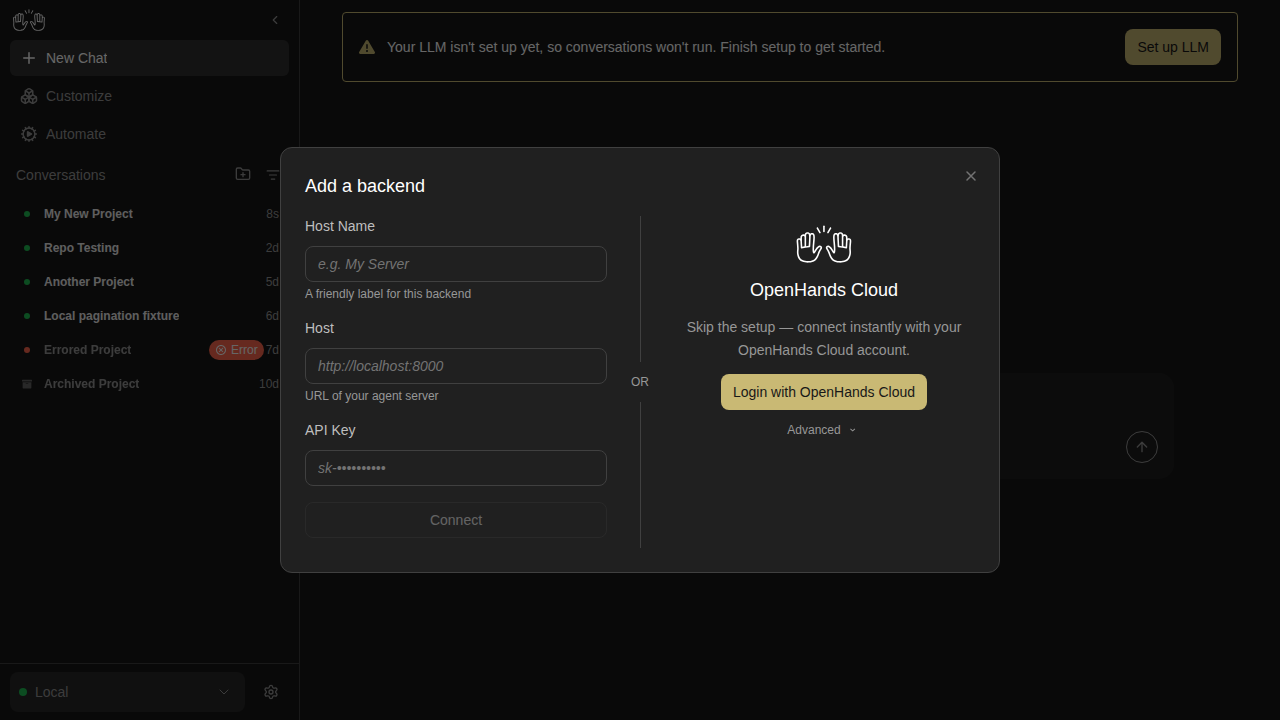
automations-search-no-results

new snapshot

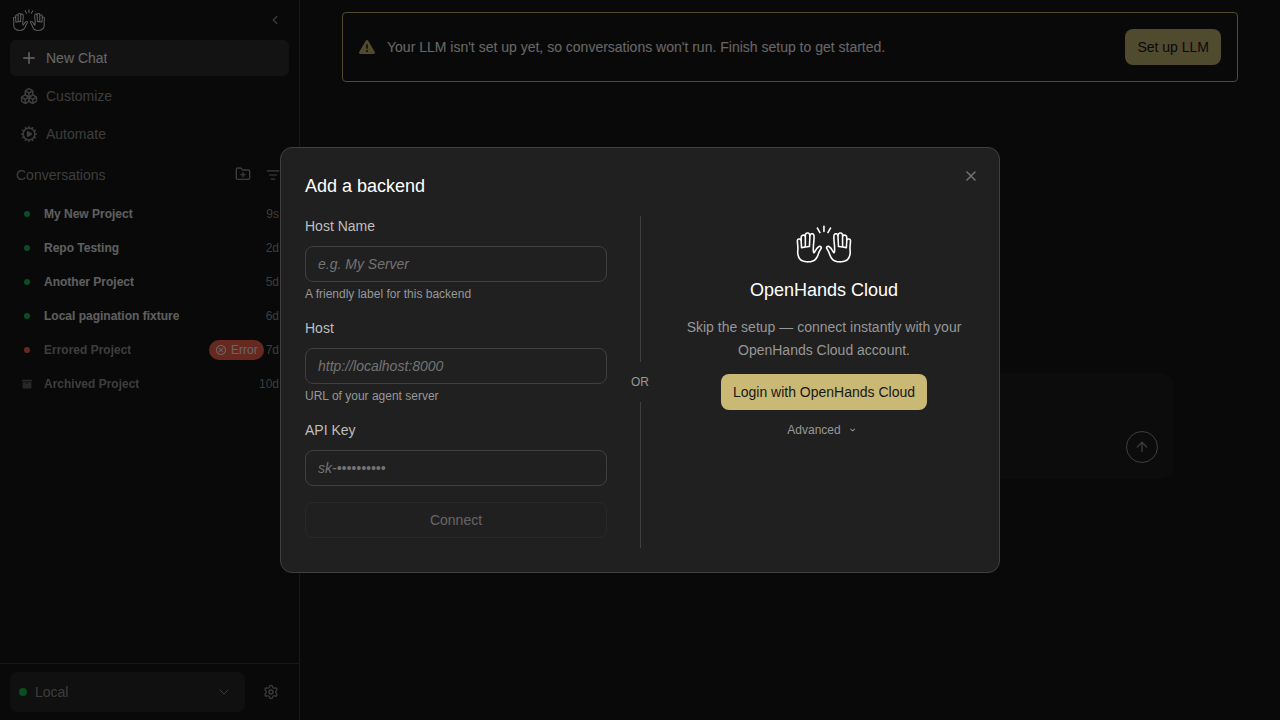
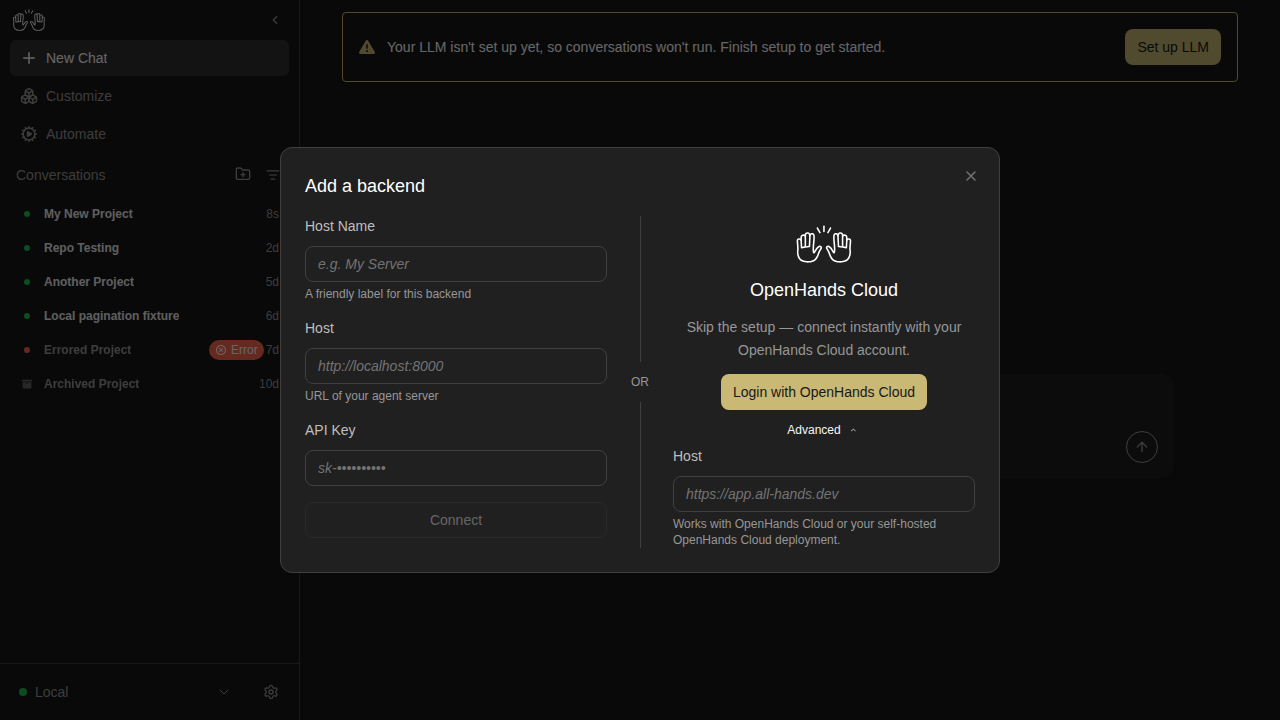
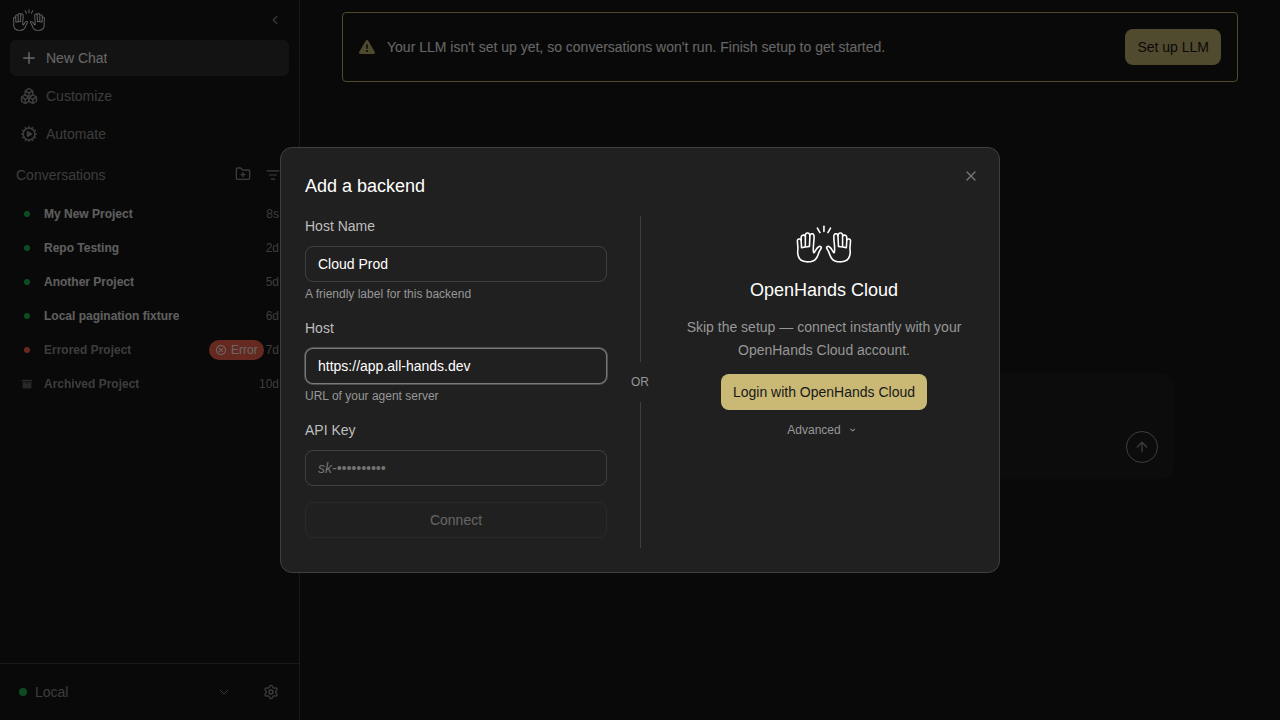
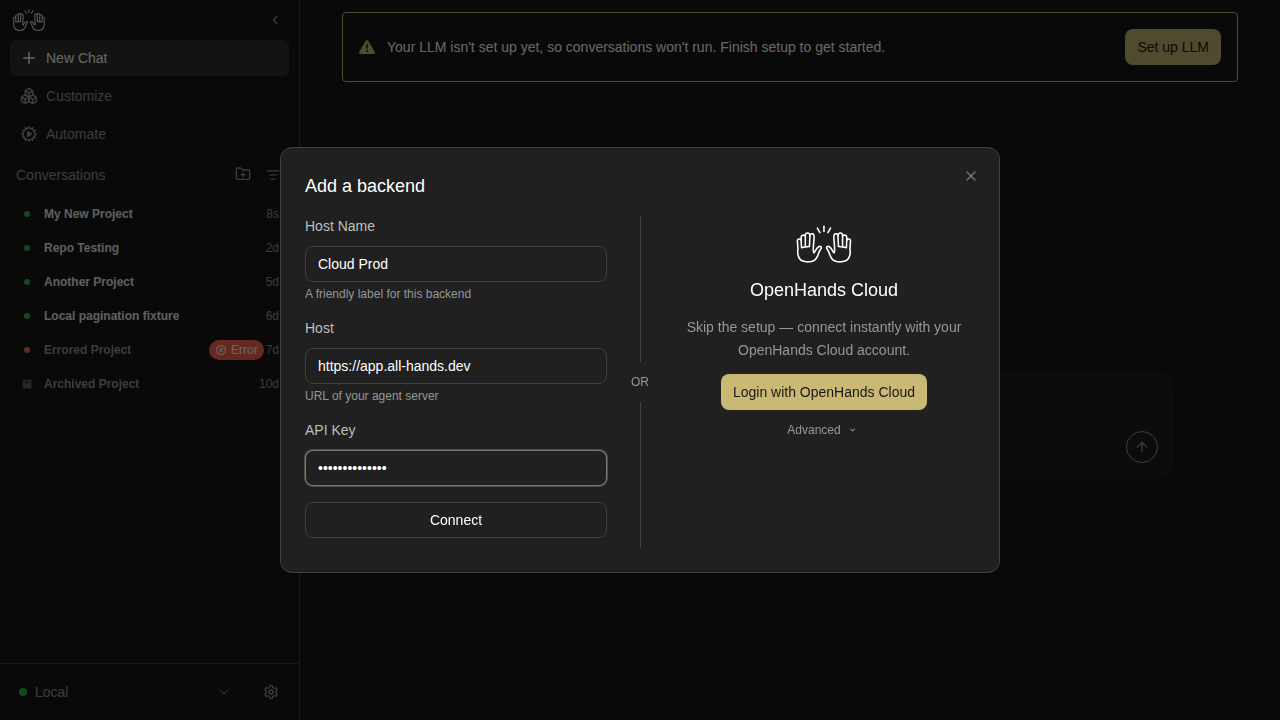
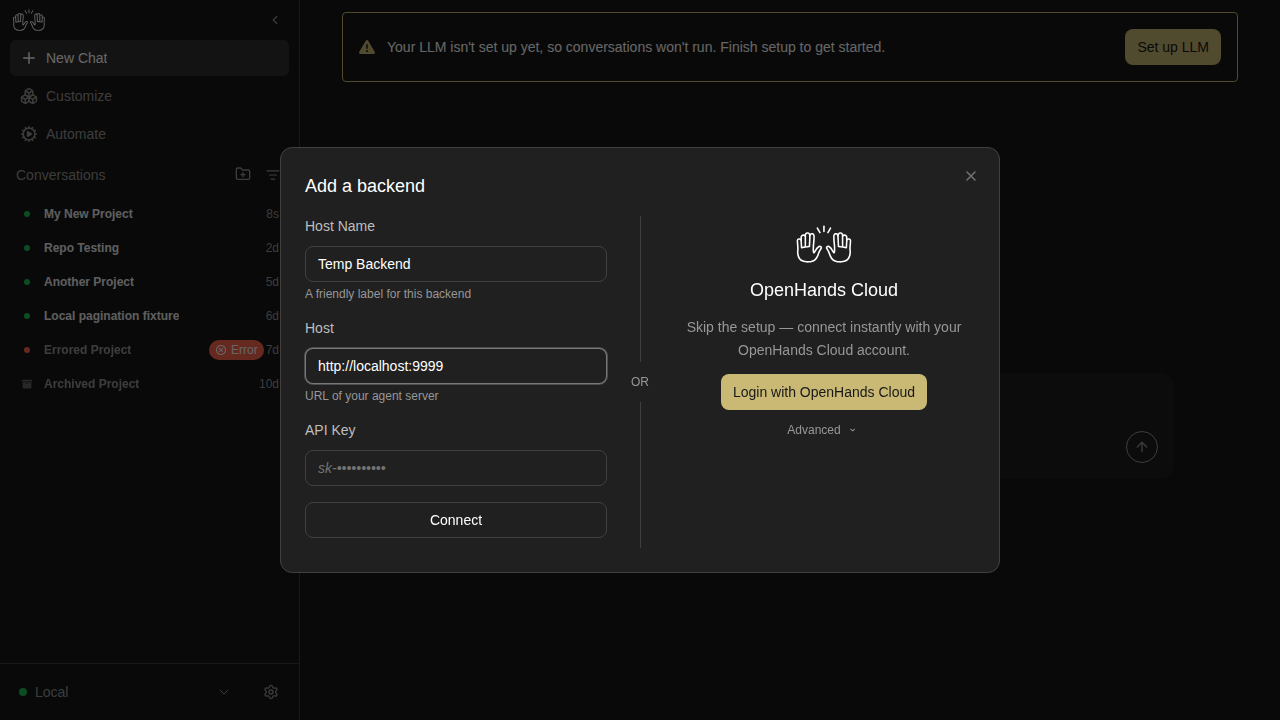
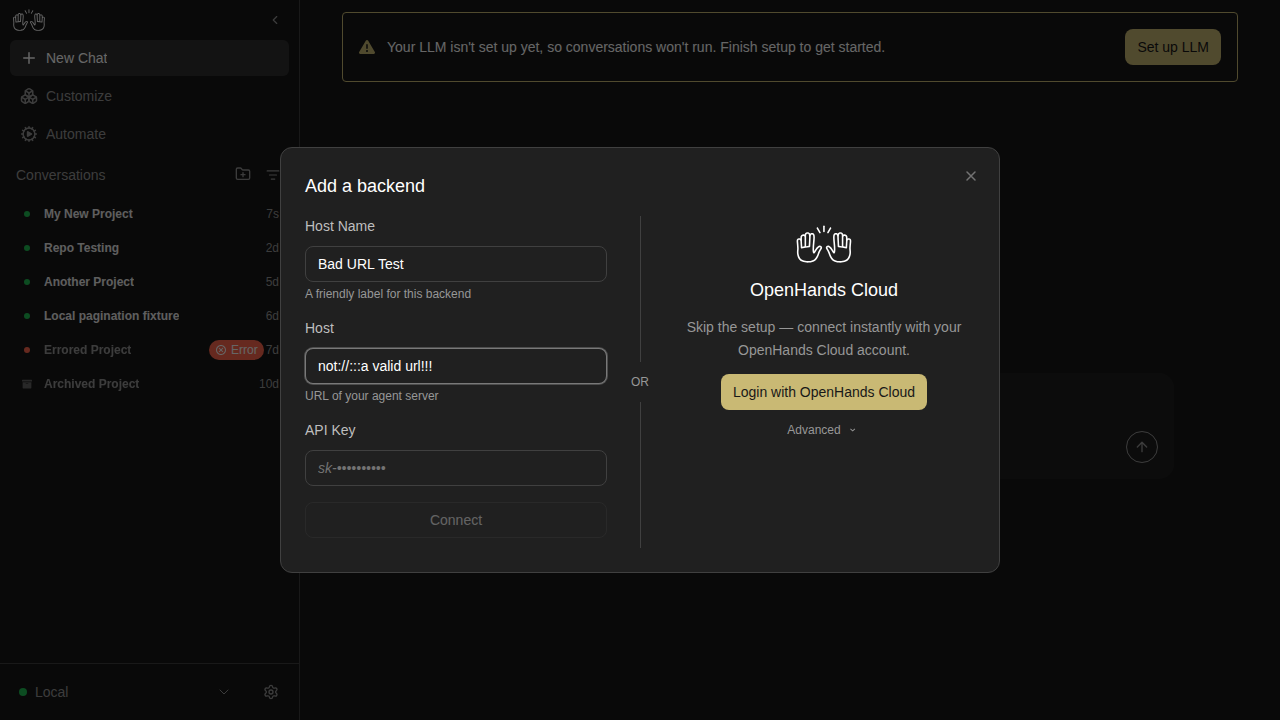
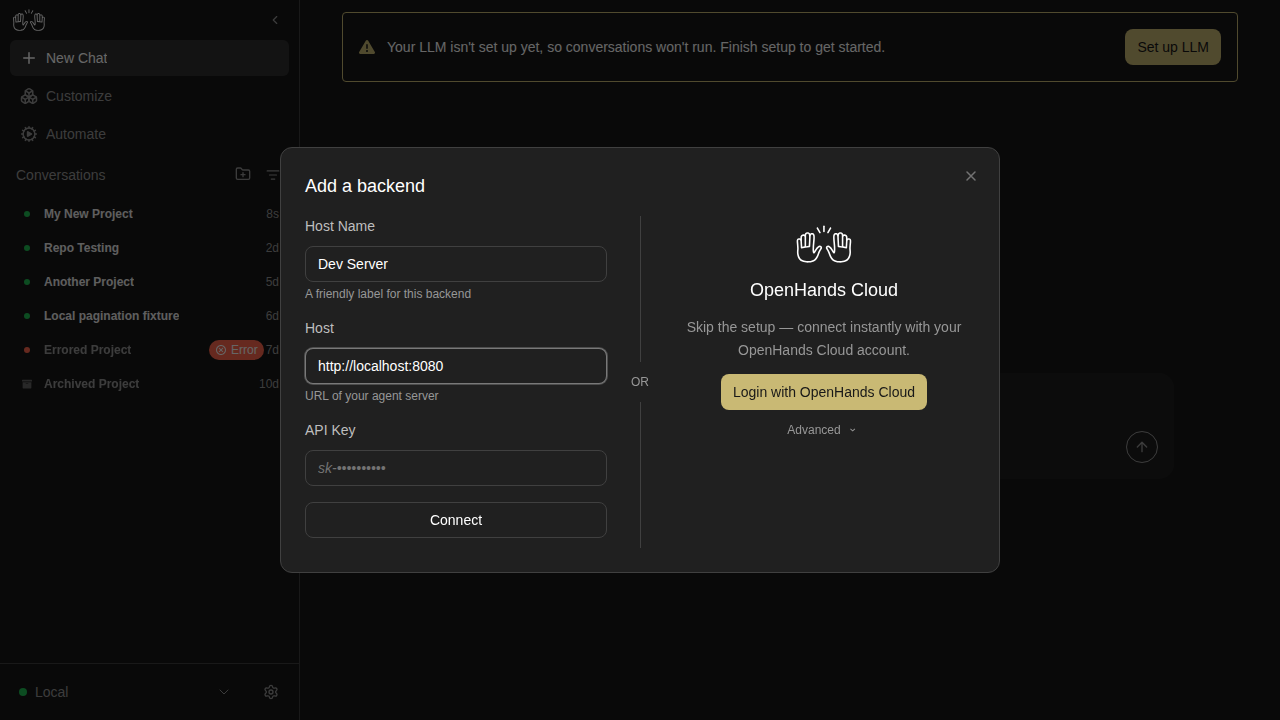
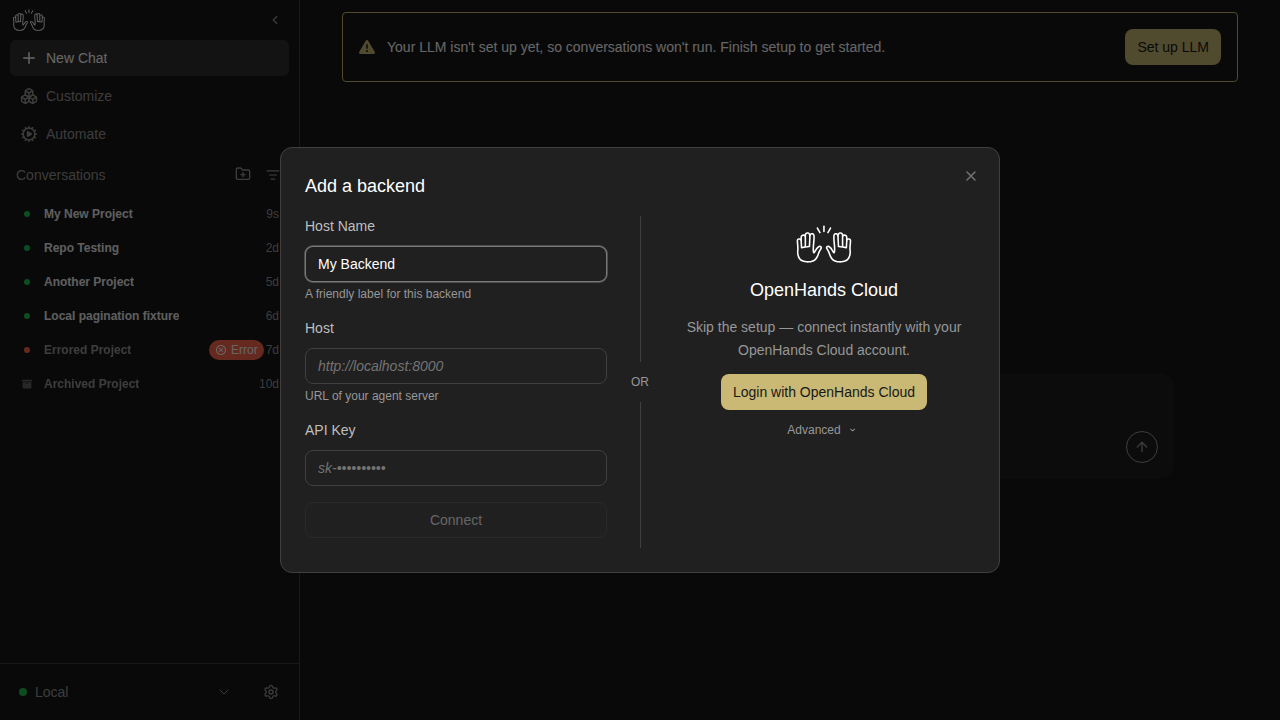
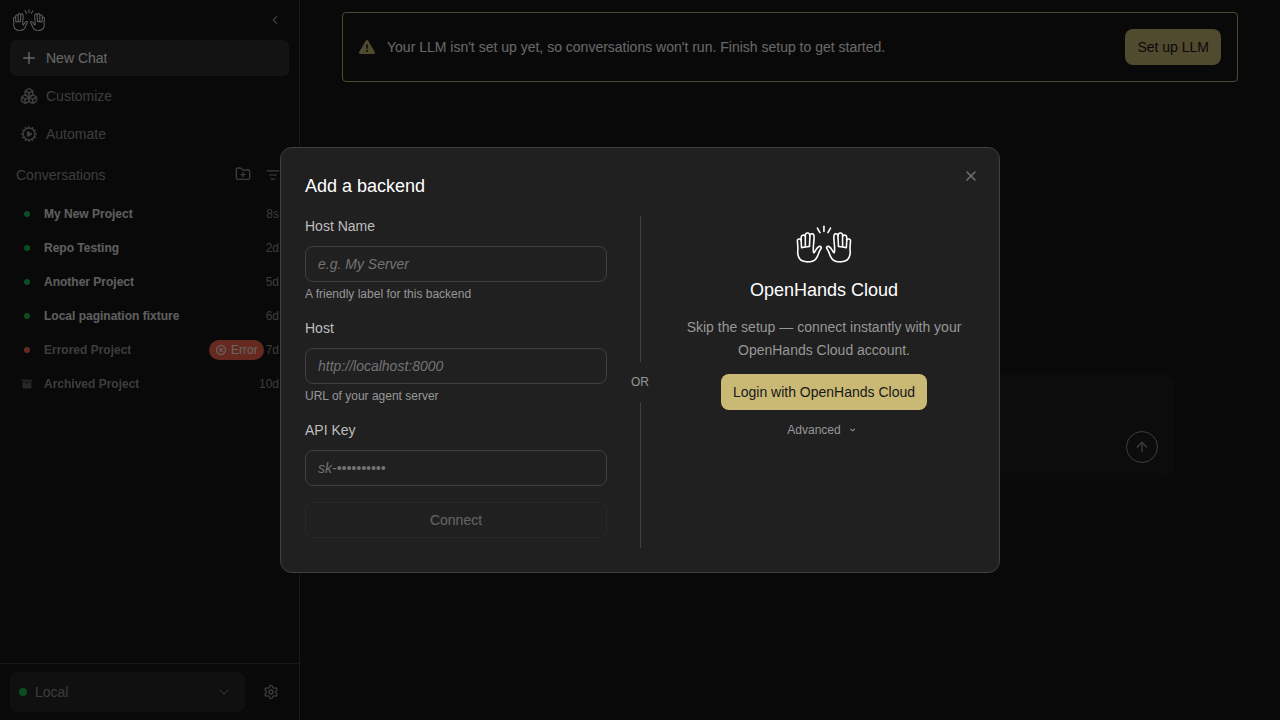
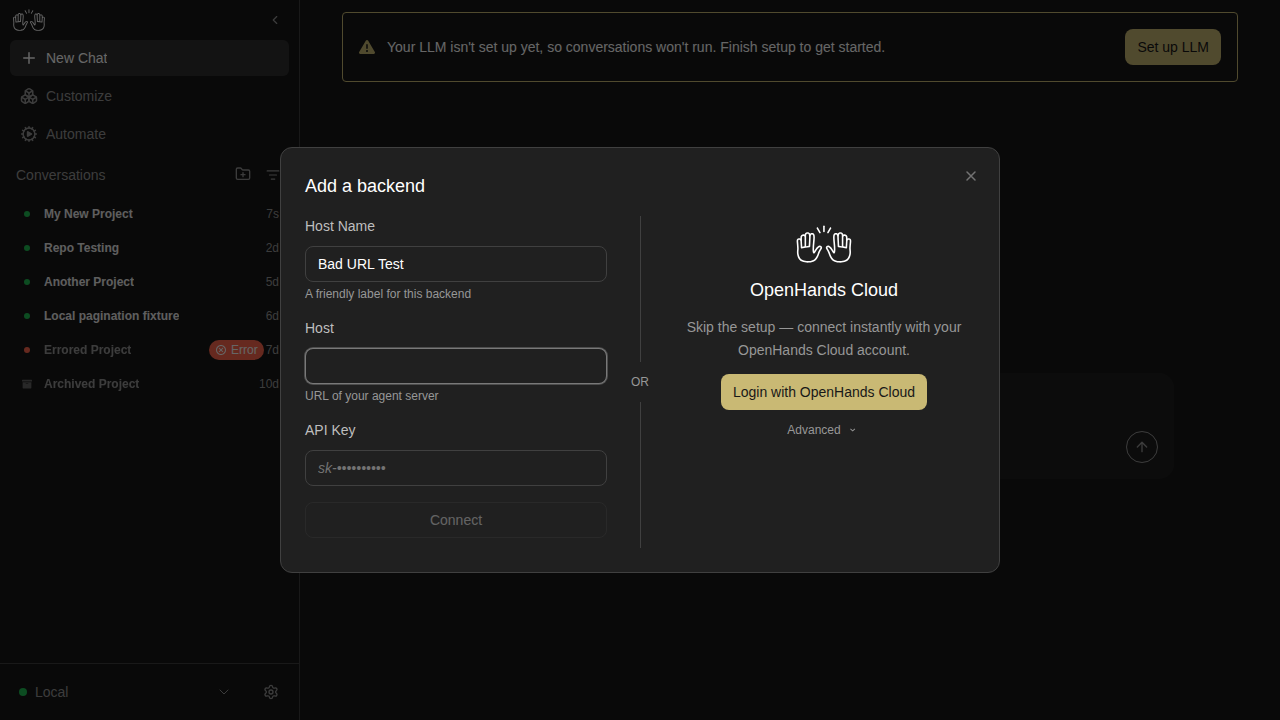
backends-extended — 19 snapshots

backend-add-blank-disabled

new snapshot

backend-add-cloud-advanced-open

new snapshot

backend-add-cloud-no-key-disabled

new snapshot

backend-add-cloud-with-key-enabled

new snapshot

backend-add-form-partially-filled

new snapshot

backend-add-invalid-url-disabled

new snapshot

backend-add-local-ready

new snapshot

backend-add-name-only-disabled

new snapshot

backend-add-two-column-layout

new snapshot

backend-add-whitespace-host-disabled

new snapshot

backend-after-switch

new snapshot

backend-cancel-nothing-saved

new snapshot

backend-dropdown-two-backends

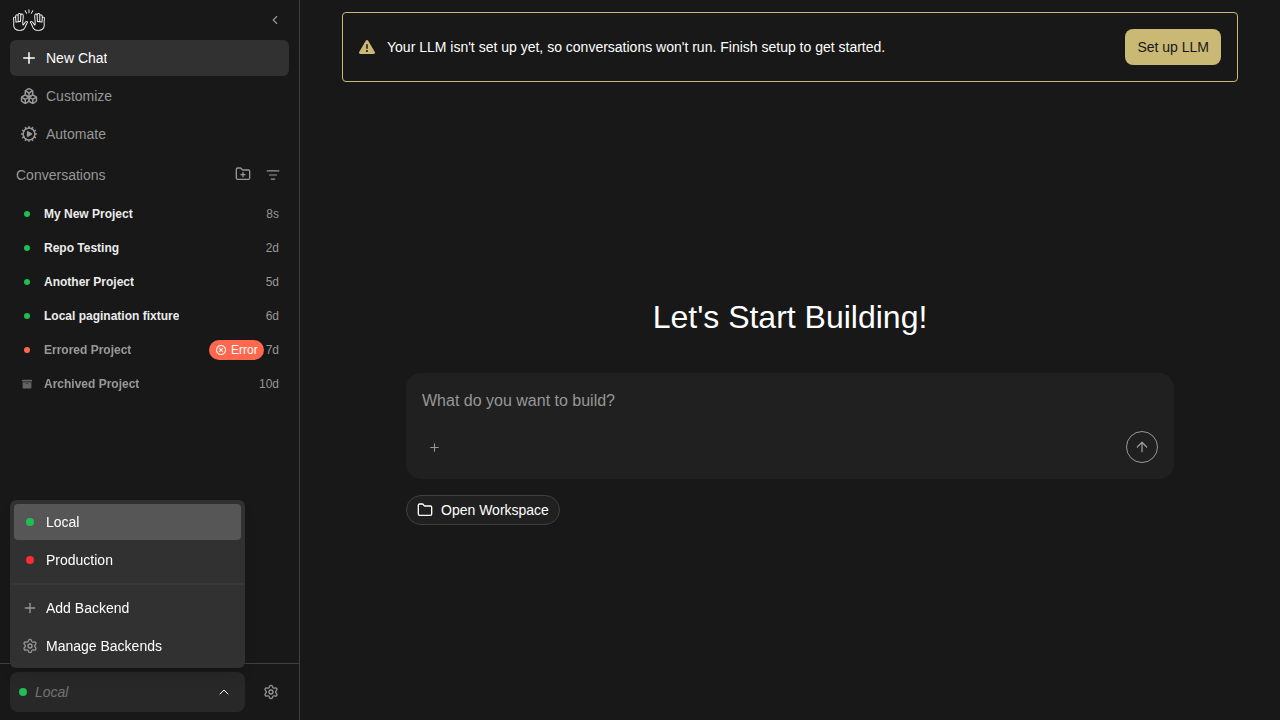
new snapshot

backend-edit-prefilled

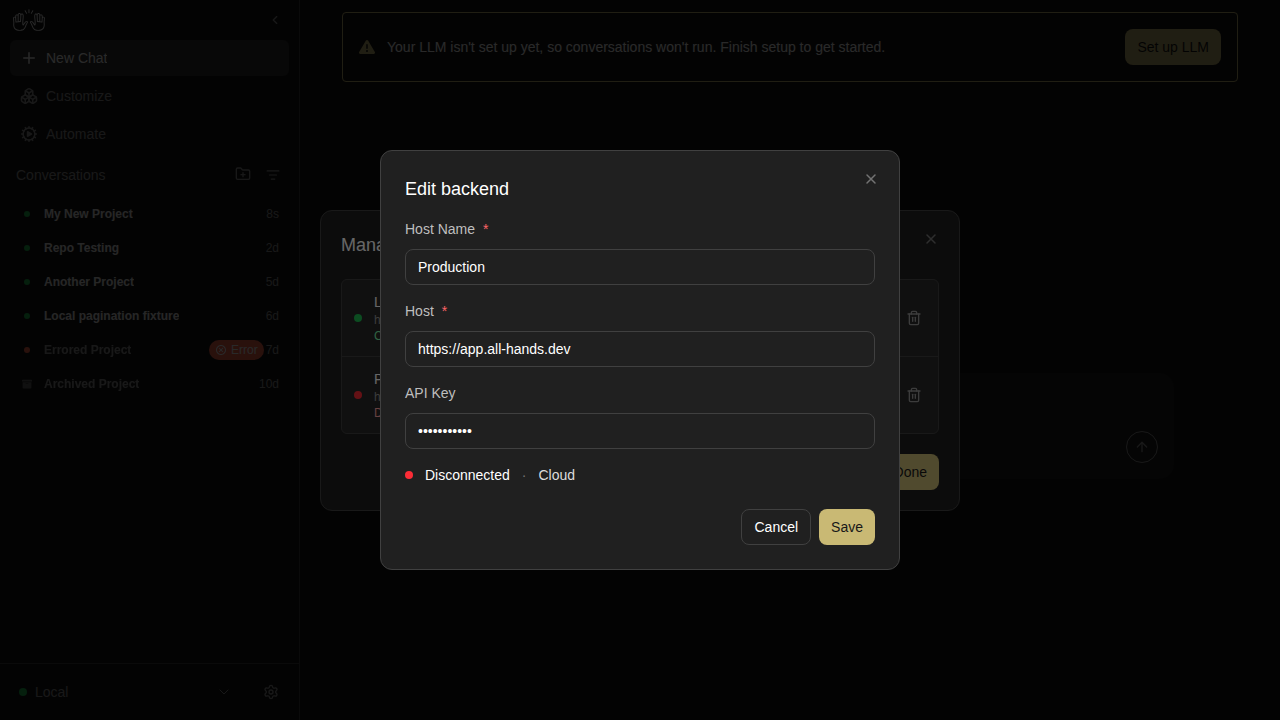
new snapshot

backend-manage-after-removal

new snapshot

backend-manage-two-listed

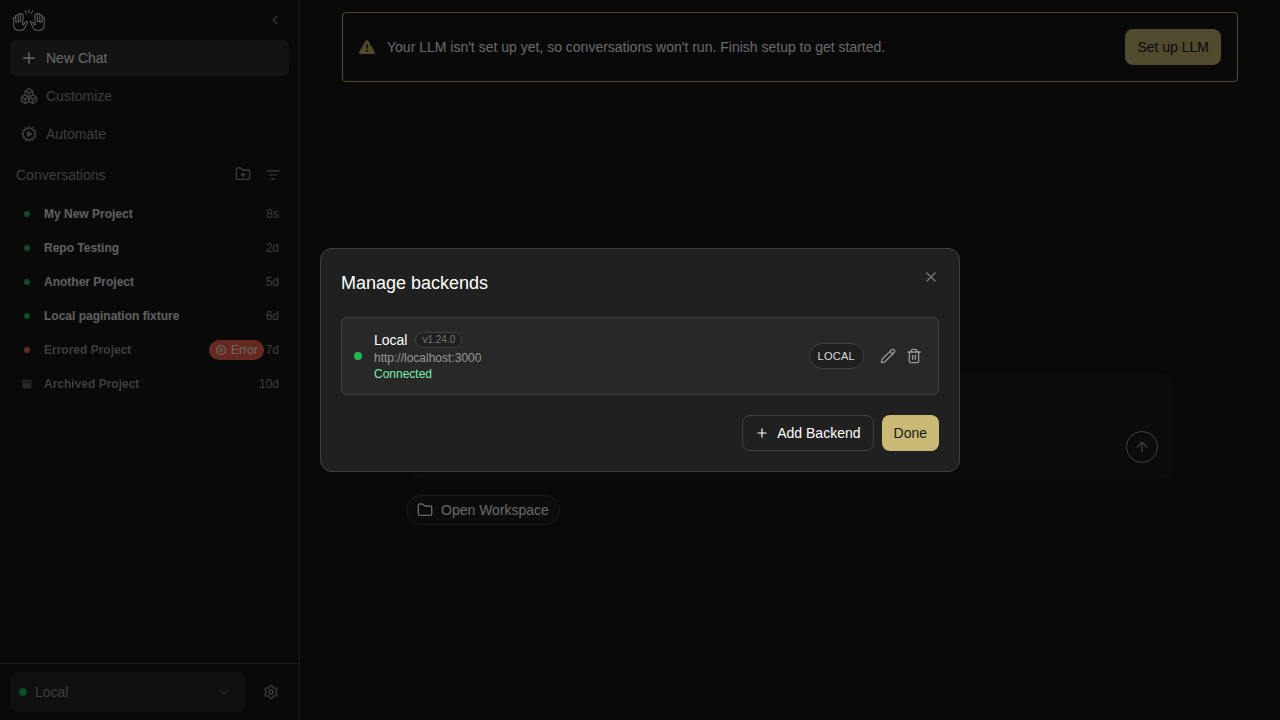
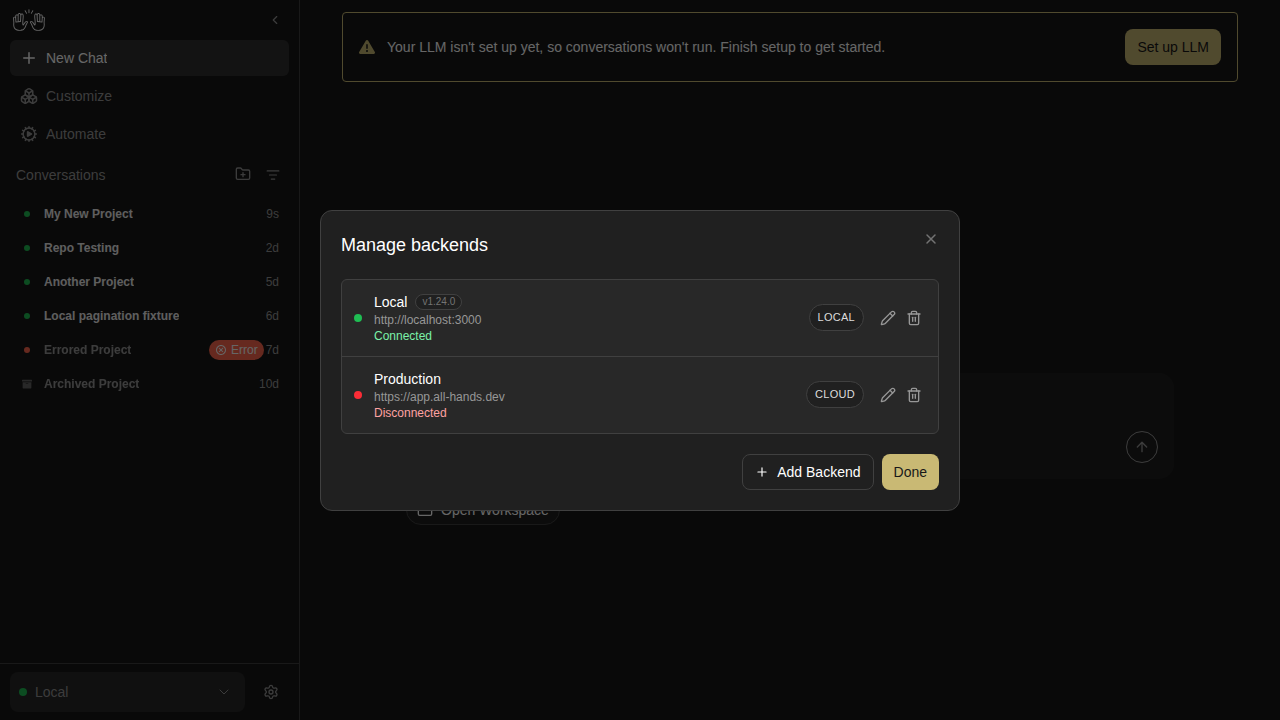
new snapshot

backend-remove-cancelled

new snapshot

backend-remove-confirmation

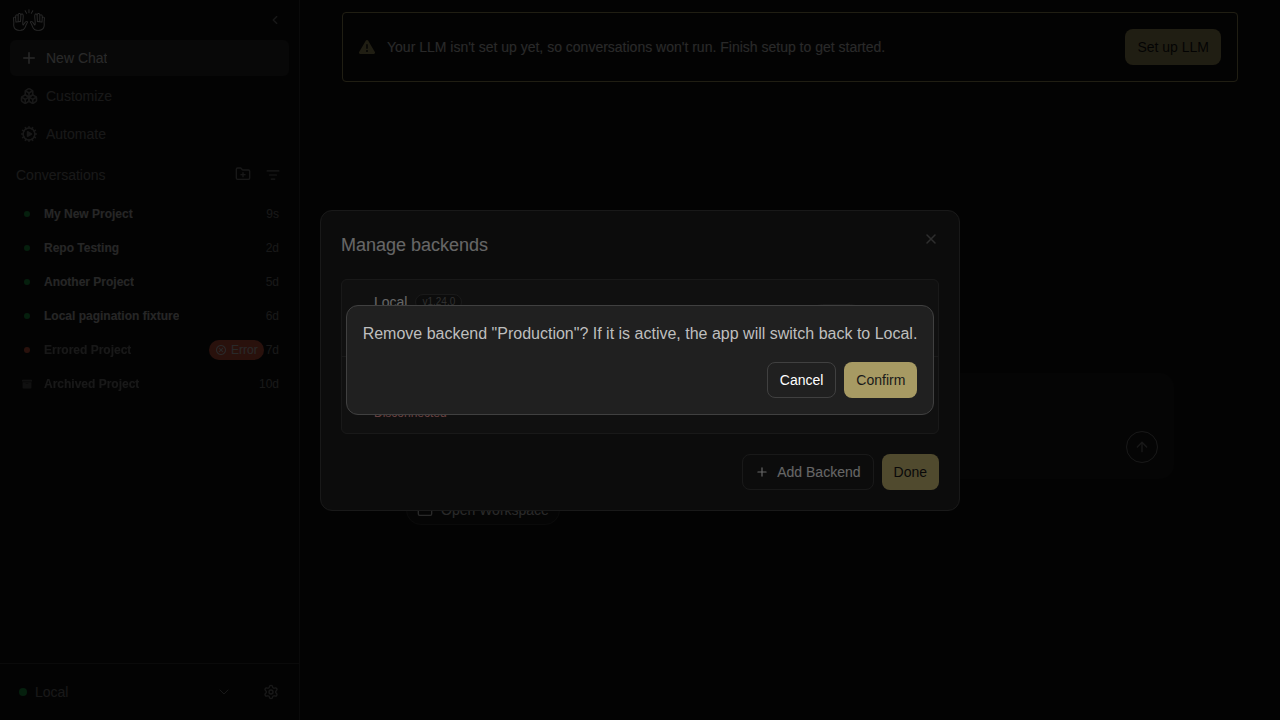
new snapshot

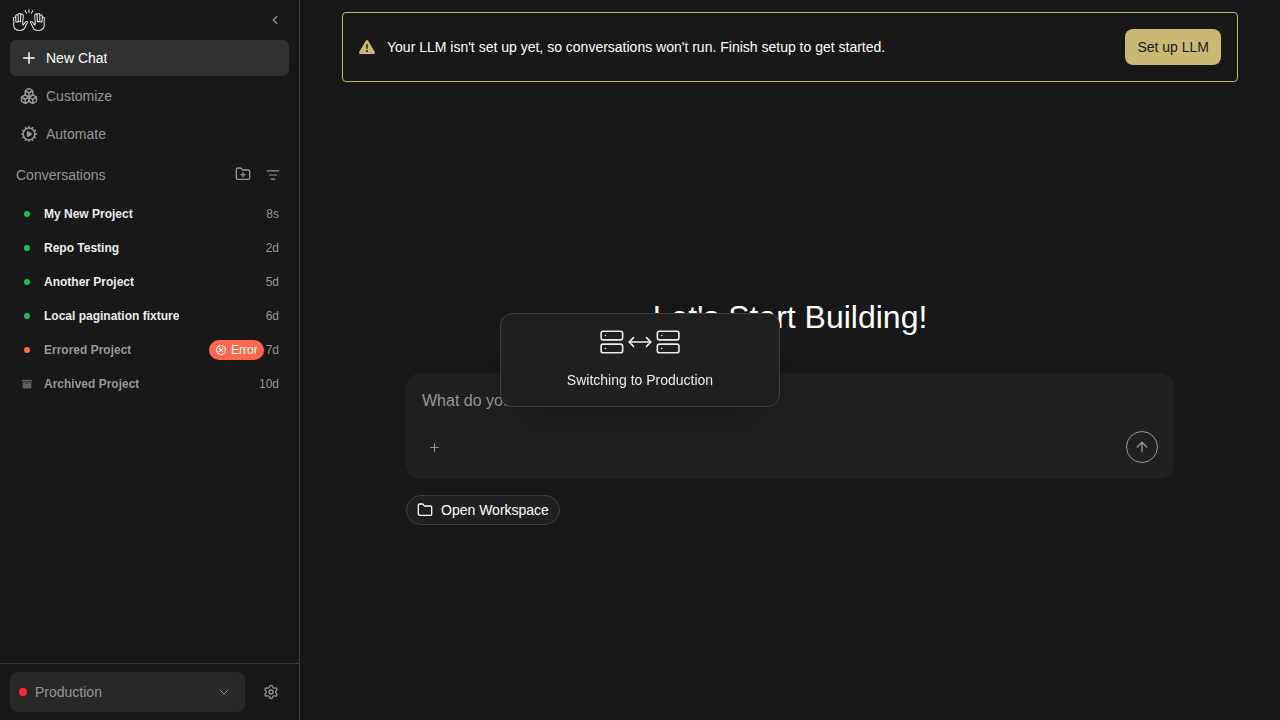
backend-switch-overlay

new snapshot

backends — 3 snapshots

backend-add-modal

new snapshot

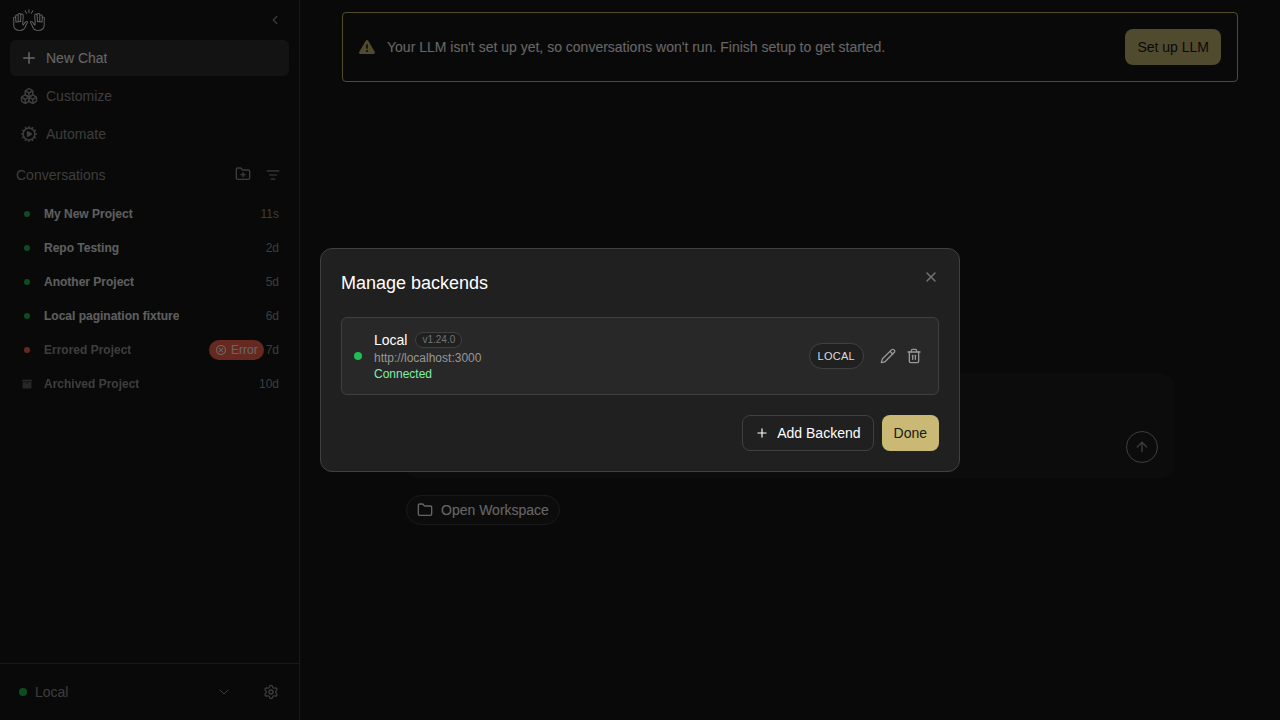
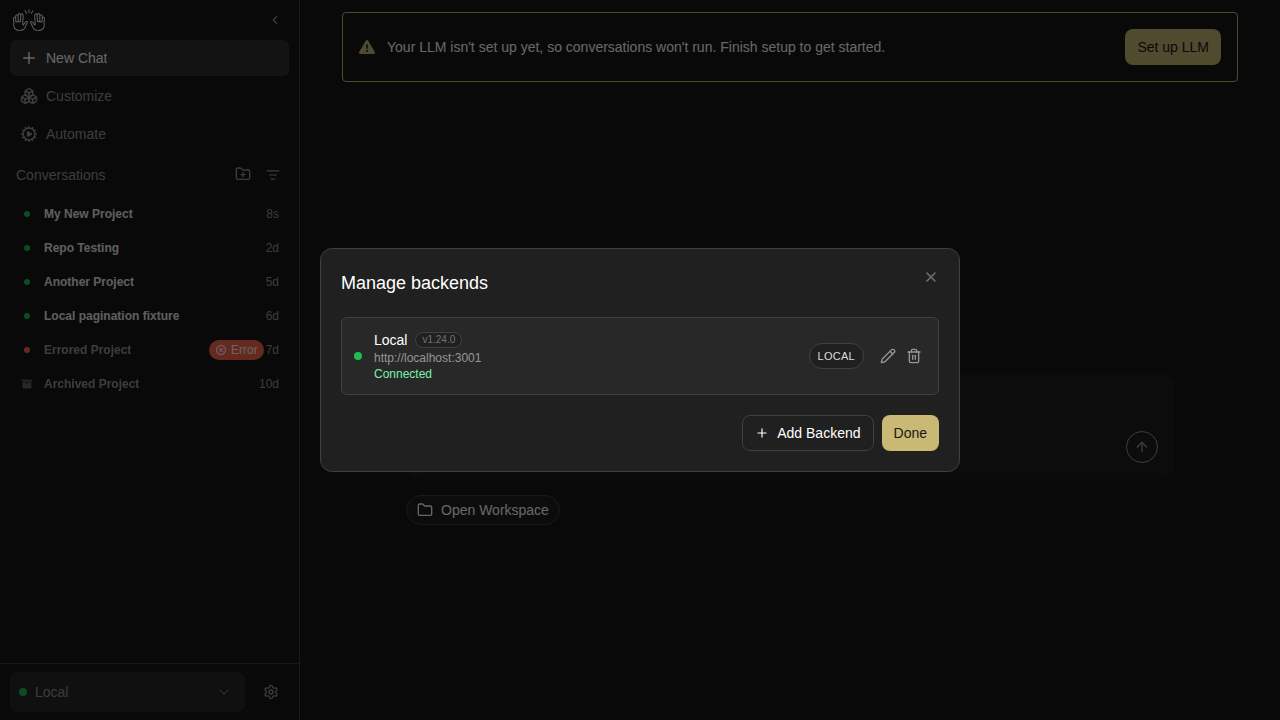
backend-manage-modal

new snapshot

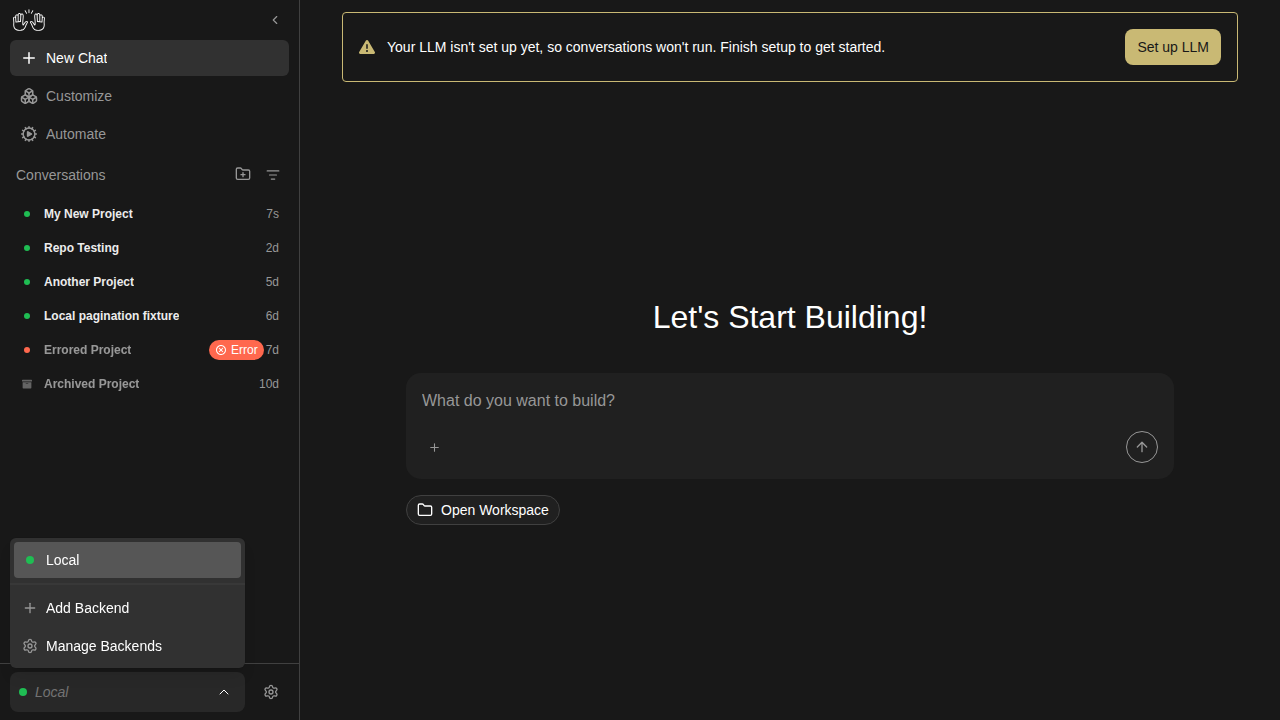
backend-selector-open

new snapshot

changes-tab — 3 snapshots

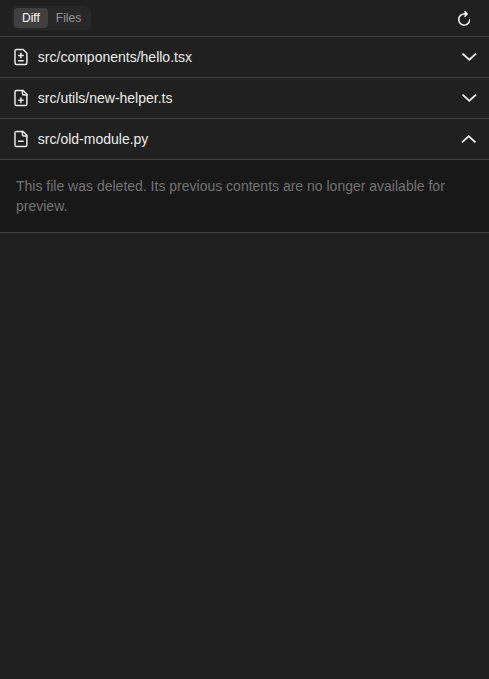
changes-deleted-file

new snapshot

changes-diff-viewer

new snapshot

changes-empty

new snapshot

collapsible-thinking — 4 snapshots

reasoning-content-collapsed

new snapshot

reasoning-content-expanded

new snapshot

think-action-collapsed

new snapshot

think-action-expanded

new snapshot

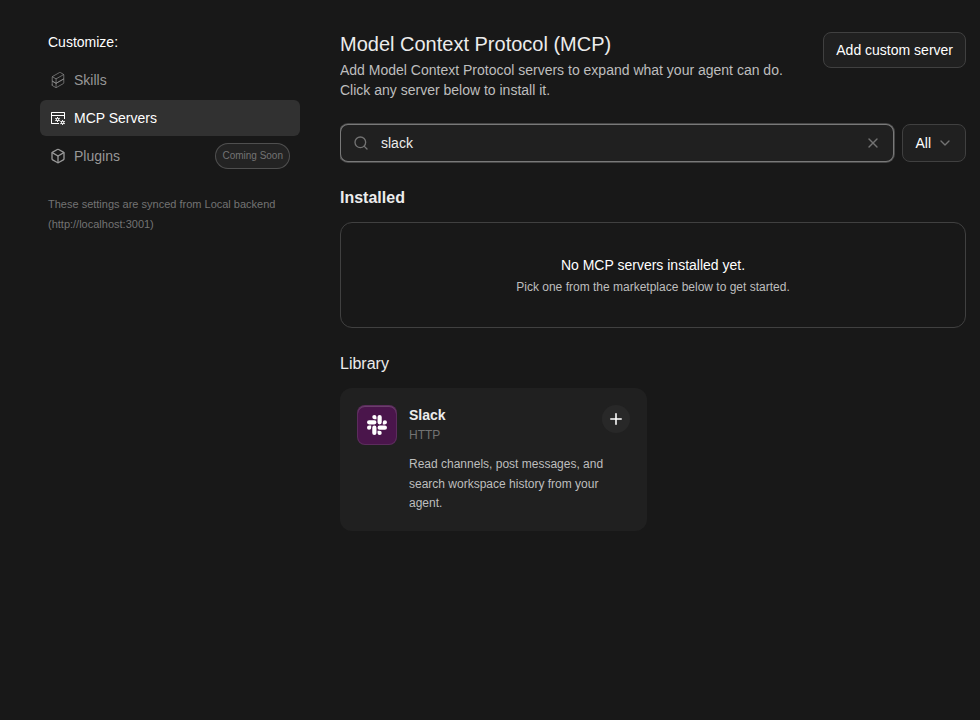
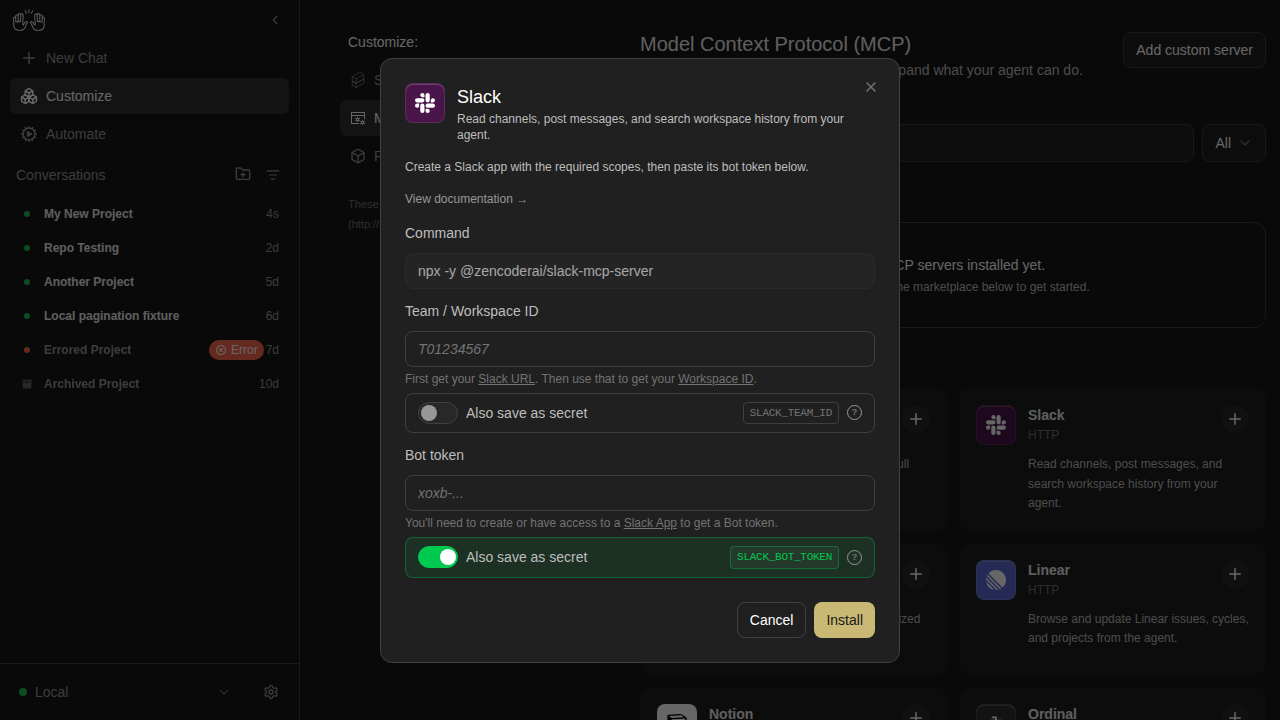
mcp-page — 11 snapshots

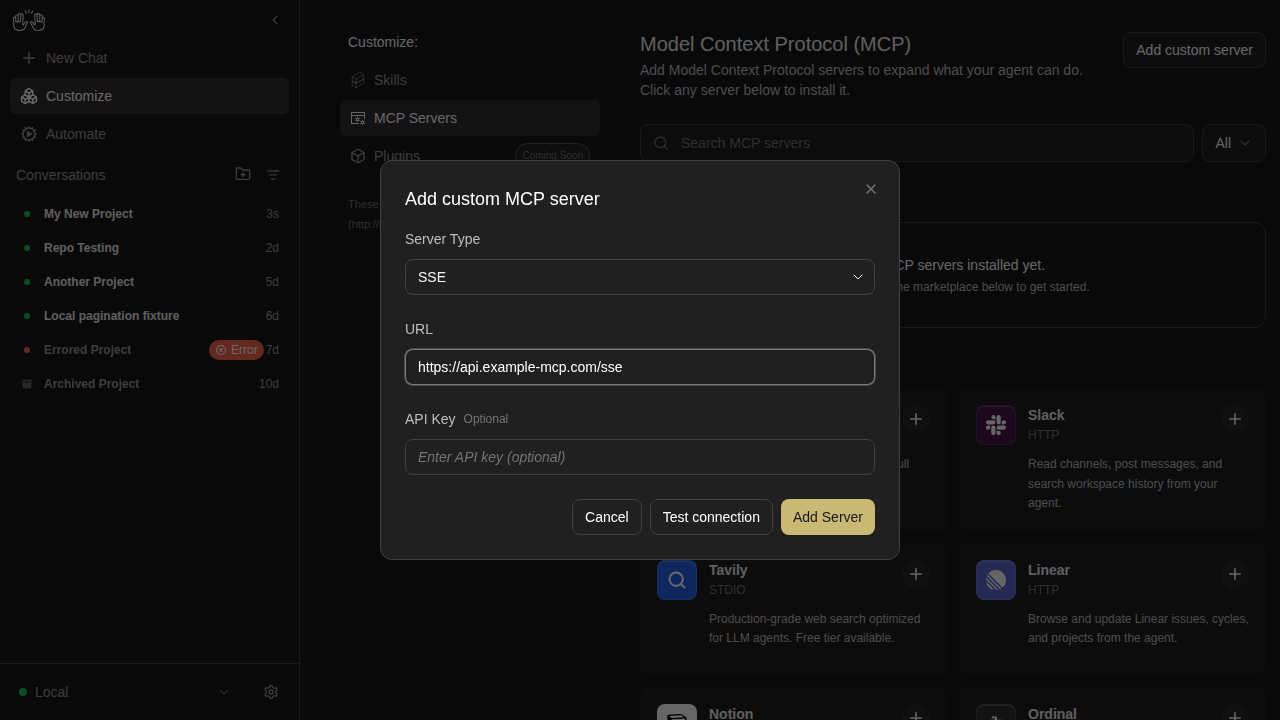
mcp-custom-server-1-editor-open

new snapshot

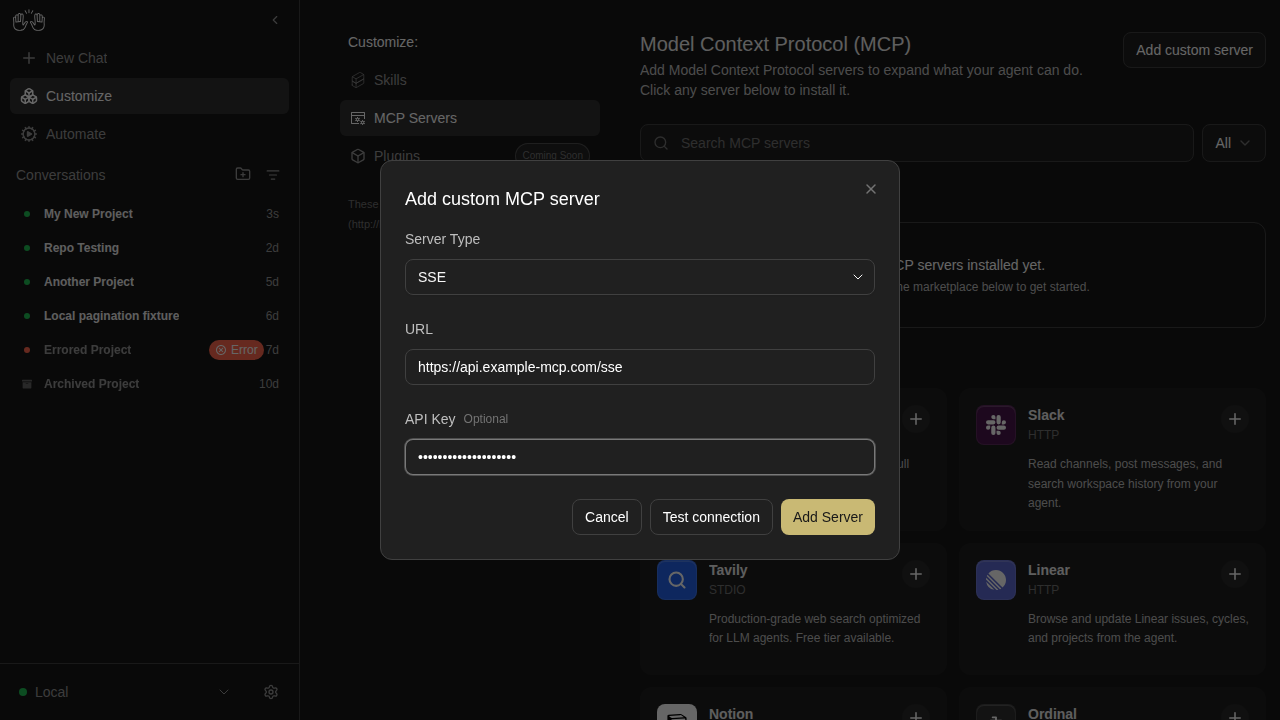
mcp-custom-server-2-url-filled

new snapshot

mcp-custom-server-3-all-filled

new snapshot

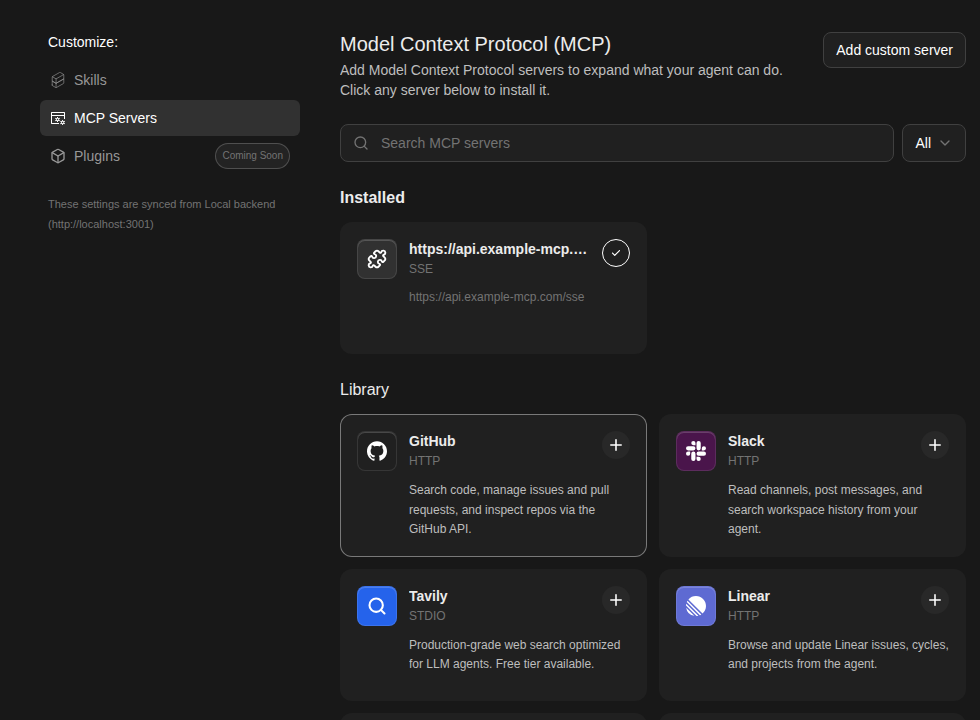
mcp-custom-server-4-installed

new snapshot

mcp-custom-server-editor

new snapshot

mcp-empty-installed

new snapshot

mcp-search-filtered

new snapshot

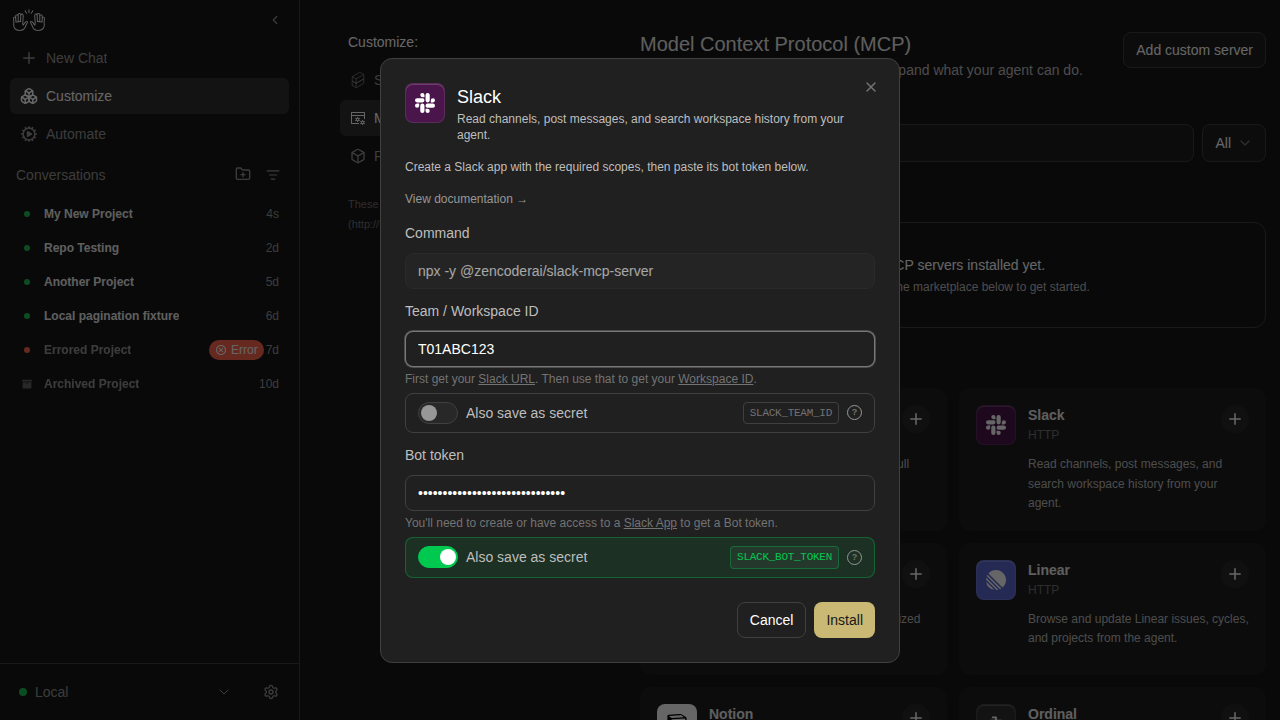
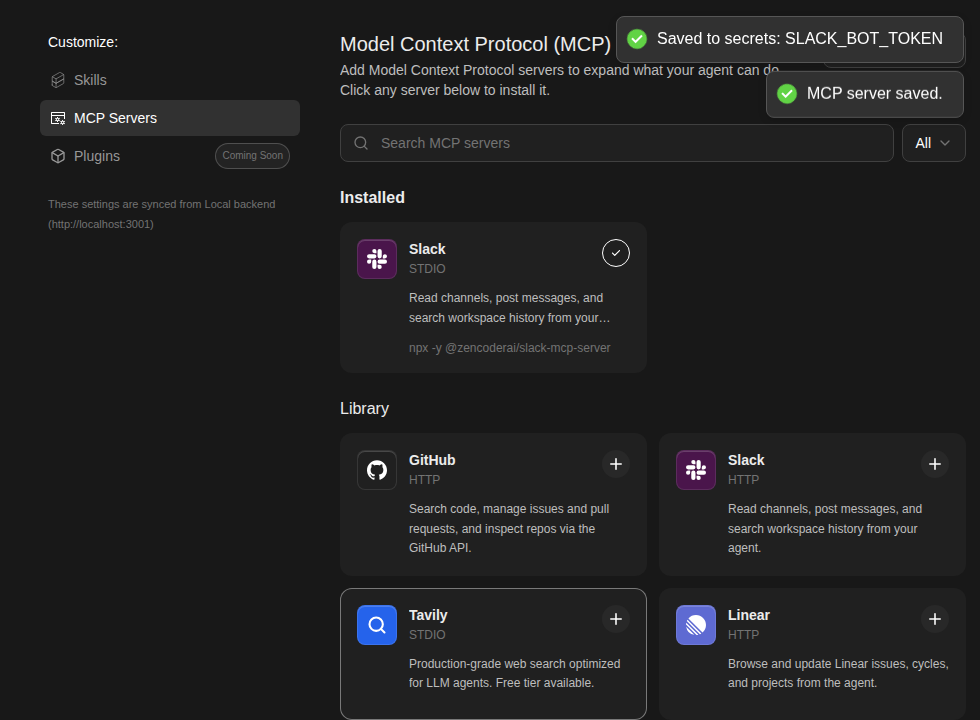
mcp-slack-install-1-marketplace

new snapshot

mcp-slack-install-2-modal

new snapshot

mcp-slack-install-3-filled

new snapshot

mcp-slack-install-4-installed

new snapshot

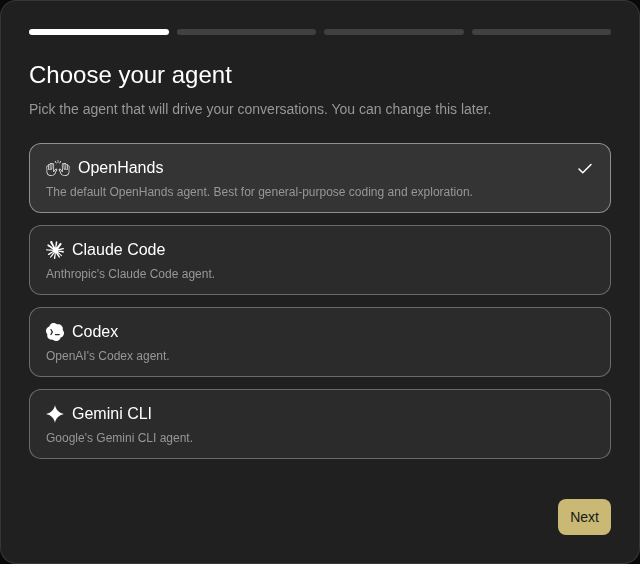
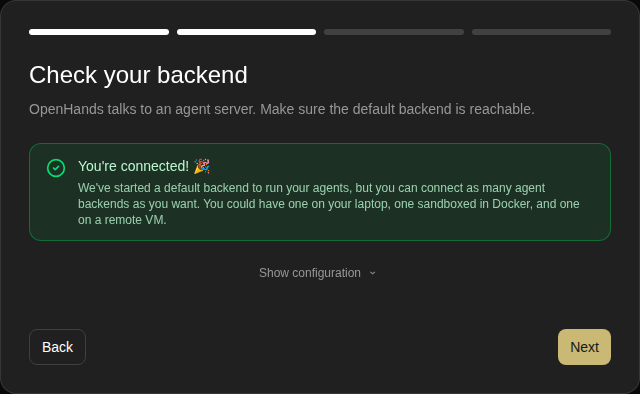
onboarding — 4 snapshots

onboarding-step-0-check-backend

new snapshot

onboarding-step-1-choose-agent

new snapshot

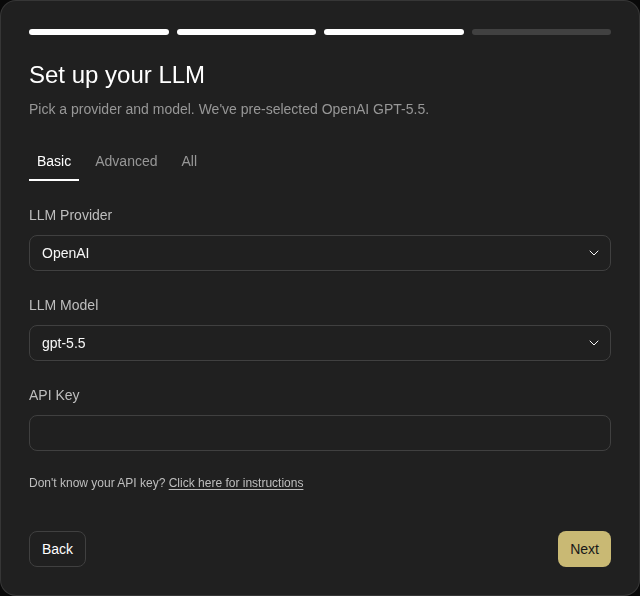
onboarding-step-2-setup-llm

new snapshot

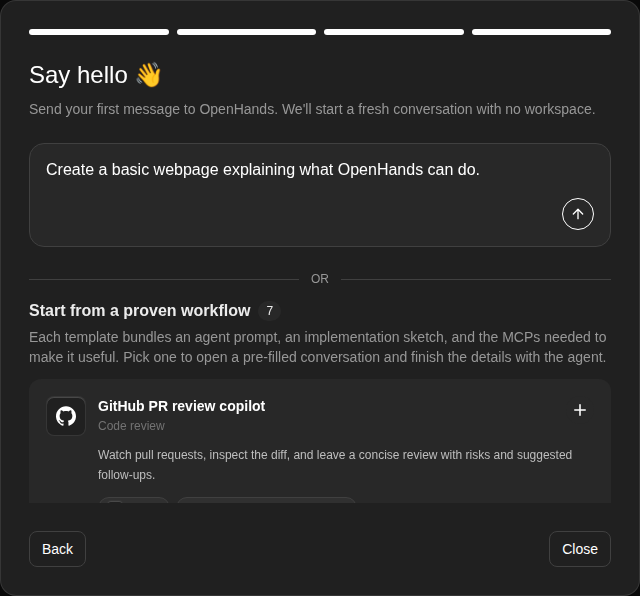
onboarding-step-3-say-hello

new snapshot

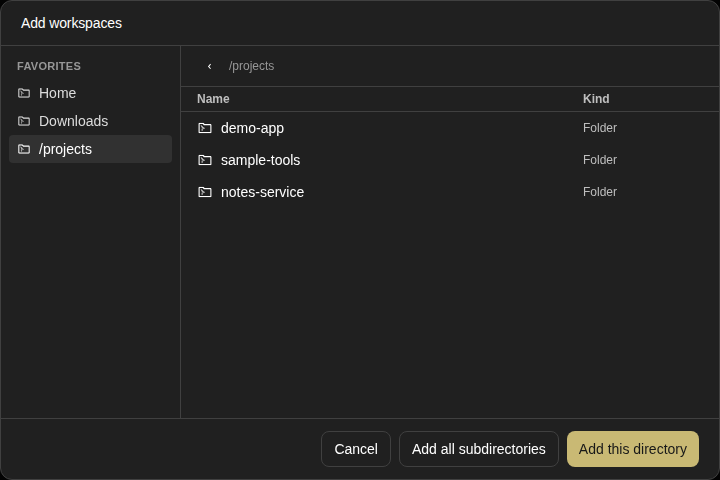
projects-workspace-browser

projects-workspace-browser

new snapshot

settings-page — 5 snapshots

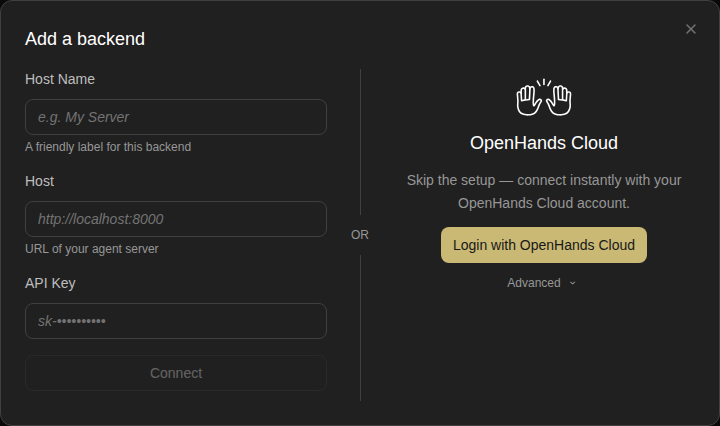
add-backend-modal

new snapshot

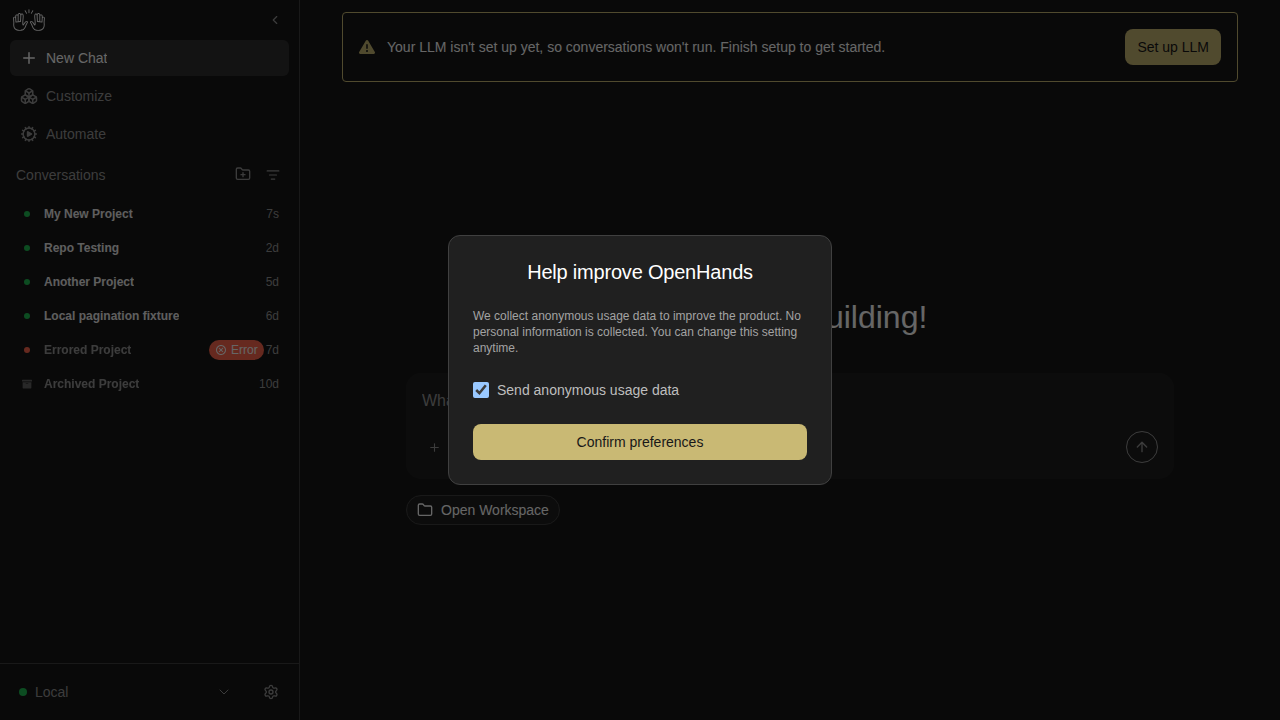
analytics-consent-modal

new snapshot

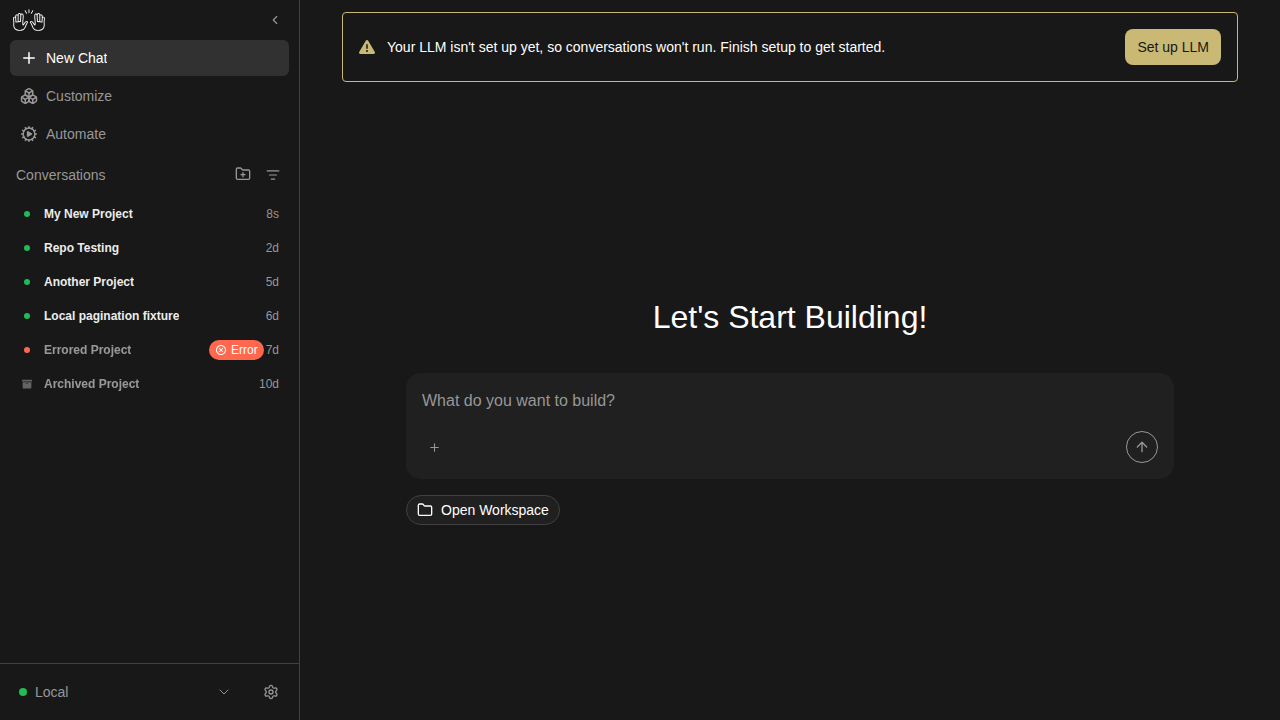
home-screen

new snapshot

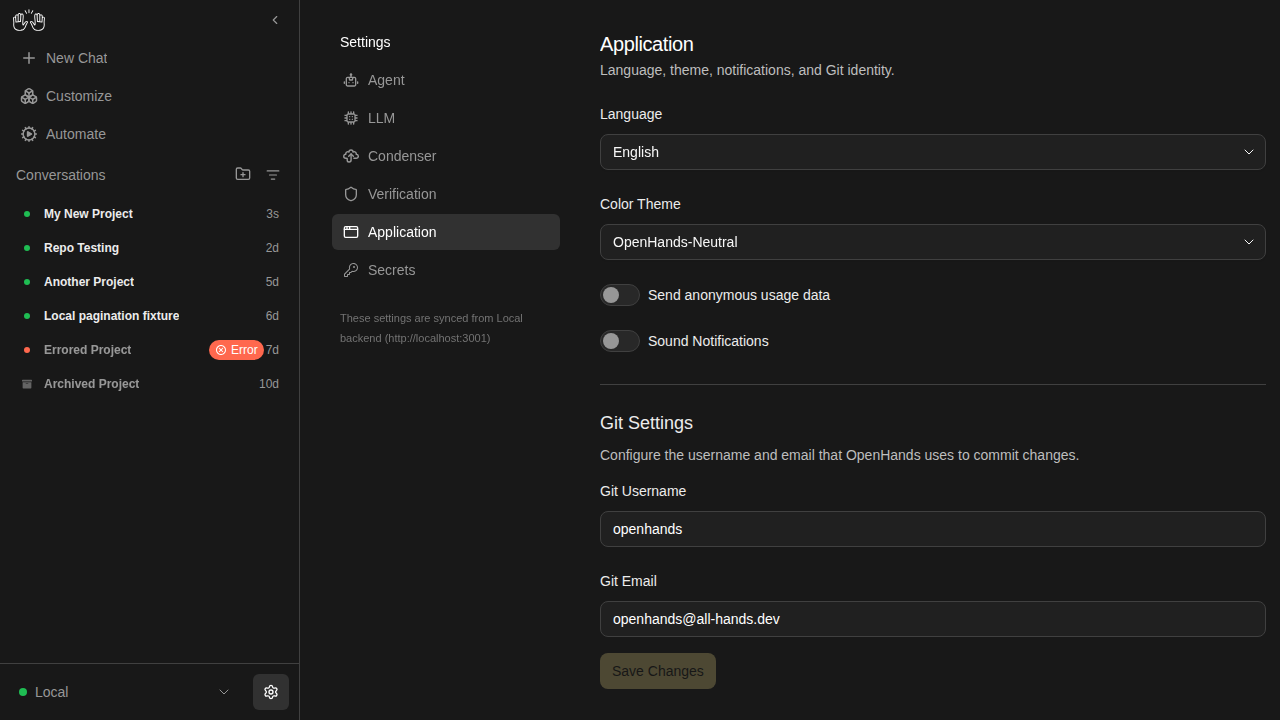
settings-app-page

new snapshot

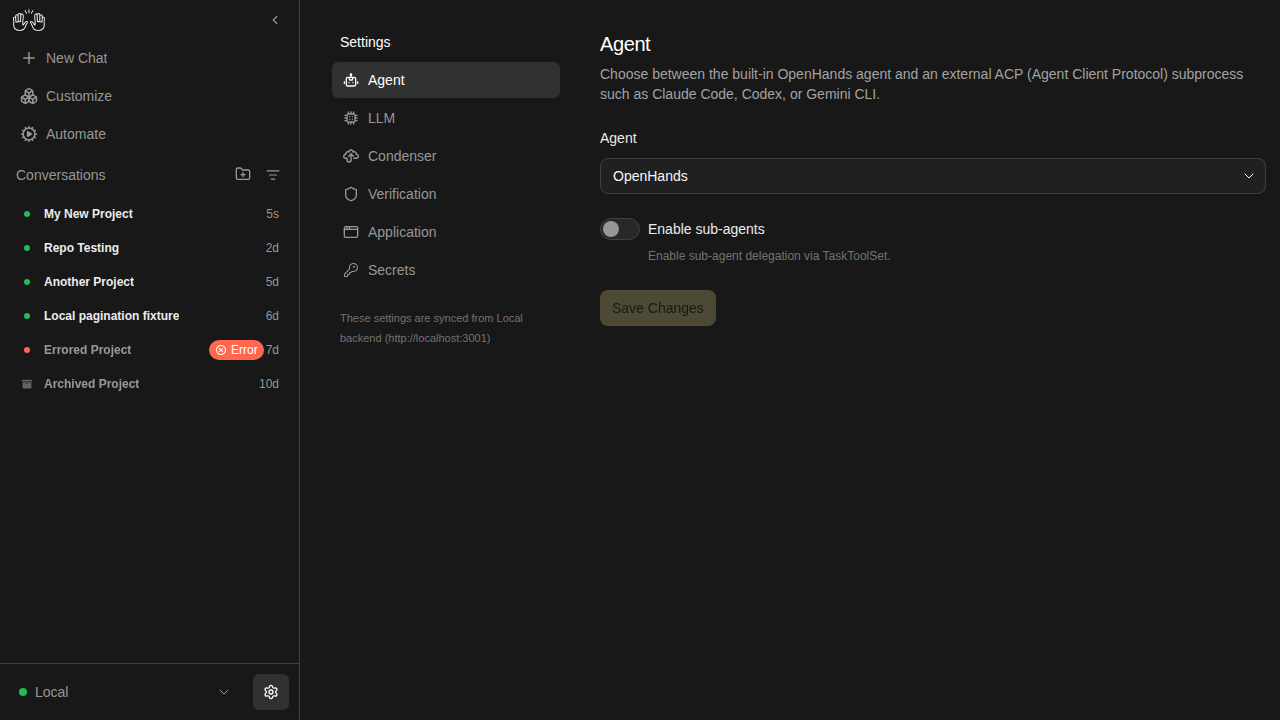
settings-page

new snapshot

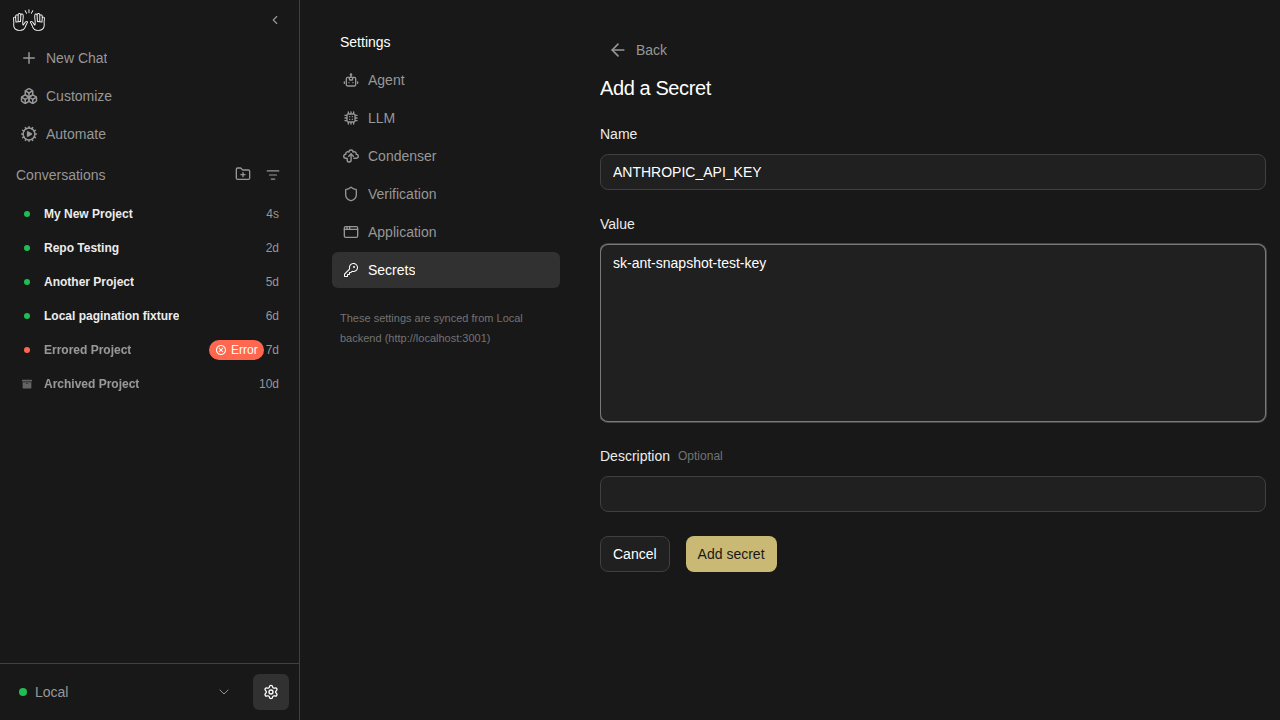
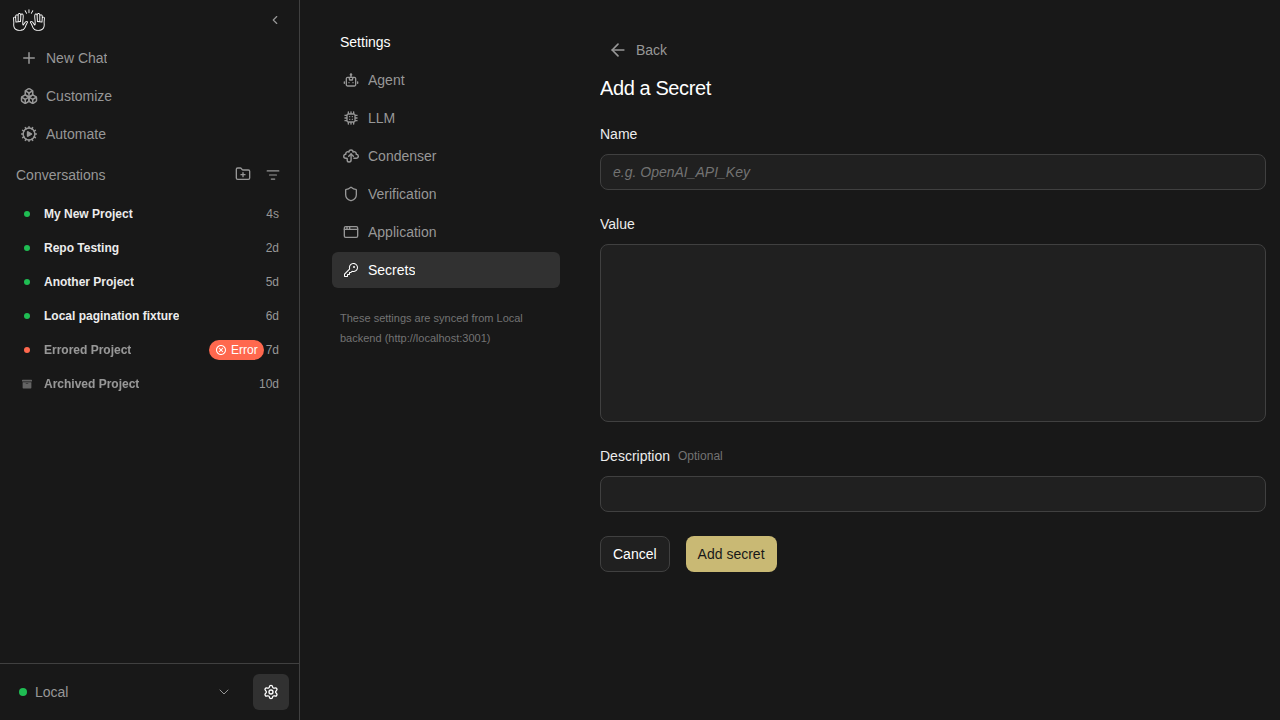
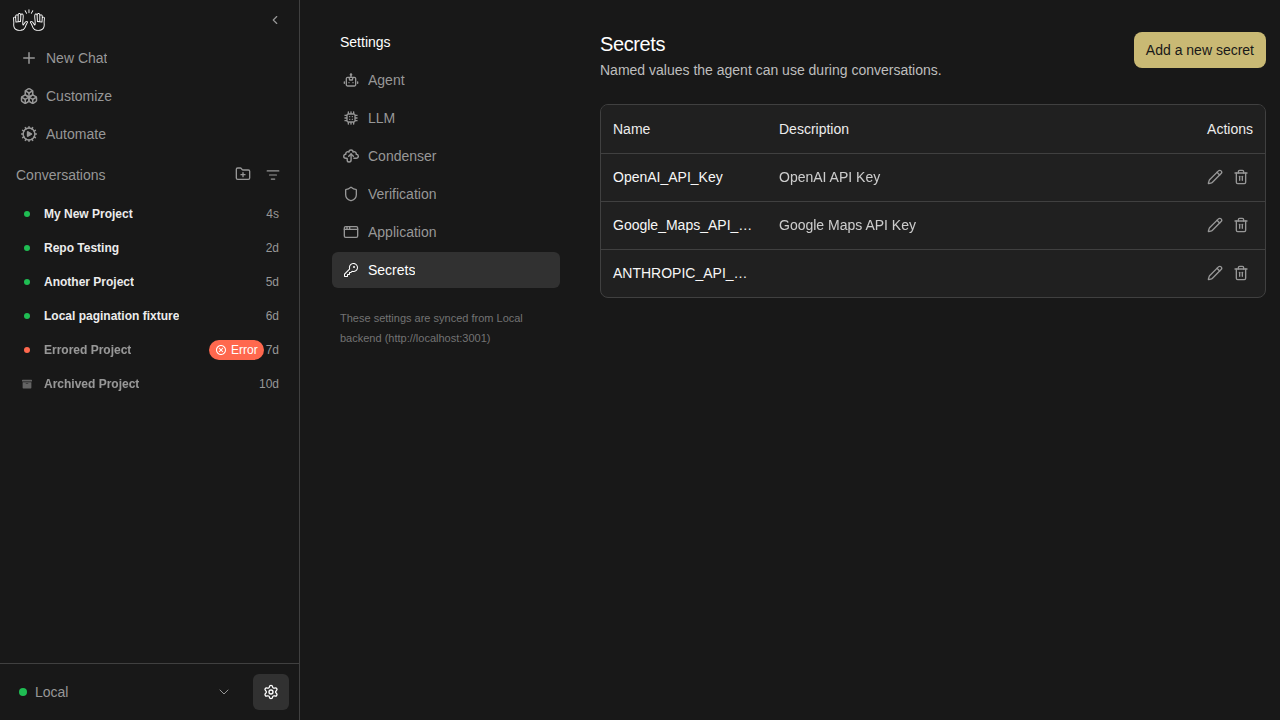
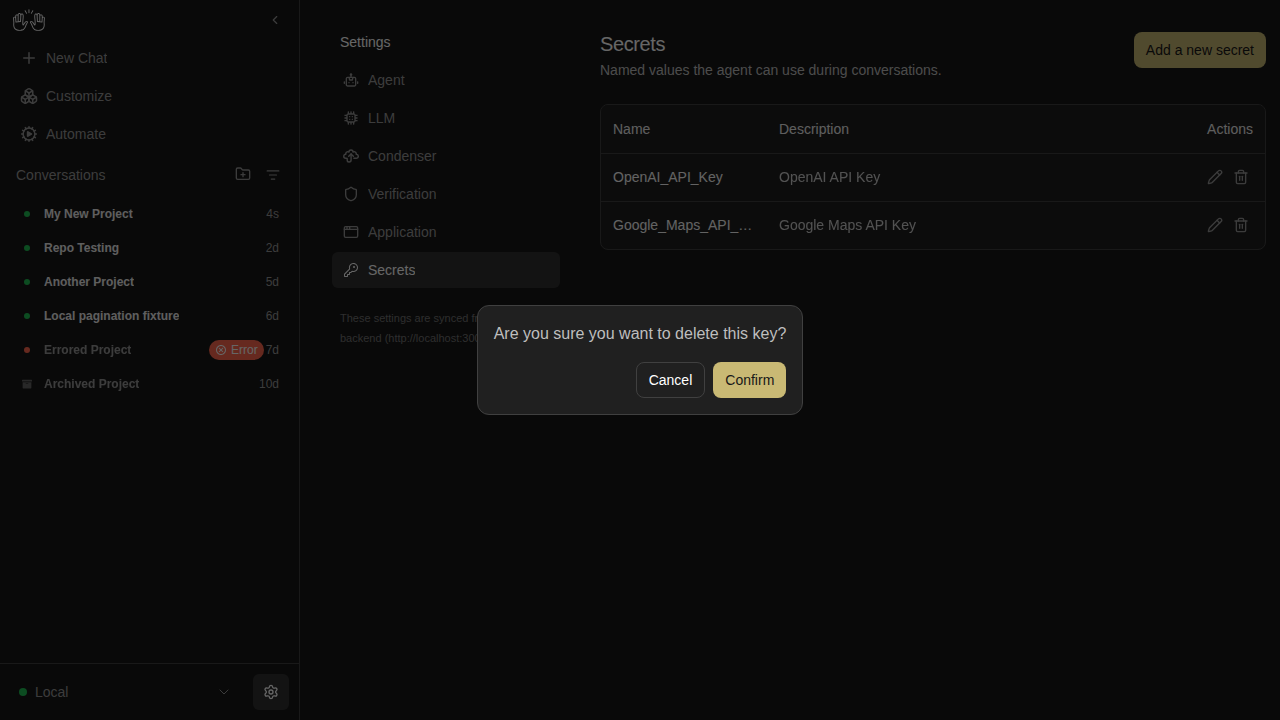
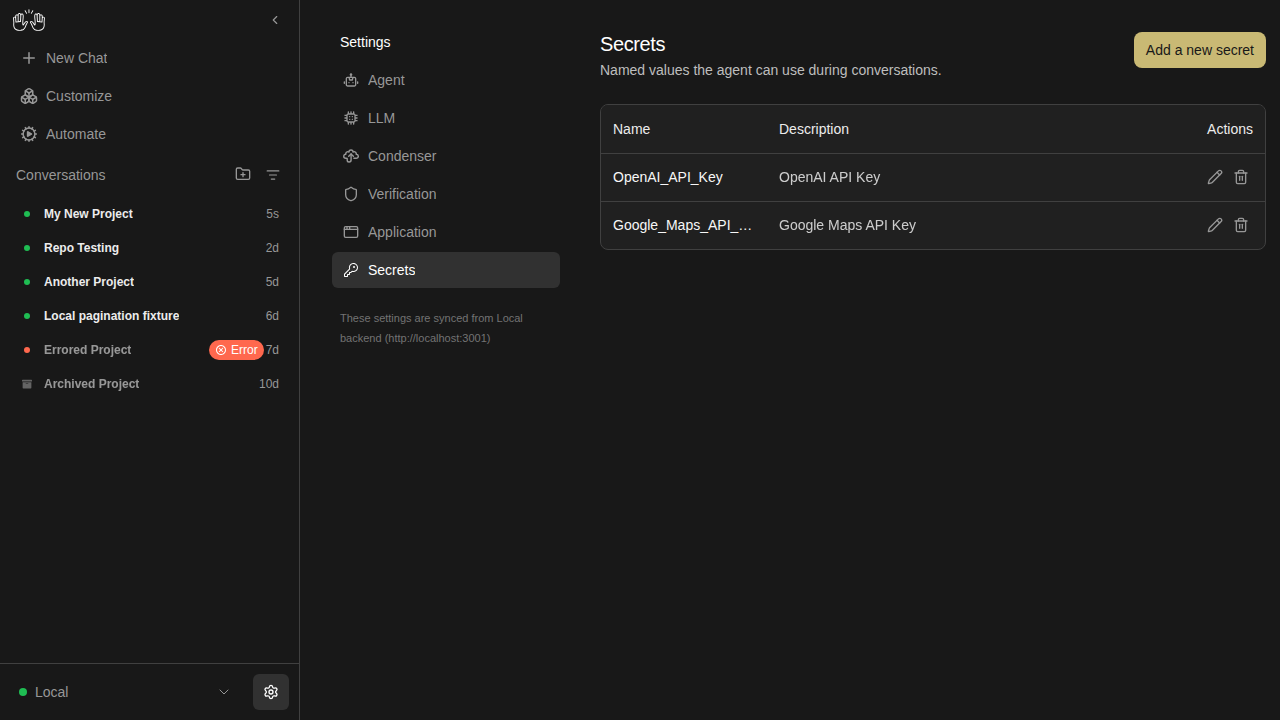
settings-secrets — 5 snapshots

secrets-add-form-filled

new snapshot

secrets-add-form

new snapshot

secrets-after-save

new snapshot

secrets-delete-confirm

new snapshot

secrets-list

new snapshot

settings-verification — 3 snapshots

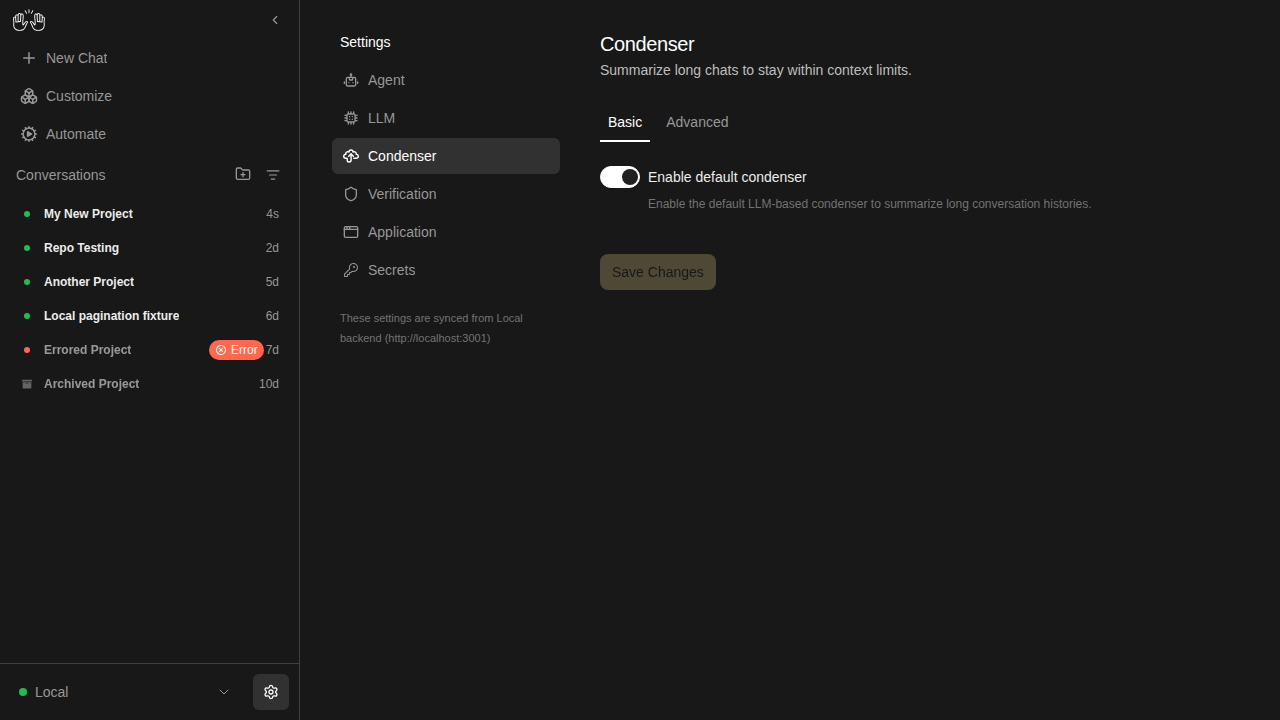
condenser-settings

new snapshot

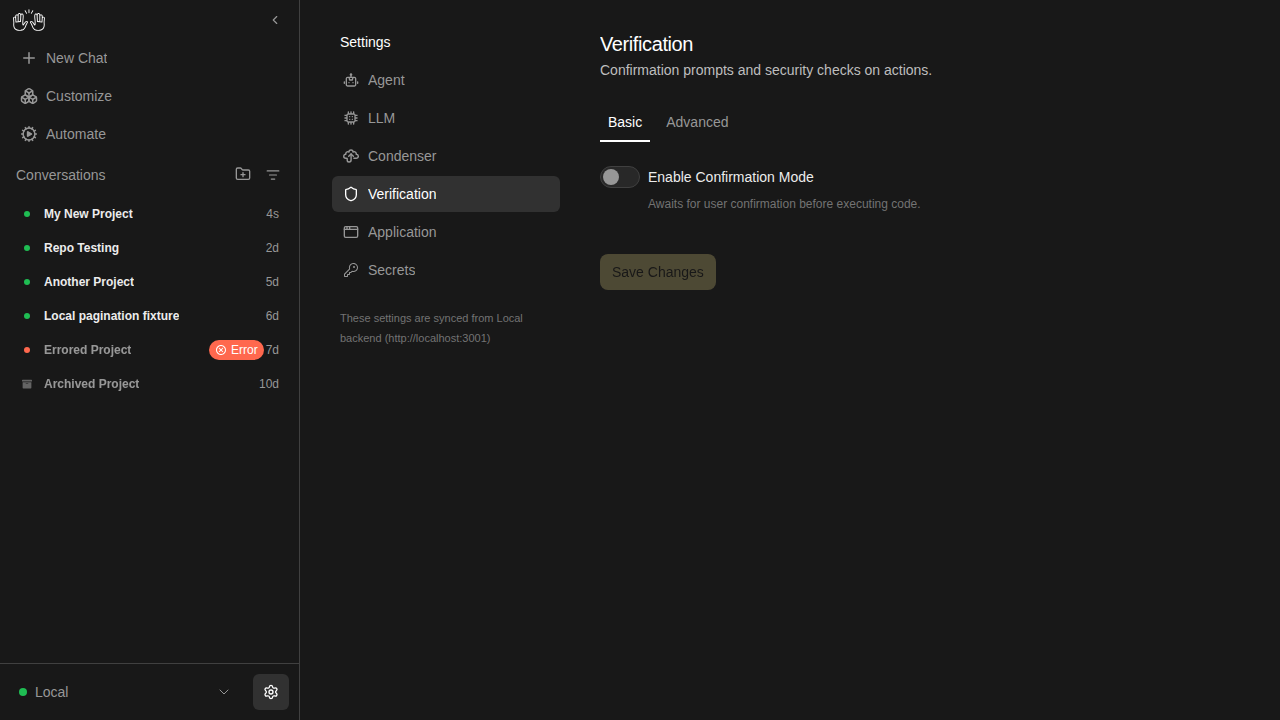
verification-settings-off

new snapshot

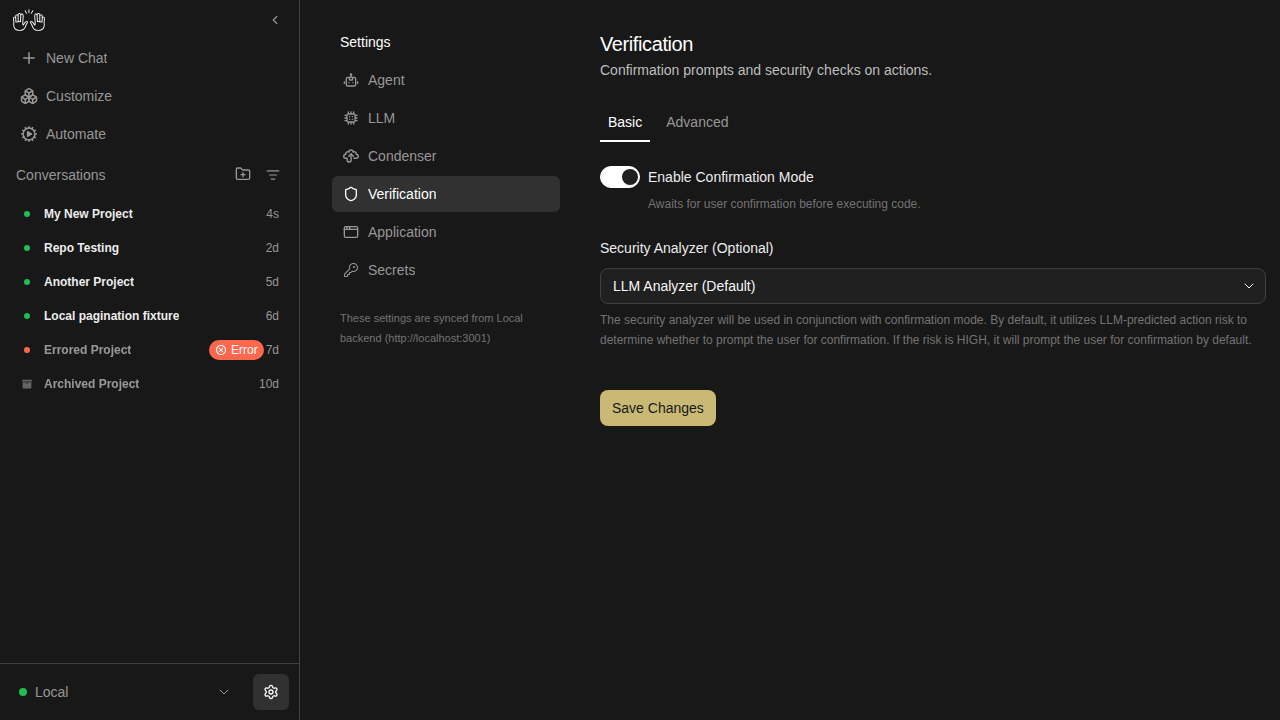
verification-settings-on

new snapshot

sidebar — 3 snapshots

sidebar-collapsed

new snapshot

sidebar-conversation-panel

new snapshot

sidebar-filter-menu

new snapshot

skills-page — 5 snapshots

skills-empty

new snapshot

skills-loaded

new snapshot

skills-no-match

new snapshot

skills-search-filtered

new snapshot

skills-type-filter

new snapshot


Generated by the Snapshot Tests workflow. This comment was created by an AI agent (OpenHands) on behalf of the repo maintainers.

This branch was successfully deployed

1 active deployment
Preview — 20cbef97 Deployed Jun 4, 2026 by vercel[bot]
Sign up for free to subscribe to this conversation on GitHub. Already have an account? Sign in.

Labels

e2e-tests Triggers mock-LLM E2E tests on PRs released: v1.2.0 Shipped in v1.2.0

Projects

None yet

Development

Successfully merging this pull request may close these issues.

4 participants