Skip to content
This repository was archived by the owner on Jul 27, 2026. It is now read-only.

fix(upload): resolve relative working dirs against /api/file/home - #1106

Merged
chuckbutkus merged 8 commits into
mainfrom
fix/relative-working-dir-upload
Jun 3, 2026
Merged

chuckbutkus merged 8 commits into
mainfrom
fix/relative-working-dir-upload

Conversation

@chuckbutkus

@chuckbutkus chuckbutkus commented Jun 3, 2026 •

Copy link
Copy Markdown
Contributor

Fixes #2388.

What

Fix HTTP 500 — [Errno 30] Read-only file system: '/workspace' when uploading a file to a local-backend conversation that uses the default (relative) working directory. This is the same path that handles inline image / video attachments in a chat message, so the symptom in #2388 (attachments hang and then fail to send) is the same root cause.

Why

Three pieces lined up to silently re-root the upload destination at the filesystem root:

  1. DEFAULT_WORKING_DIR = "workspace/project" is intentionally relative — the agent-server resolves it against its own process CWD.
  2. The agent-server's POST /api/file/upload endpoint requires an absolute path and mkdir -p's the parent before writing.
  3. toAbsoluteWorkspacePath() in src/api/workspace-upload-path.ts "absolutized" the working dir by just prepending / to it, which is not the same as resolving the path. The default workspace/project/<hex> became the literal absolute path /workspace/project/<hex> — a completely different location on disk than the worktree the agent-server actually created.

The conversation itself kept working because the agent-server's relative-path resolution put the worktree somewhere writable (under whatever CWD the launcher chose). Only the upload endpoint was redirected to /workspace/..., which lives under the SIP-protected read-only root on macOS and on a read-only mount in fresh Docker images, hence the OSError.

This works under npm run dev because scripts/dev-safe.mjs sets VITE_WORKING_DIR to ~/.openhands/agent-canvas/workspaces (already absolute), so the resolver no-ops. The bug only bites the published binary (npx @openhands/agent-canvas), dev:static, and the Docker image, where VITE_WORKING_DIR is unset and the bundled fallback is the relative default — which matches the report in #2388.

The fix

Introduce a single source of truth for "resolve this (possibly relative) working dir against the agent-server's home directory":

  • src/api/agent-server-home.ts
    • getAgentServerHomeDir({ host?, sessionApiKey? }) — async, cached per backend host, backed by FileClient.getHome() → GET /api/file/home. Failed lookups aren't cached so the next call retries.
    • resolveAbsoluteAgentServerPath(workingDir, overrides?) — absolute paths (POSIX /foo, Windows C:\foo) pass through; relative paths get prefixed with the home dir.

Two callers go through it:

  • AgentServerConversationService.createConversation — resolves the working dir to absolute before sending the conversation-start payload, so workspace.working_dir is already absolute by the time it lands in the agent-server's base_state.json.
  • uploadFilesToRuntime (and the dead-but-typed useConversationUploadFiles hook) — resolves at upload time too, so even pre-existing conversations whose working_dir is relative get a sane absolute upload destination.

Both legs use the same resolver, so the conversation's worktree and any later uploads always agree on a single absolute path anchored at the agent-server's home directory (e.g. ~/workspace/project/<hex>).

/api/file/home returns Path.home() on the agent-server host, which is the most reliable absolute, writable anchor the agent-server currently exposes — /server_info does not include the process CWD. Resolving against Path.home() puts uploads in a stable, discoverable place (~/workspace/project/...) instead of whatever transient directory the launcher happened to spawn from.

The legacy toAbsoluteWorkspacePath helper is kept (annotated as @deprecated) for cosmetic/log use — no upload-path callers go through it anymore.

Verification

  • npm run typecheck ✅
  • npm run lint ✅
  • npm test ✅ (2901 passed, 12 skipped, 9 todo)
  • New unit tests cover:
    • Cache hit/miss behavior of getAgentServerHomeDir
    • Failed-lookup not cached
    • Relative → home-anchored absolute
    • Absolute paths (POSIX and Windows-style) pass through
    • Empty/trailing-slash inputs collapse correctly
    • Conversation-start payload uses the resolved absolute path when the default is relative
    • User-supplied absolute workingDirOverride passes through unchanged
    • End-to-end upload uses <home>/workspace/project/<file> instead of /workspace/project/<file>

Risk / scope

  • No change for users with VITE_WORKING_DIR set to an absolute path — the resolver short-circuits.
  • No change for explicit workspace selections — search_subdirs already returns absolute paths.
  • No change for cloud conversations — the cloud runtime provisions absolute paths.
  • Pre-existing local conversations whose stored workspace.working_dir is relative will, on upload, target <home>/workspace/project/<hex> (where the new code expects them) while the agent-server's actual worktree is still at <old-cwd>/workspace/project/<hex>. Those conversations will still upload to the "wrong" place — same as before, but at least to a writable place. Workaround: start a new conversation.

Spec: WUP-001 in specs/workspace-upload-path.md.


This PR was created by an AI agent (OpenHands) on behalf of @rbren.


🐳 Docker images for this PR

• GHCR package: https://github.com/OpenHands/agent-canvas/pkgs/container/agent-canvas

Component Value
Image ghcr.io/openhands/agent-canvas
Architectures amd64, arm64
Agent Server ghcr.io/openhands/agent-server:1.24.0-python
Automation openhands-automation==1.0.0a6
Commit 8b692ef4b0496f38c0efa0ff4f0fb8da8675f0c7

Pull (multi-arch manifest)

# Multi-arch manifest — Docker automatically pulls the correct architecture
docker pull ghcr.io/openhands/agent-canvas:sha-8b692ef

Run

docker run -it --rm \
  -p 8000:8000 \
  ghcr.io/openhands/agent-canvas:sha-8b692ef

All tags pushed for this build

ghcr.io/openhands/agent-canvas:sha-8b692ef-amd64
ghcr.io/openhands/agent-canvas:fix-relative-working-dir-upload-amd64
ghcr.io/openhands/agent-canvas:pr-1106-amd64
ghcr.io/openhands/agent-canvas:sha-8b692ef-arm64
ghcr.io/openhands/agent-canvas:fix-relative-working-dir-upload-arm64
ghcr.io/openhands/agent-canvas:pr-1106-arm64
ghcr.io/openhands/agent-canvas:sha-8b692ef
ghcr.io/openhands/agent-canvas:fix-relative-working-dir-upload
ghcr.io/openhands/agent-canvas:pr-1106

About Multi-Architecture Support

  • Each tag (e.g., sha-8b692ef) is a multi-arch manifest supporting both amd64 and arm64
  • Docker automatically pulls the correct architecture for your platform
  • Individual architecture tags (e.g., sha-8b692ef-amd64) are also available if needed

The agent-server's /api/file/upload endpoint requires an absolute path
and `mkdir -p`'s the parent. The frontend's `toAbsoluteWorkspacePath`
was naively prepending `/` to the default relative `workspace/project`
working dir, producing `/workspace/project/<hex>/...`. On macOS and
fresh Docker images that path lives under a read-only filesystem root,
so uploads failed with `OSError: [Errno 30] Read-only file system:
'/workspace'`.

Conversations themselves kept working because the agent-server resolves
relative `workspace.working_dir` against its own process CWD (which is
writable in dev), so the worktree landed elsewhere and only uploads
mistargeted the read-only root.

Fix: introduce `getAgentServerHomeDir` (cached per backend, backed by
`FileClient.getHome` → `GET /api/file/home`) and a
`resolveAbsoluteAgentServerPath` helper. Both the conversation-start
payload and the file-upload destination now go through this resolver,
so they always agree on a single absolute path anchored at the
agent-server's home directory (e.g. `~/workspace/project/<hex>`).
Absolute paths pass through unchanged, so explicit workspace selections
and `VITE_WORKING_DIR` overrides are unaffected.

Spec: WUP-001 in specs/workspace-upload-path.md.

Co-authored-by: openhands <openhands@all-hands.dev>
@vercel

vercel Bot commented Jun 3, 2026 •

Copy link
Copy Markdown

The latest updates on your projects. Learn more about Vercel for GitHub.

Project Deployment Actions Updated (UTC)
agent-canvas Ready Ready Preview, Comment Jun 3, 2026 9:35pm

Request Review

all-hands-bot commented Jun 3, 2026 •

Copy link
Copy Markdown
Contributor

✅ Review complete.

This review was performed through OpenHands Cloud Automation. You can log in and view the conversation here.

@all-hands-bot all-hands-bot left a comment

Copy link
Copy Markdown
Contributor

Choose a reason for hiding this comment

The reason will be displayed to describe this comment to others. Learn more.

Summary

This PR fixes a real and annoying productivity bug: local conversations whose default working directory is relative would fail file uploads with Errno 30: Read-only file system on macOS and Docker. The fix introduces a FileClient.getHome() round-trip to anchor relative paths against the agent-server's actual home directory rather than the filesystem root.

The implementation is thoughtful and well-tested. A few items to address before merging:


🟠 Important: resolveConversationUploadWorkingDir doesn't resolve the working dir

src/api/workspace-upload-path.ts line 86–88:

export async function resolveConversationUploadWorkingDir(
  conversationId?: string,
): Promise<string> {
  const workspace = await getStoredConversationMetadata(conversationId);
  if (workspace?.working_dir) {
    return workspace.working_dir;  // ← may still be relative!
  }
  return getAgentServerWorkingDir();
}

If there's a stored conversation with a relative working_dir, this function returns it unchanged and then buildWorkspaceUploadPath resolves it — but only when the caller passes { conversationUrl, sessionApiKey } overrides. Callers in uploadFilesToConversation do this, but if any other caller invokes resolveConversationUploadWorkingDir directly and uses the result with the plain agent-server client (no overrides), they'll get the pre-fix absolute behavior.

Consider: either document this function as requiring overrides to be passed to buildWorkspaceUploadPath, or have it perform the full resolution itself.


🟡 Suggestion: Consider validating the relative path before joining

src/api/agent-server-home.ts joinPath function:

While getSafeUploadFileName sanitizes the file name component, the relative workingDir segment (workspace/project/<hex>) is directly concatenated without path-traversal validation. If a caller somehow passes ../../../etc as the working dir, it would resolve to <home>/../../../etc.

It's an unlikely path given how the value is constructed internally, but adding basic validation (e.g., rejecting paths containing ..) on the resolveAbsoluteAgentServerPath entry point would harden the API.

if (trimmed.includes("..")) {
  throw new Error("Path traversal is not permitted in working directory");
}

🟡 Suggestion: The isAbsolutePath regex doesn't cover all Windows edge cases

regex: /^([/\\]|[a-zA-Z]:[/\\])/

Windows UNC paths like \\server\share won't be treated as absolute by this regex. While this is unlikely in practice for the agent-server context, you could use Path.isAbsolute() from Node's path module in a non-browser environment, or extend the regex to: ^([/\\]|[a-zA-Z]:[/\\]|[/\\]{2}[^/\\]+) to be thorough.


✅ Everything else looks solid

  • The spec in specs/workspace-upload-path.md is clear and well-scoped
  • The caching strategy (Promise-based sharing + no-caching-on-failure) is correct
  • The test coverage is comprehensive
  • The @deprecated javadoc on toAbsoluteWorkspacePath is appropriate
  • The PR description and risk/scope section are exemplary

This review was generated by an AI agent (OpenHands) on behalf of the user through OpenHands Automation. View conversation

Comment thread src/api/workspace-upload-path.ts
Comment thread src/api/agent-server-home.ts
@chuckbutkus

Copy link
Copy Markdown
Contributor Author

@OpenHands address review bot comments

@openhands-ai

openhands-ai Bot commented Jun 3, 2026

Copy link
Copy Markdown

I'm on it! chuckbutkus can track my progress at all-hands.dev

@OpenHands OpenHands deleted a comment from openhands-ai Bot Jun 3, 2026
@openhands-ai

openhands-ai Bot commented Jun 3, 2026

Copy link
Copy Markdown

OpenHands encountered an error: Request timeout after 30 seconds to https://kvzlrnincfrmziip.prod-runtime.all-hands.dev/api/conversations/d947a8b7-083c-435e-90c3-7c58aa791285/ask_agent

See the conversation for more information.

…ly-relative) working dir

Add JSDoc explaining that callers must funnel the result through
buildWorkspaceUploadPath (which calls resolveAbsoluteWorkspacePath) to
get an absolute path for the upload endpoint.  Also document that the
UNC path case is already covered by the existing isAbsolutePath regex.

Addresses review comment on PR #1106.

Co-authored-by: openhands <openhands@all-hands.dev>

all-hands-bot commented Jun 3, 2026 •

Copy link
Copy Markdown
Contributor

✅ Review complete.

This review was performed through OpenHands Cloud Automation. You can log in and view the conversation here.

@all-hands-bot all-hands-bot left a comment

Copy link
Copy Markdown
Contributor

Choose a reason for hiding this comment

The reason will be displayed to describe this comment to others. Learn more.

Code Review Summary

This PR fixes a real bug (HTTP 500 on file uploads due to read-only filesystem) with a well-structured solution. The approach of introducing a single source of truth for home-directory-anchored paths is sound, and the test coverage is thorough.

Overall: This PR looks good to merge. I have two minor suggestions worth considering but neither blocks approval.


Inline Comments

🟡 Suggestion (src/api/workspace-upload-path.ts)

The new resolveConversationUploadWorkingDir JSDoc is clear about its contract, but there's a subtle risk: future callers might miss the caveat and use the return value directly for filesystem operations. Consider adding a runtime assertion or a separate internal variant (_resolveConversationUploadWorkingDirRaw) that explicitly signals "this must go through buildWorkspaceUploadPath" — though this may be over-engineering if the team discipline around the JSDoc is sufficient.


🟡 Suggestion (src/api/agent-server-home.ts)

The joinPath function always uses / as the separator. On Windows, the agent-server runs with Python's pathlib which normalizes path separators, but if Path.home() ever returns a Windows-style path (e.g. C:\Users\agent), joining with / produces C:\Users\agent/workspace/project. While pathlib.Path handles this internally, it could cause confusion in logs. Consider using path.sep or normalizing consistently.


This review was generated by an AI agent (OpenHands) on behalf of the user through OpenHands Automation. View conversation

Comment thread src/api/agent-server-home.ts
Comment thread src/api/workspace-upload-path.ts
@chuckbutkus
chuckbutkus marked this pull request as ready for review June 3, 2026 20:28
@malhotra5

Copy link
Copy Markdown
Member

@OpenHands please add an e2e mock llm test where the user uploads an image and that it gets processed and sent over as part of the llm completions/trajectories as expected

maybe something like "what is in this image" for the mock llm trajectory (find or create a dummy image if need be)

after pushing your changes, add the e2e-tests label to this PR, and watch only the npm e2e tests CI and make sure it runs successfully. continue to update the test until its passing

@malhotra5

Copy link
Copy Markdown
Member

PR LGTM I'm going to add an e2e test here

@openhands-ai

openhands-ai Bot commented Jun 3, 2026

Copy link
Copy Markdown

Uh oh! There was an unexpected error starting the job :(

github-actions Bot added a commit that referenced this pull request Jun 3, 2026
Adds an end-to-end mock-LLM test that exercises the full image-attachment
pipeline:

1. Attaches a minimal 1×1 PNG to the home-page chat via the hidden file
   input (data-testid="upload-image-input") using Playwright's
   setInputFiles.
2. Submits "What is in this image?" — creating a conversation and sending
   the message via sendMessageWithAttachments.
3. Verifies the agent replies with IMAGE_REPLY_TOKEN in the chat UI.
4. Verifies the user MessageEvent in the conversation events API has
   image_urls populated (base64 data: URL).
5. Verifies at least one /v1/chat/completions call to the mock server
   contained an image_url content block — confirming the image was
   forwarded to the LLM as expected.

Supporting changes:
- mock-llm-server.py: add GET /admin/requests endpoint that exposes all
  captured completion request bodies since the last reset; reset also
  clears the history.
- mock-llm-helpers.ts: add getMockLLMRequests(), IMAGE_REPLY_TOKEN,
  and MINIMAL_PNG_BASE64 exports.
- AGENTS.md: document the new endpoint and test spec.

Co-authored-by: openhands <openhands@all-hands.dev>
@chuckbutkus chuckbutkus added the e2e-tests Triggers mock-LLM E2E tests on PRs label Jun 3, 2026 — with OpenHands AI
github-actions Bot added a commit that referenced this pull request Jun 3, 2026
@github-actions

github-actions Bot commented Jun 3, 2026

Copy link
Copy Markdown
Contributor

❌ Mock-LLM E2E Tests

22/23 passed · 1 failed

Commit: b47b3cab · Workflow run · Test artifacts

Status Test Duration
✅ mock-llm-auth-modes.spec.ts › auth mode: fresh install with runtime-injected key › reaches the onboarding modal without pre-seeded localStorage 1.5s
✅ mock-llm-auth-modes.spec.ts › auth mode: non-public key rotation › recovers when localStorage has a stale session API key 3.4s
✅ mock-llm-auth-modes.spec.ts › auth mode: public gate › shows the auth screen when no key is configured 1.1s
✅ mock-llm-auth-modes.spec.ts › auth mode: public gate › rejects an incorrect key with an inline error 1.3s
✅ mock-llm-auth-modes.spec.ts › auth mode: public gate › allows access after pasting the correct key 1.8s
✅ mock-llm-auth-modes.spec.ts › auth mode: public gate › skips auth screen for returning user with valid stored key 744ms
✅ mock-llm-auth-modes.spec.ts › auth mode: public gate › re-prompts when the server rotates its key (stale localStorage) 1.5s
✅ mock-llm-automation.spec.ts › mock-LLM automation lifecycle › step 1: setup LLM profile and register automation trajectory 228ms
✅ mock-llm-automation.spec.ts › mock-LLM automation lifecycle › step 2: create automation and dispatch run via the UI 32.4s
✅ mock-llm-automation.spec.ts › mock-LLM automation lifecycle › step 3: verify automation and run on the automations page 4.1s
✅ mock-llm-conversation.spec.ts › mock-LLM agent-server conversation › step 1: create an LLM profile pointing at the mock LLM server 4.1s
✅ mock-llm-conversation.spec.ts › mock-LLM agent-server conversation › step 2: activate the mock-llm profile and verify settings API 4.1s
✅ mock-llm-conversation.spec.ts › mock-LLM agent-server conversation › step 3: run a conversation with the mock LLM 4.5s
✅ mock-llm-conversation.spec.ts › mock-LLM agent-server conversation › step 4: resume conversation from sidebar after navigating away 3.7s
✅ mock-llm-cross-connect.spec.ts › cross-connect: frontend-only → backend-only › frontend-only connects to a separate backend-only instance 15.7s
✅ mock-llm-cross-connect.spec.ts › cross-connect: frontend-only → multiple backends › connects to two separate backends and switches between them 19.3s
❌ mock-llm-image-upload.spec.ts › mock-LLM image upload › attaching an image embeds it as base64 in the LLM completion call 94.2s
✅ mock-llm-model-switch.spec.ts › mock-LLM /model slash command › step 1: configure LLM, create switch-target profile, register trajectory 296ms
✅ mock-llm-model-switch.spec.ts › mock-LLM /model slash command › step 2: start conversation, switch profile via /model, verify switch 5.0s
✅ mock-llm-partial-stack.spec.ts › partial stack: --frontend-only › serves the frontend but returns 503 for backend routes 7.4s
✅ mock-llm-partial-stack.spec.ts › partial stack: --backend-only › serves backend APIs but returns 503 for the frontend root 13.1s
✅ mock-llm-partial-stack.spec.ts › partial stack: port conflict › fails with a clear error when the ingress port is occupied 55ms
✅ mock-llm-partial-stack.spec.ts › partial stack: port conflict › starts successfully on a free port after a conflict 6.0s
🔍 Failure details (1)

❌ mock-llm-image-upload.spec.ts › mock-LLM image upload › attaching an image embeds it as base64 in the LLM completion call

Error: expect(received).toBe(expected) // Object.is equality

Expected: true
Received: false

Call Log:
- Timeout 30000ms exceeded while waiting on the predicate

Posted by the Mock-LLM E2E workflow · results are deterministic (scripted LLM responses)

@github-actions

github-actions Bot commented Jun 3, 2026

Copy link
Copy Markdown
Contributor

❌ Mock-LLM Docker E2E Test Results

16/23 passed · 3 failed · 4 skipped

Commit: b47b3cab · Workflow run · Test artifacts

Status Test Duration
✅ mock-llm-auth-modes.spec.ts › auth mode: fresh install with runtime-injected key › reaches the onboarding modal without pre-seeded localStorage 1.5s
✅ mock-llm-auth-modes.spec.ts › auth mode: non-public key rotation › recovers when localStorage has a stale session API key 3.3s
✅ mock-llm-auth-modes.spec.ts › auth mode: public gate › shows the auth screen when no key is configured 1.1s
✅ mock-llm-auth-modes.spec.ts › auth mode: public gate › rejects an incorrect key with an inline error 1.4s
✅ mock-llm-auth-modes.spec.ts › auth mode: public gate › allows access after pasting the correct key 1.7s
✅ mock-llm-auth-modes.spec.ts › auth mode: public gate › skips auth screen for returning user with valid stored key 708ms
✅ mock-llm-auth-modes.spec.ts › auth mode: public gate › re-prompts when the server rotates its key (stale localStorage) 1.5s
✅ mock-llm-automation.spec.ts › mock-LLM automation lifecycle › step 1: setup LLM profile and register automation trajectory 202ms
✅ mock-llm-automation.spec.ts › mock-LLM automation lifecycle › step 2: create automation and dispatch run via the UI 28.4s
✅ mock-llm-automation.spec.ts › mock-LLM automation lifecycle › step 3: verify automation and run on the automations page 4.1s
✅ mock-llm-conversation.spec.ts › mock-LLM agent-server conversation › step 1: create an LLM profile pointing at the mock LLM server 4.1s
✅ mock-llm-conversation.spec.ts › mock-LLM agent-server conversation › step 2: activate the mock-llm profile and verify settings API 4.1s
✅ mock-llm-conversation.spec.ts › mock-LLM agent-server conversation › step 3: run a conversation with the mock LLM 4.3s
✅ mock-llm-conversation.spec.ts › mock-LLM agent-server conversation › step 4: resume conversation from sidebar after navigating away 3.7s
❌ mock-llm-cross-connect.spec.ts › cross-connect: frontend-only → backend-only › frontend-only connects to a separate backend-only instance (1 retries) 401ms
⏭️ mock-llm-cross-connect.spec.ts › cross-connect: frontend-only → multiple backends › connects to two separate backends and switches between them (1 retries) 0ms
❌ mock-llm-image-upload.spec.ts › mock-LLM image upload › attaching an image embeds it as base64 in the LLM completion call (1 retries) 187.8s
✅ mock-llm-model-switch.spec.ts › mock-LLM /model slash command › step 1: configure LLM, create switch-target profile, register trajectory 272ms
✅ mock-llm-model-switch.spec.ts › mock-LLM /model slash command › step 2: start conversation, switch profile via /model, verify switch 4.8s
❌ mock-llm-partial-stack.spec.ts › partial stack: --frontend-only › serves the frontend but returns 503 for backend routes (1 retries) 400ms
⏭️ mock-llm-partial-stack.spec.ts › partial stack: --backend-only › serves backend APIs but returns 503 for the frontend root (1 retries) 0ms
⏭️ mock-llm-partial-stack.spec.ts › partial stack: port conflict › fails with a clear error when the ingress port is occupied (1 retries) 0ms
⏭️ mock-llm-partial-stack.spec.ts › partial stack: port conflict › starts successfully on a free port after a conflict (1 retries) 0ms
🔍 Failure details (3)

❌ mock-llm-cross-connect.spec.ts › cross-connect: frontend-only → backend-only › frontend-only connects to a separate backend-only instance

Error: build/index.html must exist — run `npm run build:app` first

expect(received).toBe(expected) // Object.is equality

Expected: true
Received: false

❌ mock-llm-image-upload.spec.ts › mock-LLM image upload › attaching an image embeds it as base64 in the LLM completion call

Error: expect(received).toBe(expected) // Object.is equality

Expected: true
Received: false

Call Log:
- Timeout 30000ms exceeded while waiting on the predicate

❌ mock-llm-partial-stack.spec.ts › partial stack: --frontend-only › serves the frontend but returns 503 for backend routes

Error: build/index.html must exist — run `npm run build:app` first

expect(received).toBe(expected) // Object.is equality

Expected: true
Received: false

Posted by the Mock-LLM E2E workflow · results are deterministic (scripted LLM responses)

github-actions Bot added a commit that referenced this pull request Jun 3, 2026
The agent-server makes one internal LLM call for skill-analysis before
the main agent loop starts. The original 1-response trajectory was
consumed by that internal call, leaving the agent with a 500 error and
retry storm.

Add 1 padding response (turn 0: empty text) + 1 safety buffer (turn 2)
following the same pattern as mock-llm-automation.spec.ts.

Co-authored-by: openhands <openhands@all-hands.dev>
@github-actions

github-actions Bot commented Jun 3, 2026

Copy link
Copy Markdown
Contributor

❌ Mock-LLM E2E Tests

22/23 passed · 1 failed

Commit: 6f3e995d · Workflow run · Test artifacts

Status Test Duration
✅ mock-llm-auth-modes.spec.ts › auth mode: fresh install with runtime-injected key › reaches the onboarding modal without pre-seeded localStorage 1.5s
✅ mock-llm-auth-modes.spec.ts › auth mode: non-public key rotation › recovers when localStorage has a stale session API key 3.4s
✅ mock-llm-auth-modes.spec.ts › auth mode: public gate › shows the auth screen when no key is configured 1.2s
✅ mock-llm-auth-modes.spec.ts › auth mode: public gate › rejects an incorrect key with an inline error 1.4s
✅ mock-llm-auth-modes.spec.ts › auth mode: public gate › allows access after pasting the correct key 1.8s
✅ mock-llm-auth-modes.spec.ts › auth mode: public gate › skips auth screen for returning user with valid stored key 751ms
✅ mock-llm-auth-modes.spec.ts › auth mode: public gate › re-prompts when the server rotates its key (stale localStorage) 1.5s
✅ mock-llm-automation.spec.ts › mock-LLM automation lifecycle › step 1: setup LLM profile and register automation trajectory 204ms
✅ mock-llm-automation.spec.ts › mock-LLM automation lifecycle › step 2: create automation and dispatch run via the UI 32.5s
✅ mock-llm-automation.spec.ts › mock-LLM automation lifecycle › step 3: verify automation and run on the automations page 4.2s
✅ mock-llm-conversation.spec.ts › mock-LLM agent-server conversation › step 1: create an LLM profile pointing at the mock LLM server 4.2s
✅ mock-llm-conversation.spec.ts › mock-LLM agent-server conversation › step 2: activate the mock-llm profile and verify settings API 4.1s
✅ mock-llm-conversation.spec.ts › mock-LLM agent-server conversation › step 3: run a conversation with the mock LLM 4.5s
✅ mock-llm-conversation.spec.ts › mock-LLM agent-server conversation › step 4: resume conversation from sidebar after navigating away 3.7s
✅ mock-llm-cross-connect.spec.ts › cross-connect: frontend-only → backend-only › frontend-only connects to a separate backend-only instance 15.7s
✅ mock-llm-cross-connect.spec.ts › cross-connect: frontend-only → multiple backends › connects to two separate backends and switches between them 21.5s
❌ mock-llm-image-upload.spec.ts › mock-LLM image upload › attaching an image embeds it as base64 in the LLM completion call 4.6s
✅ mock-llm-model-switch.spec.ts › mock-LLM /model slash command › step 1: configure LLM, create switch-target profile, register trajectory 261ms
✅ mock-llm-model-switch.spec.ts › mock-LLM /model slash command › step 2: start conversation, switch profile via /model, verify switch 5.3s
✅ mock-llm-partial-stack.spec.ts › partial stack: --frontend-only › serves the frontend but returns 503 for backend routes 7.4s
✅ mock-llm-partial-stack.spec.ts › partial stack: --backend-only › serves backend APIs but returns 503 for the frontend root 14.1s
✅ mock-llm-partial-stack.spec.ts › partial stack: port conflict › fails with a clear error when the ingress port is occupied 54ms
✅ mock-llm-partial-stack.spec.ts › partial stack: port conflict › starts successfully on a free port after a conflict 6.0s
🔍 Failure details (1)

❌ mock-llm-image-upload.spec.ts › mock-LLM image upload › attaching an image embeds it as base64 in the LLM completion call

Error: At least one LLM completion call should include a base64 image data: URL.
Received 2 request(s). First request messages:
[
  {
    "content": [
      {
        "type": "text",
        "text": "You are a helpful assistant that generates concise, descriptive titles for conversations with OpenHands. OpenHands is a helpful AI agent that can interact with a computer to solve tasks using bash terminal, file editor, and browser. Given a user message (which may be truncated), generate a concise, descriptive title for the conversation. Return only the title, with no additional text, quotes, or explanations."
      }
    ],
    "role": "system"
  },
  {
    "content": [
      {
        "type": "text",
        "text": "Generate a title (maximum 50 characters) for a conversation that starts with this message:\n\nWhat is in this image?.Also make sure to include ONE most relevant emoji at the start of the title. Choose the emoji from this list:💄 frontend: UI and style files\n- 👔 backend: Business logic\n- ✅ test: Tests\n- 👷 devops: CI build system\n- 🚀 deployment: Deploy stuff\n- 📦️ dependencies: Packages and dependencies\n- 🗃️ database: Database changes\n- 🔧 chores: Configuration and maintenance\n- ✨ features: New features\n- 🐛 bugfix: Bug fixes\n- ⚡️ performance: Performance improvements\n- 🔒️ security: Security fixes\n- 📝 documentation: Documentation\n- ♻️ refactor: Code refactoring "
      }
    ],
    "role": "user"
  }
]

expect(received).toBe(expected) // Object.is 

Posted by the Mock-LLM E2E workflow · results are deterministic (scripted LLM responses)

@github-actions

github-actions Bot commented Jun 3, 2026

Copy link
Copy Markdown
Contributor

❌ Mock-LLM Docker E2E Test Results

14/23 passed · 4 failed · 5 skipped

Commit: 6f3e995d · Workflow run · Test artifacts

Status Test Duration
✅ mock-llm-auth-modes.spec.ts › auth mode: fresh install with runtime-injected key › reaches the onboarding modal without pre-seeded localStorage 1.6s
✅ mock-llm-auth-modes.spec.ts › auth mode: non-public key rotation › recovers when localStorage has a stale session API key 3.4s
✅ mock-llm-auth-modes.spec.ts › auth mode: public gate › shows the auth screen when no key is configured 1.2s
✅ mock-llm-auth-modes.spec.ts › auth mode: public gate › rejects an incorrect key with an inline error 1.4s
✅ mock-llm-auth-modes.spec.ts › auth mode: public gate › allows access after pasting the correct key 1.6s
✅ mock-llm-auth-modes.spec.ts › auth mode: public gate › skips auth screen for returning user with valid stored key 1.3s
✅ mock-llm-auth-modes.spec.ts › auth mode: public gate › re-prompts when the server rotates its key (stale localStorage) 1.6s
✅ mock-llm-automation.spec.ts › mock-LLM automation lifecycle › step 1: setup LLM profile and register automation trajectory 241ms
✅ mock-llm-automation.spec.ts › mock-LLM automation lifecycle › step 2: create automation and dispatch run via the UI 27.6s
✅ mock-llm-automation.spec.ts › mock-LLM automation lifecycle › step 3: verify automation and run on the automations page 4.4s
✅ mock-llm-conversation.spec.ts › mock-LLM agent-server conversation › step 1: create an LLM profile pointing at the mock LLM server 4.2s
✅ mock-llm-conversation.spec.ts › mock-LLM agent-server conversation › step 2: activate the mock-llm profile and verify settings API 4.2s
✅ mock-llm-conversation.spec.ts › mock-LLM agent-server conversation › step 3: run a conversation with the mock LLM 4.4s
✅ mock-llm-conversation.spec.ts › mock-LLM agent-server conversation › step 4: resume conversation from sidebar after navigating away 3.7s
❌ mock-llm-cross-connect.spec.ts › cross-connect: frontend-only → backend-only › frontend-only connects to a separate backend-only instance (1 retries) 413ms
⏭️ mock-llm-cross-connect.spec.ts › cross-connect: frontend-only → multiple backends › connects to two separate backends and switches between them (1 retries) 0ms
❌ mock-llm-image-upload.spec.ts › mock-LLM image upload › attaching an image embeds it as base64 in the LLM completion call (1 retries) 9.4s
❌ mock-llm-model-switch.spec.ts › mock-LLM /model slash command › step 1: configure LLM, create switch-target profile, register trajectory (1 retries) 501ms
⏭️ mock-llm-model-switch.spec.ts › mock-LLM /model slash command › step 2: start conversation, switch profile via /model, verify switch (1 retries) 0ms
❌ mock-llm-partial-stack.spec.ts › partial stack: --frontend-only › serves the frontend but returns 503 for backend routes (1 retries) 471ms
⏭️ mock-llm-partial-stack.spec.ts › partial stack: --backend-only › serves backend APIs but returns 503 for the frontend root (1 retries) 0ms
⏭️ mock-llm-partial-stack.spec.ts › partial stack: port conflict › fails with a clear error when the ingress port is occupied (1 retries) 0ms
⏭️ mock-llm-partial-stack.spec.ts › partial stack: port conflict › starts successfully on a free port after a conflict (1 retries) 0ms
🔍 Failure details (4)

❌ mock-llm-cross-connect.spec.ts › cross-connect: frontend-only → backend-only › frontend-only connects to a separate backend-only instance

Error: build/index.html must exist — run `npm run build:app` first

expect(received).toBe(expected) // Object.is equality

Expected: true
Received: false

❌ mock-llm-image-upload.spec.ts › mock-LLM image upload › attaching an image embeds it as base64 in the LLM completion call

Error: At least one LLM completion call should include a base64 image data: URL.
Received 2 request(s). First request messages:
[
  {
    "content": [
      {
        "type": "text",
        "text": "You are a helpful assistant that generates concise, descriptive titles for conversations with OpenHands. OpenHands is a helpful AI agent that can interact with a computer to solve tasks using bash terminal, file editor, and browser. Given a user message (which may be truncated), generate a concise, descriptive title for the conversation. Return only the title, with no additional text, quotes, or explanations."
      }
    ],
    "role": "system"
  },
  {
    "content": [
      {
        "type": "text",
        "text": "Generate a title (maximum 50 characters) for a conversation that starts with this message:\n\nWhat is in this image?.Also make sure to include ONE most relevant emoji at the start of the title. Choose the emoji from this list:💄 frontend: UI and style files\n- 👔 backend: Business logic\n- ✅ test: Tests\n- 👷 devops: CI build system\n- 🚀 deployment: Deploy stuff\n- 📦️ dependencies: Packages and dependencies\n- 🗃️ database: Database changes\n- 🔧 chores: Configuration and maintenance\n- ✨ features: New features\n- 🐛 bugfix: Bug fixes\n- ⚡️ performance: Performance improvements\n- 🔒️ security: Security fixes\n- 📝 documentation: Documentation\n- ♻️ refactor: Code refactoring "
      }
    ],
    "role": "user"
  }
]

expect(received).toBe(expected) // Object.is 

❌ mock-llm-model-switch.spec.ts › mock-LLM /model slash command › step 1: configure LLM, create switch-target profile, register trajectory

Error: apiRequestContext.get: connect ECONNREFUSED 127.0.0.1:18300
Call log:
  - → GET http://127.0.0.1:18300/api/settings
    - user-agent: Mozilla/5.0 (Windows NT 10.0; Win64; x64) AppleWebKit/537.36 (KHTML, like Gecko) Chrome/147.0.7727.15 Safari/537.36
    - accept: */*
    - accept-encoding: gzip,deflate,br
    - X-Session-API-Key: 5c8b18cc5ed65ecdc3080da9e23d000ed02d46437cab18ce9433c824f3cf8885
    - X-Expose-Secrets: encrypted

❌ mock-llm-partial-stack.spec.ts › partial stack: --frontend-only › serves the frontend but returns 503 for backend routes

Error: build/index.html must exist — run `npm run build:app` first

expect(received).toBe(expected) // Object.is equality

Expected: true
Received: false

Posted by the Mock-LLM E2E workflow · results are deterministic (scripted LLM responses)

litellm strips image_url content blocks for unknown model names like
'openai/mock-test-model'. Switch to 'openai/gpt-4o' so litellm knows
the model accepts vision content and includes base64 image_url blocks
in the completion request body.

The base_url still points at the local mock server; the model name is
only a hint to litellm's request formatter.

Also improve assertion diagnostics to print all captured LLM requests
(not just the first) when the assertion fails.

Co-authored-by: openhands <openhands@all-hands.dev>
@github-actions

github-actions Bot commented Jun 3, 2026

Copy link
Copy Markdown
Contributor

✅ Mock-LLM E2E Tests

23/23 passed

Commit: f2df01e6 · Workflow run · Test artifacts

Status Test Duration
✅ mock-llm-auth-modes.spec.ts › auth mode: fresh install with runtime-injected key › reaches the onboarding modal without pre-seeded localStorage 1.4s
✅ mock-llm-auth-modes.spec.ts › auth mode: non-public key rotation › recovers when localStorage has a stale session API key 3.3s
✅ mock-llm-auth-modes.spec.ts › auth mode: public gate › shows the auth screen when no key is configured 1.2s
✅ mock-llm-auth-modes.spec.ts › auth mode: public gate › rejects an incorrect key with an inline error 1.4s
✅ mock-llm-auth-modes.spec.ts › auth mode: public gate › allows access after pasting the correct key 1.6s
✅ mock-llm-auth-modes.spec.ts › auth mode: public gate › skips auth screen for returning user with valid stored key 691ms
✅ mock-llm-auth-modes.spec.ts › auth mode: public gate › re-prompts when the server rotates its key (stale localStorage) 1.4s
✅ mock-llm-automation.spec.ts › mock-LLM automation lifecycle › step 1: setup LLM profile and register automation trajectory 178ms
✅ mock-llm-automation.spec.ts › mock-LLM automation lifecycle › step 2: create automation and dispatch run via the UI 21.3s
✅ mock-llm-automation.spec.ts › mock-LLM automation lifecycle › step 3: verify automation and run on the automations page 4.1s
✅ mock-llm-conversation.spec.ts › mock-LLM agent-server conversation › step 1: create an LLM profile pointing at the mock LLM server 3.9s
✅ mock-llm-conversation.spec.ts › mock-LLM agent-server conversation › step 2: activate the mock-llm profile and verify settings API 6.2s
✅ mock-llm-conversation.spec.ts › mock-LLM agent-server conversation › step 3: run a conversation with the mock LLM 5.3s
✅ mock-llm-conversation.spec.ts › mock-LLM agent-server conversation › step 4: resume conversation from sidebar after navigating away 3.6s
✅ mock-llm-cross-connect.spec.ts › cross-connect: frontend-only → backend-only › frontend-only connects to a separate backend-only instance 16.0s
✅ mock-llm-cross-connect.spec.ts › cross-connect: frontend-only → multiple backends › connects to two separate backends and switches between them 18.1s
✅ mock-llm-image-upload.spec.ts › mock-LLM image upload › attaching an image embeds it as base64 in the LLM completion call 4.3s
✅ mock-llm-model-switch.spec.ts › mock-LLM /model slash command › step 1: configure LLM, create switch-target profile, register trajectory 138ms
✅ mock-llm-model-switch.spec.ts › mock-LLM /model slash command › step 2: start conversation, switch profile via /model, verify switch 4.7s
✅ mock-llm-partial-stack.spec.ts › partial stack: --frontend-only › serves the frontend but returns 503 for backend routes 7.3s
✅ mock-llm-partial-stack.spec.ts › partial stack: --backend-only › serves backend APIs but returns 503 for the frontend root 12.1s
✅ mock-llm-partial-stack.spec.ts › partial stack: port conflict › fails with a clear error when the ingress port is occupied 49ms
✅ mock-llm-partial-stack.spec.ts › partial stack: port conflict › starts successfully on a free port after a conflict 6.0s

Posted by the Mock-LLM E2E workflow · results are deterministic (scripted LLM responses)

@github-actions

github-actions Bot commented Jun 3, 2026

Copy link
Copy Markdown
Contributor

❌ Mock-LLM Docker E2E Test Results

17/23 passed · 2 failed · 4 skipped

Commit: f2df01e6 · Workflow run · Test artifacts

Status Test Duration
✅ mock-llm-auth-modes.spec.ts › auth mode: fresh install with runtime-injected key › reaches the onboarding modal without pre-seeded localStorage 1.7s
✅ mock-llm-auth-modes.spec.ts › auth mode: non-public key rotation › recovers when localStorage has a stale session API key 3.4s
✅ mock-llm-auth-modes.spec.ts › auth mode: public gate › shows the auth screen when no key is configured 1.2s
✅ mock-llm-auth-modes.spec.ts › auth mode: public gate › rejects an incorrect key with an inline error 1.4s
✅ mock-llm-auth-modes.spec.ts › auth mode: public gate › allows access after pasting the correct key 1.8s
✅ mock-llm-auth-modes.spec.ts › auth mode: public gate › skips auth screen for returning user with valid stored key 766ms
✅ mock-llm-auth-modes.spec.ts › auth mode: public gate › re-prompts when the server rotates its key (stale localStorage) 1.5s
✅ mock-llm-automation.spec.ts › mock-LLM automation lifecycle › step 1: setup LLM profile and register automation trajectory 208ms
✅ mock-llm-automation.spec.ts › mock-LLM automation lifecycle › step 2: create automation and dispatch run via the UI 28.4s
✅ mock-llm-automation.spec.ts › mock-LLM automation lifecycle › step 3: verify automation and run on the automations page 4.1s
✅ mock-llm-conversation.spec.ts › mock-LLM agent-server conversation › step 1: create an LLM profile pointing at the mock LLM server 5.0s
✅ mock-llm-conversation.spec.ts › mock-LLM agent-server conversation › step 2: activate the mock-llm profile and verify settings API 7.1s
✅ mock-llm-conversation.spec.ts › mock-LLM agent-server conversation › step 3: run a conversation with the mock LLM 4.4s
✅ mock-llm-conversation.spec.ts › mock-LLM agent-server conversation › step 4: resume conversation from sidebar after navigating away 3.7s
❌ mock-llm-cross-connect.spec.ts › cross-connect: frontend-only → backend-only › frontend-only connects to a separate backend-only instance (1 retries) 391ms
⏭️ mock-llm-cross-connect.spec.ts › cross-connect: frontend-only → multiple backends › connects to two separate backends and switches between them (1 retries) 0ms
✅ mock-llm-image-upload.spec.ts › mock-LLM image upload › attaching an image embeds it as base64 in the LLM completion call 4.8s
✅ mock-llm-model-switch.spec.ts › mock-LLM /model slash command › step 1: configure LLM, create switch-target profile, register trajectory 219ms
✅ mock-llm-model-switch.spec.ts › mock-LLM /model slash command › step 2: start conversation, switch profile via /model, verify switch 4.7s
❌ mock-llm-partial-stack.spec.ts › partial stack: --frontend-only › serves the frontend but returns 503 for backend routes (1 retries) 404ms
⏭️ mock-llm-partial-stack.spec.ts › partial stack: --backend-only › serves backend APIs but returns 503 for the frontend root (1 retries) 0ms
⏭️ mock-llm-partial-stack.spec.ts › partial stack: port conflict › fails with a clear error when the ingress port is occupied (1 retries) 0ms
⏭️ mock-llm-partial-stack.spec.ts › partial stack: port conflict › starts successfully on a free port after a conflict (1 retries) 0ms
🔍 Failure details (2)

❌ mock-llm-cross-connect.spec.ts › cross-connect: frontend-only → backend-only › frontend-only connects to a separate backend-only instance

Error: build/index.html must exist — run `npm run build:app` first

expect(received).toBe(expected) // Object.is equality

Expected: true
Received: false

❌ mock-llm-partial-stack.spec.ts › partial stack: --frontend-only › serves the frontend but returns 503 for backend routes

Error: build/index.html must exist — run `npm run build:app` first

expect(received).toBe(expected) // Object.is equality

Expected: true
Received: false

Posted by the Mock-LLM E2E workflow · results are deterministic (scripted LLM responses)

@github-actions

github-actions Bot commented Jun 3, 2026

Copy link
Copy Markdown
Contributor

✅ Mock-LLM E2E Tests

23/23 passed

Commit: 8b692ef4 · Workflow run · Test artifacts

Status Test Duration
✅ mock-llm-auth-modes.spec.ts › auth mode: fresh install with runtime-injected key › reaches the onboarding modal without pre-seeded localStorage 1.5s
✅ mock-llm-auth-modes.spec.ts › auth mode: non-public key rotation › recovers when localStorage has a stale session API key 3.3s
✅ mock-llm-auth-modes.spec.ts › auth mode: public gate › shows the auth screen when no key is configured 1.2s
✅ mock-llm-auth-modes.spec.ts › auth mode: public gate › rejects an incorrect key with an inline error 1.3s
✅ mock-llm-auth-modes.spec.ts › auth mode: public gate › allows access after pasting the correct key 1.8s
✅ mock-llm-auth-modes.spec.ts › auth mode: public gate › skips auth screen for returning user with valid stored key 742ms
✅ mock-llm-auth-modes.spec.ts › auth mode: public gate › re-prompts when the server rotates its key (stale localStorage) 1.5s
✅ mock-llm-automation.spec.ts › mock-LLM automation lifecycle › step 1: setup LLM profile and register automation trajectory 201ms
✅ mock-llm-automation.spec.ts › mock-LLM automation lifecycle › step 2: create automation and dispatch run via the UI 32.4s
✅ mock-llm-automation.spec.ts › mock-LLM automation lifecycle › step 3: verify automation and run on the automations page 4.2s
✅ mock-llm-conversation.spec.ts › mock-LLM agent-server conversation › step 1: create an LLM profile pointing at the mock LLM server 4.1s
✅ mock-llm-conversation.spec.ts › mock-LLM agent-server conversation › step 2: activate the mock-llm profile and verify settings API 4.1s
✅ mock-llm-conversation.spec.ts › mock-LLM agent-server conversation › step 3: run a conversation with the mock LLM 4.5s
✅ mock-llm-conversation.spec.ts › mock-LLM agent-server conversation › step 4: resume conversation from sidebar after navigating away 3.7s
✅ mock-llm-cross-connect.spec.ts › cross-connect: frontend-only → backend-only › frontend-only connects to a separate backend-only instance 15.7s
✅ mock-llm-cross-connect.spec.ts › cross-connect: frontend-only → multiple backends › connects to two separate backends and switches between them 20.3s
✅ mock-llm-image-upload.spec.ts › mock-LLM image upload › attaching an image embeds it as base64 in the LLM completion call 4.6s
✅ mock-llm-model-switch.spec.ts › mock-LLM /model slash command › step 1: configure LLM, create switch-target profile, register trajectory 187ms
✅ mock-llm-model-switch.spec.ts › mock-LLM /model slash command › step 2: start conversation, switch profile via /model, verify switch 4.8s
✅ mock-llm-partial-stack.spec.ts › partial stack: --frontend-only › serves the frontend but returns 503 for backend routes 7.3s
✅ mock-llm-partial-stack.spec.ts › partial stack: --backend-only › serves backend APIs but returns 503 for the frontend root 13.1s
✅ mock-llm-partial-stack.spec.ts › partial stack: port conflict › fails with a clear error when the ingress port is occupied 62ms
✅ mock-llm-partial-stack.spec.ts › partial stack: port conflict › starts successfully on a free port after a conflict 6.0s

Posted by the Mock-LLM E2E workflow · results are deterministic (scripted LLM responses)

@github-actions

github-actions Bot commented Jun 3, 2026

Copy link
Copy Markdown
Contributor

🔶 Mock-LLM Docker E2E Test Results

18/23 passed · 5 skipped

Commit: 8b692ef4 · Workflow run · Test artifacts

Status Test Duration
✅ mock-llm-auth-modes.spec.ts › auth mode: fresh install with runtime-injected key › reaches the onboarding modal without pre-seeded localStorage 1.5s
✅ mock-llm-auth-modes.spec.ts › auth mode: non-public key rotation › recovers when localStorage has a stale session API key 3.3s
✅ mock-llm-auth-modes.spec.ts › auth mode: public gate › shows the auth screen when no key is configured 1.1s
✅ mock-llm-auth-modes.spec.ts › auth mode: public gate › rejects an incorrect key with an inline error 1.4s
✅ mock-llm-auth-modes.spec.ts › auth mode: public gate › allows access after pasting the correct key 1.8s
✅ mock-llm-auth-modes.spec.ts › auth mode: public gate › skips auth screen for returning user with valid stored key 755ms
✅ mock-llm-auth-modes.spec.ts › auth mode: public gate › re-prompts when the server rotates its key (stale localStorage) 1.5s
✅ mock-llm-automation.spec.ts › mock-LLM automation lifecycle › step 1: setup LLM profile and register automation trajectory 208ms
✅ mock-llm-automation.spec.ts › mock-LLM automation lifecycle › step 2: create automation and dispatch run via the UI 27.4s
✅ mock-llm-automation.spec.ts › mock-LLM automation lifecycle › step 3: verify automation and run on the automations page 4.1s
✅ mock-llm-conversation.spec.ts › mock-LLM agent-server conversation › step 1: create an LLM profile pointing at the mock LLM server 4.1s
✅ mock-llm-conversation.spec.ts › mock-LLM agent-server conversation › step 2: activate the mock-llm profile and verify settings API 4.1s
✅ mock-llm-conversation.spec.ts › mock-LLM agent-server conversation › step 3: run a conversation with the mock LLM 4.3s
✅ mock-llm-conversation.spec.ts › mock-LLM agent-server conversation › step 4: resume conversation from sidebar after navigating away 3.7s
⏭️ mock-llm-cross-connect.spec.ts › cross-connect: frontend-only → backend-only › frontend-only connects to a separate backend-only instance 205ms
⏭️ mock-llm-cross-connect.spec.ts › cross-connect: frontend-only → multiple backends › connects to two separate backends and switches between them 191ms
✅ mock-llm-image-upload.spec.ts › mock-LLM image upload › attaching an image embeds it as base64 in the LLM completion call 4.4s
✅ mock-llm-model-switch.spec.ts › mock-LLM /model slash command › step 1: configure LLM, create switch-target profile, register trajectory 191ms
✅ mock-llm-model-switch.spec.ts › mock-LLM /model slash command › step 2: start conversation, switch profile via /model, verify switch 4.7s
⏭️ mock-llm-partial-stack.spec.ts › partial stack: --frontend-only › serves the frontend but returns 503 for backend routes 168ms
✅ mock-llm-partial-stack.spec.ts › partial stack: --backend-only › serves backend APIs but returns 503 for the frontend root 26.1s
⏭️ mock-llm-partial-stack.spec.ts › partial stack: port conflict › fails with a clear error when the ingress port is occupied 0ms
⏭️ mock-llm-partial-stack.spec.ts › partial stack: port conflict › starts successfully on a free port after a conflict 2ms

Posted by the Mock-LLM E2E workflow · results are deterministic (scripted LLM responses)

@malhotra5 malhotra5 left a comment

Copy link
Copy Markdown
Member

Choose a reason for hiding this comment

The reason will be displayed to describe this comment to others. Learn more.

lgtm!

@chuckbutkus
chuckbutkus merged commit c79d688 into main Jun 3, 2026
20 checks passed
@chuckbutkus
chuckbutkus deleted the fix/relative-working-dir-upload branch June 3, 2026 21:47
@openhands-release-bot openhands-release-bot Bot added the released: v1.2.0 Shipped in v1.2.0 label Jul 9, 2026
@openhands-release-bot

Copy link
Copy Markdown
Contributor

🚀 Released in v1.2.0.

@github-actions

github-actions Bot commented Jul 9, 2026

Copy link
Copy Markdown
Contributor

🔶 Mock-LLM Docker E2E Test Results

18/23 passed · 5 skipped

Commit: 8b692ef4 · Workflow run · Test artifacts

Status Test Duration
✅ mock-llm-auth-modes.spec.ts › auth mode: fresh install with runtime-injected key › reaches the onboarding modal without pre-seeded localStorage 1.4s
✅ mock-llm-auth-modes.spec.ts › auth mode: non-public key rotation › recovers when localStorage has a stale session API key 3.4s
✅ mock-llm-auth-modes.spec.ts › auth mode: public gate › shows the auth screen when no key is configured 1.1s
✅ mock-llm-auth-modes.spec.ts › auth mode: public gate › rejects an incorrect key with an inline error 1.4s
✅ mock-llm-auth-modes.spec.ts › auth mode: public gate › allows access after pasting the correct key 1.8s
✅ mock-llm-auth-modes.spec.ts › auth mode: public gate › skips auth screen for returning user with valid stored key 731ms
✅ mock-llm-auth-modes.spec.ts › auth mode: public gate › re-prompts when the server rotates its key (stale localStorage) 2.8s
✅ mock-llm-automation.spec.ts › mock-LLM automation lifecycle › step 1: setup LLM profile and register automation trajectory 165ms
✅ mock-llm-automation.spec.ts › mock-LLM automation lifecycle › step 2: create automation and dispatch run via the UI 26.4s
✅ mock-llm-automation.spec.ts › mock-LLM automation lifecycle › step 3: verify automation and run on the automations page 4.1s
✅ mock-llm-conversation.spec.ts › mock-LLM agent-server conversation › step 1: create an LLM profile pointing at the mock LLM server 4.1s
✅ mock-llm-conversation.spec.ts › mock-LLM agent-server conversation › step 2: activate the mock-llm profile and verify settings API 4.1s
✅ mock-llm-conversation.spec.ts › mock-LLM agent-server conversation › step 3: run a conversation with the mock LLM 4.3s
✅ mock-llm-conversation.spec.ts › mock-LLM agent-server conversation › step 4: resume conversation from sidebar after navigating away 3.7s
⏭️ mock-llm-cross-connect.spec.ts › cross-connect: frontend-only → backend-only › frontend-only connects to a separate backend-only instance 177ms
⏭️ mock-llm-cross-connect.spec.ts › cross-connect: frontend-only → multiple backends › connects to two separate backends and switches between them 154ms
✅ mock-llm-image-upload.spec.ts › mock-LLM image upload › attaching an image embeds it as base64 in the LLM completion call 4.5s
✅ mock-llm-model-switch.spec.ts › mock-LLM /model slash command › step 1: configure LLM, create switch-target profile, register trajectory 170ms
✅ mock-llm-model-switch.spec.ts › mock-LLM /model slash command › step 2: start conversation, switch profile via /model, verify switch 4.6s
⏭️ mock-llm-partial-stack.spec.ts › partial stack: --frontend-only › serves the frontend but returns 503 for backend routes 175ms
✅ mock-llm-partial-stack.spec.ts › partial stack: --backend-only › serves backend APIs but returns 503 for the frontend root 25.2s
⏭️ mock-llm-partial-stack.spec.ts › partial stack: port conflict › fails with a clear error when the ingress port is occupied 0ms
⏭️ mock-llm-partial-stack.spec.ts › partial stack: port conflict › starts successfully on a free port after a conflict 2ms

Posted by the Mock-LLM E2E workflow · results are deterministic (scripted LLM responses)

@github-actions

github-actions Bot commented Jul 9, 2026

Copy link
Copy Markdown
Contributor

✅ Mock-LLM E2E Tests

23/23 passed

Commit: 8b692ef4 · Workflow run · Test artifacts

Status Test Duration
✅ mock-llm-auth-modes.spec.ts › auth mode: fresh install with runtime-injected key › reaches the onboarding modal without pre-seeded localStorage 1.6s
✅ mock-llm-auth-modes.spec.ts › auth mode: non-public key rotation › recovers when localStorage has a stale session API key 3.4s
✅ mock-llm-auth-modes.spec.ts › auth mode: public gate › shows the auth screen when no key is configured 1.1s
✅ mock-llm-auth-modes.spec.ts › auth mode: public gate › rejects an incorrect key with an inline error 1.3s
✅ mock-llm-auth-modes.spec.ts › auth mode: public gate › allows access after pasting the correct key 1.4s
✅ mock-llm-auth-modes.spec.ts › auth mode: public gate › skips auth screen for returning user with valid stored key 744ms
✅ mock-llm-auth-modes.spec.ts › auth mode: public gate › re-prompts when the server rotates its key (stale localStorage) 1.5s
✅ mock-llm-automation.spec.ts › mock-LLM automation lifecycle › step 1: setup LLM profile and register automation trajectory 208ms
✅ mock-llm-automation.spec.ts › mock-LLM automation lifecycle › step 2: create automation and dispatch run via the UI 32.3s
✅ mock-llm-automation.spec.ts › mock-LLM automation lifecycle › step 3: verify automation and run on the automations page 4.2s
✅ mock-llm-conversation.spec.ts › mock-LLM agent-server conversation › step 1: create an LLM profile pointing at the mock LLM server 4.1s
✅ mock-llm-conversation.spec.ts › mock-LLM agent-server conversation › step 2: activate the mock-llm profile and verify settings API 4.1s
✅ mock-llm-conversation.spec.ts › mock-LLM agent-server conversation › step 3: run a conversation with the mock LLM 4.5s
✅ mock-llm-conversation.spec.ts › mock-LLM agent-server conversation › step 4: resume conversation from sidebar after navigating away 4.4s
✅ mock-llm-cross-connect.spec.ts › cross-connect: frontend-only → backend-only › frontend-only connects to a separate backend-only instance 15.7s
✅ mock-llm-cross-connect.spec.ts › cross-connect: frontend-only → multiple backends › connects to two separate backends and switches between them 19.4s
✅ mock-llm-image-upload.spec.ts › mock-LLM image upload › attaching an image embeds it as base64 in the LLM completion call 4.5s
✅ mock-llm-model-switch.spec.ts › mock-LLM /model slash command › step 1: configure LLM, create switch-target profile, register trajectory 231ms
✅ mock-llm-model-switch.spec.ts › mock-LLM /model slash command › step 2: start conversation, switch profile via /model, verify switch 4.9s
✅ mock-llm-partial-stack.spec.ts › partial stack: --frontend-only › serves the frontend but returns 503 for backend routes 7.3s
✅ mock-llm-partial-stack.spec.ts › partial stack: --backend-only › serves backend APIs but returns 503 for the frontend root 14.1s
✅ mock-llm-partial-stack.spec.ts › partial stack: port conflict › fails with a clear error when the ingress port is occupied 53ms
✅ mock-llm-partial-stack.spec.ts › partial stack: port conflict › starts successfully on a free port after a conflict 6.0s

Posted by the Mock-LLM E2E workflow · results are deterministic (scripted LLM responses)

@github-actions

github-actions Bot commented Jul 9, 2026

Copy link
Copy Markdown
Contributor

📸 Snapshot Test Report

Warning

Snapshot comparison step crashed (timeout, OOM, or runner error) — diff results below may be incomplete or absent.
Check the CI logs for the full error output (look for the "Run snapshot comparison" step).

✅ No baseline found on main — all 73 snapshots are new and will become the baseline once this PR merges.

Category Count
🔴 Changed 0
🆕 New 73
✅ Unchanged 0
Total 73
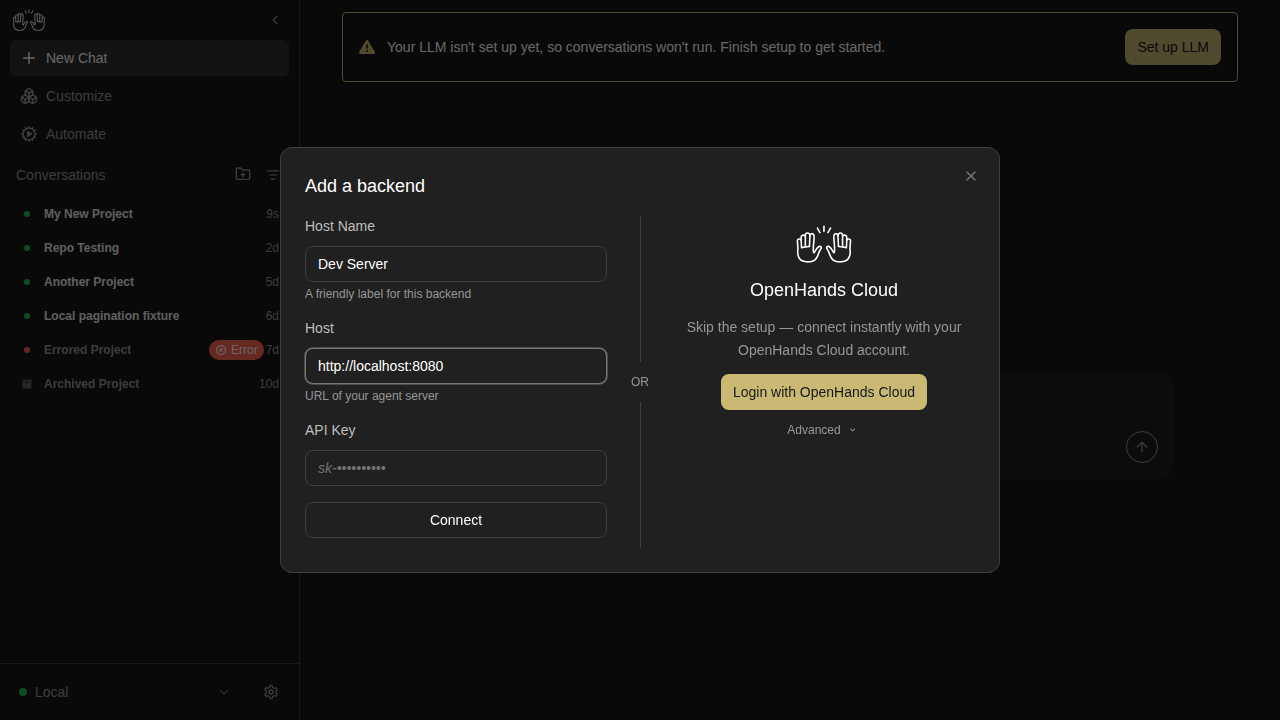
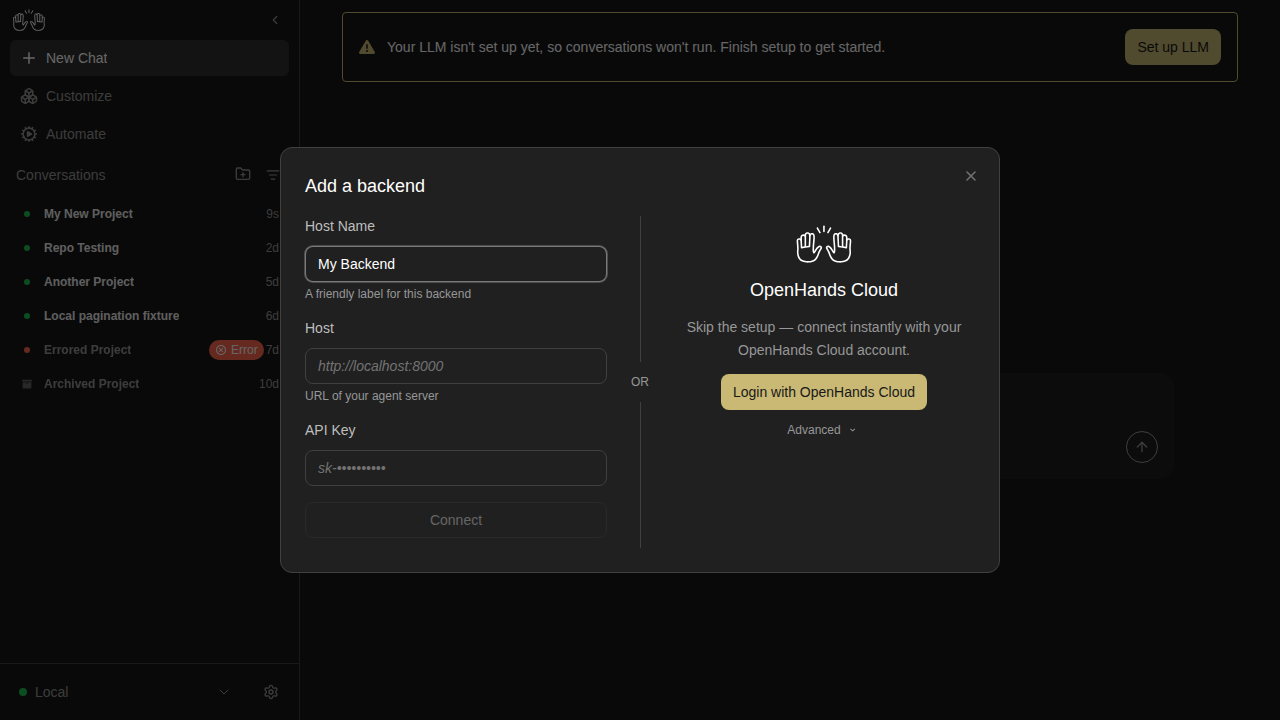
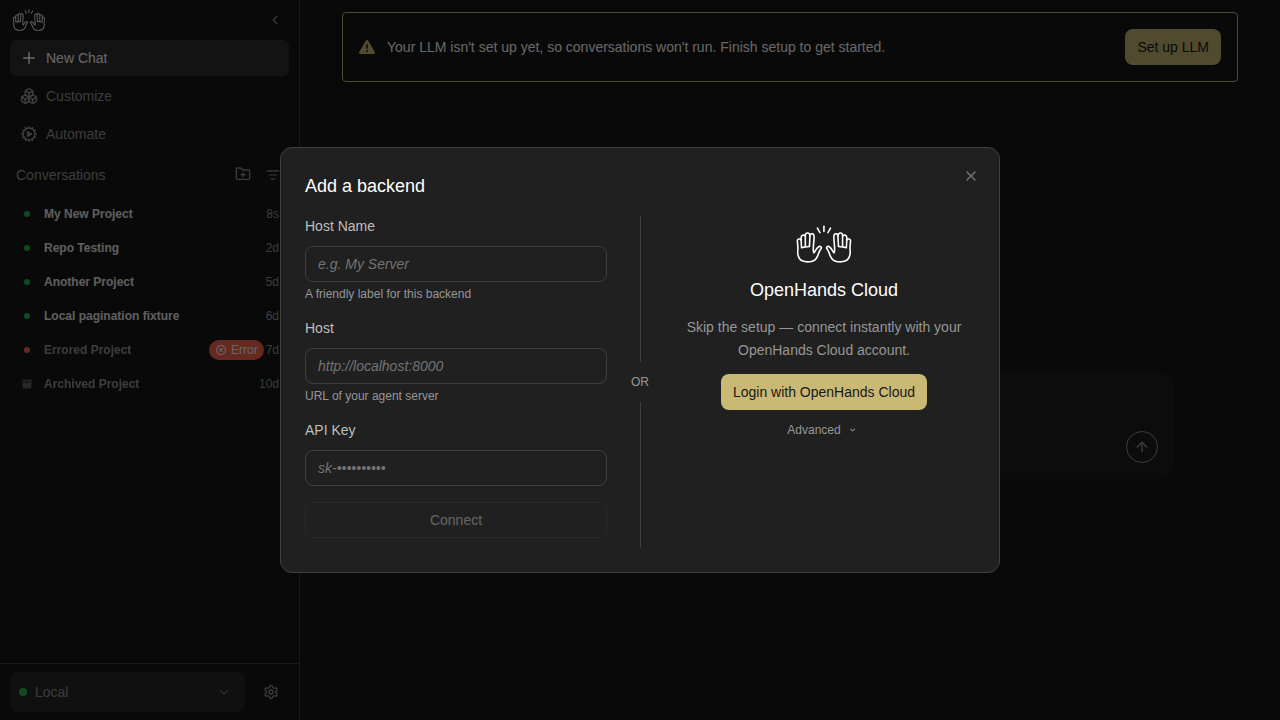
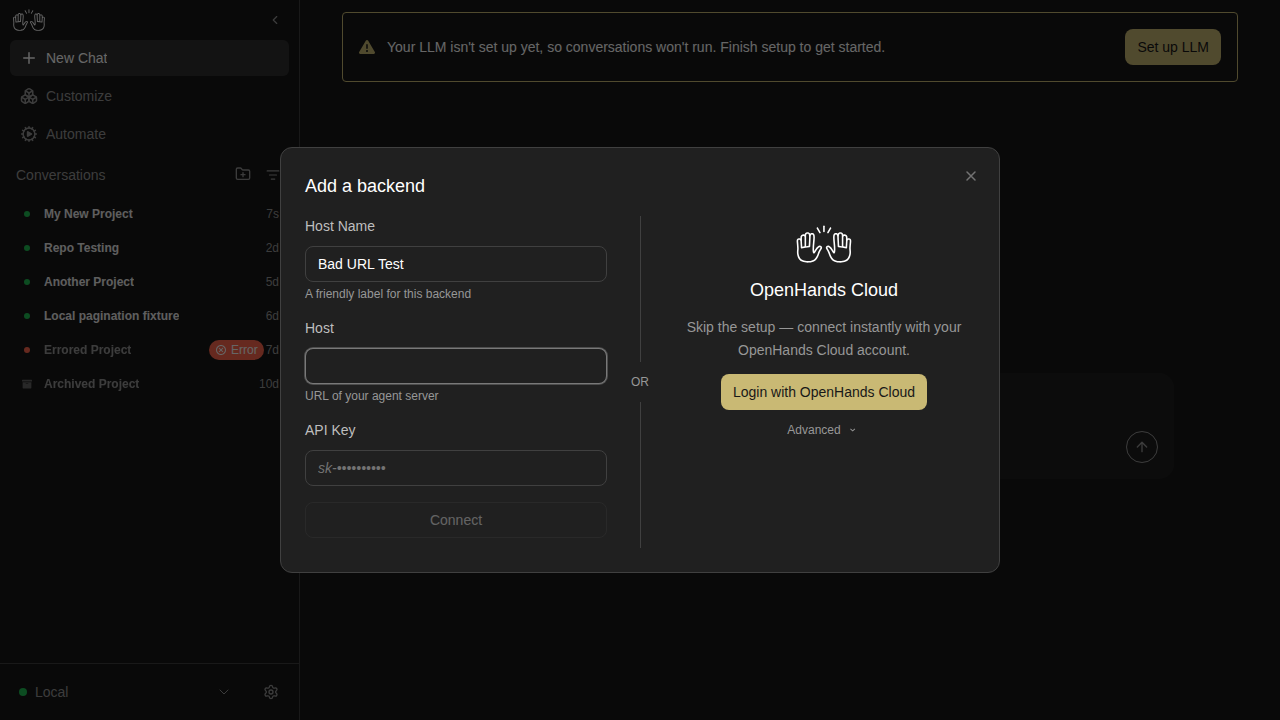
🆕 New snapshots (73)

These snapshots have no baseline on main and will become the new baseline once this PR merges.

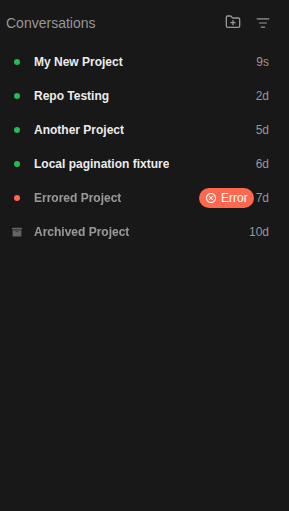
archived-conversation — 3 snapshots

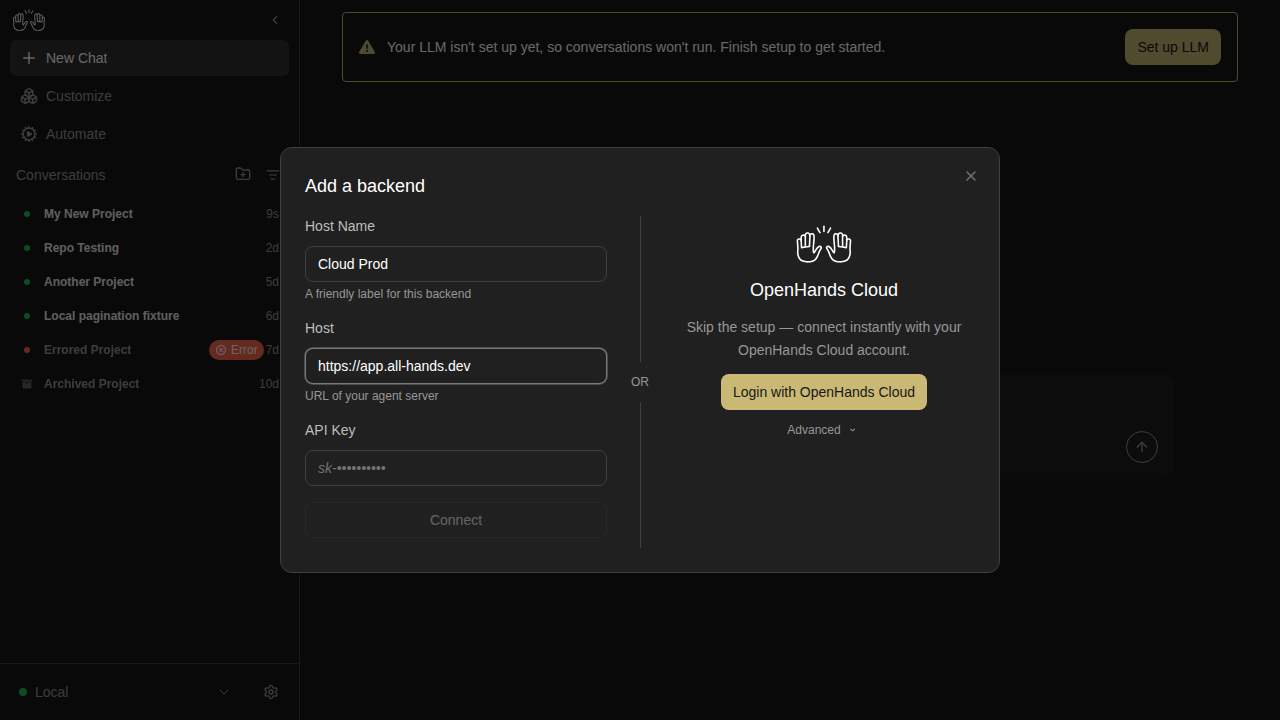
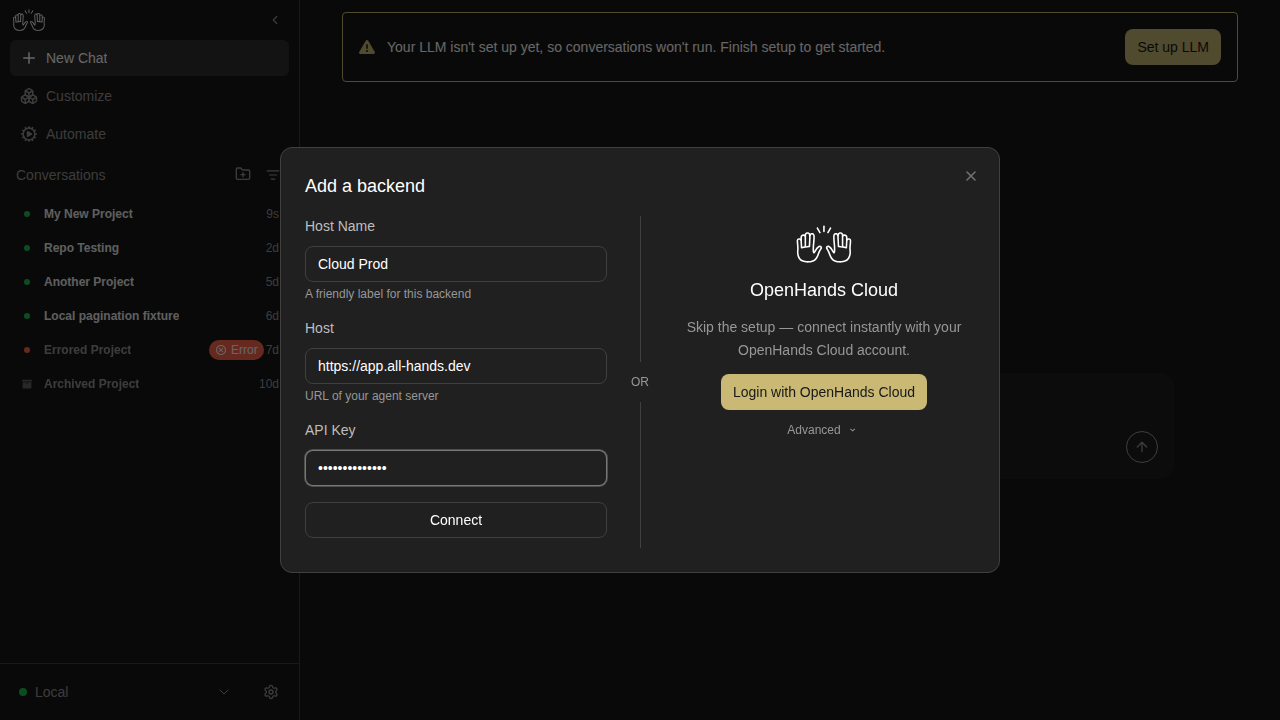
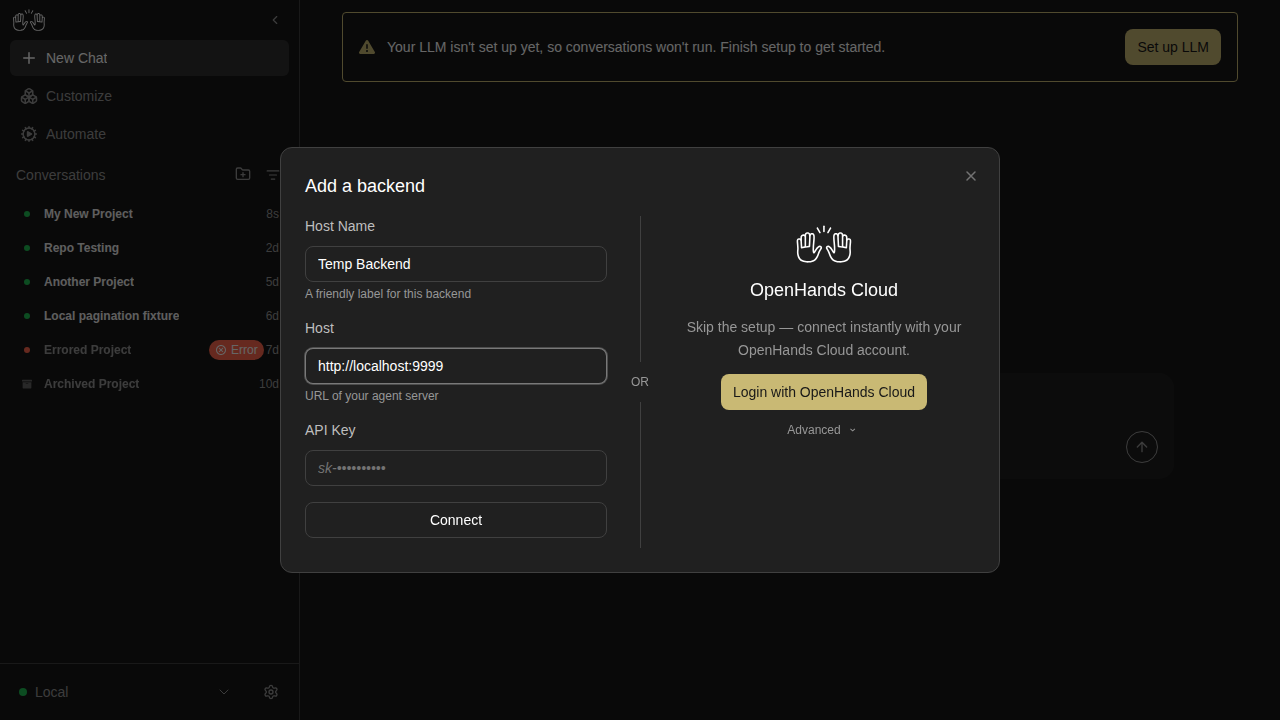
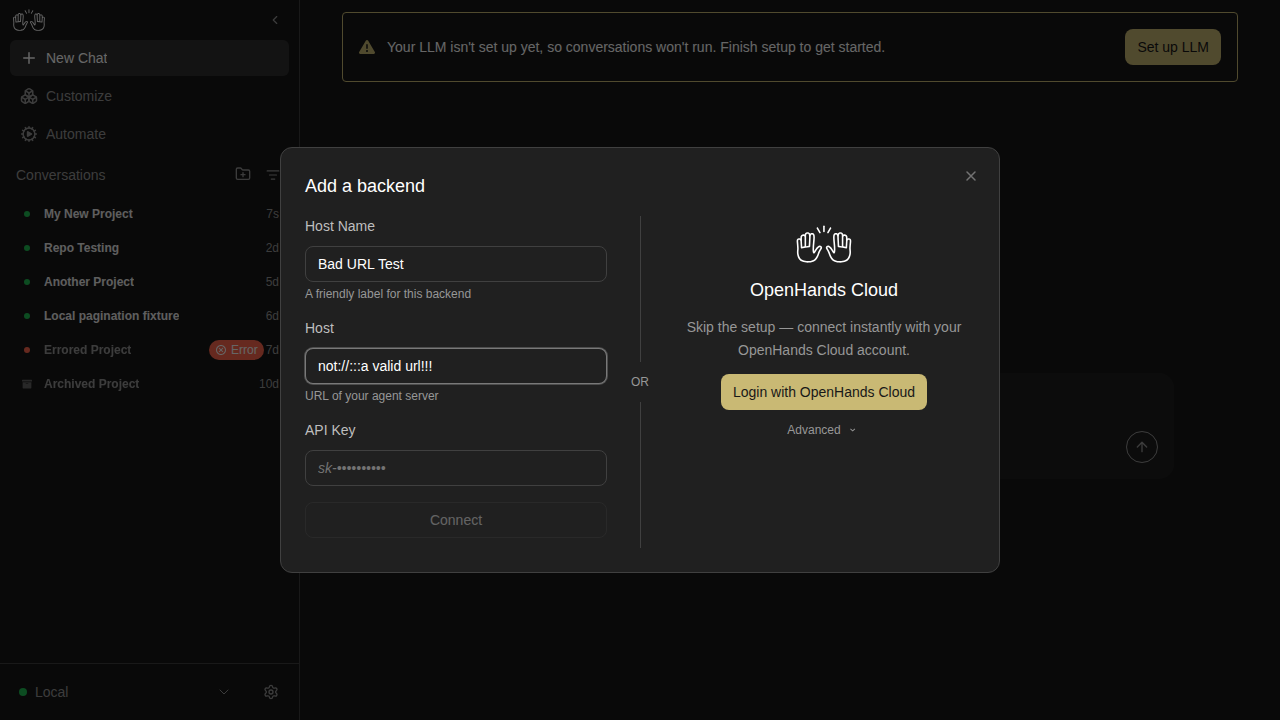
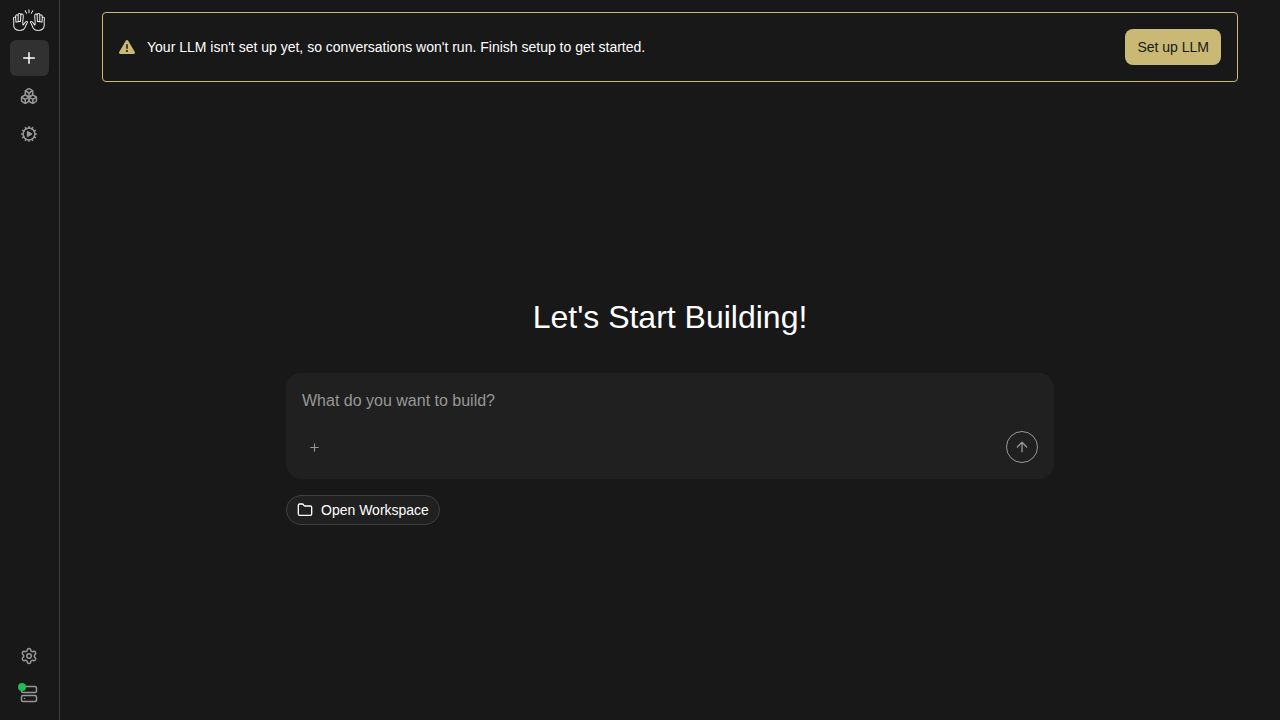
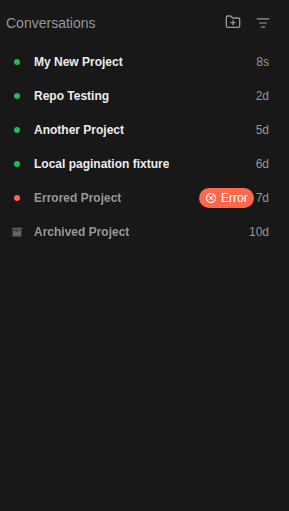
conversation-panel-with-archived-badges

new snapshot

conversation-view-archived

new snapshot

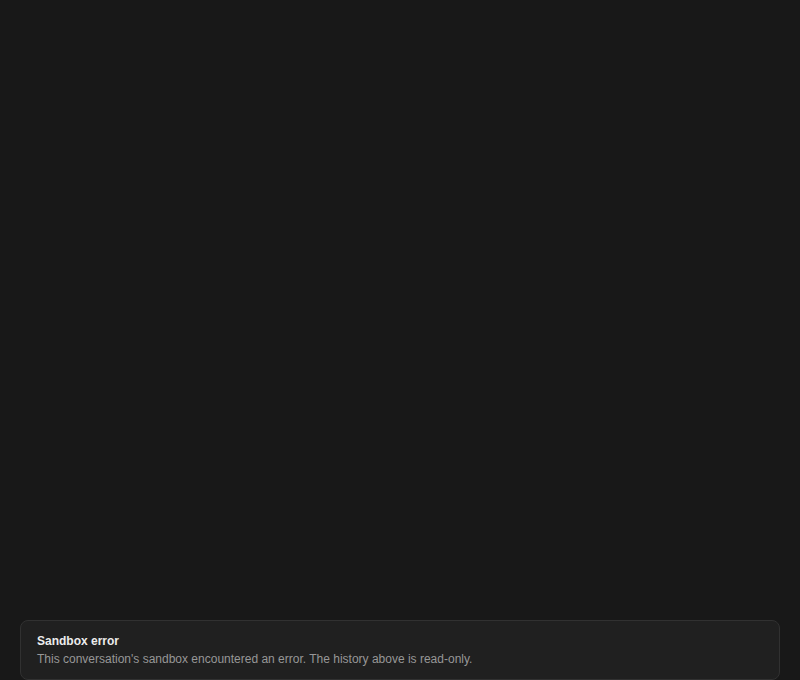
conversation-view-sandbox-error

new snapshot

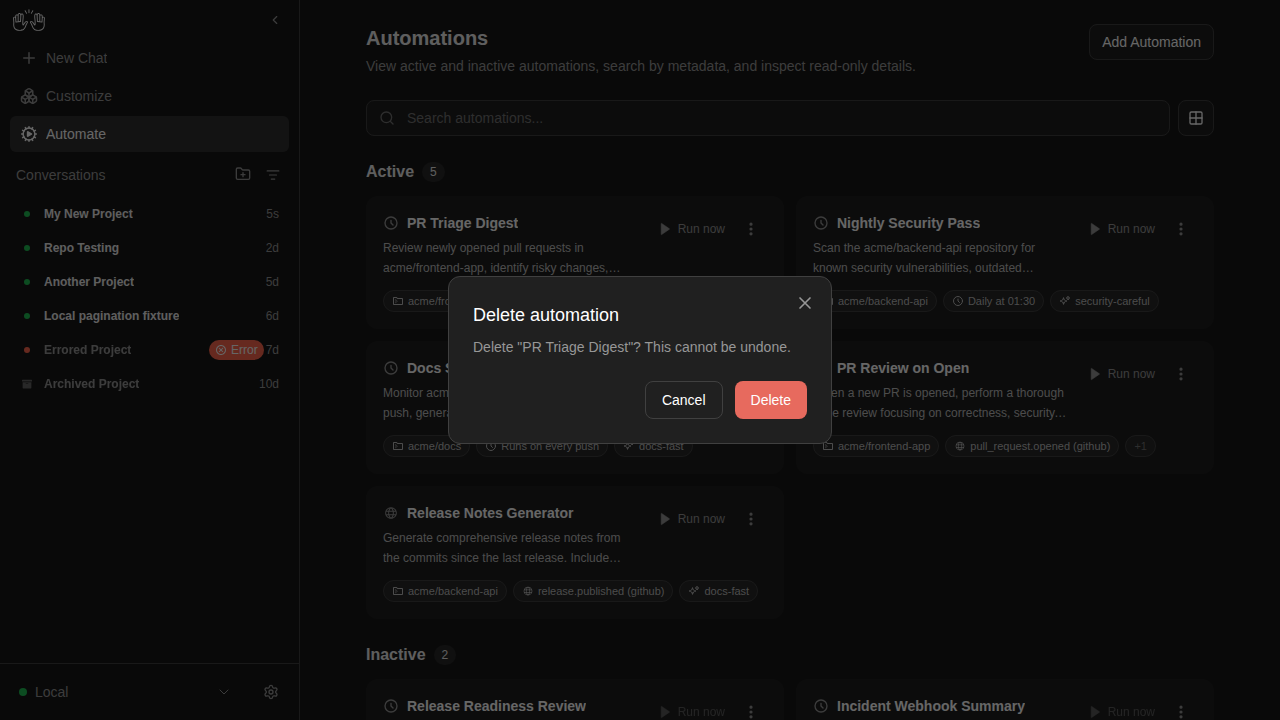
automations — 4 snapshots

automations-delete-modal

new snapshot

automations-list-active-inactive

new snapshot

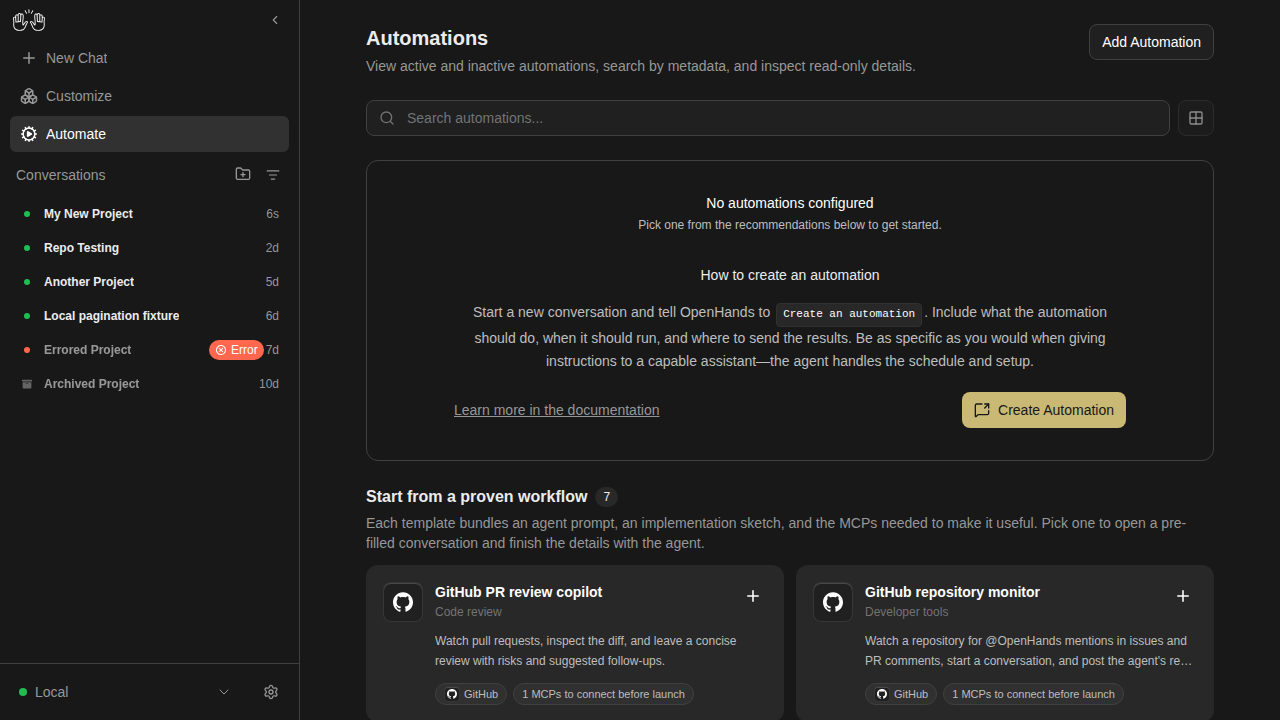
automations-no-automations

new snapshot

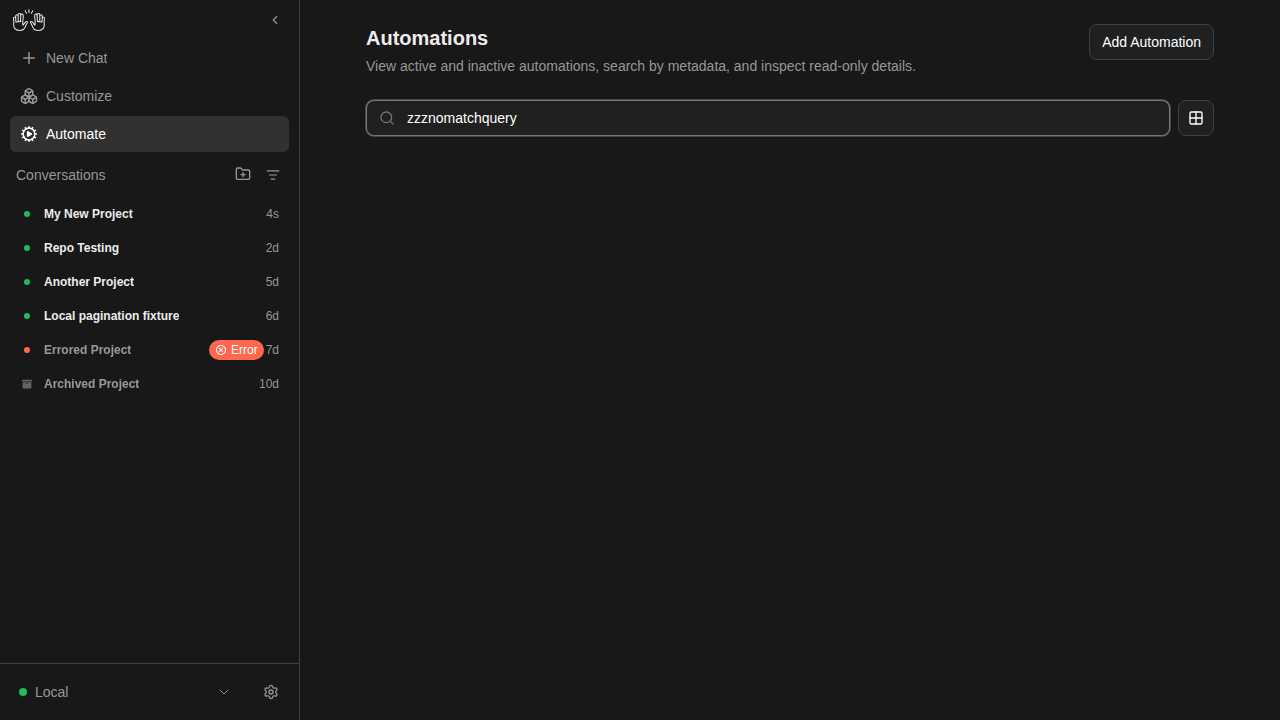
automations-search-no-results

new snapshot

backends-extended — 19 snapshots

backend-add-blank-disabled

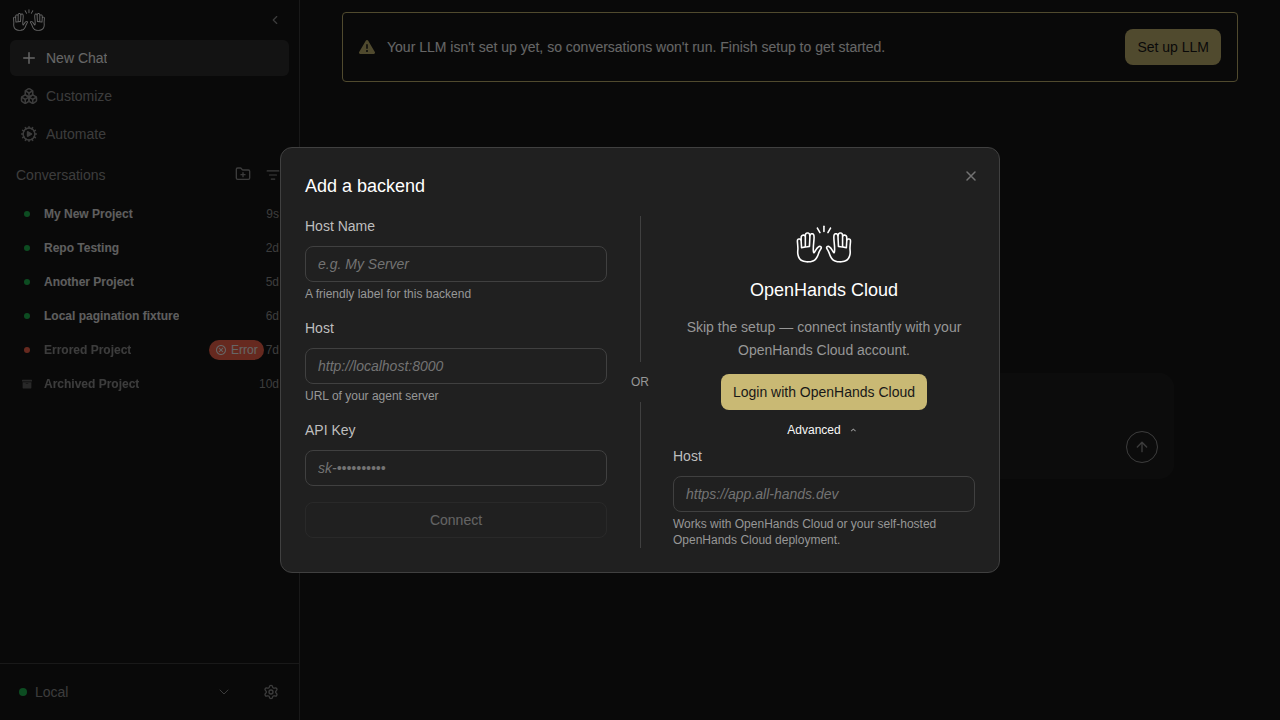
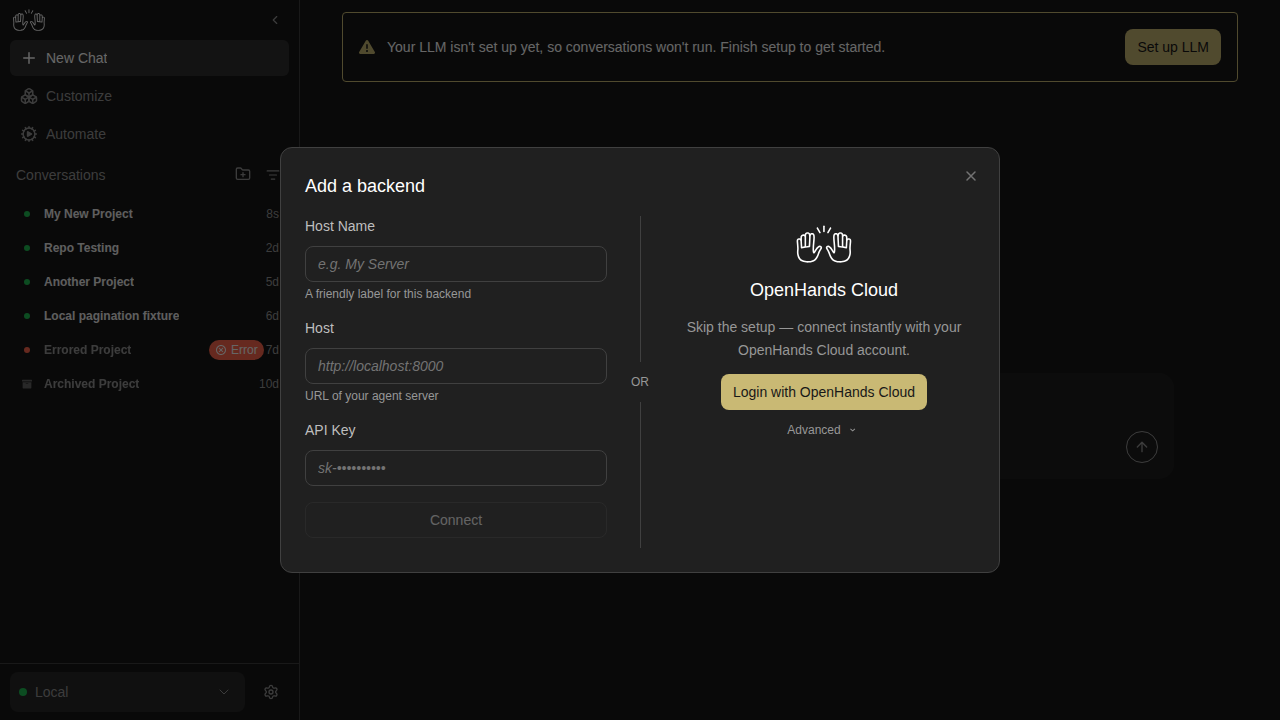
new snapshot

backend-add-cloud-advanced-open

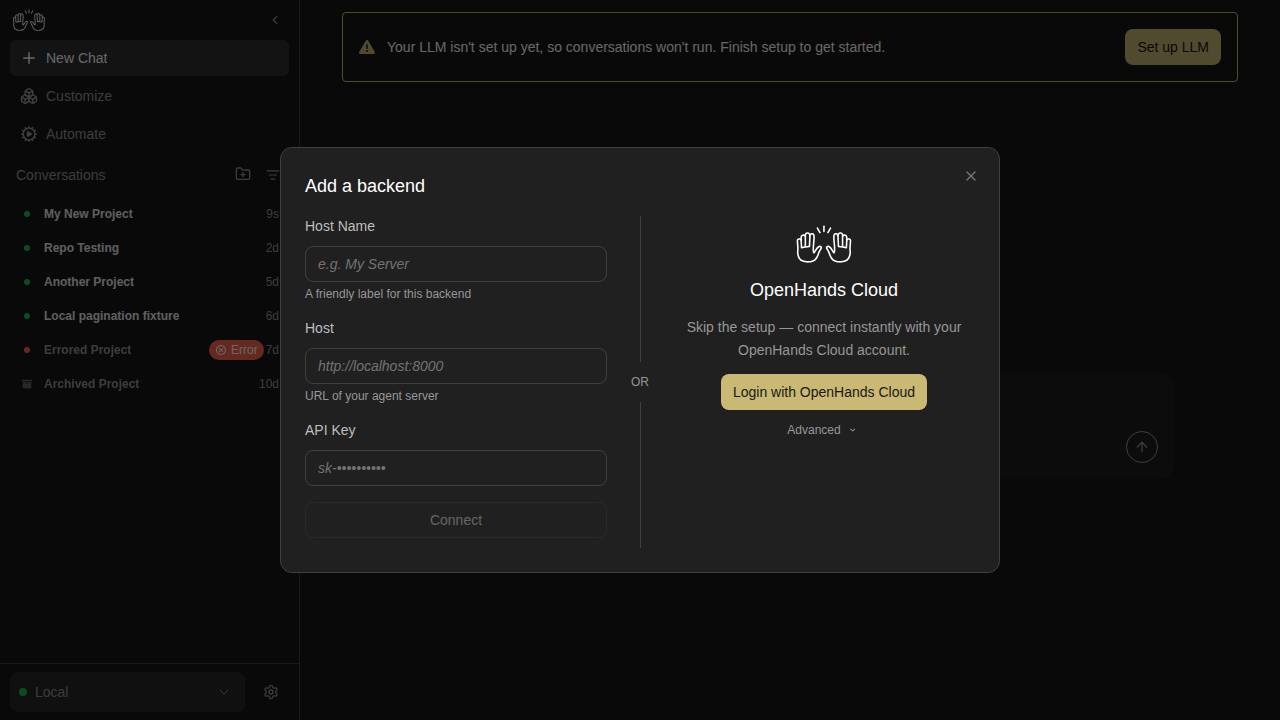
new snapshot

backend-add-cloud-no-key-disabled

new snapshot

backend-add-cloud-with-key-enabled

new snapshot

backend-add-form-partially-filled

new snapshot

backend-add-invalid-url-disabled

new snapshot

backend-add-local-ready

new snapshot

backend-add-name-only-disabled

new snapshot

backend-add-two-column-layout

new snapshot

backend-add-whitespace-host-disabled

new snapshot

backend-after-switch

new snapshot

backend-cancel-nothing-saved

new snapshot

backend-dropdown-two-backends

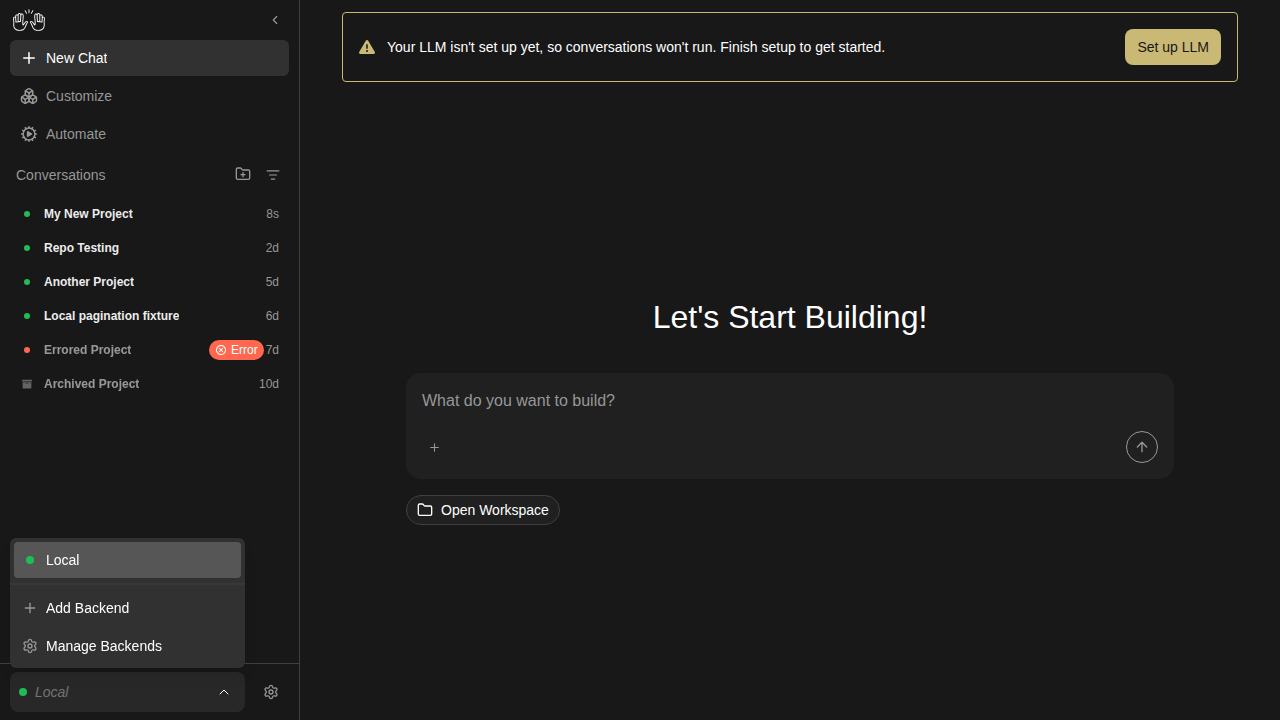
new snapshot

backend-edit-prefilled

new snapshot

backend-manage-after-removal

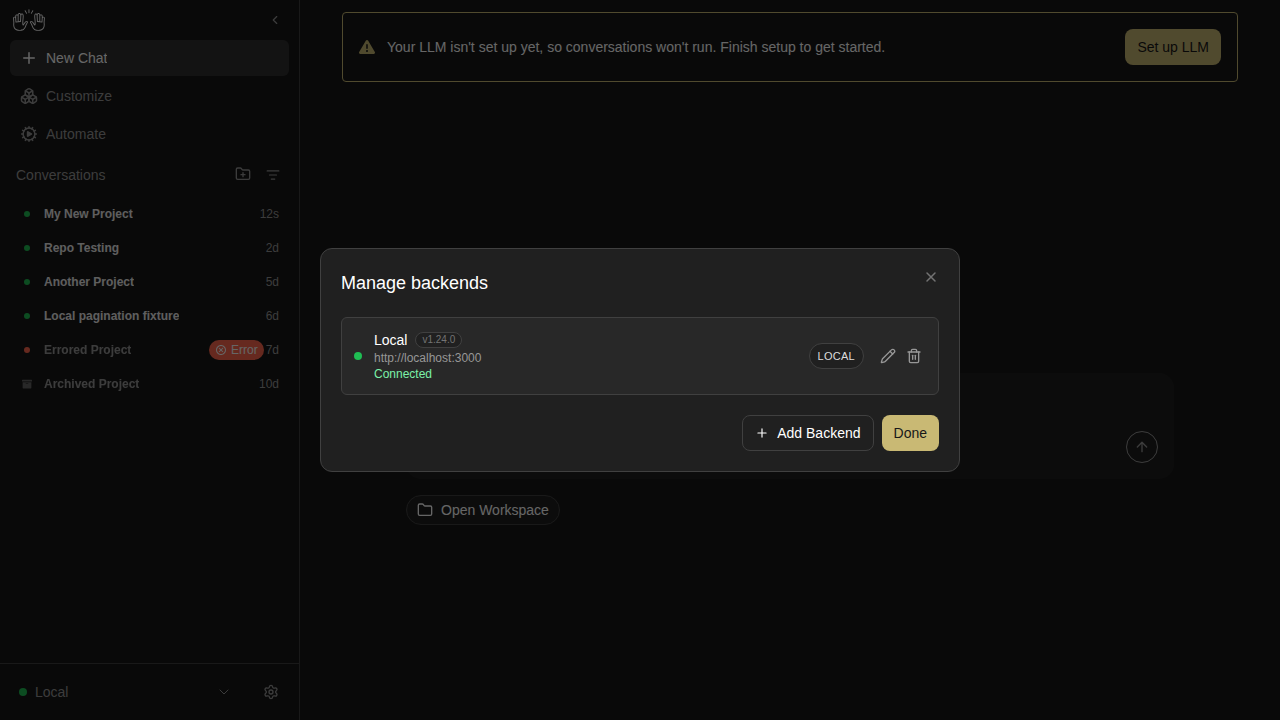
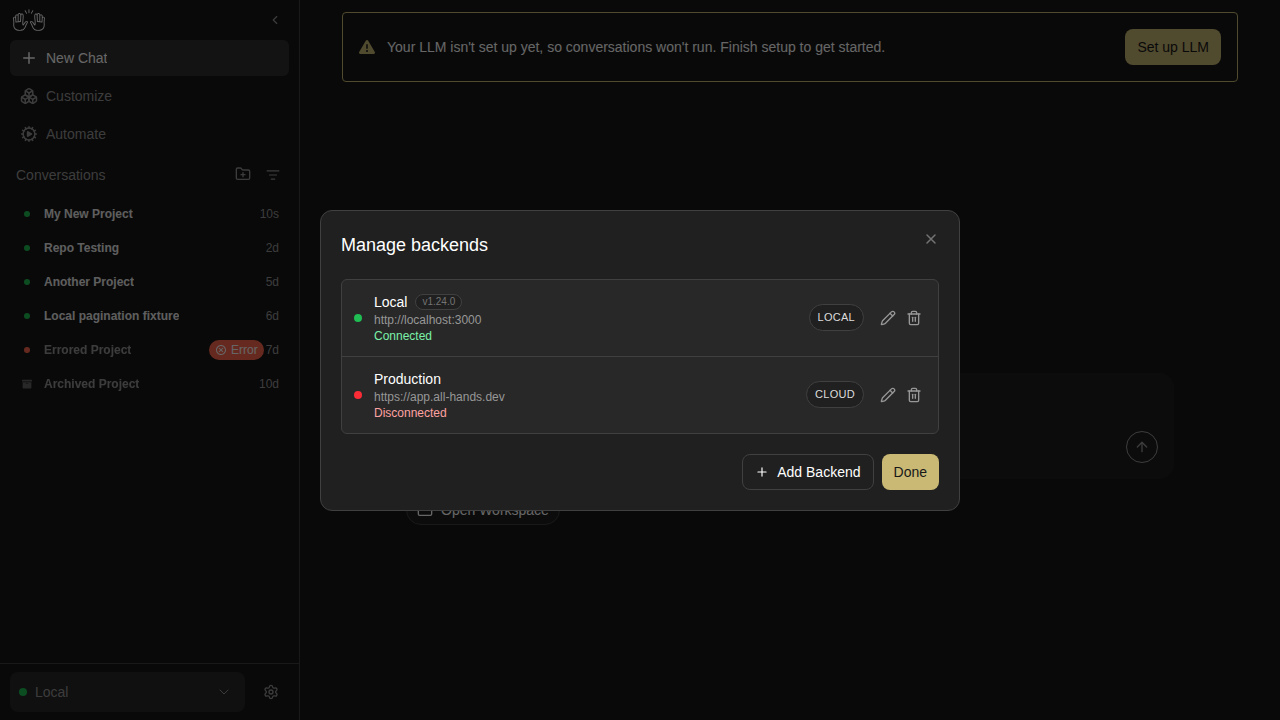
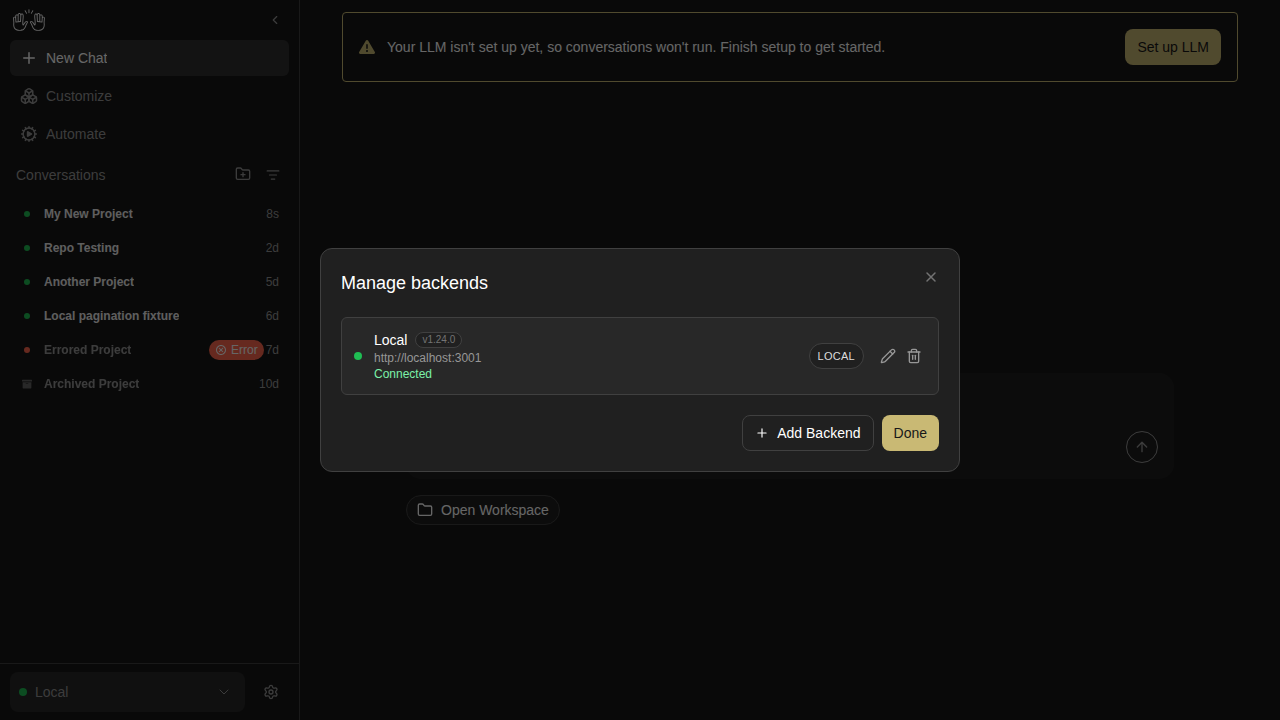
new snapshot

backend-manage-two-listed

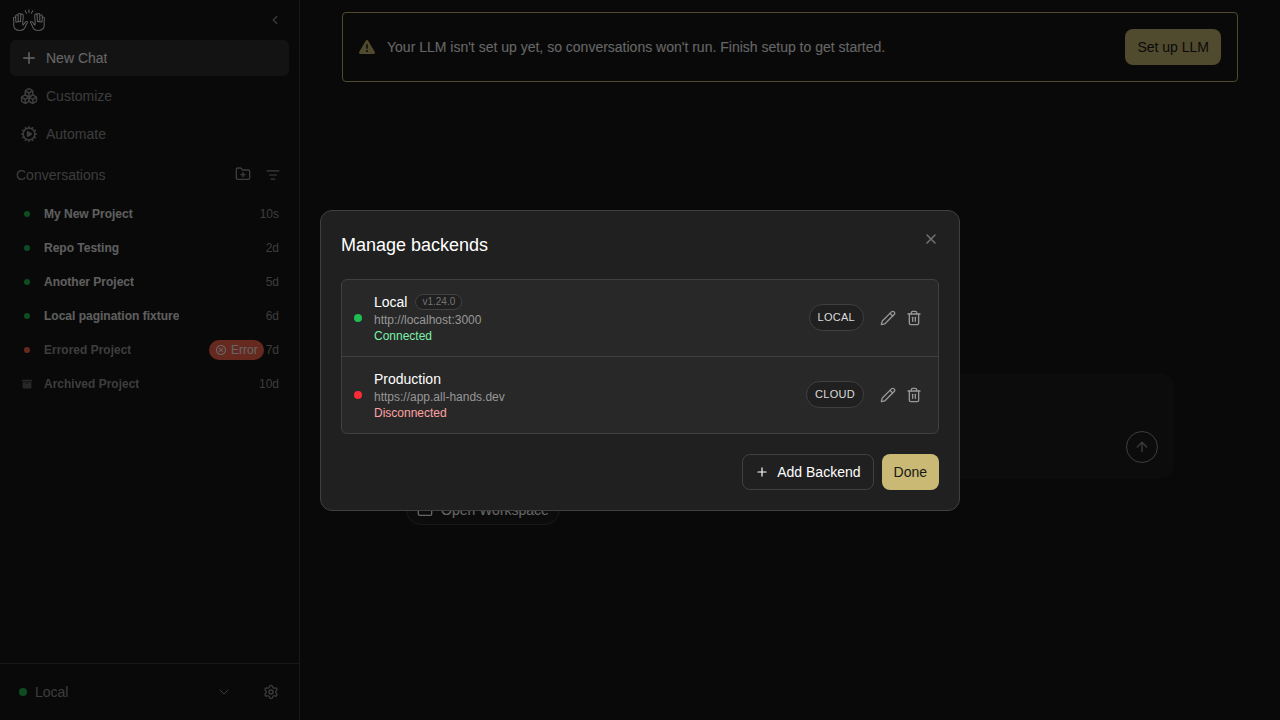
new snapshot

backend-remove-cancelled

new snapshot

backend-remove-confirmation

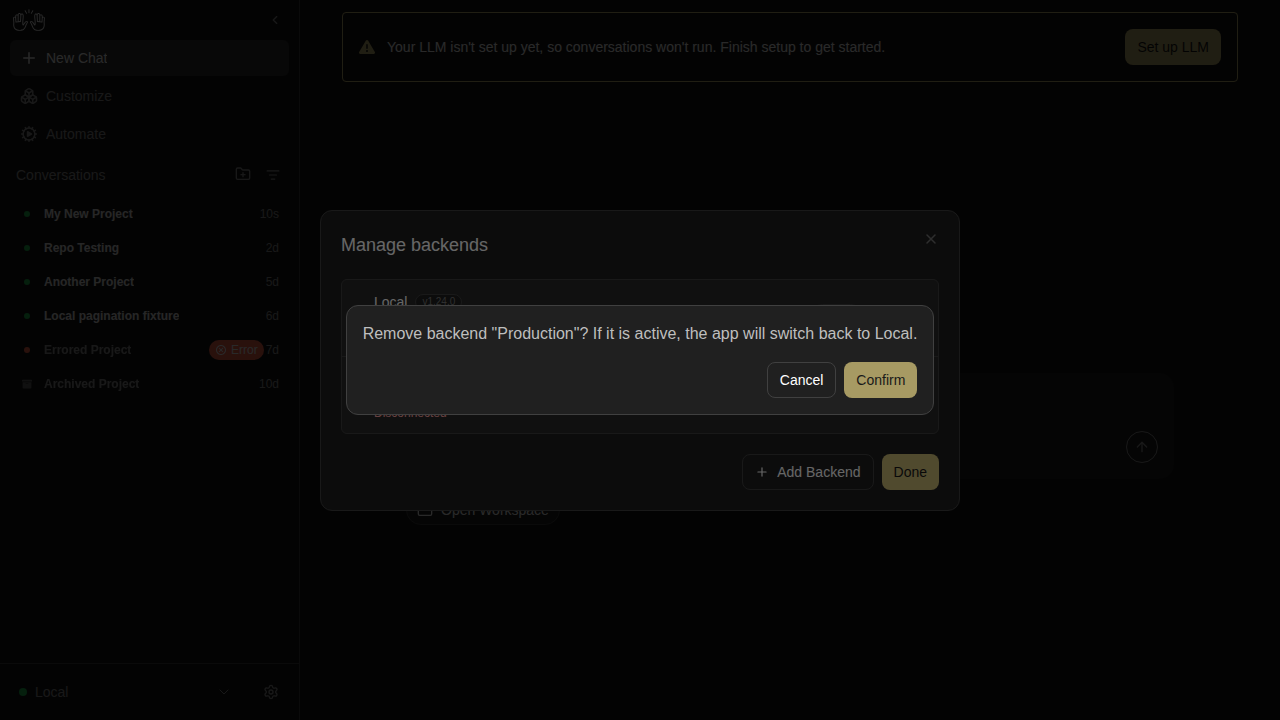
new snapshot

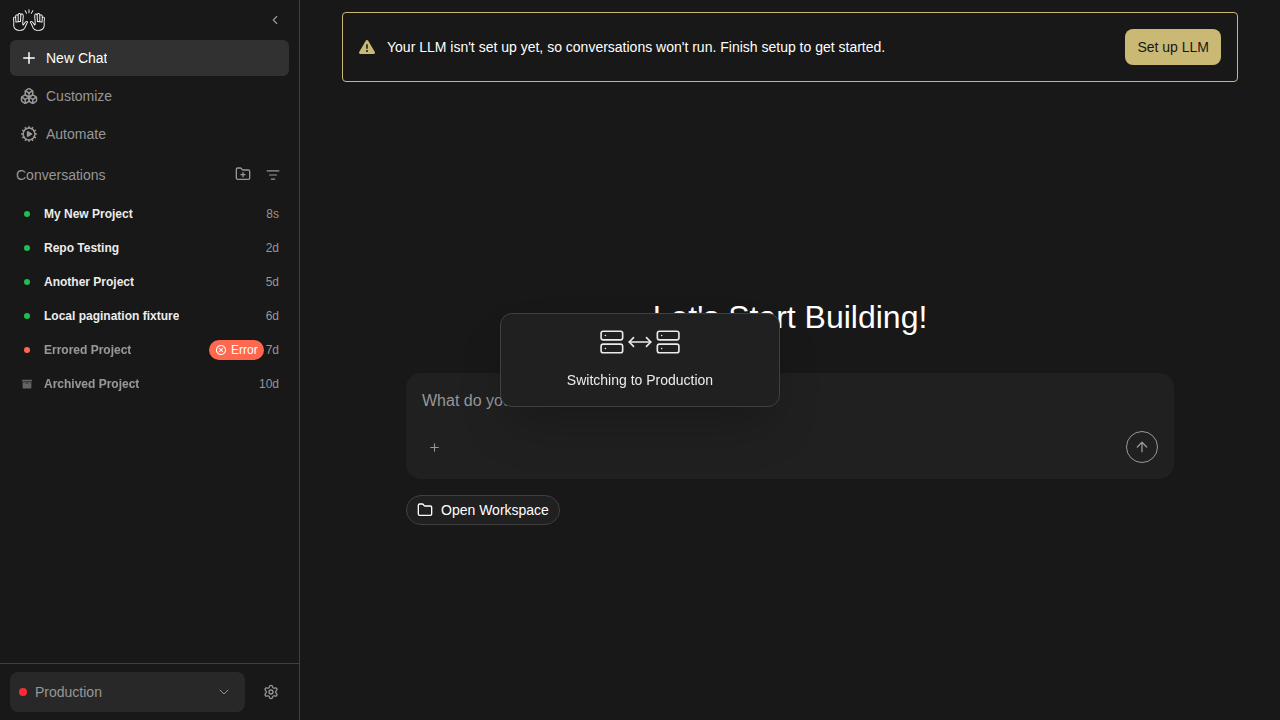
backend-switch-overlay

new snapshot

backends — 3 snapshots

backend-add-modal

new snapshot

backend-manage-modal

new snapshot

backend-selector-open

new snapshot

changes-tab — 3 snapshots

changes-deleted-file

new snapshot

changes-diff-viewer

new snapshot

changes-empty

new snapshot

collapsible-thinking — 4 snapshots

reasoning-content-collapsed

new snapshot

reasoning-content-expanded

new snapshot

think-action-collapsed

new snapshot

think-action-expanded

new snapshot

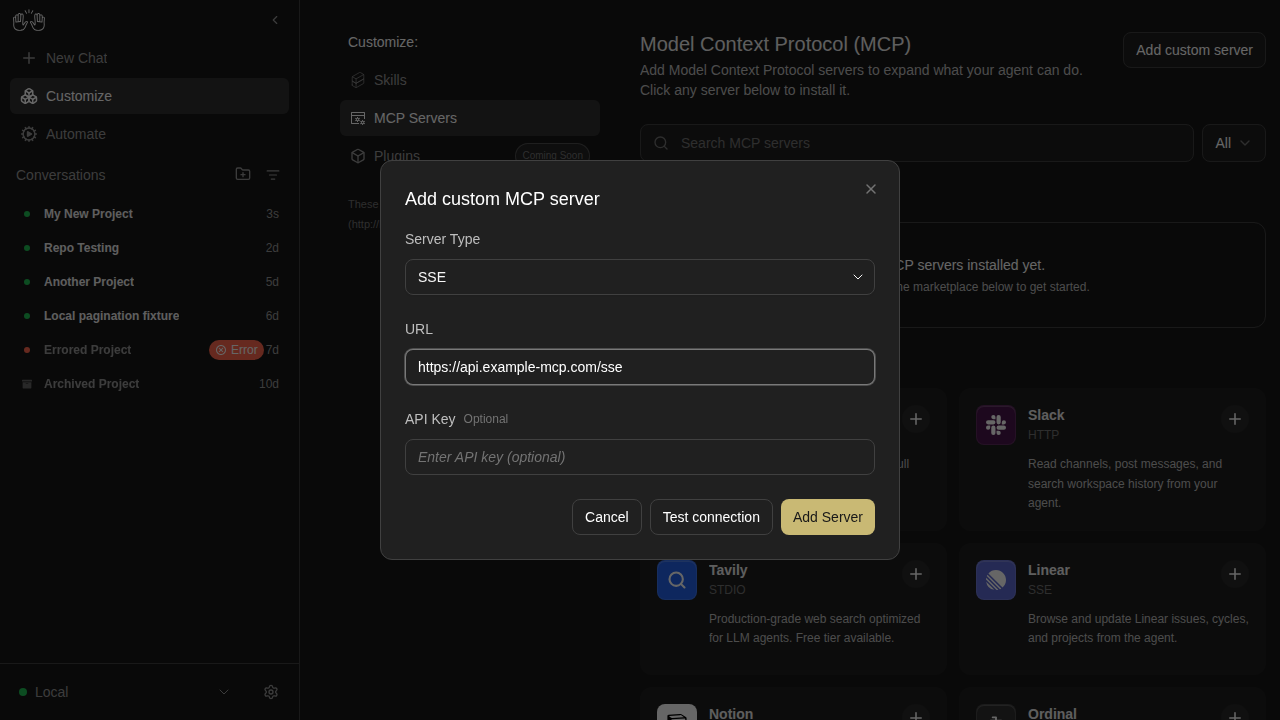
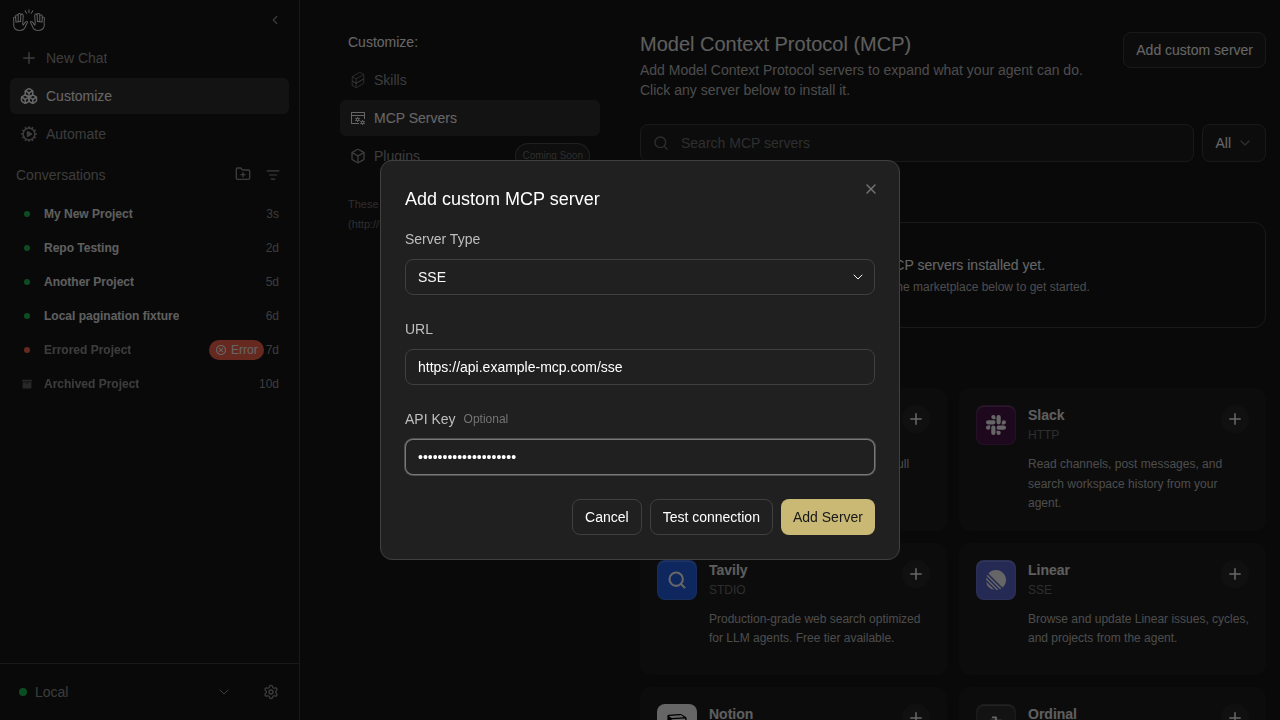
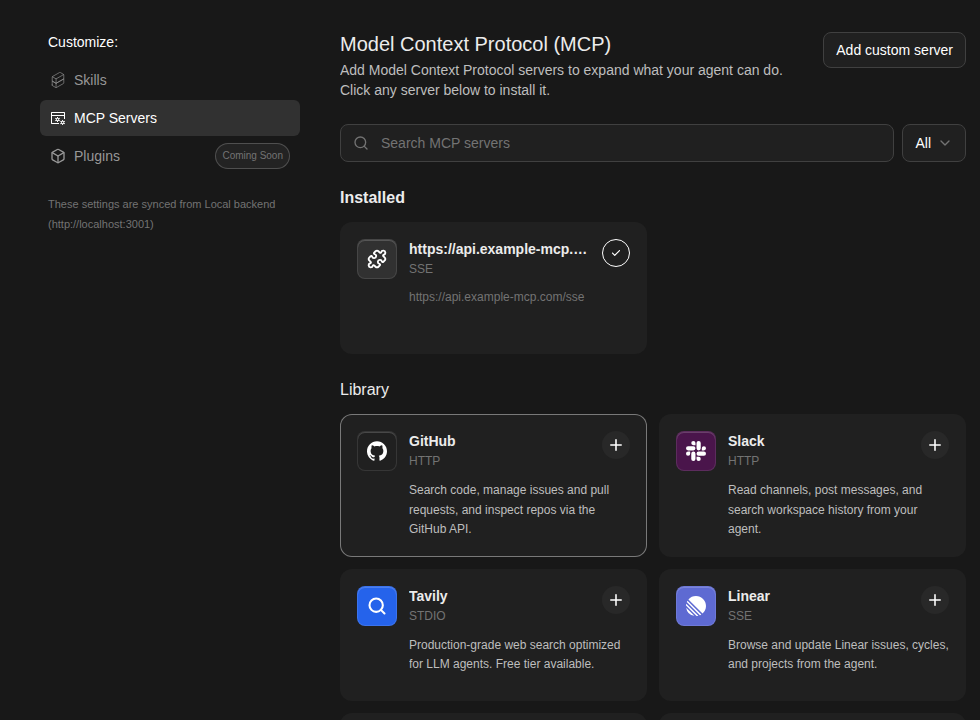
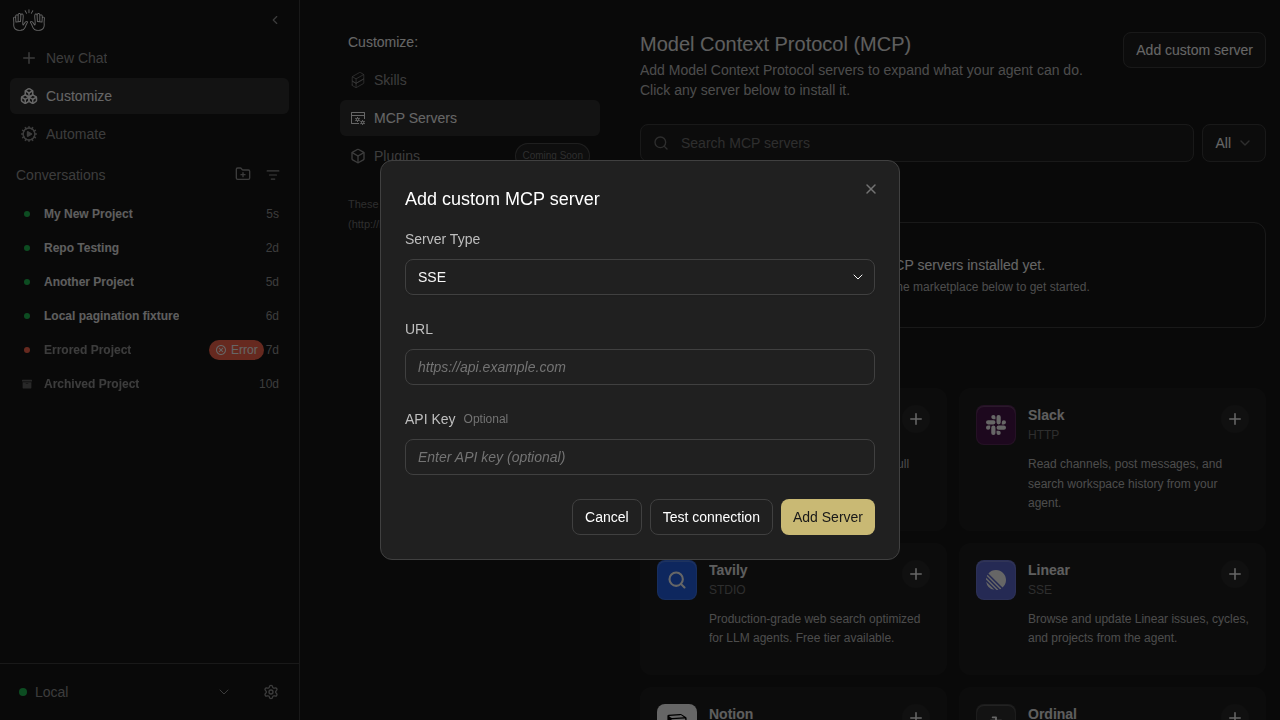
mcp-page — 11 snapshots

mcp-custom-server-1-editor-open

new snapshot

mcp-custom-server-2-url-filled

new snapshot

mcp-custom-server-3-all-filled

new snapshot

mcp-custom-server-4-installed

new snapshot

mcp-custom-server-editor

new snapshot

mcp-empty-installed

new snapshot

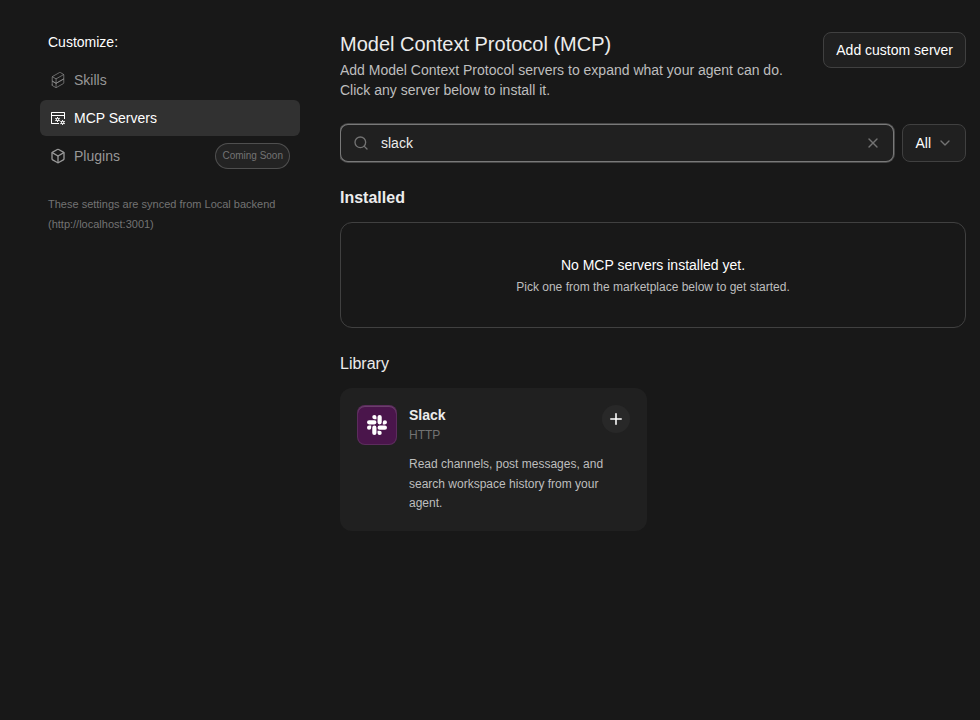
mcp-search-filtered

new snapshot

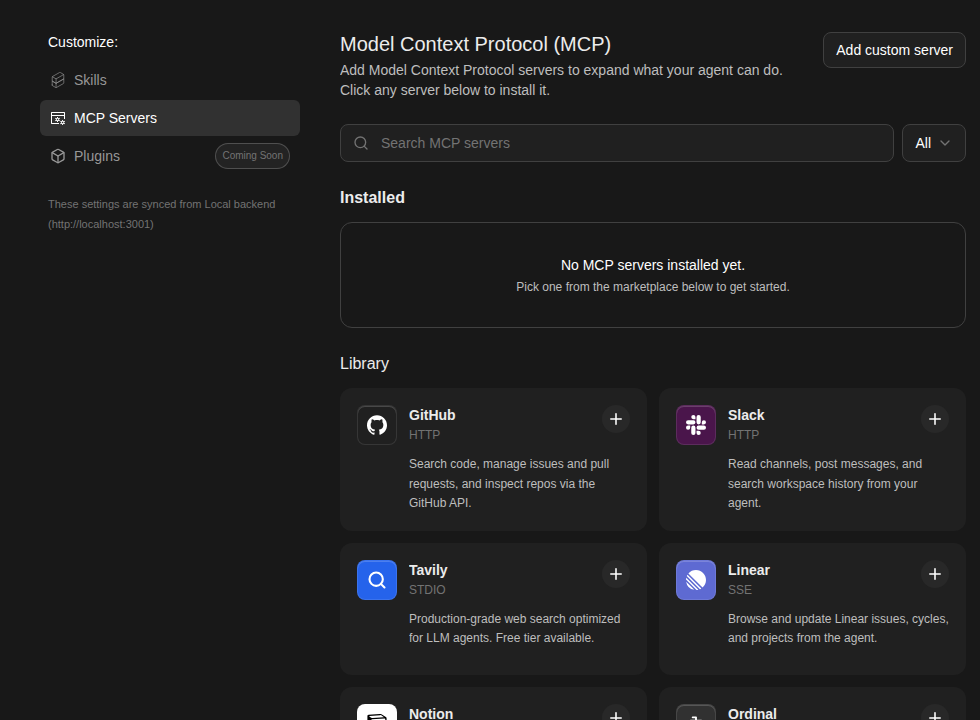
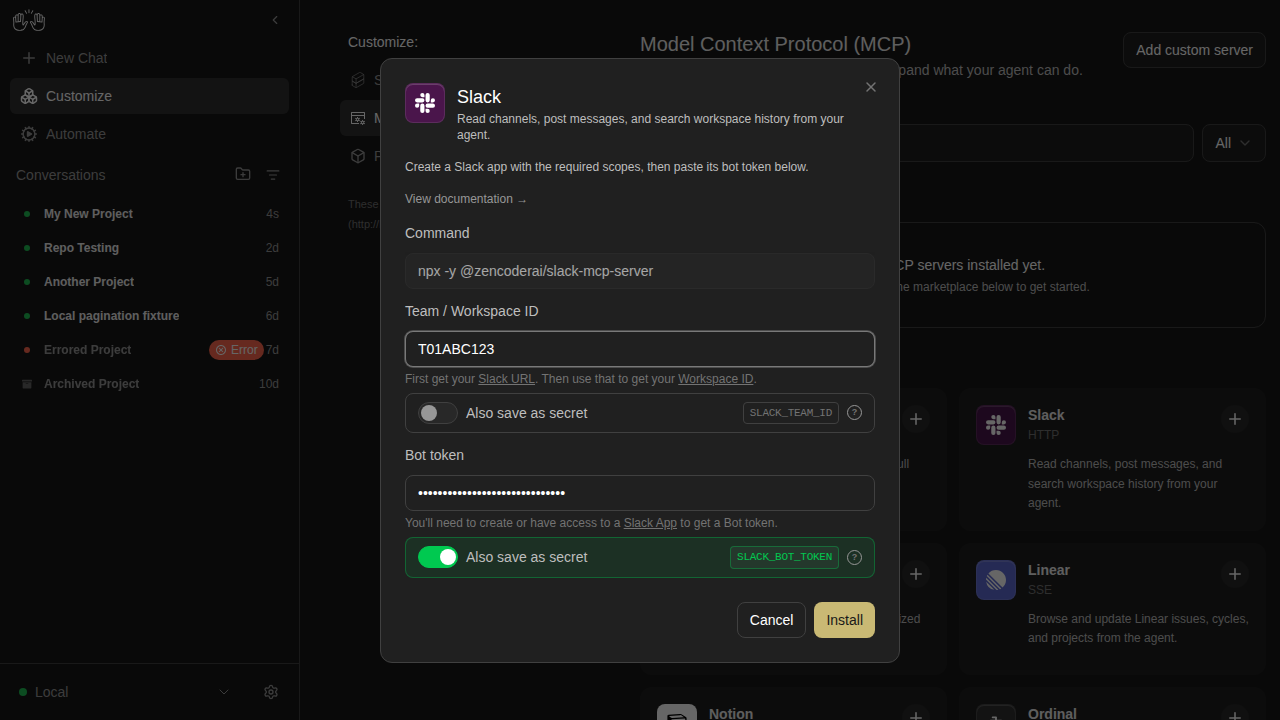
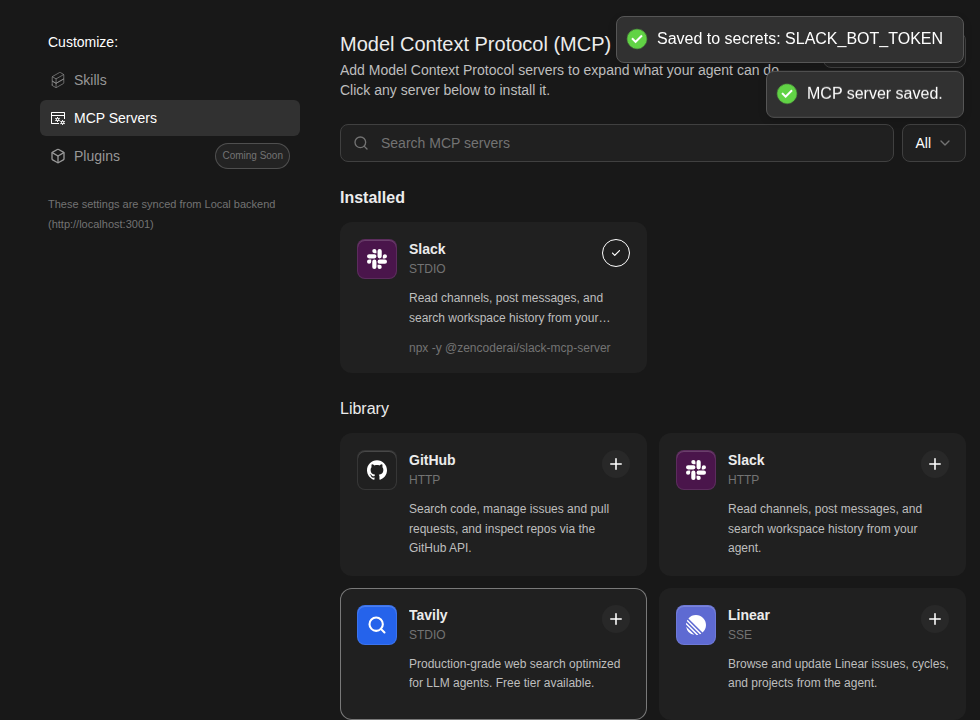
mcp-slack-install-1-marketplace

new snapshot

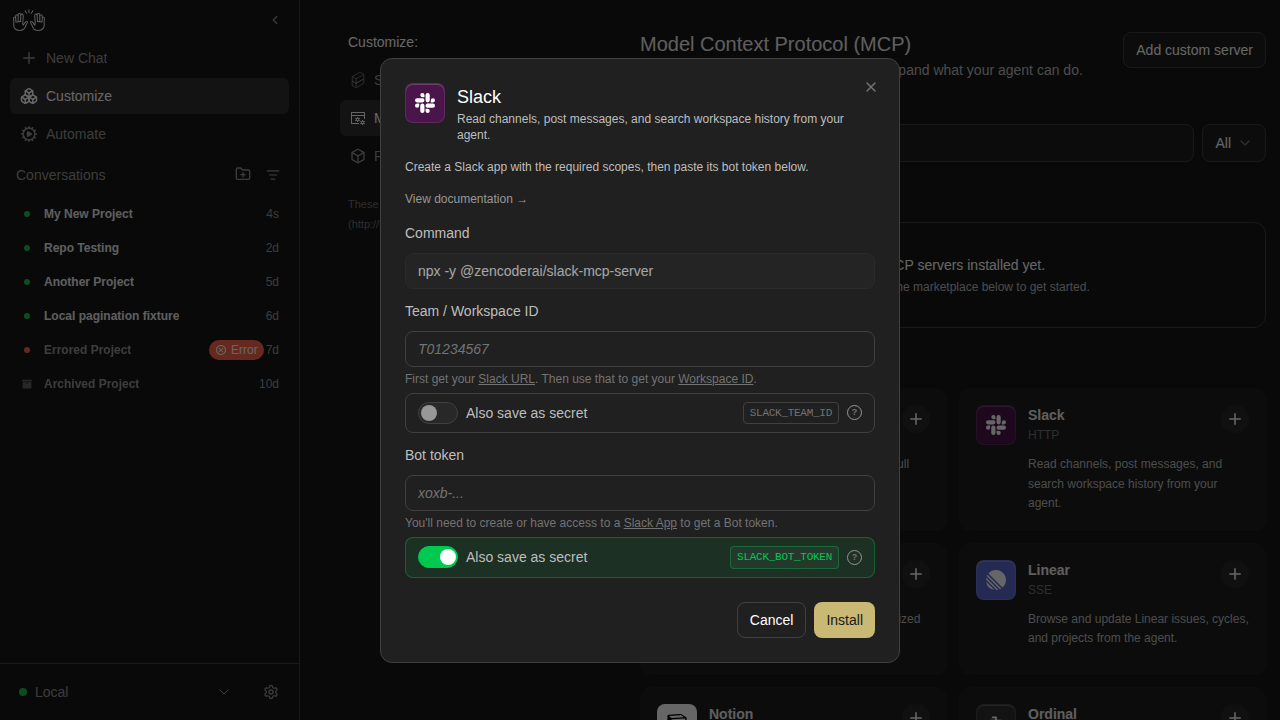
mcp-slack-install-2-modal

new snapshot

mcp-slack-install-3-filled

new snapshot

mcp-slack-install-4-installed

new snapshot

onboarding — 4 snapshots

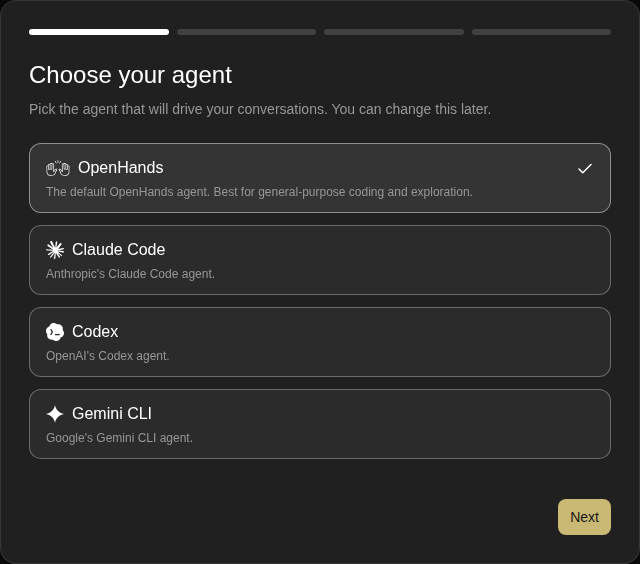
onboarding-step-0-choose-agent

new snapshot

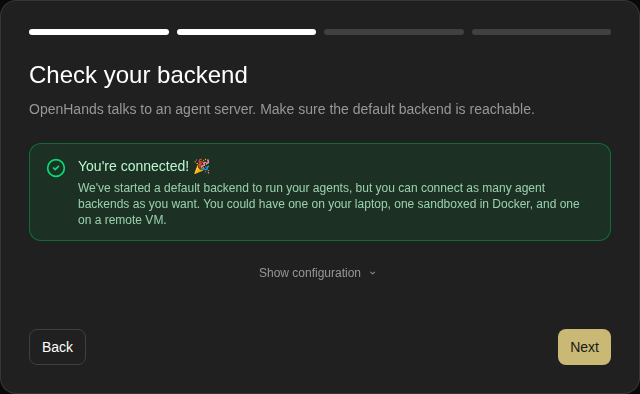
onboarding-step-1-check-backend

new snapshot

onboarding-step-2-setup-llm

new snapshot

onboarding-step-3-say-hello

new snapshot

projects-workspace-browser

projects-workspace-browser

new snapshot

settings-page — 5 snapshots

add-backend-modal

new snapshot

analytics-consent-modal

new snapshot

home-screen

new snapshot

settings-app-page

new snapshot

settings-page

new snapshot

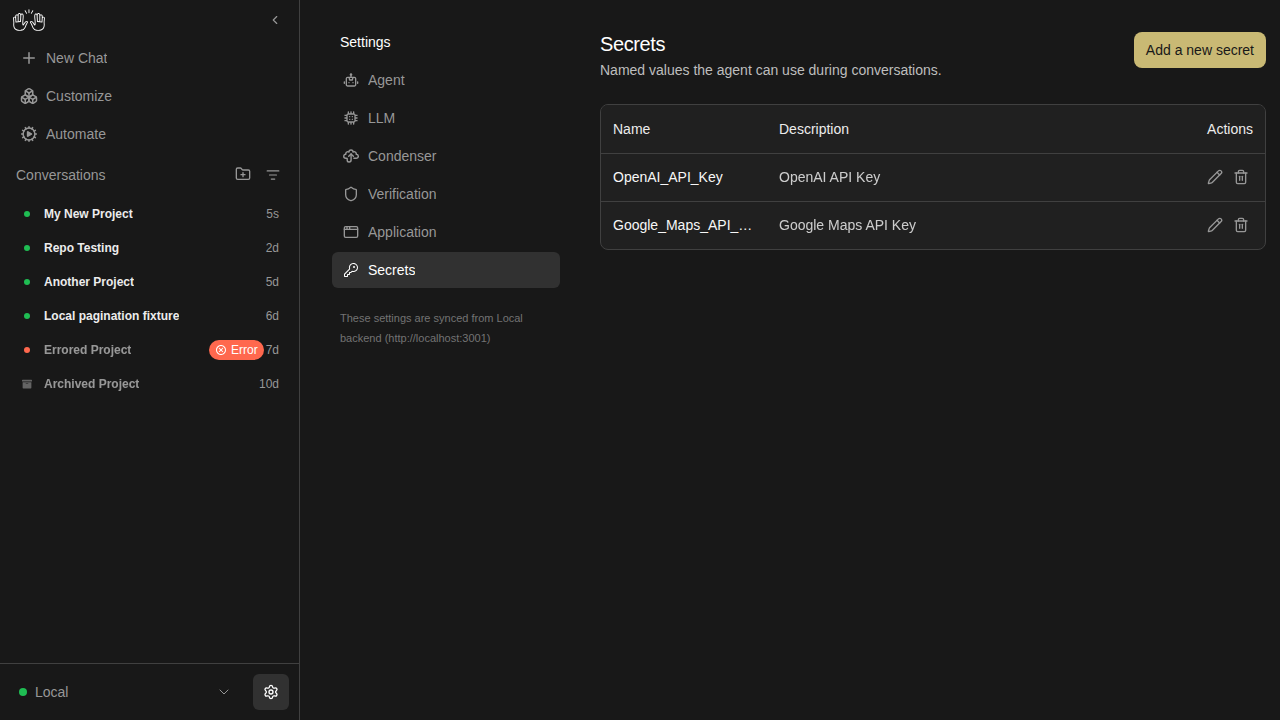
settings-secrets — 5 snapshots

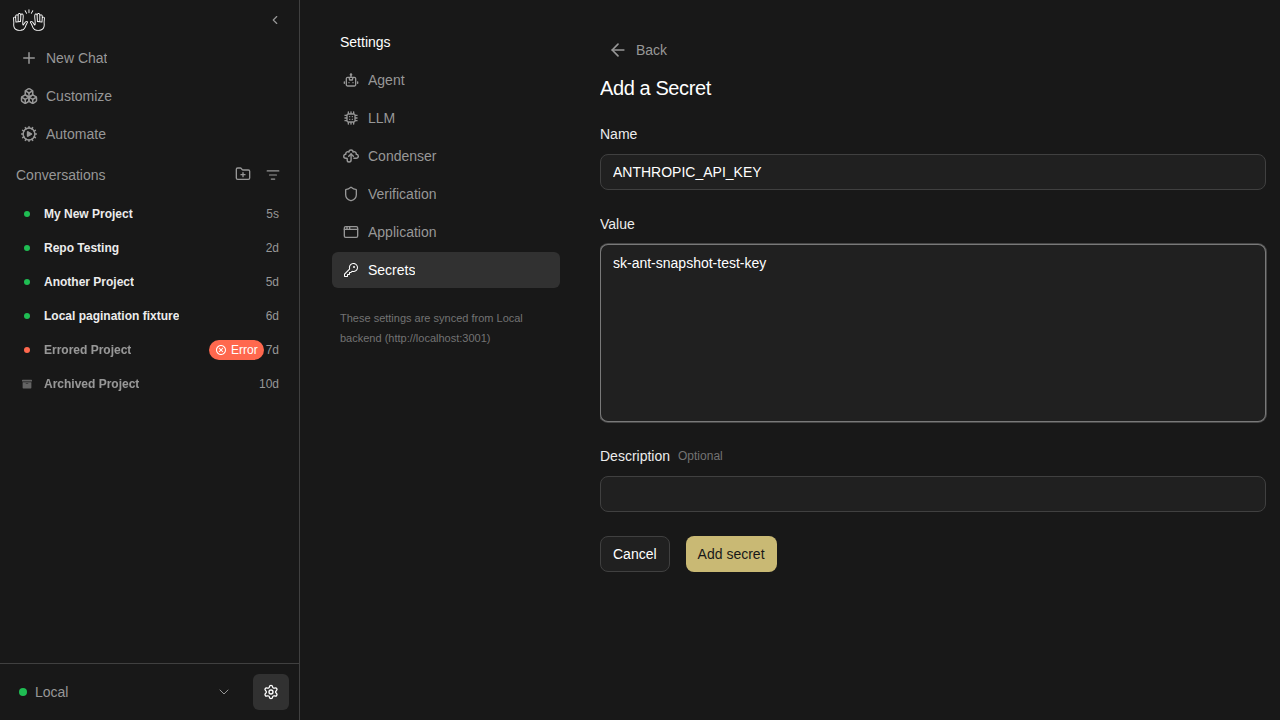
secrets-add-form-filled

new snapshot

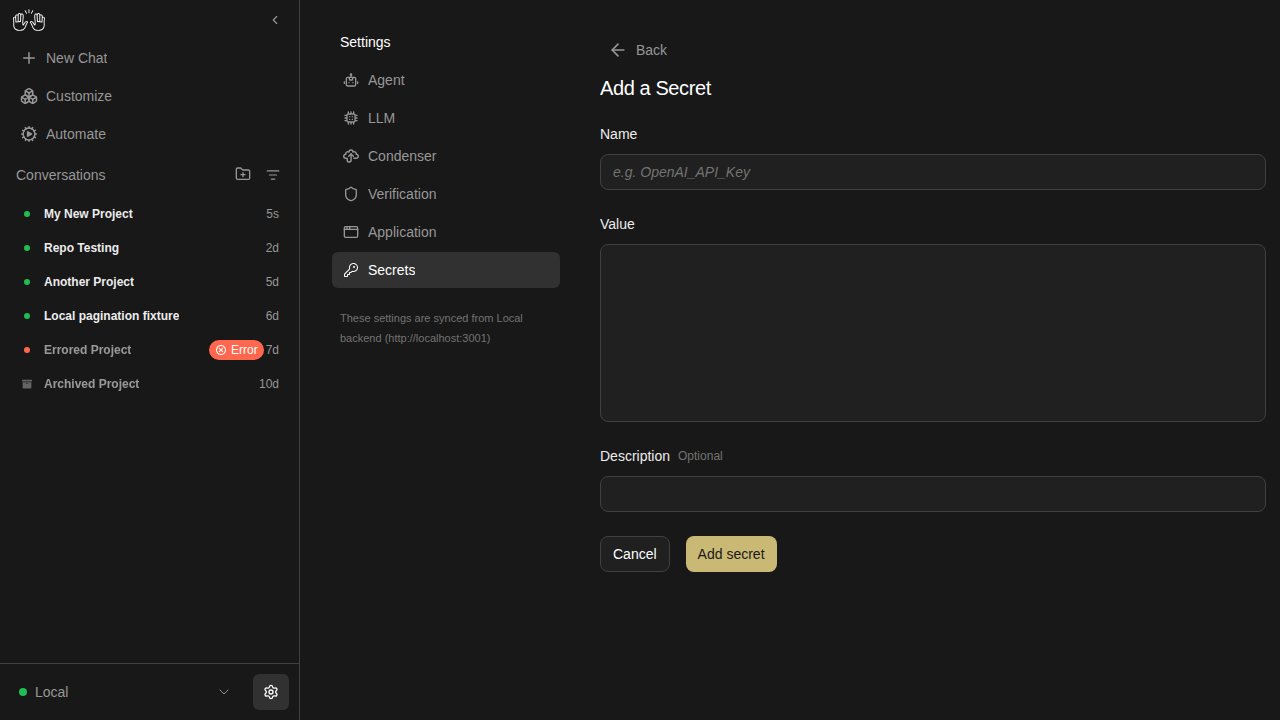
secrets-add-form

new snapshot

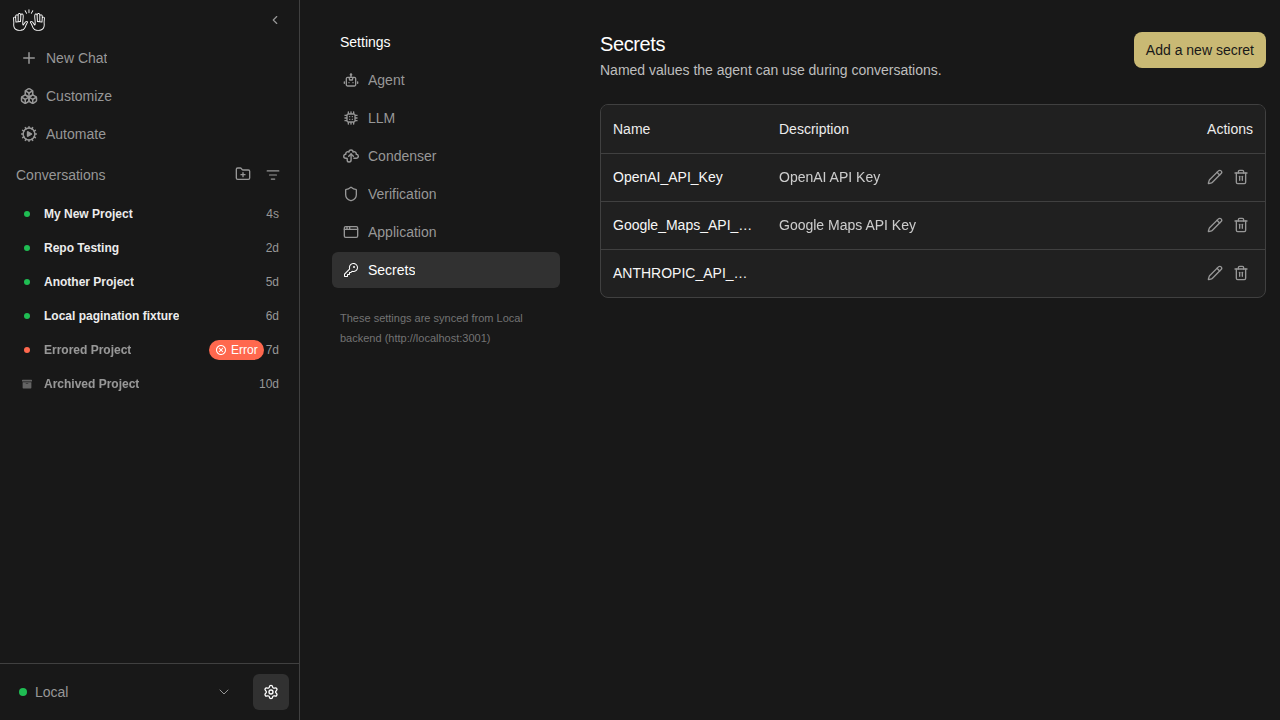
secrets-after-save

new snapshot

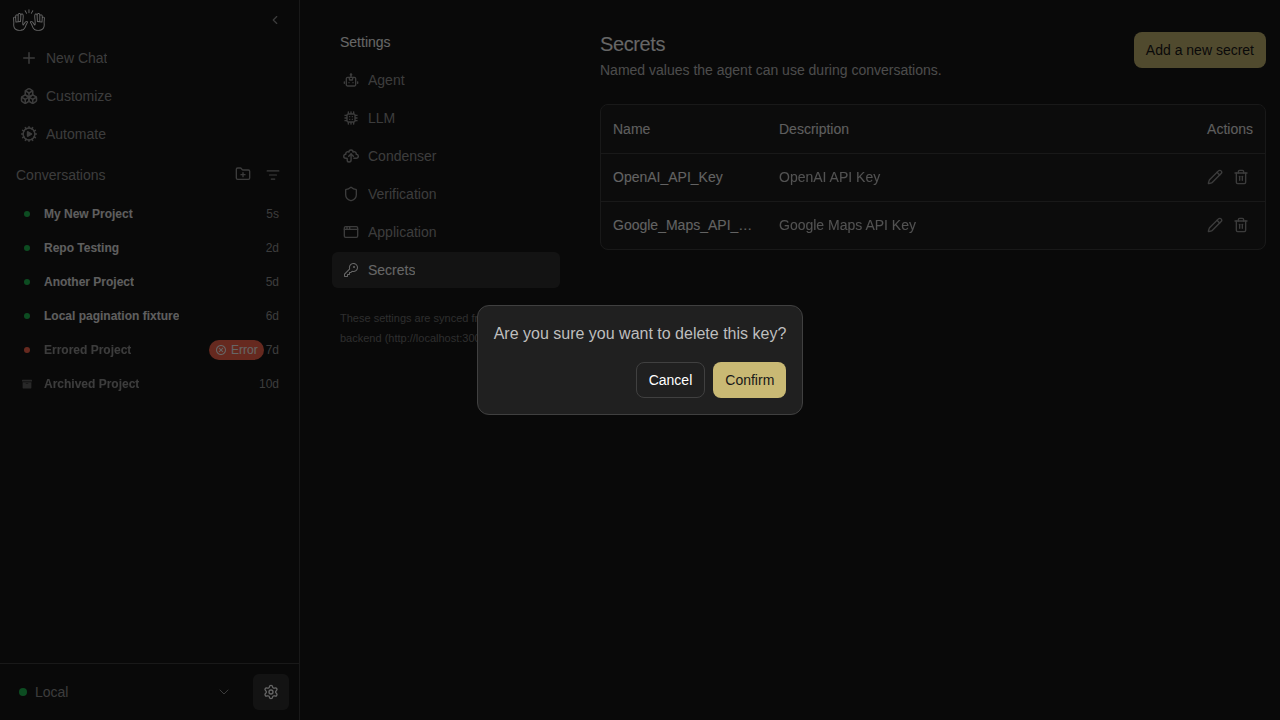
secrets-delete-confirm

new snapshot

secrets-list

new snapshot

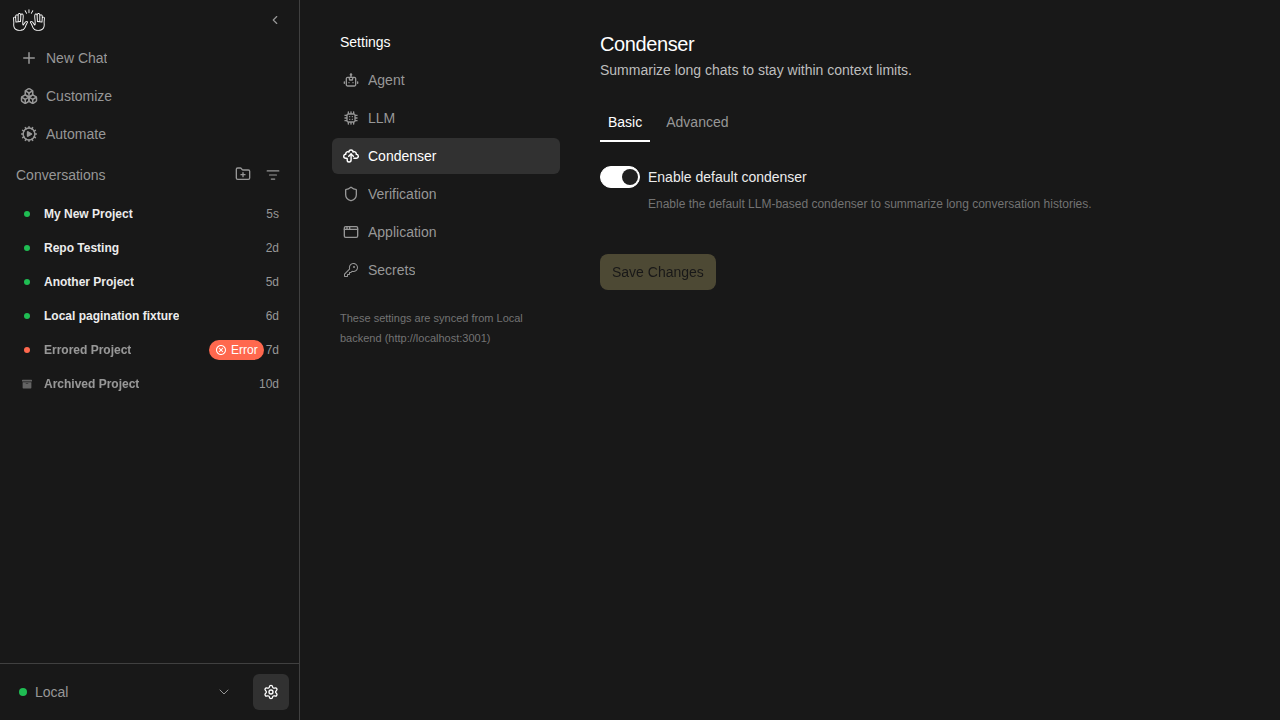
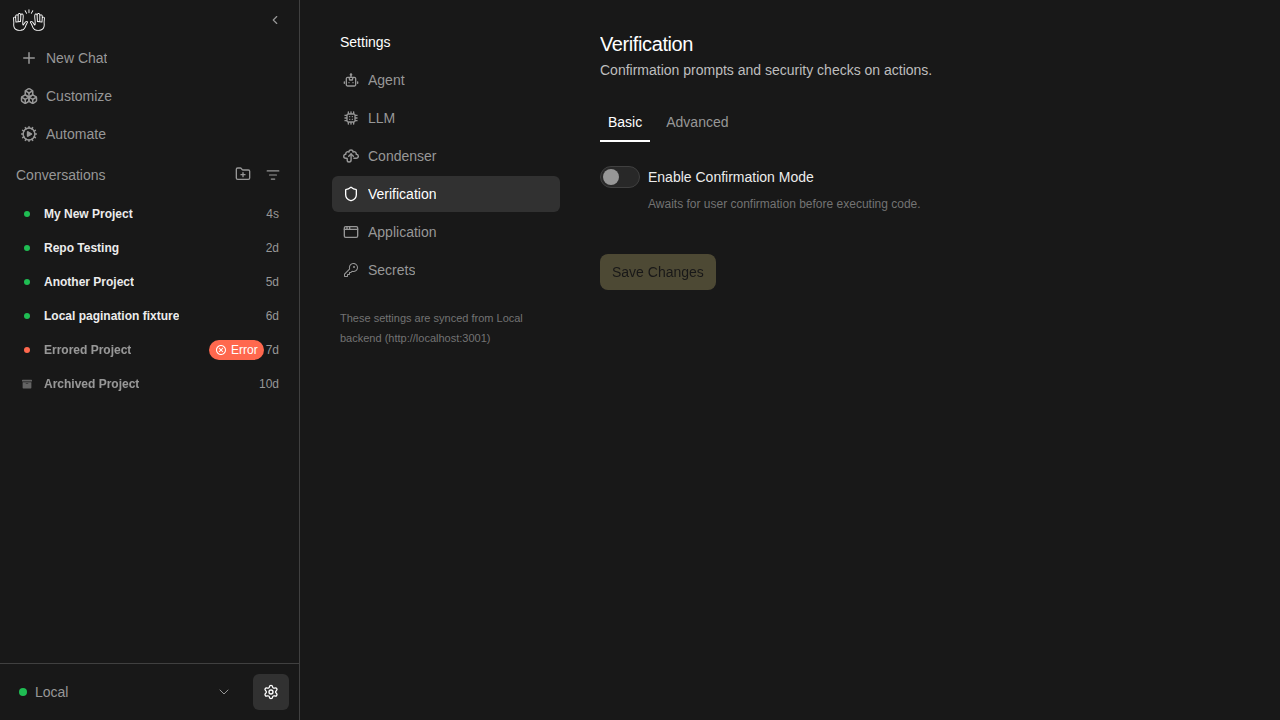
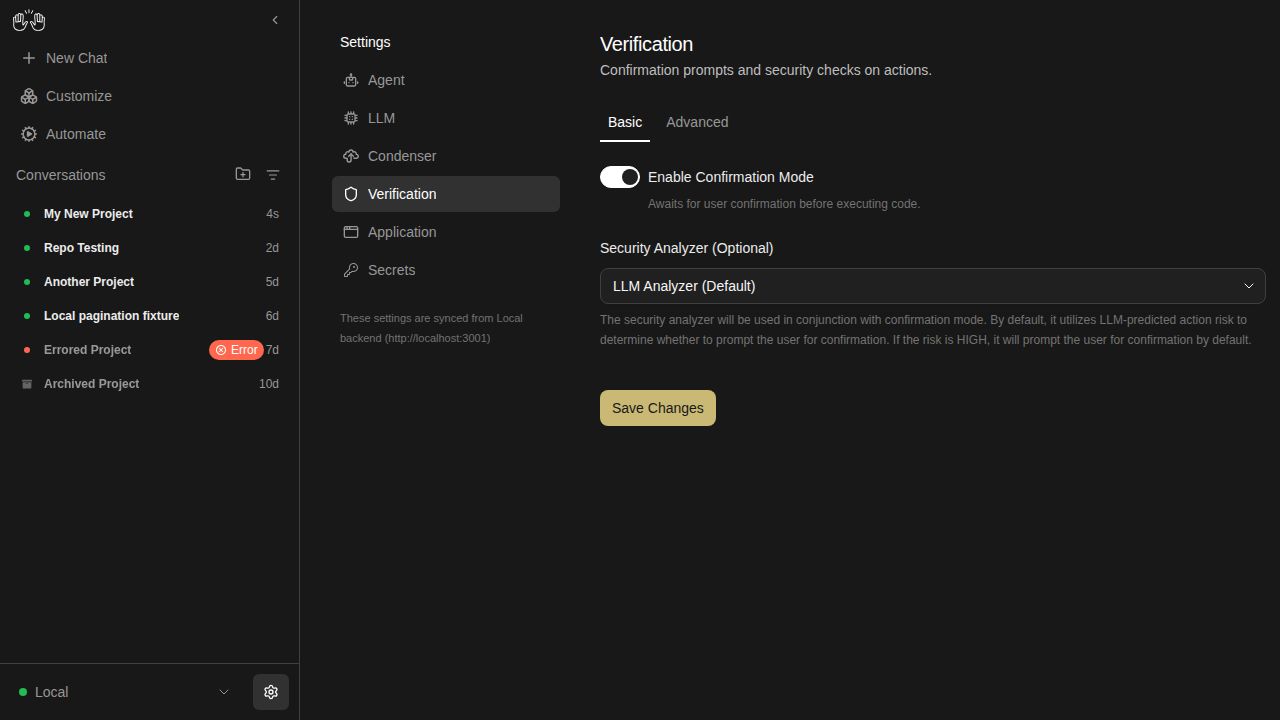
settings-verification — 3 snapshots

condenser-settings

new snapshot

verification-settings-off

new snapshot

verification-settings-on

new snapshot

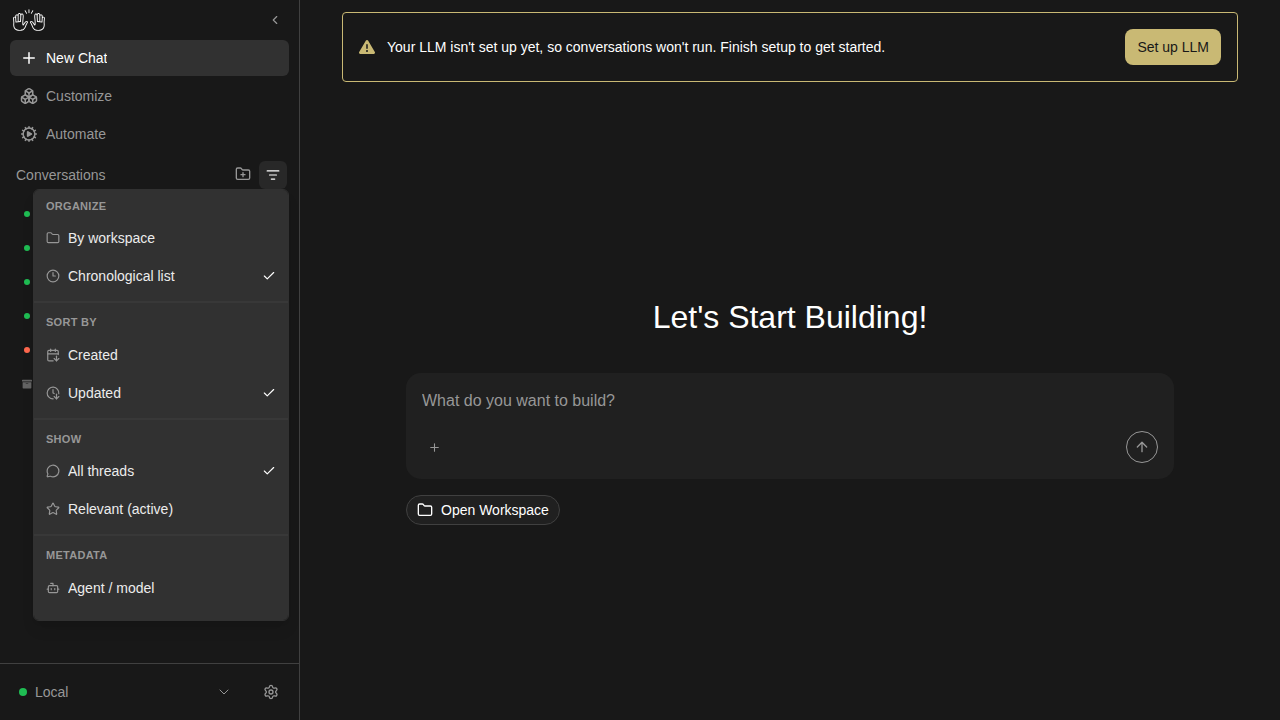
sidebar — 3 snapshots

sidebar-collapsed

new snapshot

sidebar-conversation-panel

new snapshot

sidebar-filter-menu

new snapshot

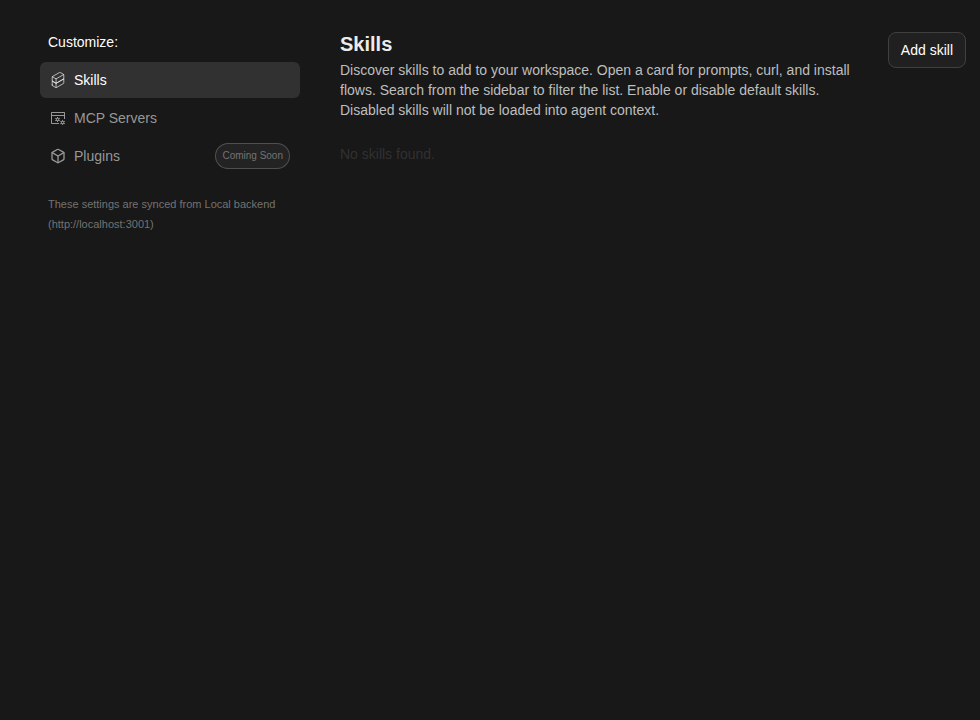
skills-page — 5 snapshots

skills-empty

new snapshot

skills-loaded

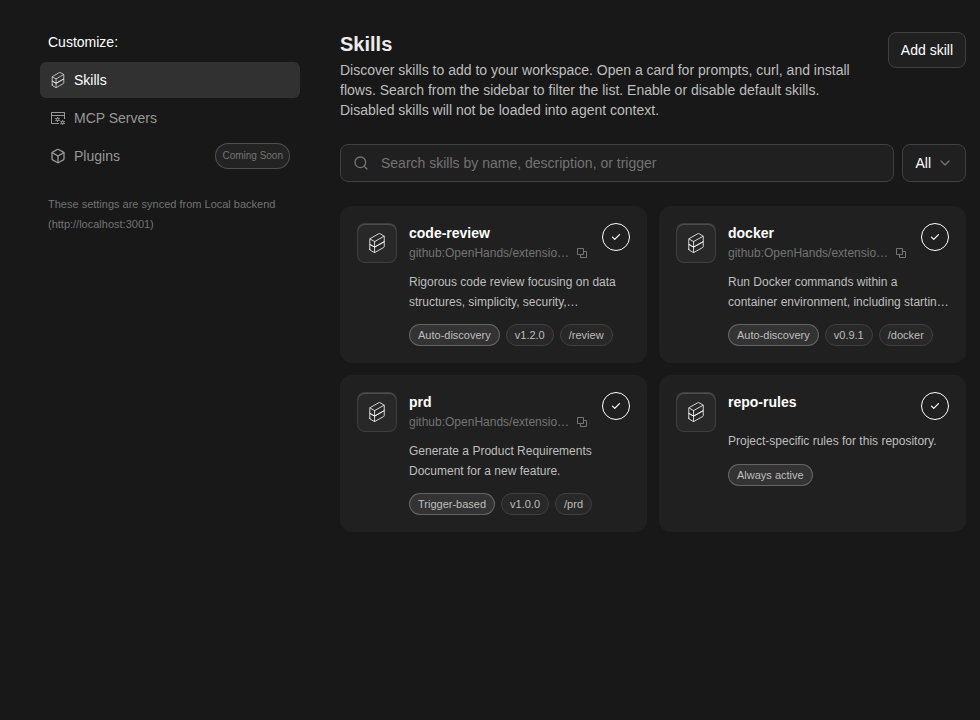
new snapshot

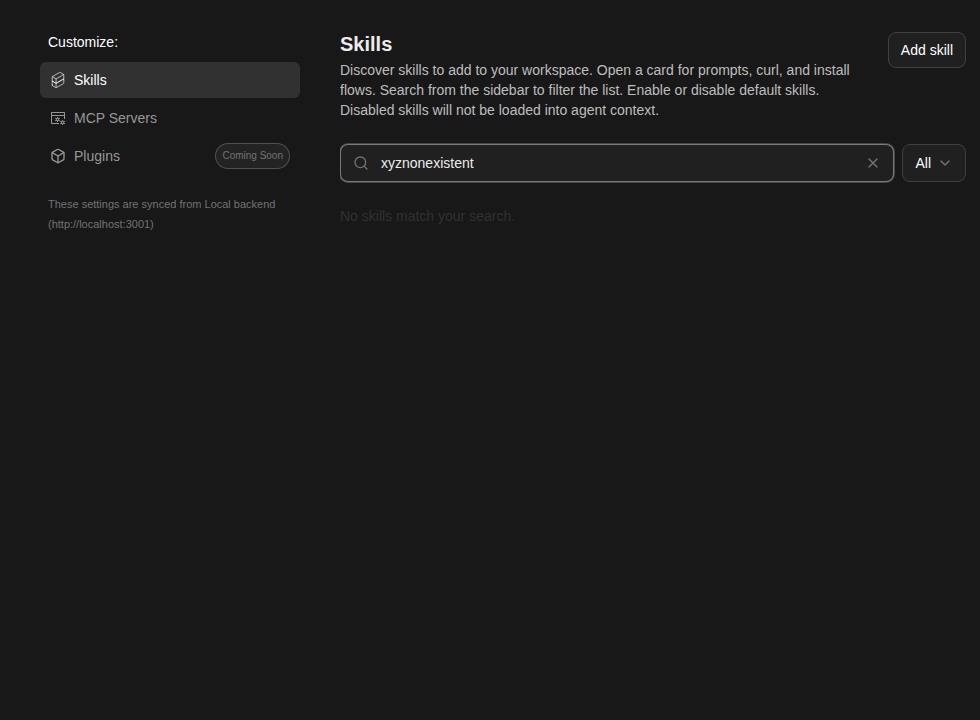
skills-no-match

new snapshot

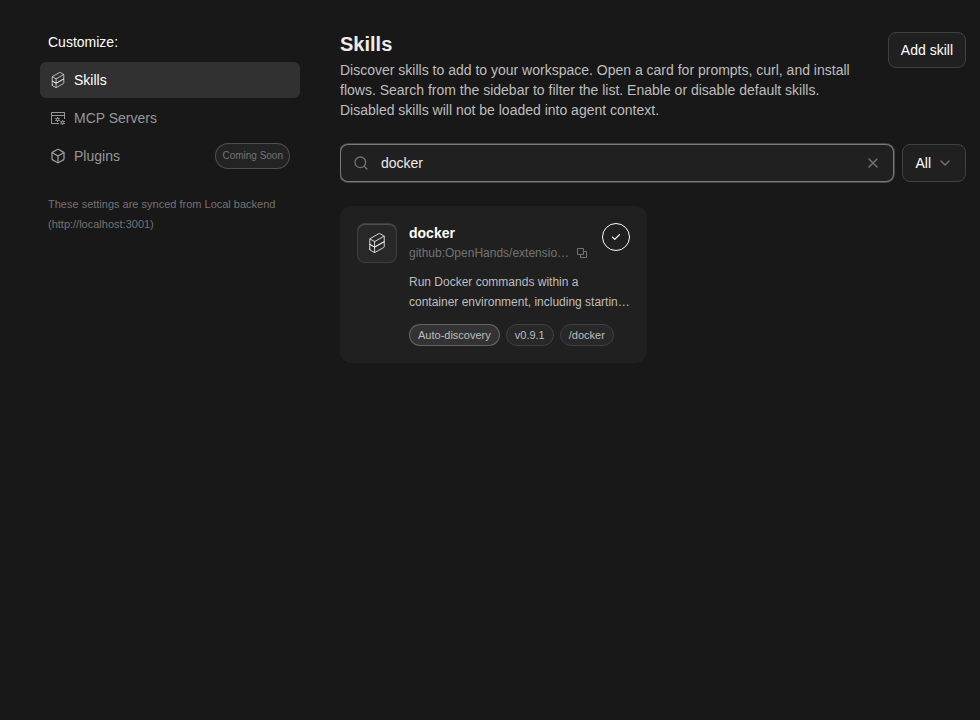
skills-search-filtered

new snapshot

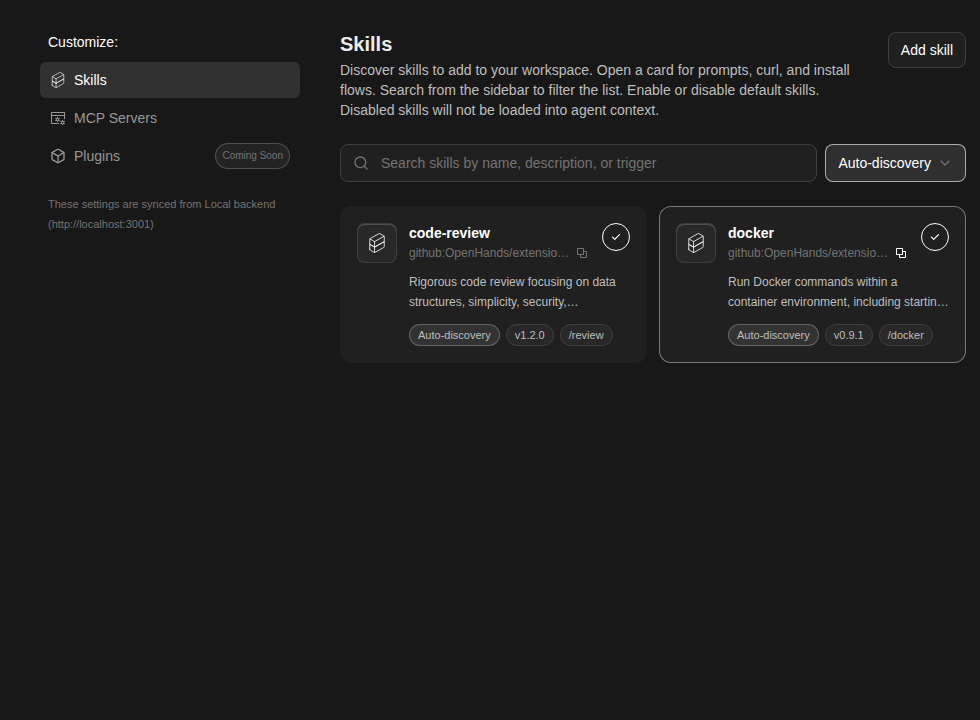
skills-type-filter

new snapshot


Generated by the Snapshot Tests workflow. This comment was created by an AI agent (OpenHands) on behalf of the repo maintainers.

This branch was successfully deployed

1 active deployment
Preview — 8b692ef4 Deployed Jun 3, 2026 by vercel[bot]
Sign up for free to subscribe to this conversation on GitHub. Already have an account? Sign in.

Labels

e2e-tests Triggers mock-LLM E2E tests on PRs released: v1.2.0 Shipped in v1.2.0

Projects

None yet

Development

Successfully merging this pull request may close these issues.

Bug: Images/videos fail to send in a conversation

4 participants