


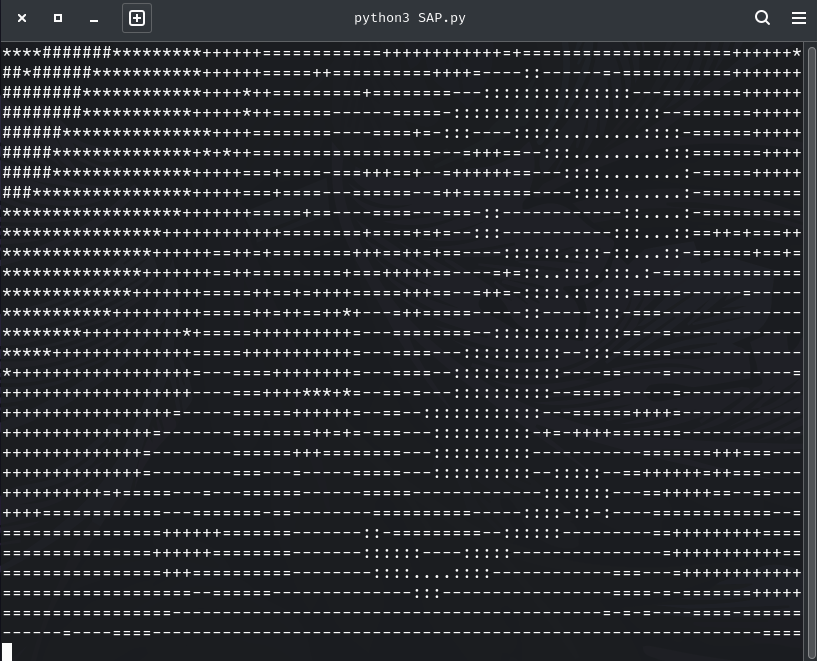
ASCII Cam is a Python application that converts a live webcam feed into ASCII art in real time. It uses OpenCV for video capture and rendering, and NumPy for efficient pixel-to-character mapping. The output can be displayed in monochrome or colored ASCII characters, with configurable resolution, font size, intensity inversion, and multiple character sets.
- Real-time ASCII Rendering: Live conversion of webcam input into ASCII art.
- Adjustable Resolution: Dynamically increase or decrease the ASCII grid size.
- Color and Monochrome Modes: Option to render ASCII characters with original frame colors or in white on black.
- Invert Mapping: Reverse brightness-to-character mapping for stylistic variation.
- Multiple Character Sets: Choose between a detailed 70-character set or a simplified 10-character set.
- Frame Export: Save individual ASCII-rendered frames as PNG images.
- Interactive Controls: Modify settings during runtime using keyboard input.
- Python 3.8+
- OpenCV (
opencv-python) - NumPy
Install dependencies via pip:
pip install opencv-python numpyRun the script:
python ascii_cam.pyThe application will open a resizable OpenCV window named "ASCII Cam" showing the live ASCII-rendered video stream.
| Key | Action |
|---|---|
q / Esc |
Exit the application |
s |
Save the current ASCII frame as a PNG file |
[ |
Decrease ASCII output width (minimum: 20 columns) |
] |
Increase ASCII output width (maximum: 400 columns) |
g |
Toggle between colored and monochrome rendering |
i |
Invert brightness mapping |
1 |
Switch to the detailed ASCII set (70 characters) |
2 |
Switch to the simplified ASCII set (10 characters) |
= |
Increase font scale |
- |
Decrease font scale |
t |
Cycle through font thickness values (1–3) |
ascii_set_id— Character set selection (0= detailed,1= simple).cols— Number of columns in the ASCII image (default:160).colorize— Enable/disable color rendering (default:False).invert— Invert pixel intensity mapping (default:False).font_scale— Font size for ASCII characters (default:0.45).thickness— Font thickness (default:1).
ASCII_SETS: Defines two ASCII character sets (70 and 10 symbols).map_to_ascii: Maps normalized grayscale pixel intensities to ASCII characters.render_ascii: Draws ASCII characters onto an OpenCV canvas with optional colorization.main: Handles webcam capture, frame processing, and interactive controls.
- Ensure that your webcam is properly connected and accessible by OpenCV.
- The ASCII image maintains the original aspect ratio.
- Performance may vary depending on system resources and webcam resolution.
- Uses OpenCV’s
FONT_HERSHEY_SIMPLEXfor cross-platform compatibility.
This project is licensed under the MIT License. See the LICENSE file for details.
- Built with OpenCV and NumPy.
- Inspired by traditional ASCII art rendering techniques applied to real-time video.