felt kind bored so decided to build something eazy and fast
What is eazier than a Caculator!
So..
I will use HTML, CSS and js.
Lets start with some design I will look up some picture of cool Caculator as a refrence
This Caculator look nice
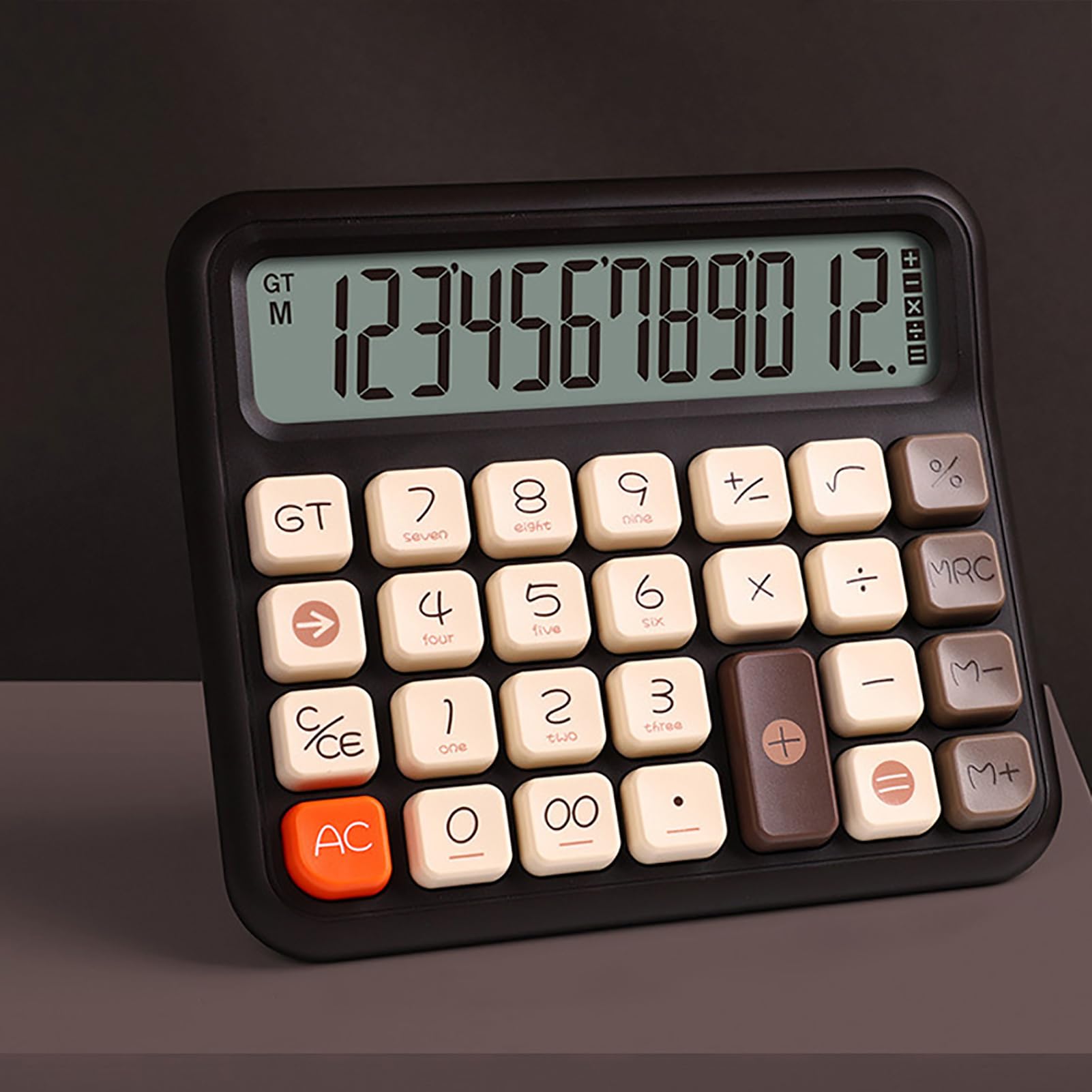
First I want to find the font they used I tried to use some AI tools
did not work well
So I opened fonts.google.com
I fount this:

looks similar enough.
Lets find the collors
#130F0E black
#FEE7D7 yollew-white
#593934 brown
#83665C light-brown
#FE652B orange
#D28471 pink?
#C28773 doubl-light-brown
#818E87 background green
let's start with some HTML

I changed the structure of html a bit to to help with the design.
For example we need some sub-text for the nubmers so I changed the structure of every button:

Now, with some sweet CSS I got it finally to look similar to the calc in the picture.

Not perfect but, a good start.
Okay, this is better

Also one last thing, I want to add font to the caculator display
I found this font

link: https://www.fontspace.com/digital-7-font-f7087


Just placeholder for icon with an actuall one
Problem: it seems the icons I'm looking for might hard to find online
Maybe I will have to design them.
Also changed bottme coners

Added some functionalities
For now, you can +,-,*,/ And also you claer the display by using C/CE
It seems I Do not quite understand how AC and CE/C work
CE = clear entiry will cancel the lastly added number but not the oprations before
AC = All clear will clear every thing