This app presents a quick and easy way to generate a random password. It's simple to use and allows you to choose from a variety of different character types.
Click this link to open the app. https://merlinrock.github.io/Password-Generator/
To get started, just click on the Generate Password button.
Follow through with each prompt.
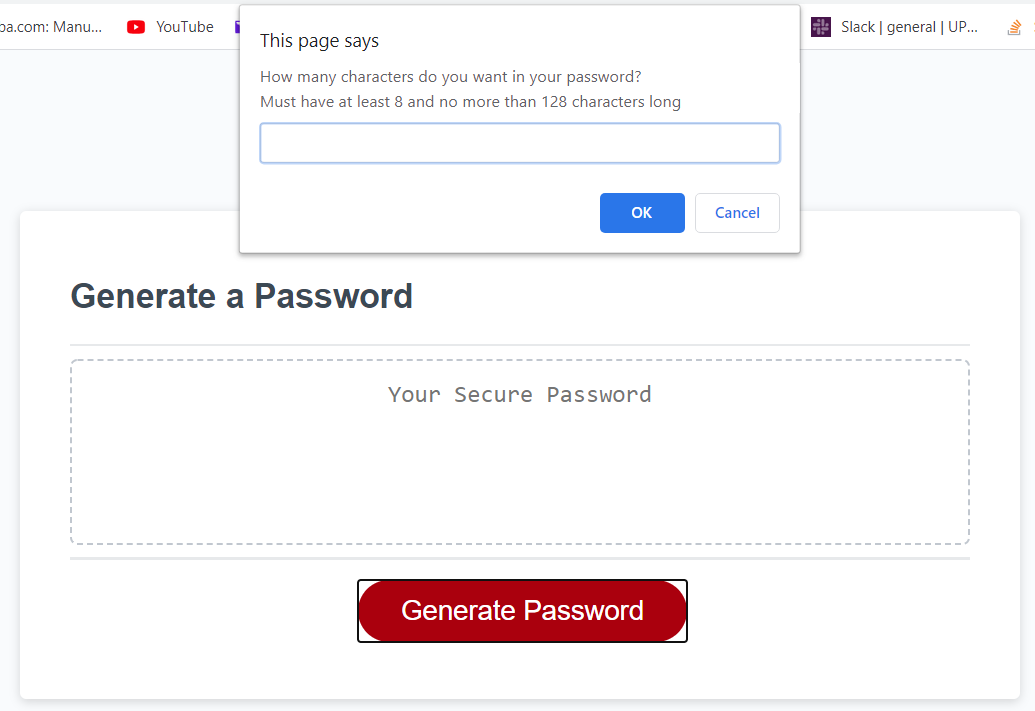
First, choose how many characters in length you want your password to be.
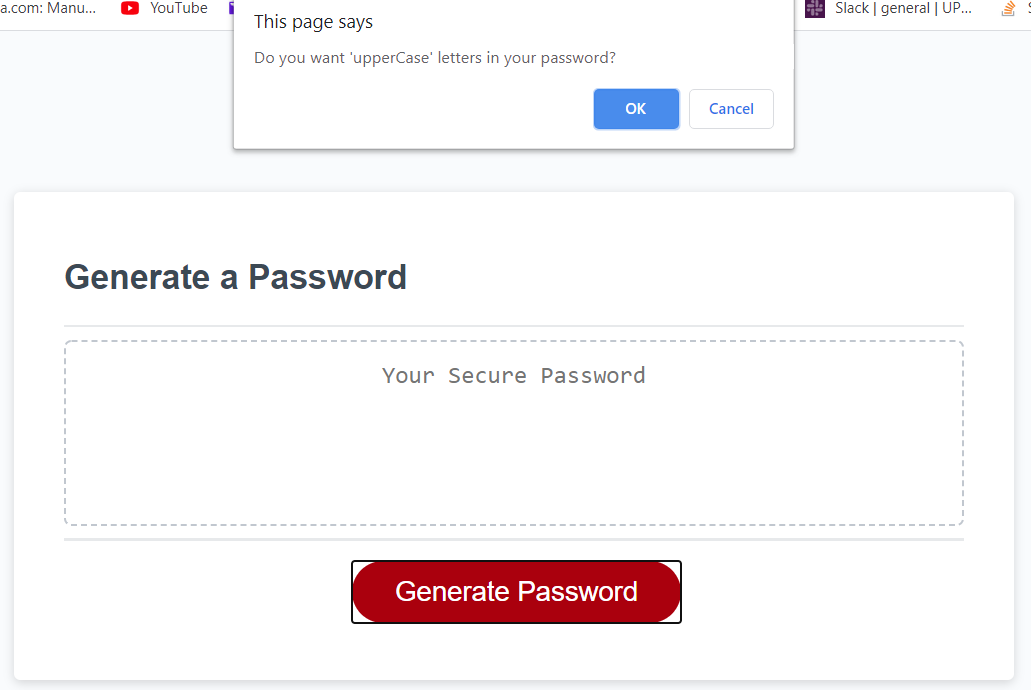
Click Ok to confirm if you want uppercase letters in your password.
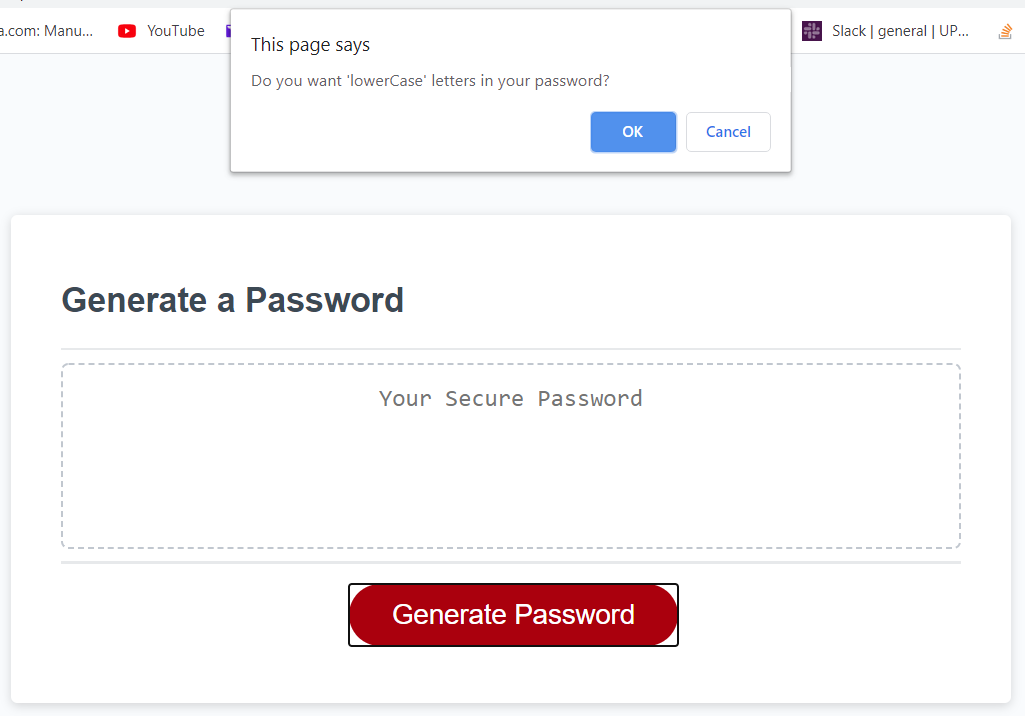
Click Ok to confirm if you want lowercase letters in your password.
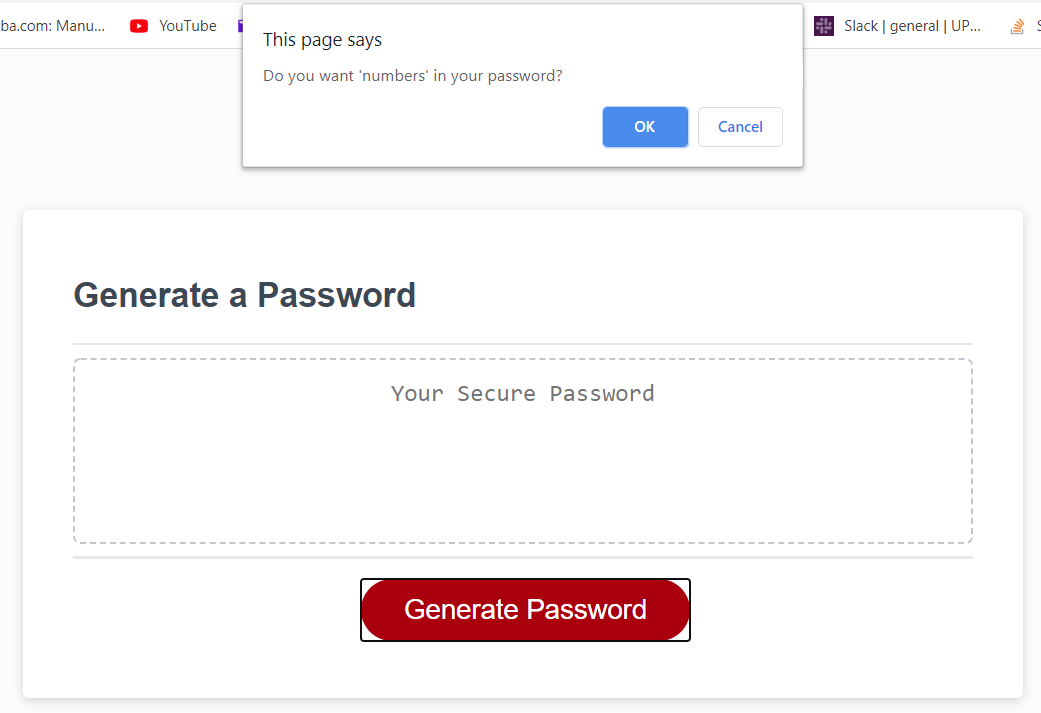
Click Ok to confirm if you want numbers in your password.
Click Ok to confirm if you want special characters in your password.
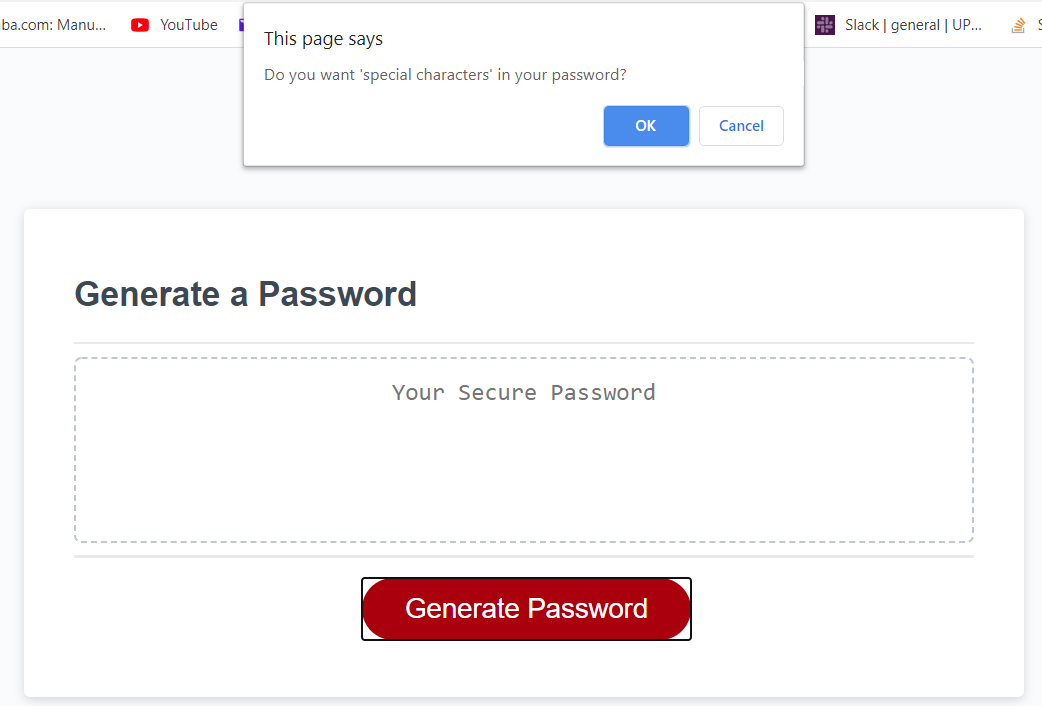
Finally, after you get through choosing what type of characters you want in your password, you will see a randomized password appear on your screen.
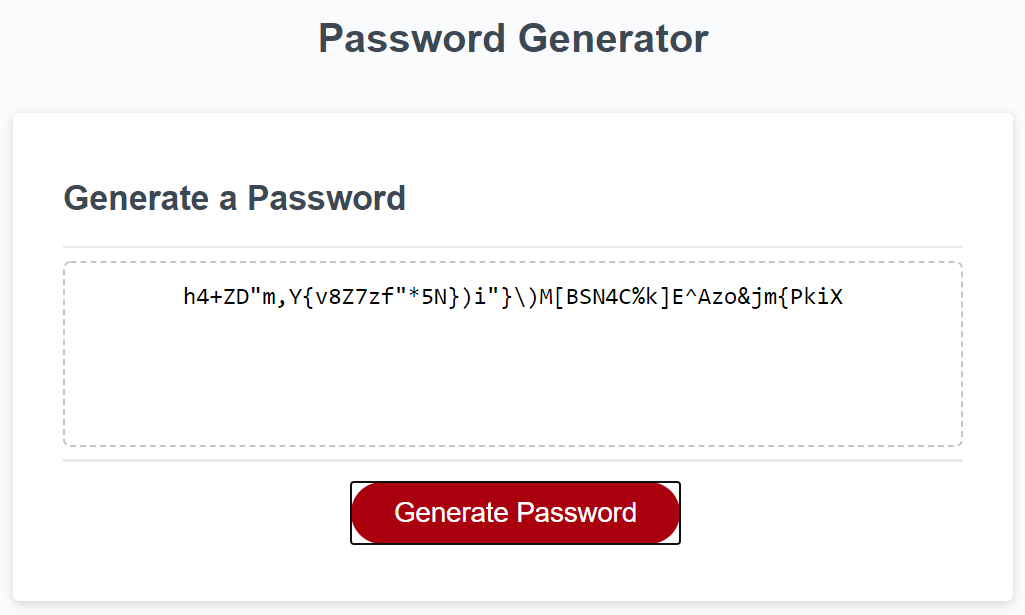
This password can be copied and pasted.
Stay protected!