A Unity-based mobile game that combines classic Crossy Road gameplay with Web3 authentication and Solana blockchain integration. Players navigate through procedurally generated worlds while managing their crypto wallets and tokens.
Crossy Road is a demo application showcasing Web3 authentication and blockchain integration in Unity mobile games. It demonstrates seamless user authentication through Privy, Solana wallet management, and token transactions within a classic endless runner game experience.
| Login Screen | Email Verification | Wallet Connection |
|---|---|---|
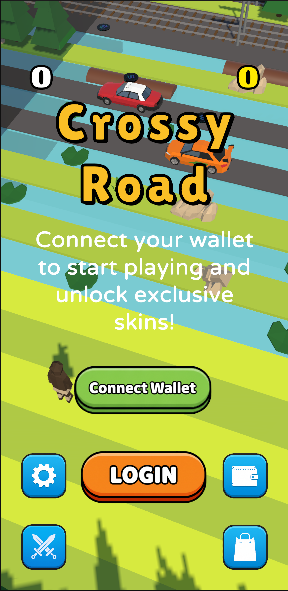 |
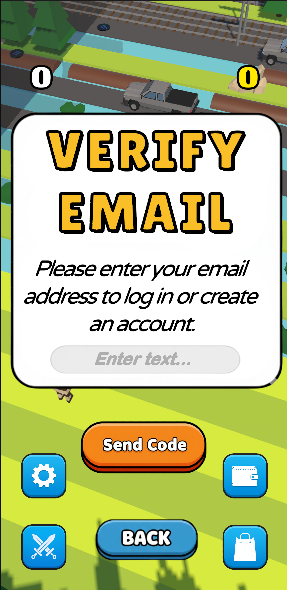 |
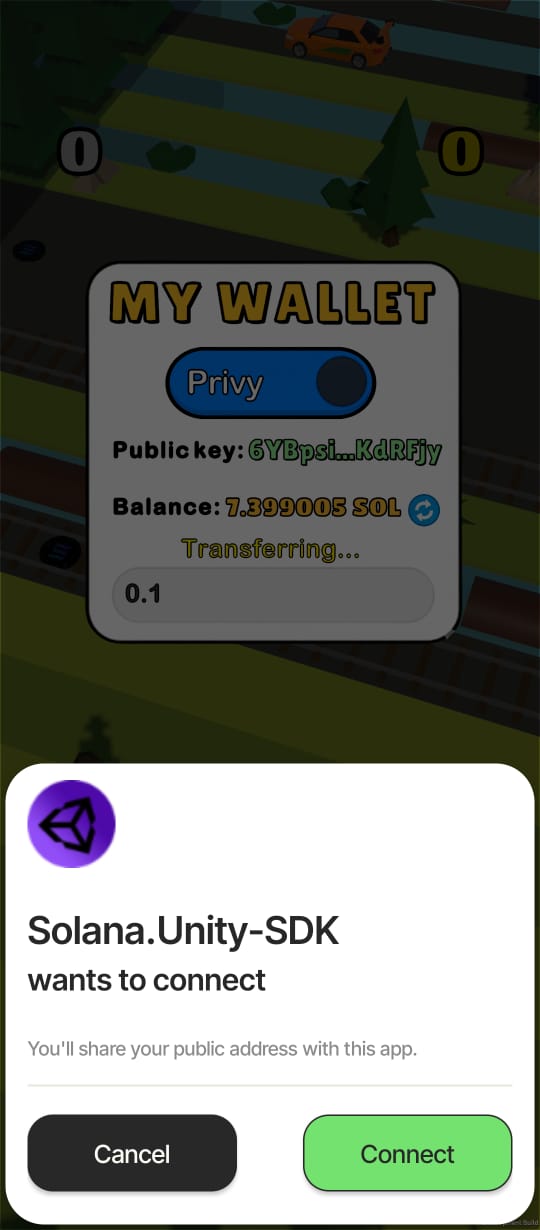 |
| Main Gameplay | Game Over | Gameplay Video |
|---|---|---|
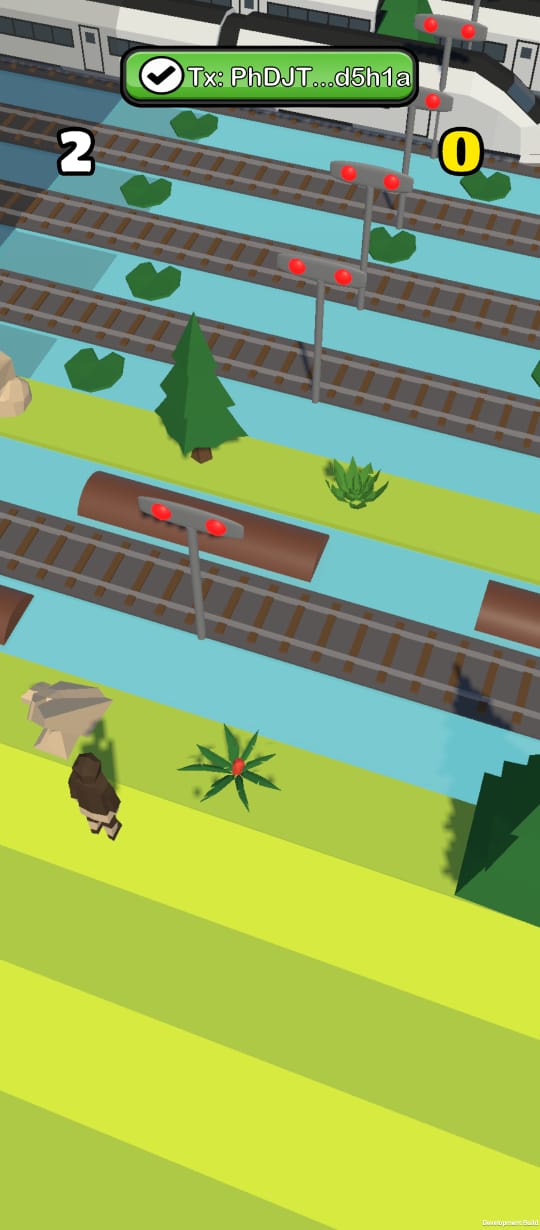 |
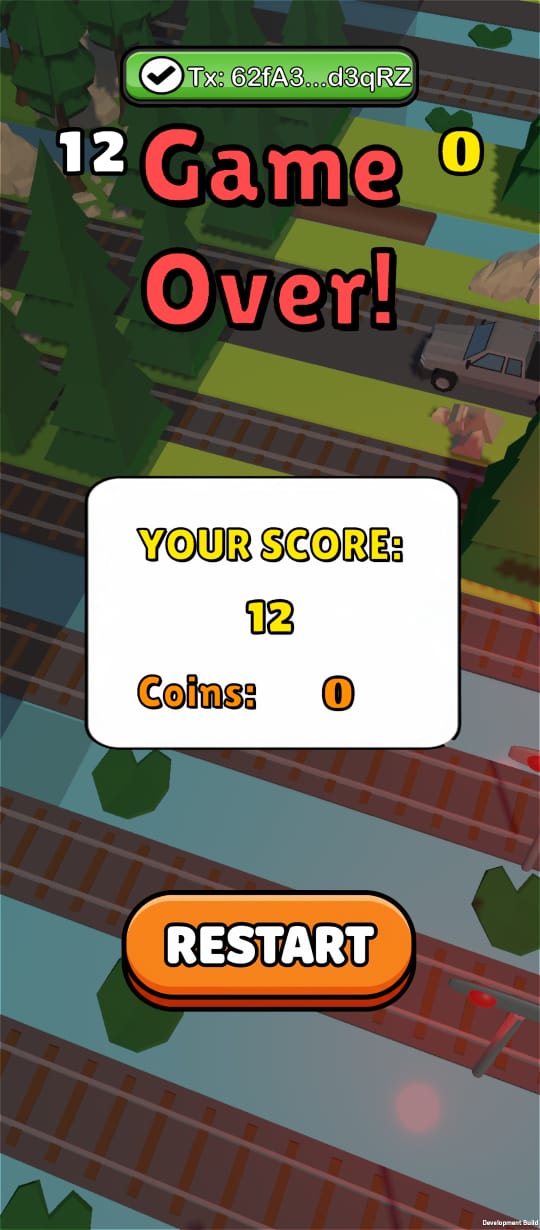 |
 |
| Transaction Approval | Mock Transaction | Wallet Management |
|---|---|---|
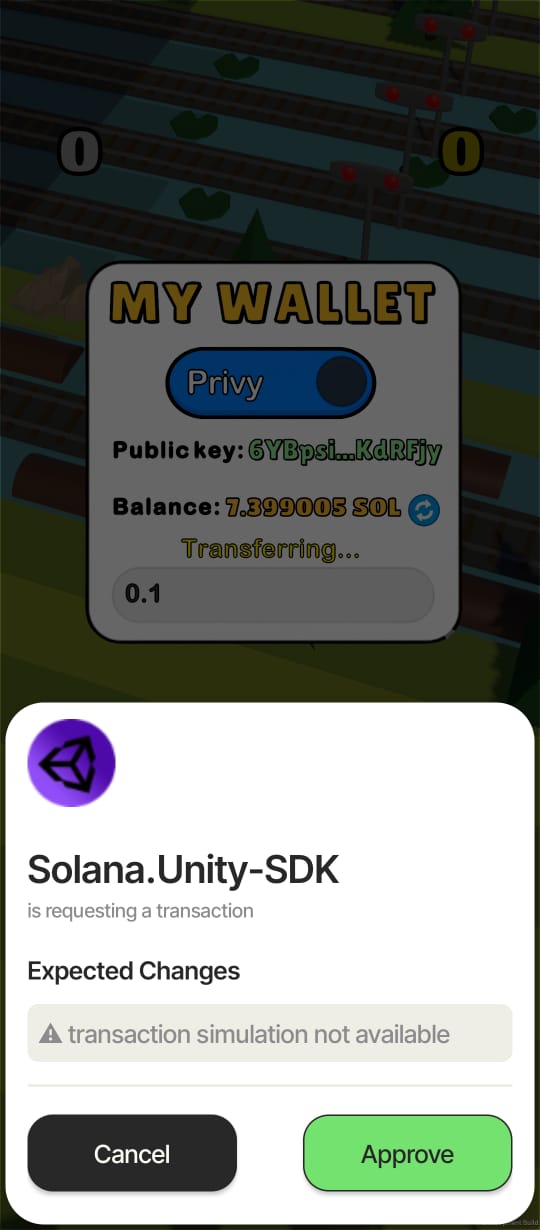 |
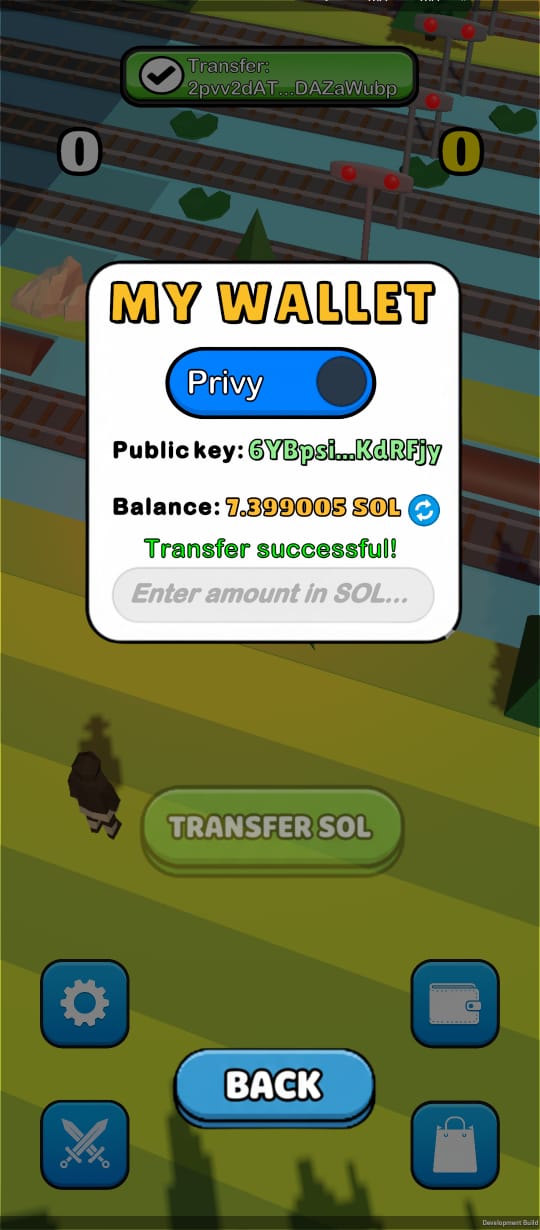 |
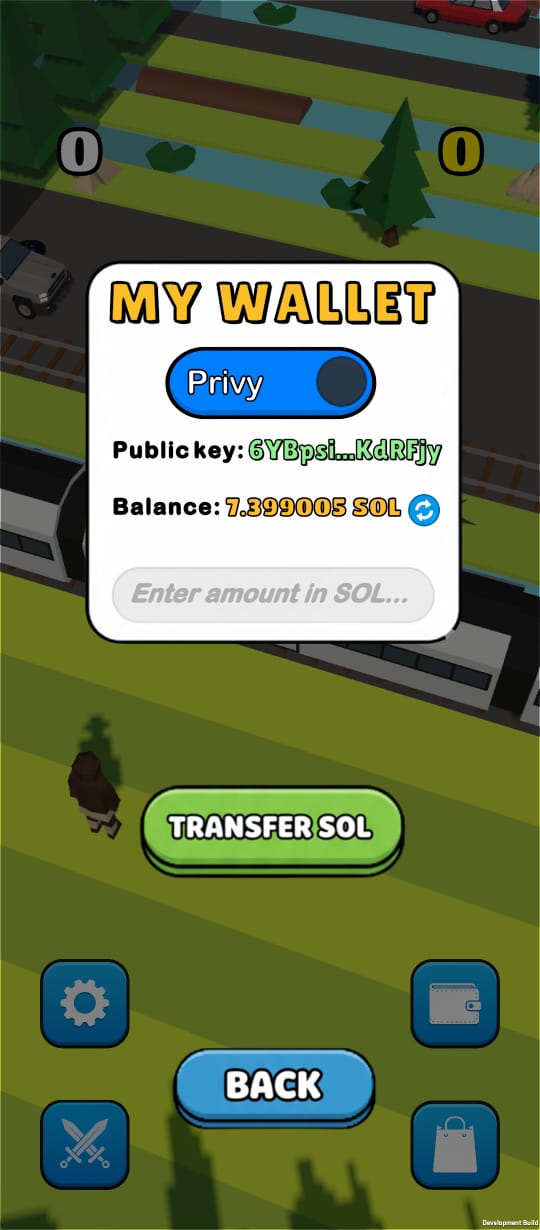 |
Key Features:
-
Web3 authentication via Privy (email login and wallet connection)
-
Solana blockchain integration for wallet management and token transactions
-
Classic Crossy Road gameplay with procedurally generated worlds
-
Customizable player skins and shop system
-
Real-time token transfers and balance management
-
Mobile-optimized controls and UI
CrossyRoad/
├── Assets/
│   └── _Project/
│       ├── Scripts/          # C# game scripts
│       │   ├── Managers/      # Game managers (Auth, UI, Game, etc.)
│       │   ├── Player/        # Player controller and components
│       │   ├── World/         # World generation and lane management
│       │   ├── Obstacles/     # Obstacle spawning and behavior
│       │   └── UI/            # UI components and panels
│       ├── Prefabs/           # Unity prefabs
│       ├── Scenes/            # Unity scenes
│       ├── Art/               # 3D models and materials
│       └── UI/                # UI assets and sprites
├── ProjectSettings/           # Unity project settings
└── Packages/                 # Unity package dependencies
Tech Stack:
-
Unity 6000.2.6f2
-
C# (.NET)
-
Privy SDK (Web3 authentication)
-
Solana Unity SDK v1.2.7
-
Universal Render Pipeline (URP)
-
Unity Input System
Setup:
-
Prerequisites:
- Unity Hub installed
- Unity Editor 6000.2.6f2 or compatible version
- Android SDK (for Android builds) or Xcode (for iOS builds)
-
Clone and Open:
git clone [repo-url]
cd CrossyRoad
Open the project in Unity Hub
-
Configure Privy:
- Navigate to
Assets/_Project/Data/privy/ - Create or configure
PrivyConfig.assetwith your Privy App ID and Client ID - Set up Solana RPC URL and network settings
- Navigate to
-
Build Settings:
- For Android: Set minimum SDK version to 23 (Android 6.0)
- For iOS: Configure signing and capabilities as needed
- Ensure "isMobileApp" is set to true in
AuthenticationFlowManager.csfor mobile builds
-
Build and Run:
- File > Build Settings
- Select target platform (Android/iOS)
- Click "Build and Run"
Important: This project requires native dependencies (Privy SDK, Solana SDK) and must be built as a development build for mobile platforms. WebGL builds may have limited functionality.
Documentation:
- Main scripts are located in
Assets/_Project/Scripts/ - Authentication flow:
Assets/_Project/Scripts/Managers/privy/AuthenticationFlowManager.cs - Game management:
Assets/_Project/Scripts/Managers/GameManager.cs - Player controls:
Assets/_Project/Scripts/Player/PlayerController.cs
Tech Stack:
-
Privy (Authentication and wallet management service)
-
Solana RPC (Blockchain network interaction)
-
Magic Blocks (Optional - for on-chain game state management)
Setup:
This project uses Privy as the authentication backend service. No local backend server is required.
Configuration:
-
Privy Setup:
- Create a Privy account at https://privy.io
- Create a new application
- Obtain your App ID and Client ID
- Configure authentication methods (Email, Wallet)
-
Solana Configuration:
- Choose Solana network (Mainnet, Devnet, or Testnet)
- Configure RPC endpoint in
PrivyConfig.asset - Set up wallet adapter options if using custom wallets
-
Environment Variables:
- Privy App ID: Set in
PrivyConfig.asset - Privy Client ID: Set in
PrivyConfig.asset - Solana RPC URL: Set in
PrivyConfig.asset - Solana Network: Set in
PrivyConfig.asset
- Privy App ID: Set in
API Endpoints:
- Authentication: Handled by Privy SDK
- Wallet Operations: Handled by Solana Unity SDK
- Token Transfers: Managed through Solana RPC
Documentation:
- Privy Documentation: https://docs.privy.io
- Solana Unity SDK: https://github.com/magicblock-labs/Solana.Unity-SDK
- Magic Blocks: https://docs.magicblock.app (if used)
1. Clone and Setup:
git clone [repo-url]
cd CrossyRoad
2. Open in Unity:
- Launch Unity Hub
- Click "Open" and select the
CrossyRoadfolder - Wait for Unity to import packages and compile scripts
3. Configure Privy:
- In Unity, navigate to
Assets/_Project/Data/privy/PrivyConfig.asset - Enter your Privy App ID and Client ID
- Configure Solana network settings
4. Build and Run:
- File > Build Settings
- Select Android or iOS platform
- Click "Build and Run"
- Install and launch on your device
5. Test Authentication:
- Launch the app
- Choose "Connect Wallet" or "Login with Email"
- Complete authentication flow
- Start playing!
MIT License - See LICENSE for details