

A simple Typst template for your résumé and cover letter, with a matching header, photo and signature.
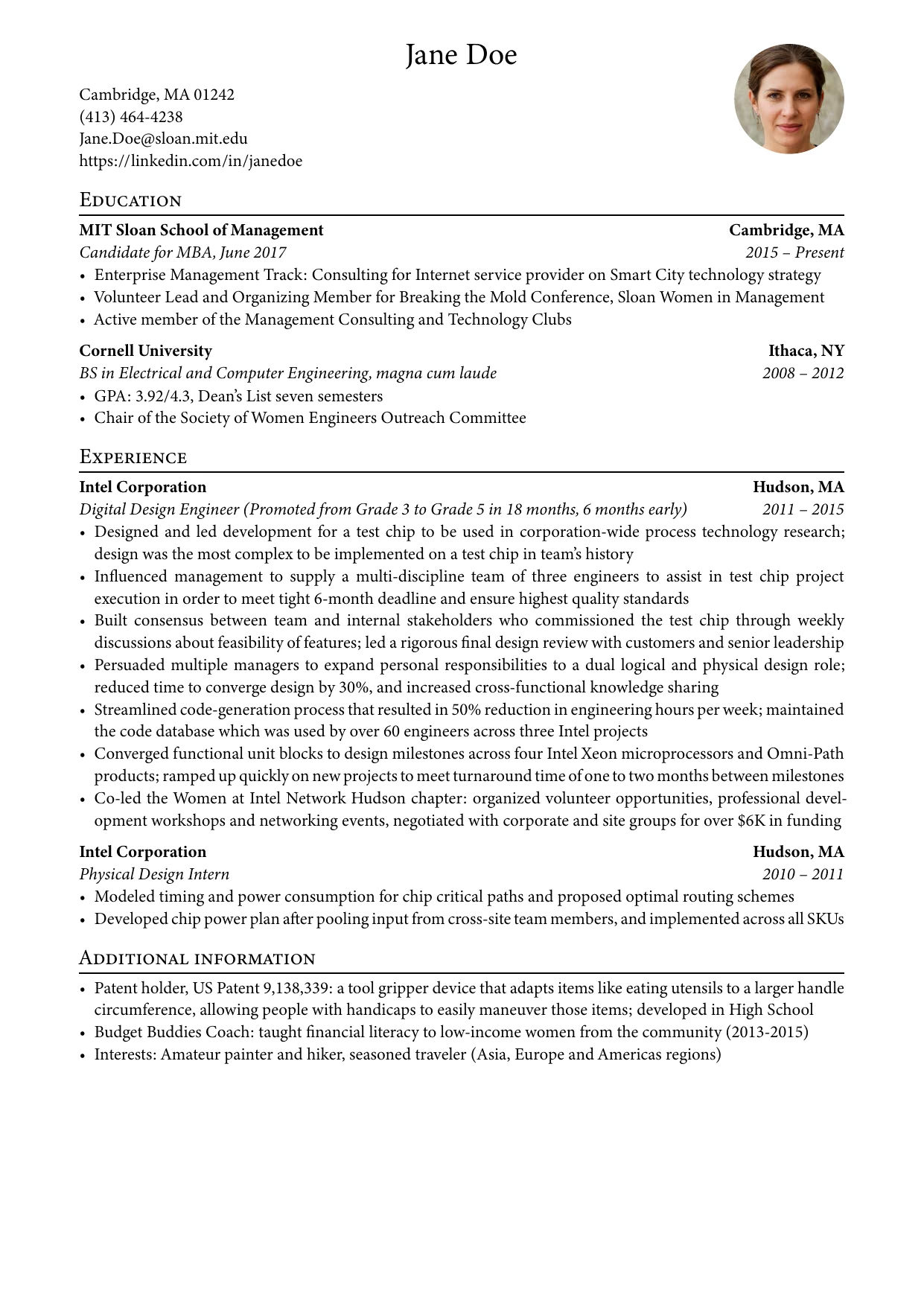
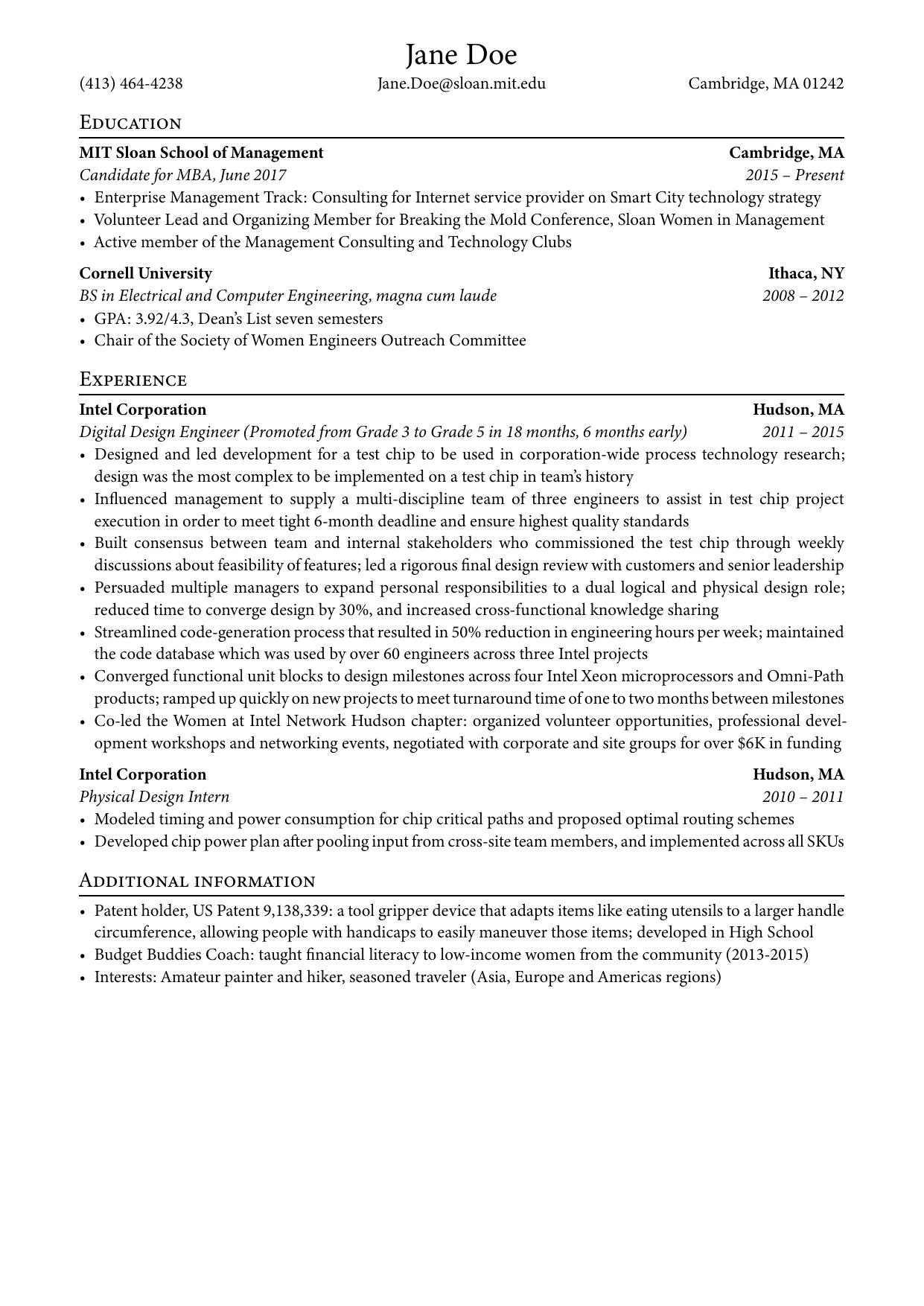
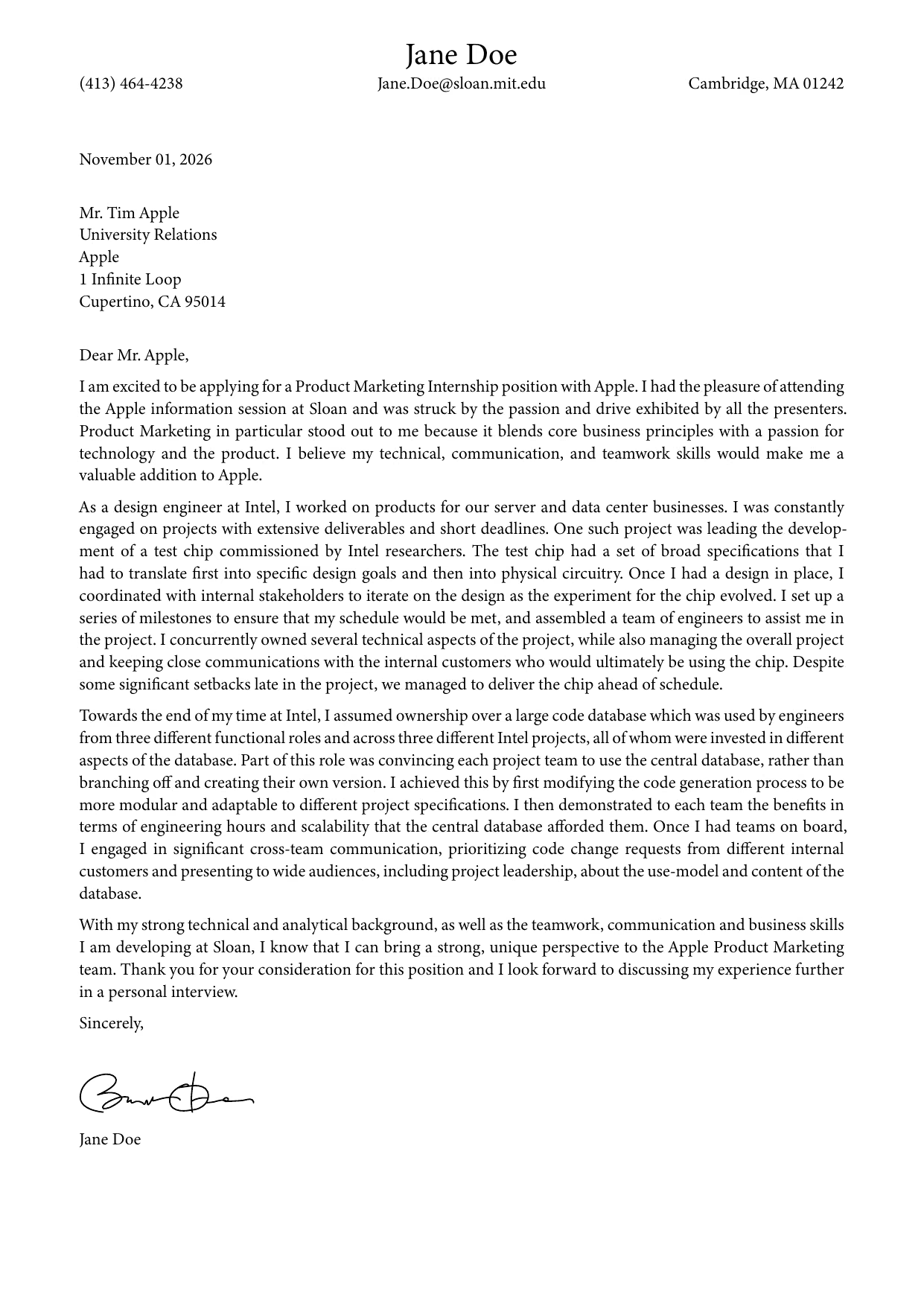
See the example folder for the PDFs.
The template is not on Typst Universe yet, so install it as a local package by cloning this repository into Typst's data directory.
Typst looks there before downloading packages, so the @preview/business-resume:2.1.0 imports below work without any change:
# Linux; on macOS use ~/Library/Application\ Support, on Windows %APPDATA%
git clone https://github.com/AlphaJack/business-resume ~/.local/share/typst/packages/preview/business-resume/2.1.0
The folder name must match the version in typst.toml.
To update, run git pull in that folder, and rename it when the version changes.
Once the template is published on Universe, delete the folder to use the published version instead.
Create a new project from the template:
typst init @preview/business-resume:2.1.0 my-resume
cd my-resume
typst watch resume.typ
The project contains resume.typ, letter.typ, a sample photo.jpg and a sample signature.svg: replace them with your own information, photo and signature.
To use the template in an existing project, import it at the top of your file:
#import "@preview/business-resume:2.1.0": *
#show: business_template.with(
  author: "Jane Doe",                     // PDF metadata
  title: "Jane Doe Résumé",               // PDF metadata
  paper: "a4",                            // default
  font: ("Minion 3", "Libertinus Serif"), // default
  size: 11pt,                             // default
)
All arguments are optional.
#header(
  name: "Jane Doe",
  avatar: image("photo.jpg"),
  mobile: "(413) 464-4238",
  location: "Cambridge, MA 01242",
  email: "Jane.Doe@sloan.mit.edu",
  website: "https://linkedin.com/in/janedoe",
)
Every field is optional.
Set small: true for a compact header without photo and website, as used in the cover letter.
Change the photo size with avatarSize: 30mm.
Separate sections with headings, such as == Education, and add an #entry for each position:
#entry(
  "Intel Corporation",           // organization
  "Physical Design Intern",      // role
  "Hudson, MA",                  // location
  "2010",                        // begin date
  "2011",                        // end date
  [
    - Modeled timing and power consumption for chip critical paths
    - Developed chip power plan after pooling input from cross-site team members
  ],
)Copy the #header from your résumé, set small: true, then write the letter with empty lines between paragraphs.
Close it with your name and optionally a signature: #image("signature.svg", width: 40mm).
By default, the template uses Minion 3 when it is installed, and falls back to Libertinus Serif, which ships with Typst.
Pick another font with the font argument of business_template.
To compile the template files from a checkout without installing it, point Typst to a temporary package directory:
mkdir -p /tmp/packages/preview/business-resume
ln -s "$PWD" /tmp/packages/preview/business-resume/2.1.0
typst compile --package-path /tmp/packages template/resume.typThe files in the template folder, which are copied into your project, are licensed under MIT-0: you can use and share your résumé without attribution.
Everything else is licensed under MIT.