


A JavaScript library for dragging SVG things.
Include this library after including svg.js in your html document. Here you can see a demo.
To make an element draggable, just do:
var draw = new SVG('svg-container').size(400, 400);
var rect = draw.rect(100, 100);

rect.draggy();
Yes indeed, that's it! Now the rect is draggable. ✨
There are four different events available you can llisten to: beforedrag, dragstart, dragmove and dragend. This is how you assign them:
The event object has some custom data added by this library:
-
event.detail.deltais an object containing:xandy: The element coordinates.movedXandmovedY: The element total movement values (available only indragmoveevent).
-
event.detail.eventis an object containing the original event
rect.on('dragstart', function(event) {
    // Do something
});rect.on('beforedrag', function(event) {
// Do something
});rect.on('dragmove', function(event) {
// Do something
});The drag functionality can be limited within a given box. You can pass the the constraint values as an object:
rect.draggy({
    minX: 10,
    minY: 15,
    maxX: 200,
    maxY: 100
});
For more dynamic constraints a function can be passed as well:
rect.draggy(function(x, y) {
    return { x: x < 1000, y: y < 300 };
});
With this you can also easily achieve some snapping functionality:
var snapRange = 50;
rect.draggy(function (x, y, elem) {
    var res = {};

    res.x = x - (x % snapRange);
    res.y = y - (y % snapRange);

    return res;
});The draggable functionality can be removed with the fixed() method:
rect.fixed();This plugin is viewBox aware but there is only one thing that you need to keep in mind. If you work with a viewBox on the parent element you need to set the width and height attributes to have the same aspect ratio. So let's say you are using viewbox='0 0 150 100' you have to make sure the aspect ratio of width and height is the same:
var draw = SVG('paper').attr('viewBox', '0 0 150 100').size(600, 400);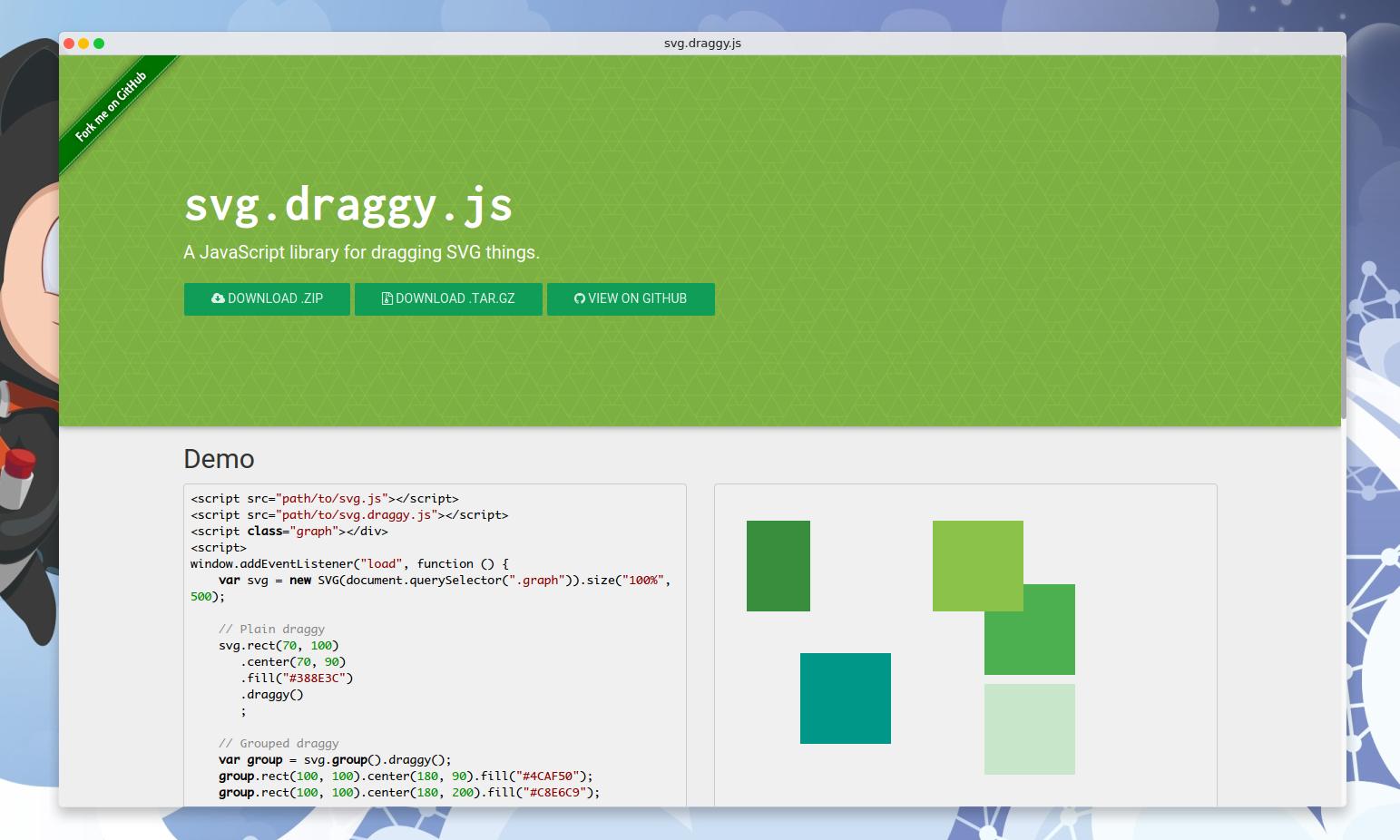
Check out the src directory to download the needed files and include them on your page.
If you're using this module in a CommonJS environment, you can install it from npm and require it:
$ npm i --save svg.draggy.jsMakes an element draggable.
- Object|Function
constraint: An object containing the constraint values or a function which gets thexandyvalues and returns a boolean or an object containing thexandyboolean values.falseskips moving whiletrueallows it.
- SVG The SVG element.
Have an idea? Found a bug? See [how to contribute][contributing].
MIT © [jillix][website]
[website]: [contributing]: /CONTRIBUTING.md [docs]: /DOCUMENTATION.md