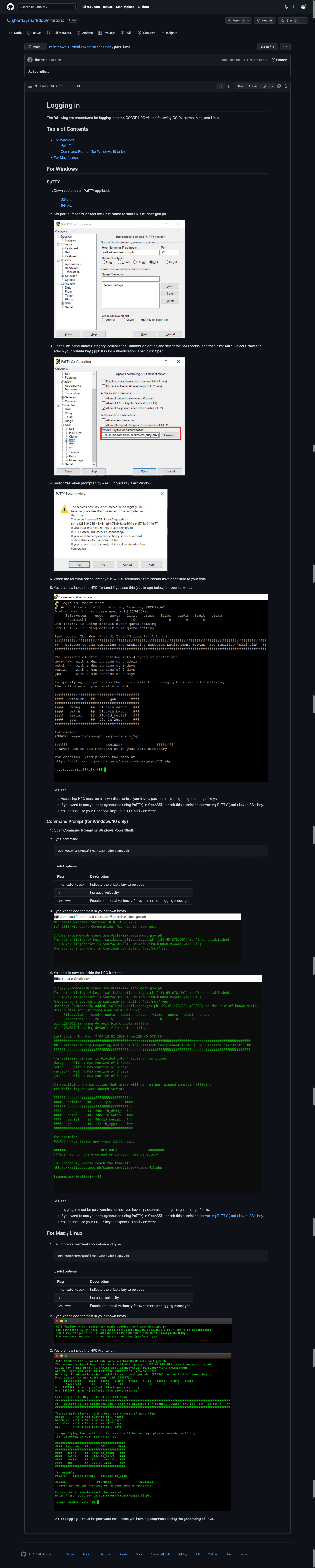
Make a markdown file of the following tutorial: HPC Logging in
Additional notes:
- No hot linking. Download the assets (images, etc.) locally. Save them inside the images folder.
- Make sure to use sensible filenames to the images.
- Give alt text to images.
- Include a table of contents.
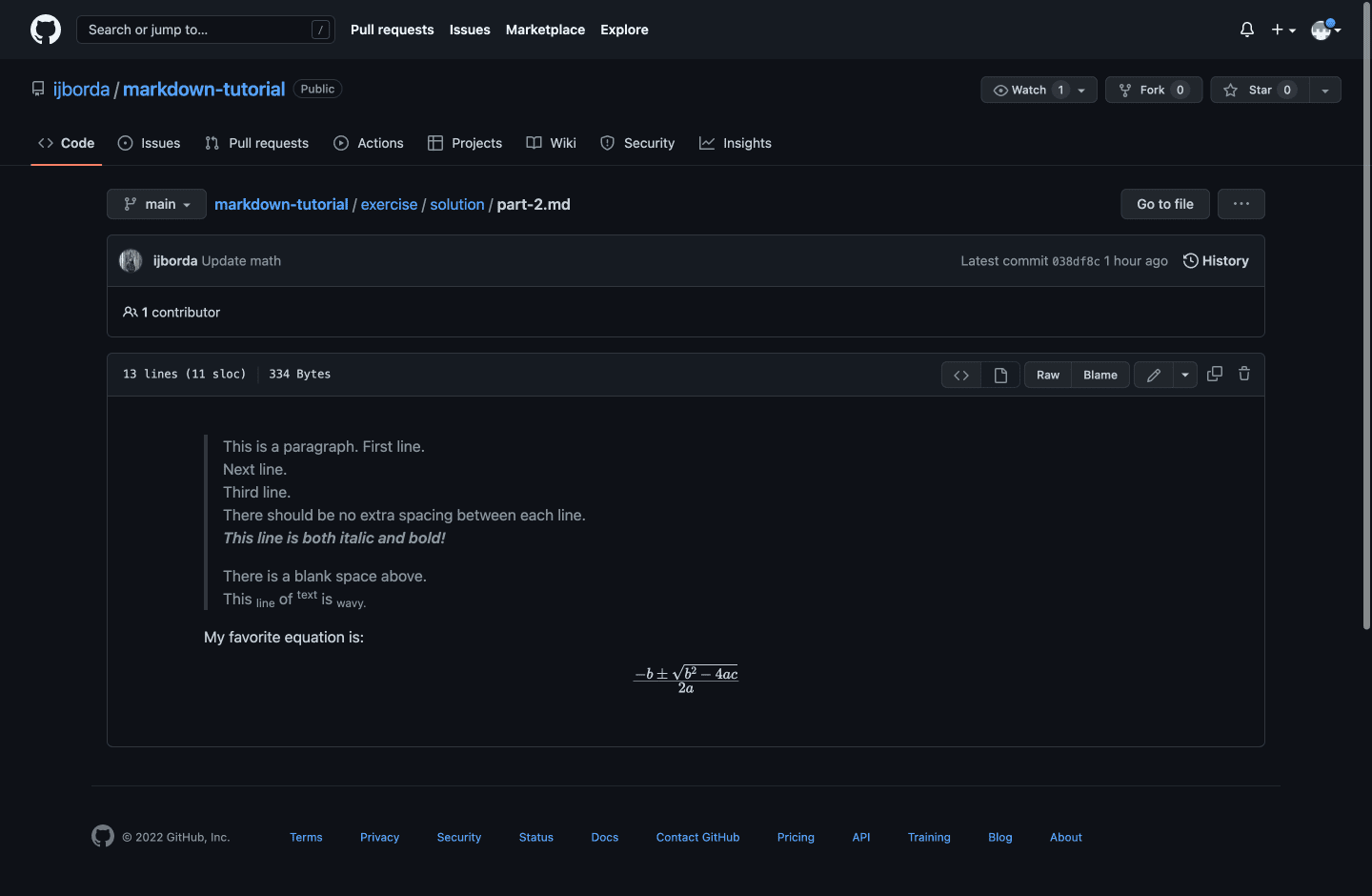
Recreate the following:

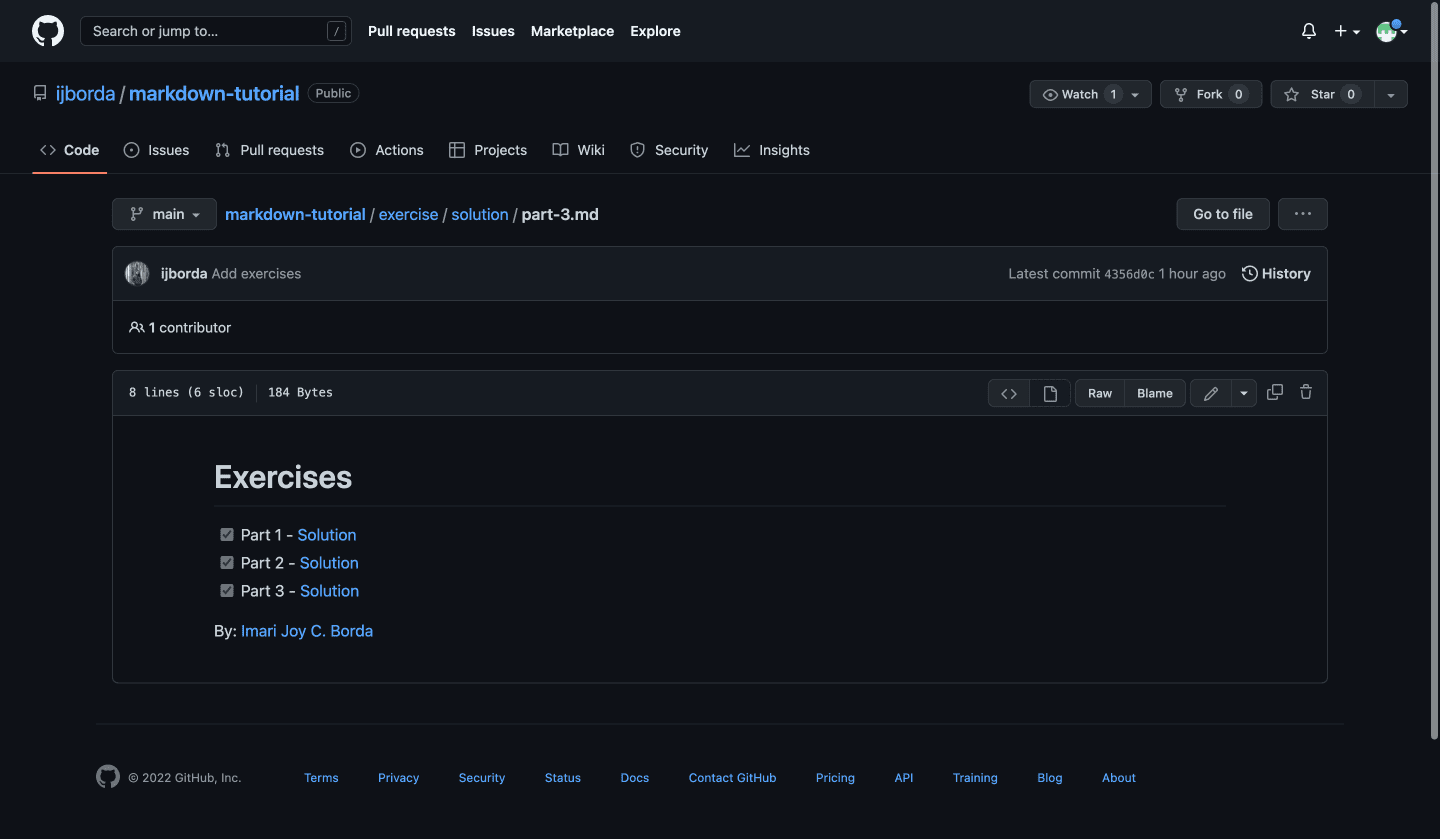
Create a task list showing that you accomplished this exercise. Link by reference your solutions for each task. Also, place your names below the file. Your names should be a link that when clicked, will redirect you to your email. Sample: Imari Joy C. Borda
- Fork and clone this repository.
- Clone your repository to your local machine using Github desktop. If asked, choose 'for your own use'.
- Create a folder inside
exercise/calledsolution. Put all your answers there. Use the following filenames:part-1.md: For the part 1part-2.md: For the part 2part-3.md: For the part 3images: Store your images here
- Commit and push to your fork.
- Issue a pull request to submit.
- Your pull request description should contain the following:
- (0 to 3) I/We completed the exercises
- (1 to 5) I/We feel good about our output
- Anything you want to say!
Example:
We completed the exercises: 3
We feel good about our output: 4
My math equations are not rendering properly.