
This project provides semantic search capabilities for GitHub repositories using the Model Context Protocol (MCP). It enables retrieval-augmented generation (RAG) queries against indexed GitHub repositories, supporting both public and private repos.
- vscode-extension: VSCode extension for integration with Copilot Chat Window as MCP.
- workflow: Backend MCP server that handles indexing and search queries using Cloudflare infrastructure.
- config-packs: Configuration and packaging utilities for deployment.

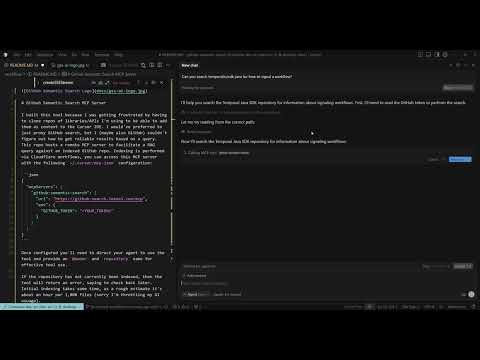
MCP Configuration
{
  "mcpServers": {
    "github-semantic-search-server": {
      "type": "streamable-http",
      "url": "https://github-search.lokeel.com/mcp",
      "headers": {
        "GITHUB_TOKEN": "<YOUR_TOKEN>"
      }
    }
  }
}
- Configure the MCP server in your IDE (see workflow README for setup instructions).
- Use the semantic search tool by providing
@ownerandrepositoryparameters. - If a repository hasn't been indexed yet, check back later as initial indexing takes time.
- Semantic code search across GitHub repositories
- Support for private repositories
- Integration with VSCode and other MCP-compatible tools
- Cloudflare-powered backend for scalability
For detailed installation, deployment, and usage instructions, refer to the README files in each component directory.